

Forum Replies Created
-
AuthorPosts
-
October 31, 2026 at 5:17 PM #2193773
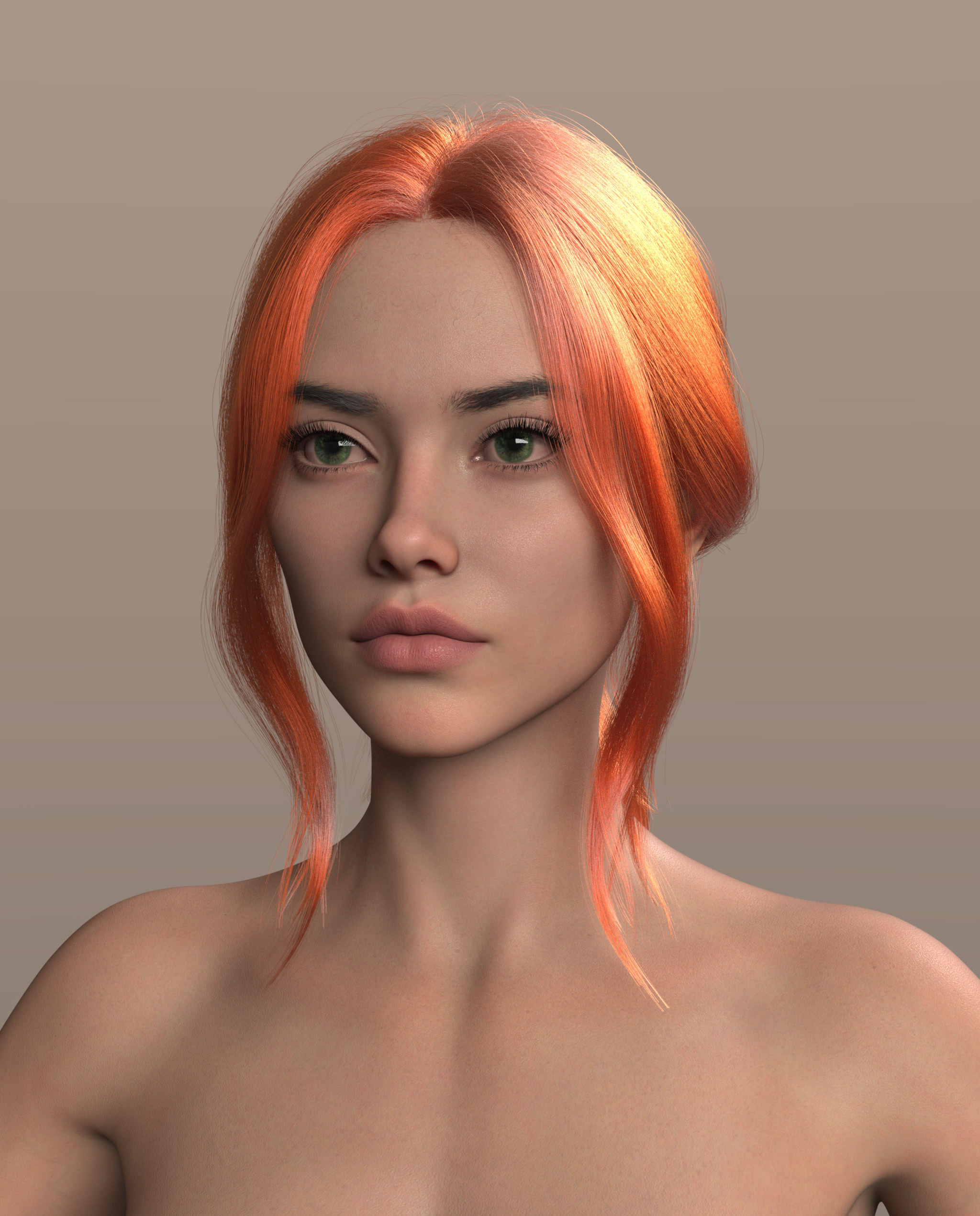
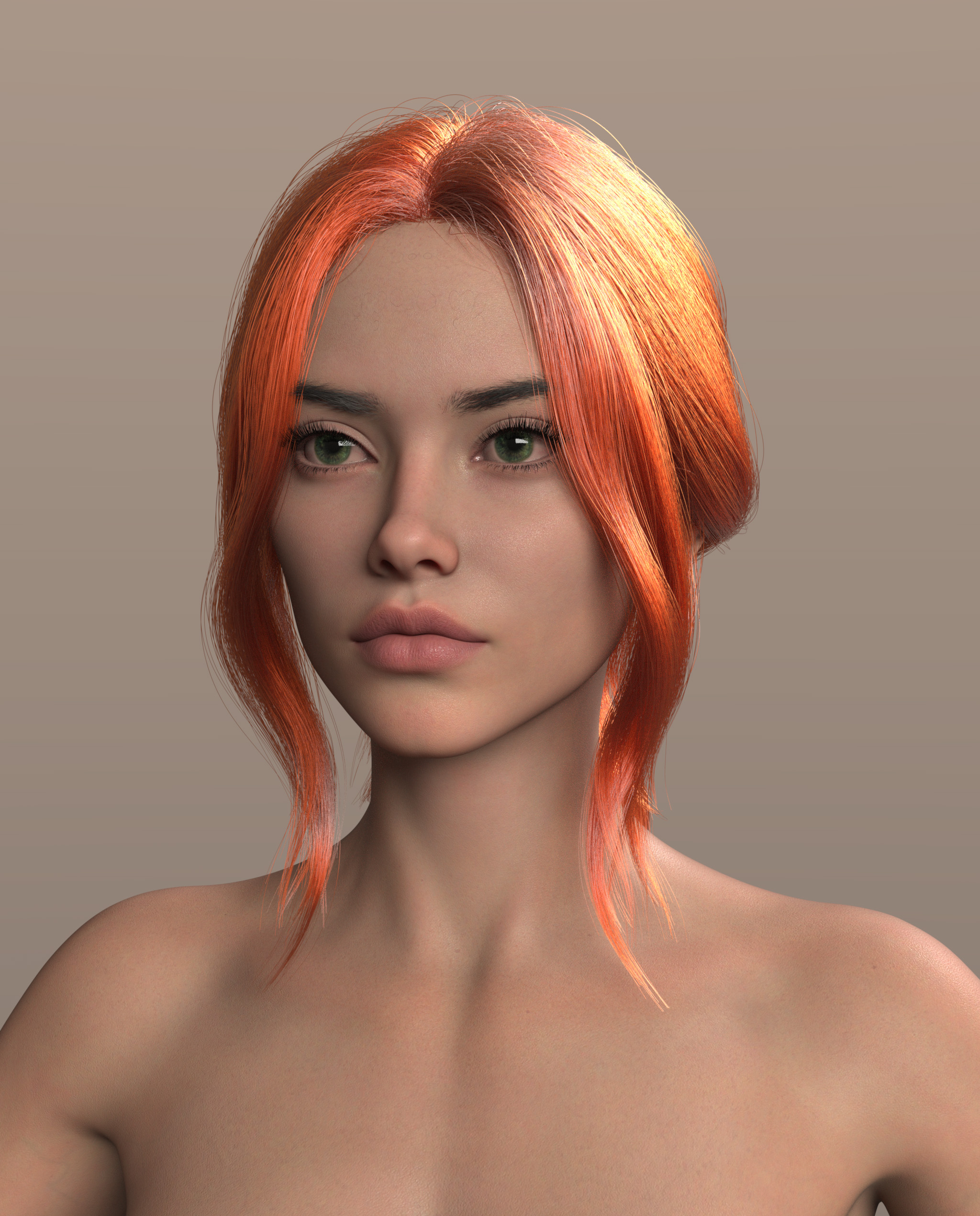
https://img.l33d.be/i/02hceiYCuMGtdFzw.png
https://img.l33d.be/i/c_4CgemVDQnGSjrw.png
Honestly, it's hard to tell the difference. They look pretty much the same to meOctober 31, 2026 at 10:28 AM #2193722I might not have explained it clearly. To create an intermediate keyframe, you just need to select the entire Genesis figure and click "Create Keys" once. This will generate a keyframe for all the bones of the figure at the same time.
As for animating in Daz: yes, AniBlocks are garbage and clunky to use. Rendering a full animation at 30-60 fps is time-consuming and inefficient. I’d highly recommend looking into an AI-driven pipeline: render only 2 or 3 main keyframes in Daz, and use AI to generate all the interpolated frames between them.October 30, 2026 at 6:53 PM #2193682I have daz 6 4K and 150%, but I don’t understand what you’re talking about. The Iray preview is clear. The only blurry things I have are the fonts in the content windows directly under the asset icons.
October 30, 2026 at 6:47 PM #2193681You're absolutely right. When you add a hand pose on a certain frame, it automatically interpolates from the previous keyframe. You just need to create a keyframe right before the movement begins. No need to copy all individual values — simply use the "Create Keys" command (the key icon with a plus, or from the side menu) to lock it in.
October 22, 2026 at 9:20 AM #2192550In order to clear broken links of deleted assets in Daz Studio, I navigate to Content Library -> Products and delete the products individually. Fortunately, locating them is simple as they are categorized alphabetically into folders. This process does not delete the actual asset files from the disk; it only wipes their metadata.
October 14, 2026 at 10:00 AM #2191677This is that hair, but slightly tweaked by AI
October 11, 2026 at 11:50 AM #2191375The issue isn't importing the mesh, it's setting up dozens or maybe hundreds of materials.
September 24, 2026 at 10:27 AM #2189203No, I am on version 0.7.3. It's possible the program has a simple time-bomb protection built into the code that triggers after a month or so, but I only installed it a couple of weeks ago.
September 23, 2026 at 12:32 PM #2189116@pooper This is a great add-on; it works very quickly and efficiently, and it’s precisely what I was lacking in DS. If you don't find it useful, that doesn't mean no one else will.
June 19, 2026 at 8:16 AM #2177913June 16, 2026 at 10:29 PM #2177723Tafi has been trying its hardest to appear as a serious company playing on equal footing with the giants of the 3D industry. All these efforts look pathetic and fail time and time again. Instead of admitting that their core consumers are amateurs and creators of adult content and fully focusing on them, Tafi turns up its nose at such material and tries to force-feed its customers another useless product that nobody ever asked for. If I were a Tafi shareholder, I would fire the entire management and marketing team immediately—they are getting paid for absolutely nothing.
June 16, 2026 at 11:53 AM #2177672I'm not sure I fully understood your issue, but for very thin hair, I simply multiply the line start width (mm) parameters and slightly increase line end width (mm). All hair from outoftouch is very thin by default. I increased the start width to 0.2 and the end width to 0.07.
 June 4, 2026 at 10:14 AM #2176692
Take a moment to check out YouTube and at least like the interesting comments. There are still some there.
May 8, 2026 at 9:51 AM #2174305April 6, 2026 at 10:20 AM #2171046In the Render settings, on the Tone mapping tab, reduce the "Burn highlights". It doesn't solve the problem completely, but it reduces glare.
-
AuthorPosts
