

Forum Replies Created
-
AuthorPosts
-
August 9, 2026 at 1:51 PM #2183981
This site is restricting your access" or "Your access to this site has been limited" message means the Wordfence firewall blocked your IP address due to a security rule, failed login attempts, or rate limiting
If you are a visitor, you must contact the website owner to unblock your IPApril 18, 2026 at 11:13 AM #2172447try this from google
Shoulder deformation in Genesis 8 Female (G8F) when posing is often caused by "rogue" Joint Corrective Morphs (JCMs)—automated shapes meant to fix bending that are firing incorrectly due to a bad installation or a conflict with another character.
Daz 3D
Daz 3D
+1
Quick Fixes
Identify the Culprit:
Rotate the shoulder until the distortion appears.
Open the Parameters tab and click the menu icon (top corner) or right-click the tab.
Select Show Hidden Properties.
Go to the Currently Used group and look for morphs with names like "JCM" or those ending in character names (e.g., Candace, Erin).
Zero these morphs one by one to see which one "pops" the shoulder back to normal.
Reset the Base Figure: If the deformation persists even on a fresh character, your base figure file might be corrupted.
Load the Genesis 8 Basic Female into an empty scene.
Go to Edit > Figure > Zero > Zero Figure Shape.
Go to Edit > Memorize > Memorize Figure Shape.
Save the change via File > Save As > Support Asset > Save Modified Assets.
Daz 3D
Daz 3D
+4
Common Problem Products
"Big Girl Morphs": Users have frequently reported that this product can cause severe shoulder distortion when combined with standard rotations or Undo (Ctrl+Z) commands. If you have this installed, try reinstalling it or disabling its specific JCMs.
Ultimate Natural Bend Morphs: These can sometimes create awkward deformations around the shoulder blades if not properly adjusted for your specific character shape.
Daz 3D
Daz 3D
+3
Advanced Solutions
Adjust Rigging to Shape: If you are using a heavily morphed character, the internal skeleton (bones) might not match the 3D mesh. Go to Edit > Figure > Rigging > Adjust Rigging to Shape to realign the bones to the current mesh.
Manual Correction: In some cases, you may need to exceed standard limits. In the Pose tab menu, select Limits > Limits Off to manually adjust the Collar and Shoulder Bend beyond their default ranges to smooth out the transition.
YouTube
YouTube
+1
Would you like to know how to permanently disable a specific rogue morph so it doesn't affect future scenes?April 18, 2026 at 11:06 AM #2172444I think id definitely try redownloading and try to over write as a first step
April 18, 2026 at 10:59 AM #2172442Does this happen with the genesis 8 and 8.1 basic female figures on their own with no morphs?
April 18, 2026 at 10:45 AM #2172435Never seen anything like that before have you tried redownloading Genesis 8 Starter Essentials from daz its still free maybe it will over write the faulty one (if thats what the problem is)
April 14, 2026 at 8:41 AM #2171995They will appear in your libary with in daz and still work just fine
April 14, 2026 at 8:40 AM #2171994As you didn't purchase from Daz site you can't link ,its like asking if I shoplift a TV will it come with a receipt
April 14, 2026 at 8:37 AM #2171992Simple you don't
March 1, 2026 at 4:07 PM #2165540Just look on Daz website find something that looks like what you need then search on here see if its available if not you could start a request ,or shock horror buy it from Daz
February 15, 2026 at 5:03 PM #2163835Never had a problem from anything from Daz where ever it may have come from
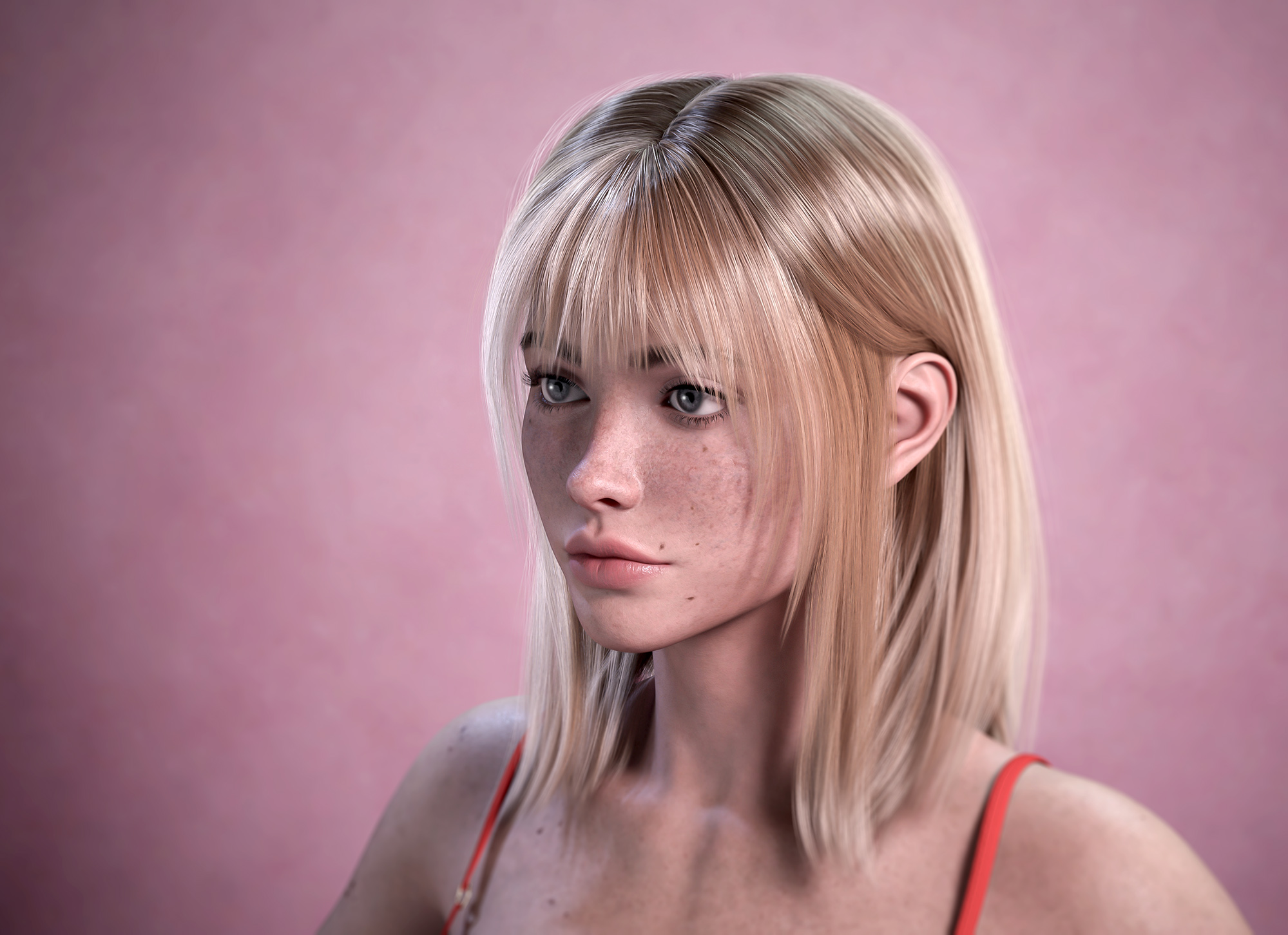
February 7, 2026 at 9:45 PM #2162940So I think I misunderstood the original post and though it was any realistic looking DAZ render not just people . I don't often render people in Daz studio unless they are background fillers as I am never too happy with the results of say portraits . so if I want portraits I use my camera instead . how ever this is one of my better DAZ portrait renders straight out of DAZ studio only edited for size to upload to here and a portrait using my camera not hard to tell which is which
 February 4, 2026 at 10:54 PM #2162564
Fair enough, I've still never seen anyone who can render people in Daz studio who look as good as the AI ones do but even those still don't quite look real ,you can still tell they are AI.
February 4, 2026 at 5:00 PM #2162512Those first 2 posted images are NOT rendered in DAZ studio they are AI generated ive got my doubts that DAZ studio can render like that but I am happy to be proved wrong
February 4, 2026 at 11:11 AM #2162437Been here nearly 2 years download and uploaded loads of stuff with no problems.
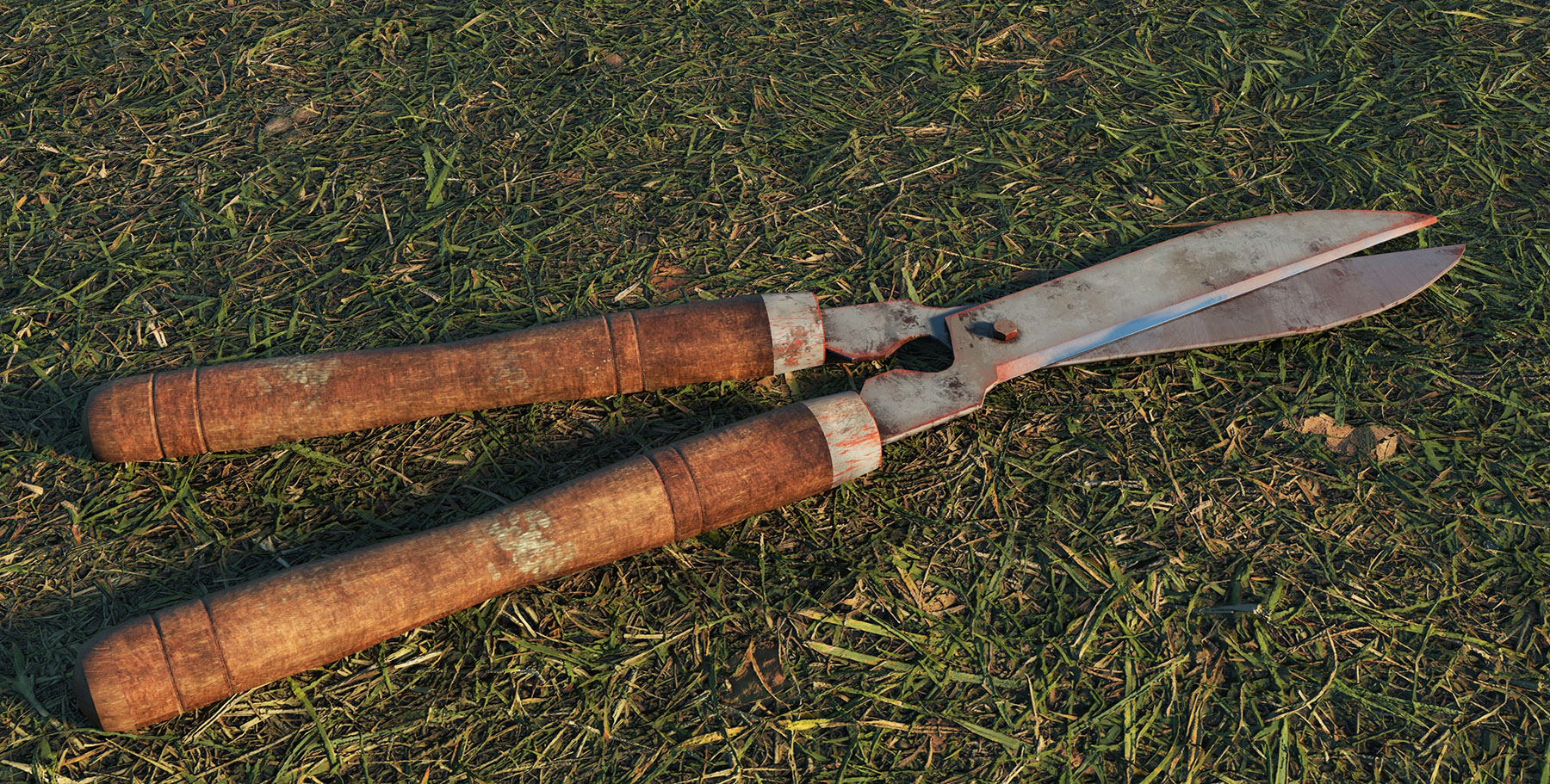
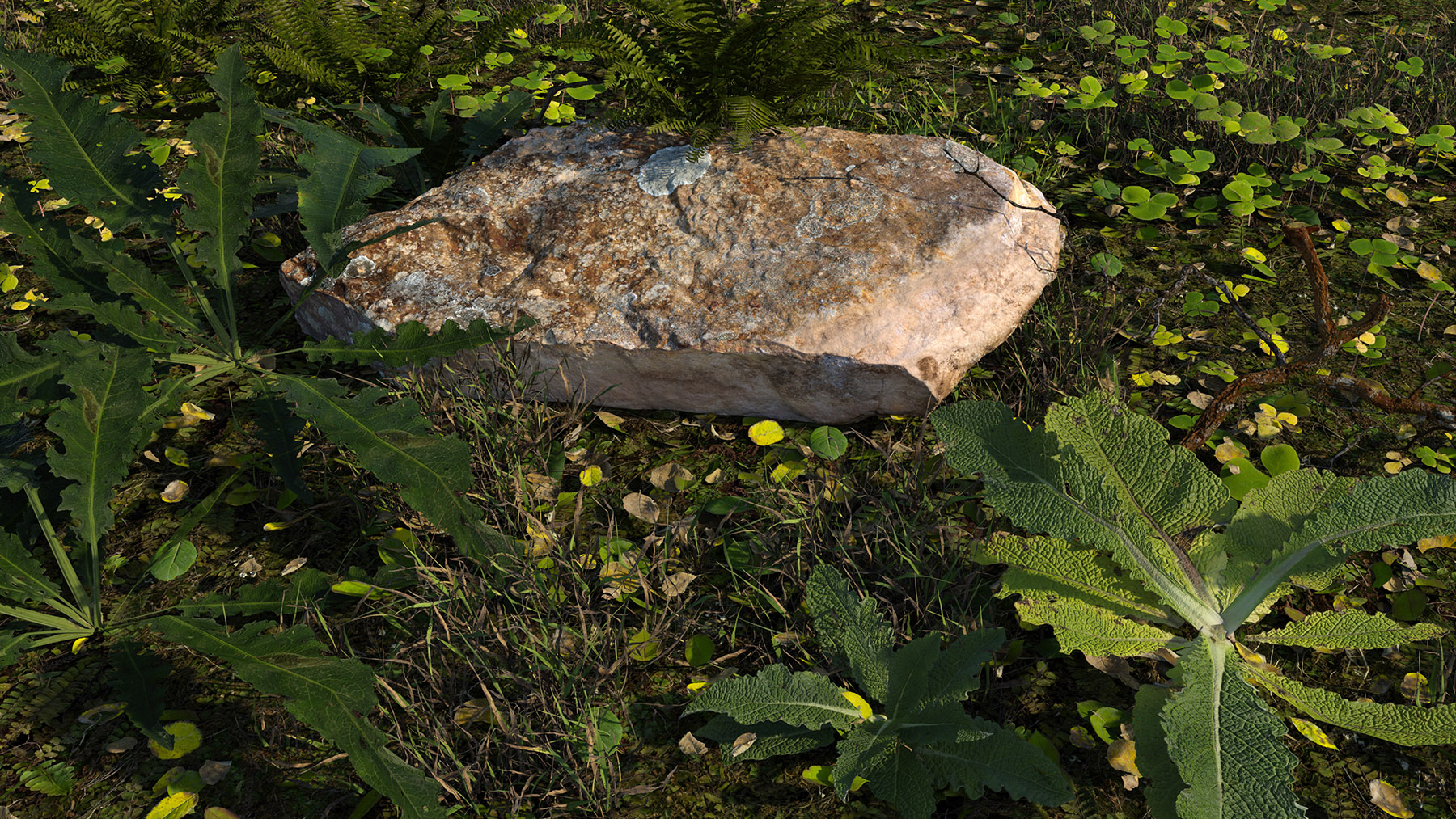
February 3, 2026 at 1:05 PM #2162286This is two of my most realistic renders in DAZ studio
-
AuthorPosts

