Forum Replies Created
-
AuthorPosts
-
October 15, 2025 at 3:17 PM #2149154
Hello !
I have been always frustrated by this problem.
After spending a lot of time on this, I've changed my tools.DAZ for the caracters.
MD for the clothes.
Blender to put all in place and render.
Krea if needed and when this AI don't allucinate too much ! 😉Not the simpliest workflow, but I've the hand on every step.
November 12, 2024 at 6:12 PM #2102259Hello !
If it's still the mess with your DAZ programs files:
AFTER you 'll have made a restoration point.
You can try GEEK uninstaller. ( https://geekuninstaller.com/download?version=1.5.2.165 )
It will completly uninstall program and all relevancies, then clean the registery.
Take time to learn how to use it BEFORE playing with ...
Really powerfull.
But without any " Hoops ! Crtl Z " . 😉Daniel
May 2, 2024 at 4:46 PM #2073113Hello !
For "FleshKage" : The easy way to do it, is "Marvelous Designer", you will find it here on the Zone.For Nobunaga Oda: Blender with the sculpt mode is the way to go for the Mesh.
And Toshop to make the texture.Maybe AI could be a solution. But it's out of my skills, if even I've one 😉
NSFW
https://i.postimg.cc/FRhzGDPd/test.jpgThis take me about 15 mn.
MD, then Blender for cleaning the mesh and texturing it.
The global scene was already done for an other purpose.
But at a whole, it has nothing to do here 😉Daniel.
March 3, 2024 at 6:39 PM #2061794Hello,
I don't have this one.
But, following the documentation you could find on "Blender Market-> Traffiq 1.7 -> documentation-> How to install it".
You have to, as usual, put the ZIP file in your addon folder.
Then in Blender -> Edit -> Preferences -> Add on -> Install -> browse to the location of the file.
That's all.If you receive a ".RAR" archive, you will normally find the ZIP inside.
Daniel.
February 29, 2024 at 5:04 PM #2061217Hello !
Nice pictureFirst of all, take my remarks as they are.
Absolutly not important and just positive.
-
I assume it's a Daz character with a Photoshop post-prod for lightning and clouds.
-
In a compositing point of view:
A little rotation of the character could put one hand in the direction of the right up corner.
The other one goes naturally to the mid of the picture.
And the legs will point to bottom right.
Head and body staying aligned and a little shifted on the right ( like for a golden ratio).
This will be more structured.
-
There is something strange with the foot, I don't clearly see, but... Something ... 😉
-
The right hand ( picture PoV) could be reworked as the fingers have a strange config (maybe it is voluntary ? ).
To easily change a hand (or others body part) pose, I personnally use a lot the Zeddiscuss poses sets.
Because you are able to change only the part you are interrested in. (You will find a lot of them on the Zone).
-
The lightning could also be rotated a little to point the same way as the model.
This will avoid the tiny white segment in the upper left.
And will be more coherent for the composition.
-
Light:
In this kind of rear main illumination, it's common to add a little other one in the front to hilight the model.
Something really low, just to make appears the details, but preserving the atmosphere of the scene.
-
That's all for me.
-
I have to say that I never use Daz for rendering.
For me DAZ is just a source of assets to import in Blender.
So I don't really know what is easily faisable or not.
-
As you have certainly noted, English is not my native langage, so far.
I appologize for all the mistakes ...Daniel.
November 26, 2023 at 3:34 PM #2045050Starting with MD :
Becarful with lot of tutorials.
They use the MD model with auto attachment points you will not have with DAZ importation.
The workflow isn't the same.
Begin with really simple garments.
And help MD with pre positionning the different parts as close as possible within your model.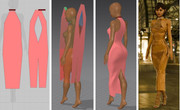 <br/><br/>
Don't take care about texture. Blender is really more efficient for that.
When you will manage these basics, you will be able to make more complexe garments.
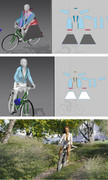 <br/><
At the end.
With very limited skills like me, we can still have fun.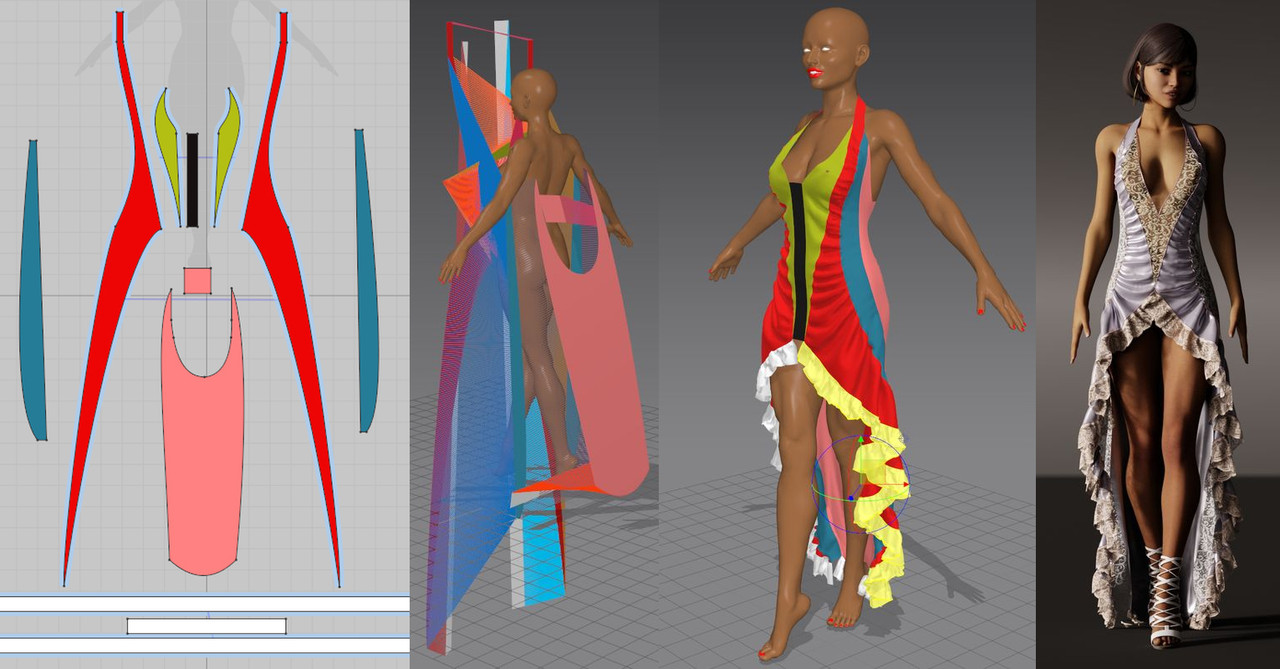
Daniel
November 26, 2023 at 11:24 AM #2044943Hello !
I've had the same issues as you !Take DAZ for what it is, no more.
A huge source of assets, and, with the (great) help of The Zone, they are free.
Then, if you want to go further, you need different tools.
For the clothes, Marvelous designer is the one to go. Type it in the ZoneGfx seachBar.
Download, look at somes tutos and go.
Take time to manage it. It's the best one.
For all others aspect go to Blender.
Yes it is another world, but with endless possibilities.Then you will completly forgot " DForces" ! 😉
Daniel.
November 26, 2023 at 11:07 AM #2044938Hello !
Not sure what you want to do at the end.
So some few hints ...
QR make a new mesh and blink the original one (check the outliner).
You can delete the old one if you want.
This new mesh is part of your project, so you can save it as a blender file.
You can also export it directly in the format you need.
File -> Export. FBX / Obj
In the export box, in the right upper corner check "selection only" to avoid exporting the entire project.If you need to pose or animate, you have to parent (autoweight) it with the existing DAZ rig.
Make your pose and/or animation. And export FBX.If you need to keep the textures, first save the project as a packed one "file->external data->pack ressource".
All the textures will be regrouped within the blender file, no matter where they come from your HD.
Reopen and "external data -> unpack". Then you will have a unique folder with all the textures.If I'm not clear, feel free ton contact me.
Daniel.
PS: We are now on Blender 4 so 2.93 is a little outdated. 😉
October 24, 2023 at 5:33 PM #2038172Hello all,
My today PoV
Architector was a "little" rude as said Adelasia.
But..
After looking at a lot of AI portrait, maybe we could see, not a limit, but a tendancy.
AI make a average of their database weighted by the prompt used.
That's how they works in the end.
Results are never the same, but have so common traits.
That 's why they are so recognizable.
The AI touch ! 😉
For sure, it is the beginning of this aera.
And we could expect more refinnement soon.
But that also imply more complex prompts.
I'm wonderingg myself ...
How I've to spend my time to have the result I want ?
Modelization or prompting ?Not sure of the answer.
Dan.September 23, 2023 at 9:52 AM #2029424My second one.

Daz for assets.
Blender to manage light and Dof.
Using the "turbo tool" I've found here this morning, this render take me 50s .
Quite impressive ...
Blender 3.6 Ryzen 5900X Geforce 3070 64G Ram.Daniel
September 21, 2023 at 5:25 PM #2028842Hello all !
A quick one, just to be there 😉 June 3, 2023 at 10:43 AM #1979836
Hello all,
And particulary to "La Pucelle" who launch this contest.
I'm very glad you like my work.All aspects of this picture were made with things from here (Assets and tools).
So I have to thank's the Zone and all the members.As I've "cheated" with Blender.
The mininum I can do is to put the earned points at disposal for the next contest.
(I just have to find how to do).I also invit everyone to make the step, and put MD and Blender in their workflow.
You will discover a new world.Daniel.
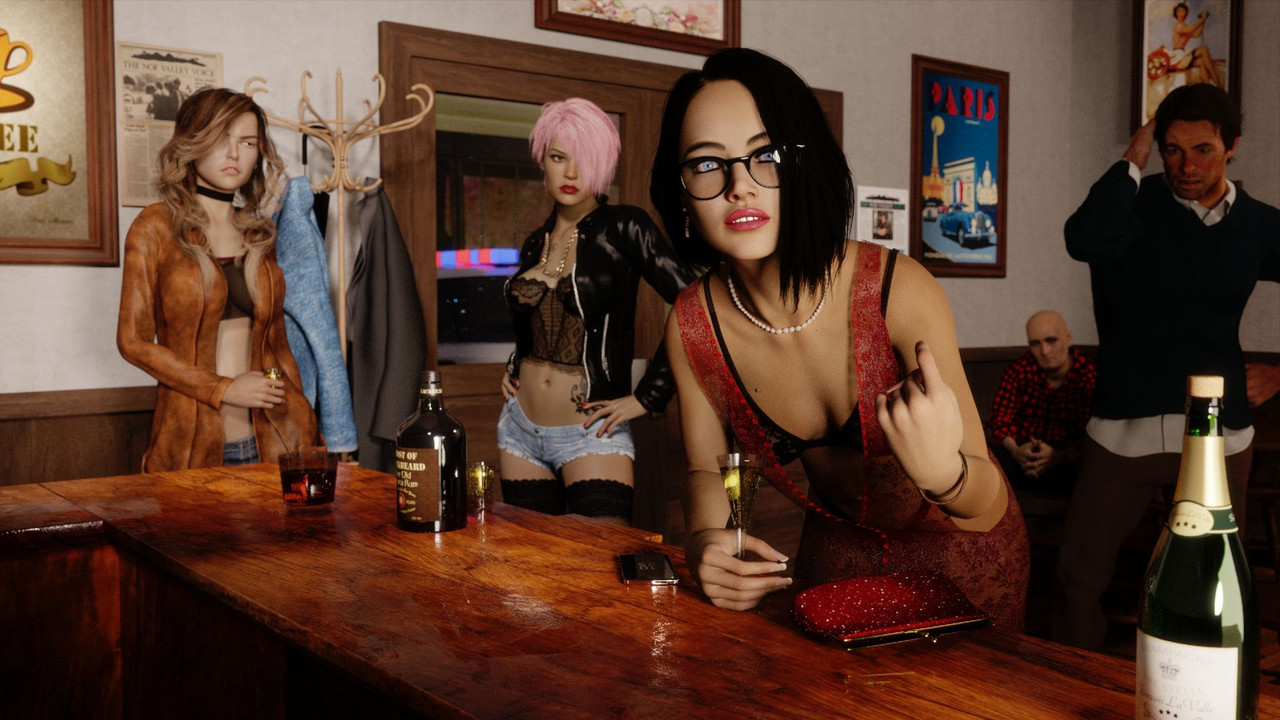
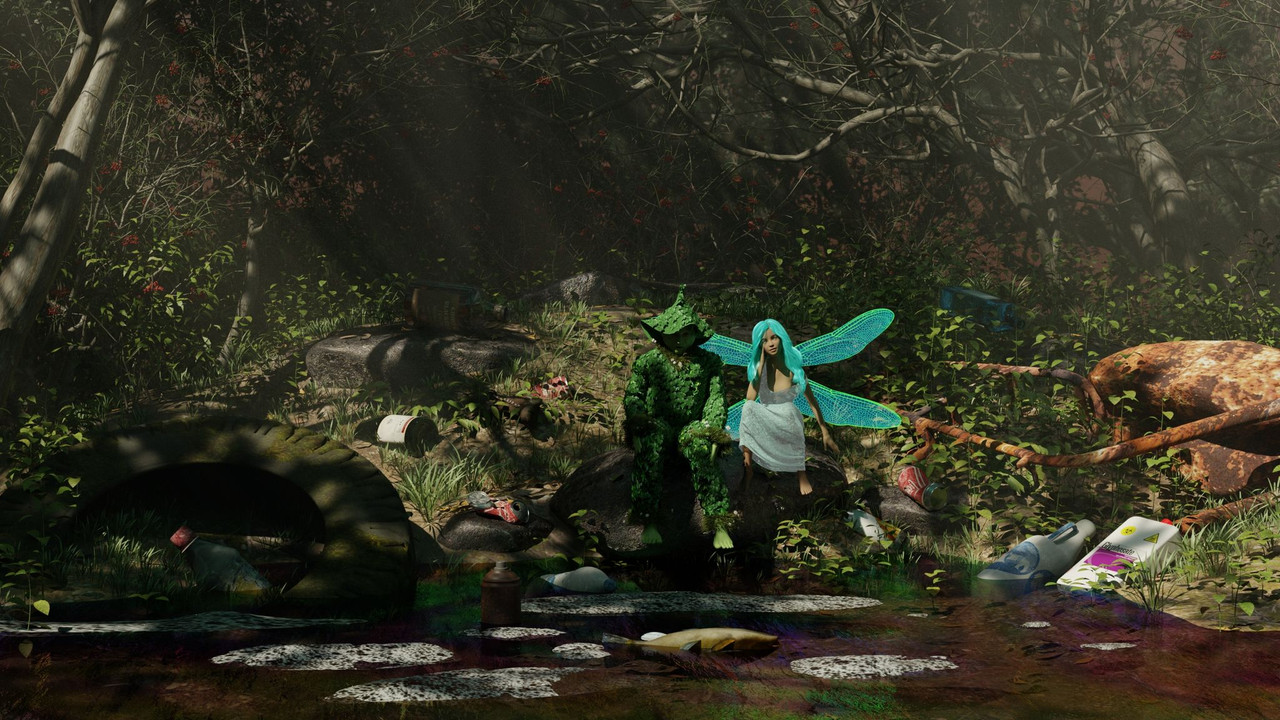
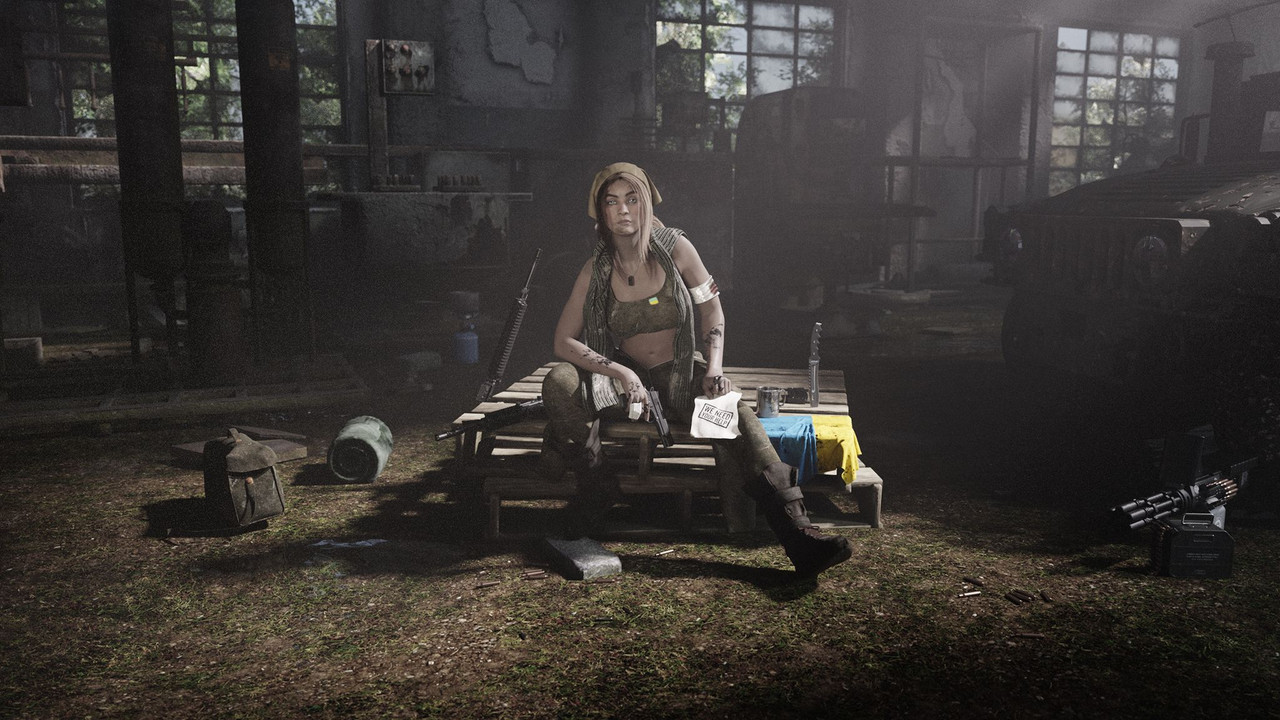
May 23, 2023 at 7:15 AM #1975023Hello all,
Here are my attempts.
The topic is actually large ;).
So I tried one a little fun and sexy.
One not fun at all.
One not sexy at all.
But in any case I tried to give "Atmospher" or "Ambiance", I don't know in English.All with Daz/Blender/Toshop.
Dan.
 <br/><br/>
 <br/><br/>
 <br/><br/>May 9, 2023 at 4:13 PM #1968601
For sure, with all you have posted, you have opened a window.
I see the dust going into the air.
A new world is coming.
I'm looking now how to mix Daz / Blender/ Ue5.
I think it's not too hard tnaks to FBX.But because of you :
I will certainly have to plug a new HD ! ;))In anyway, thank's for your work !
Daniel.
February 8, 2023 at 5:29 PM #1924859What's wrong ?
The light ...
Your main caracter is in the dark.
The light spot on a roof.
Our eyes always follow the light first.
Rotation of the HDRI could be suffisant.You could also turn a little the camera to re equilibrate the scene if your main caractere is the woman. But you certainly will have to put something in the distance to attenuate the sky light.
An other way could be to add an other spot light in front of the caractere, just to lighten it up a little.
Your global ambiance is very subtil (I like this kind of picture), so nothing will be easyAnd sorry too for my bad english 🙂
Daniel.
-
AuthorPosts