Home Page › Forums › General Chat › Flat Iris
- This topic has 18 replies, 5 voices, and was last updated 4 years, 4 months ago by
 Father Mapple.
-
AuthorPosts
-
June 11, 2022 at 1:27 PM #1818495
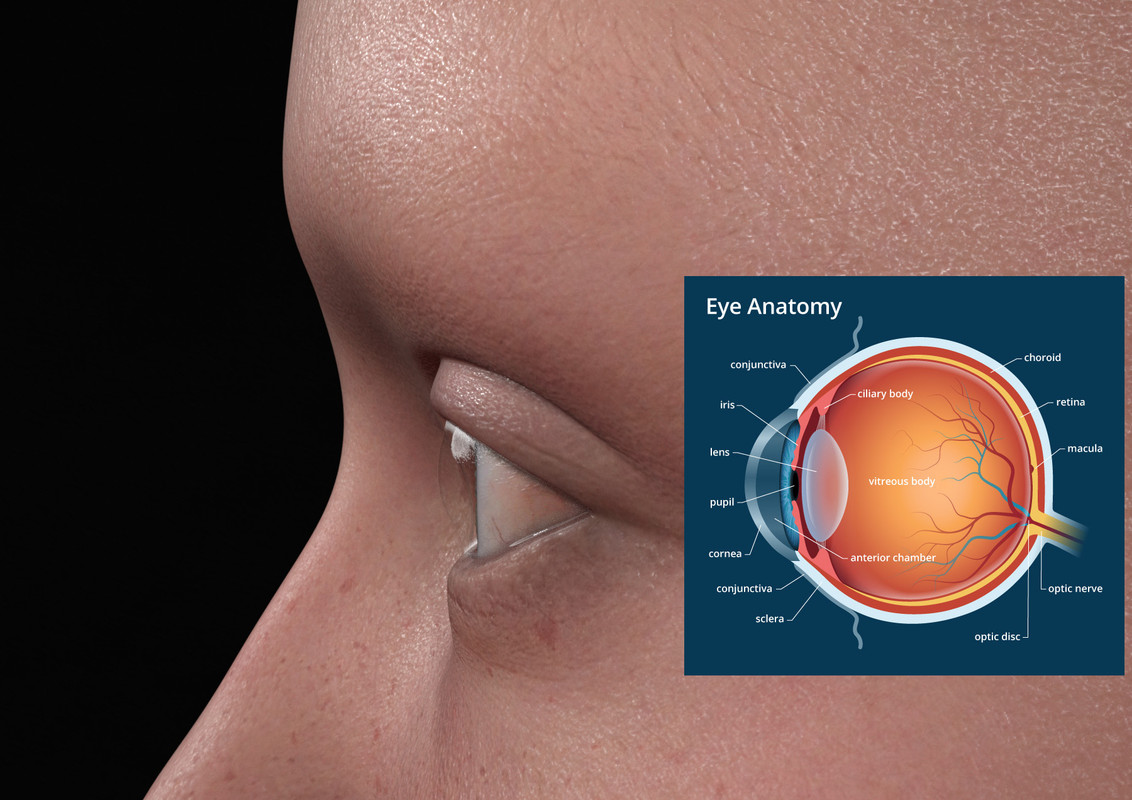
I have one question. When I looked at one eye sideways,, I noticed that the iris was quite flat.....Is this normal??
I used as sample vic 8.1. Any character (gen 3 gen 8) has also this flat iris.
 June 11, 2022 at 1:38 PM #1818496
There was a product a few days ago to fix some of it...Hopefully that will make things better...
SY Eye Bright Fixer Genesis 8 and 8.1
... if a character isn't facing straight forward near a bright light, it's all too easy for eyes to come out looking flat and dry. SY Eye Bright Fixer Genesis 8 and 8.1 aims to fix that using easy fast-click settings for the iris and sclera and a special geoshell layer to improve reflectivity and sheen, imparting a wetter and more realistic look to the eyes of Genesis 8 and 8.1 characters. A special normal map for the iris is included as well to make things even better in close-up shots.
My guess is that things looked dry and flat...because they are (unfortunately) flat?
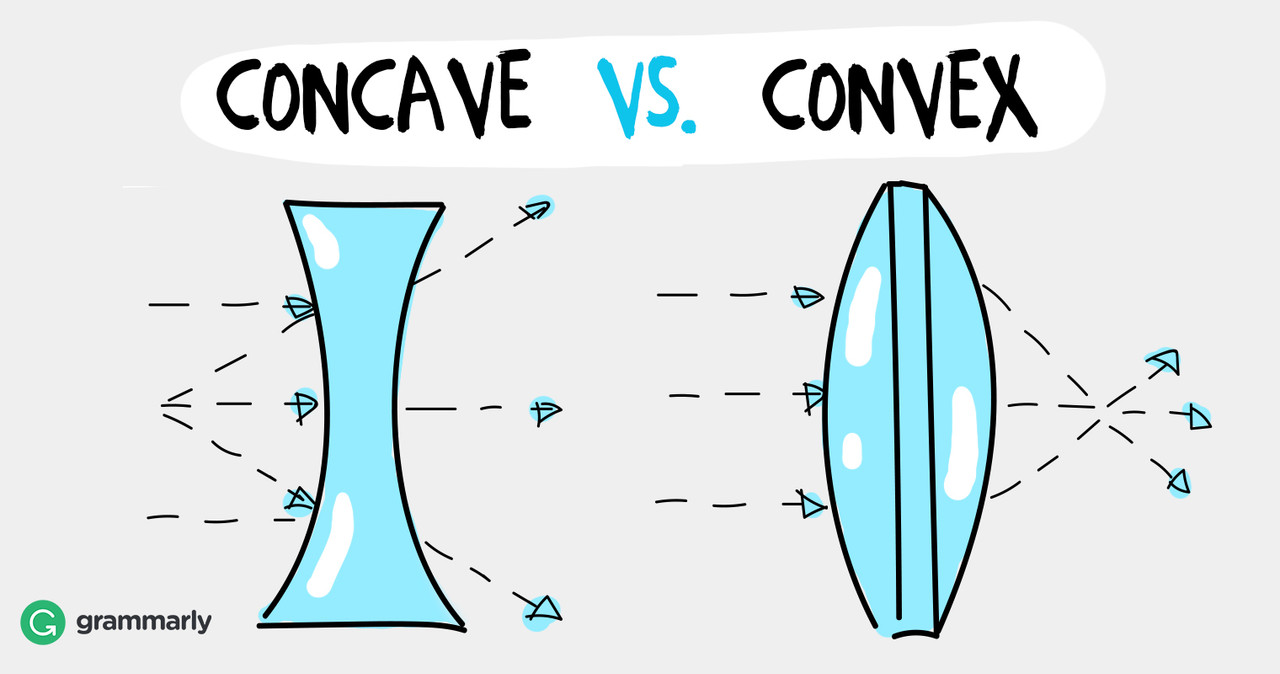
June 11, 2022 at 3:17 PM #1818517Is this the question? I haven't noticed it. I've only seen concavity morphs to deepen the iris.
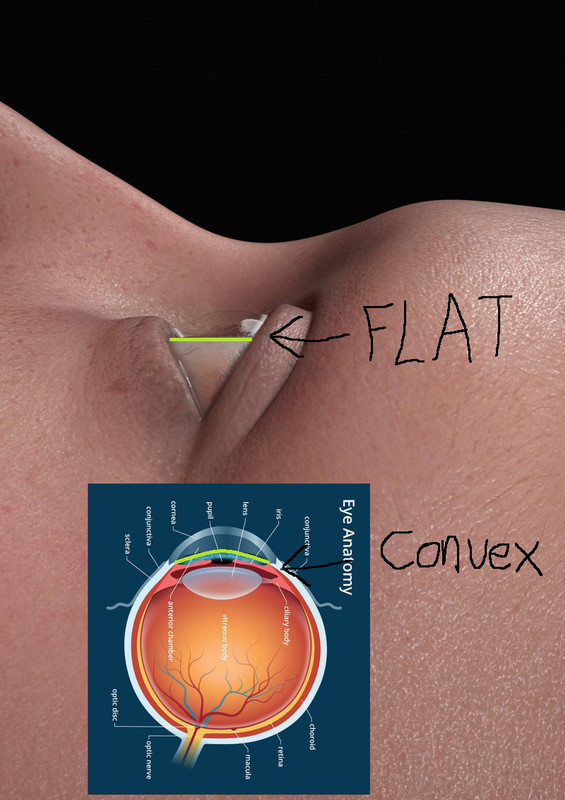
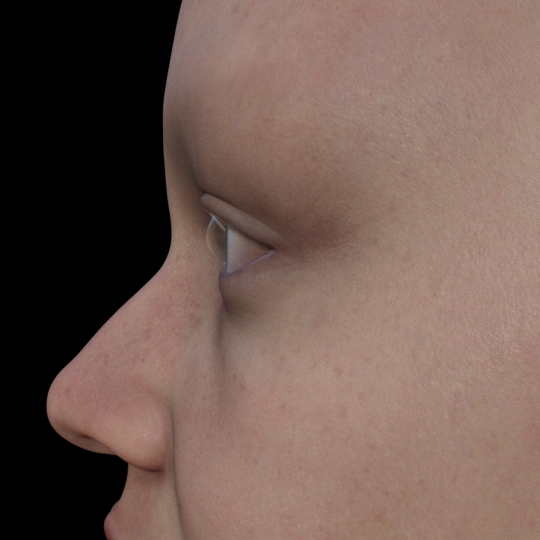
Looks to be normal, for Daz. This is Bluejuante's Pregnant Parker. G8.1F
 June 11, 2022 at 3:51 PM #1818526
Well, after considering it a bit further, I think it's accurate.
If you consider that the render angle and the anatomy diagram are from different angles, I think an anatomy diagram from a parallax angle with an uncut eye will also look flat.
It also looks like in the diagram the eye is drawn from more than one angle.
June 11, 2022 at 6:50 PM #1818564i think it is a combination of wrong bulge (too flat) and wrong refraction of the cornea. the iris shouldn't be fully flat, as the anatomical image shows and if you look at real photos, you can see something isn't right with the rendering ...
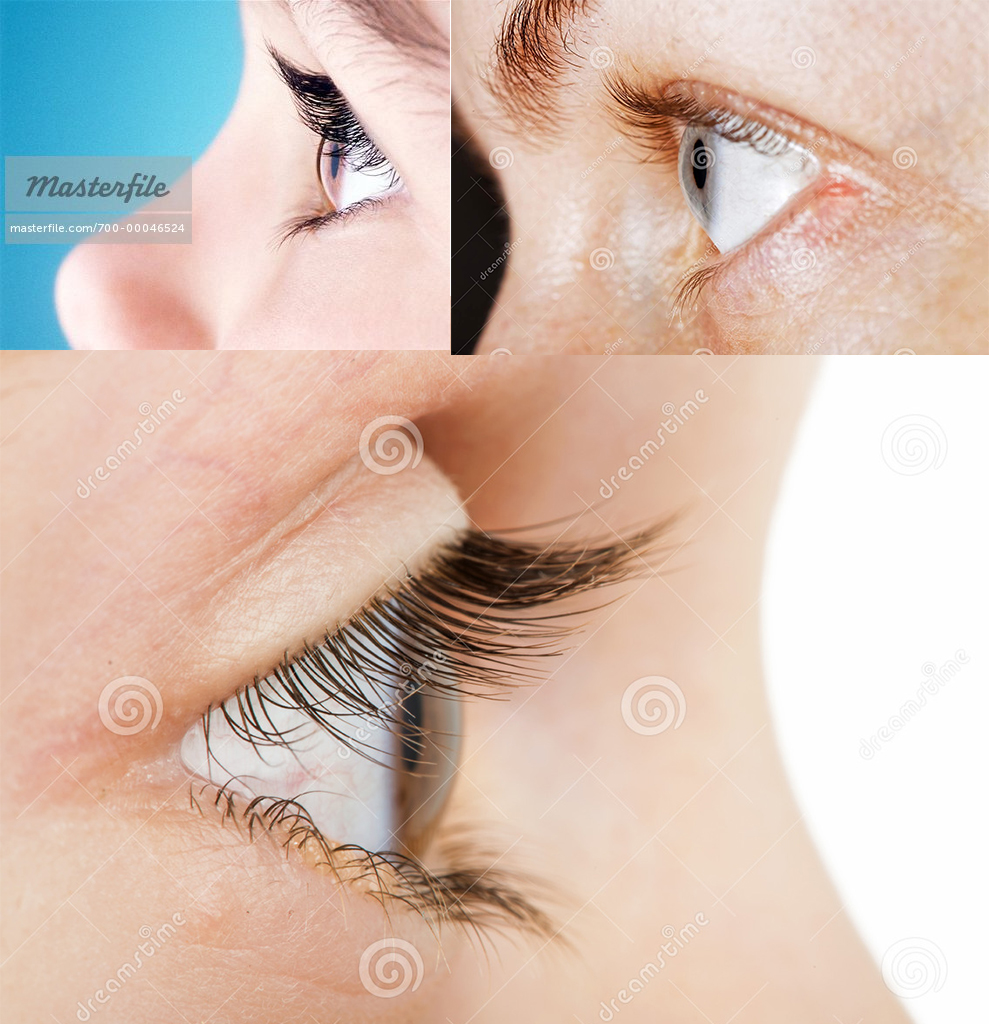
fix the bulge of the iris isn't that difficult, if i have a little time tomorrow maybe i'll try to change it ...
June 12, 2022 at 6:07 AM #1818667There was a product a few days ago to fix some of it…Hopefully that will make things better
Stickle is talking about special geoshell layer to improve reflectivity and sheen...Well..Maybe we have to wait for that. In the promos you can hardly see whats going on...
I’ve only seen concavity morphs to deepen the iris.
@cage That would be nice to have this morphs. I can only morph the cornea. Or?Changing the cornea has no effect on the iris. I think it has something to do with the refraction as stachelzelle mention. Unfortunately I am not at my DS computer and can not try this out. You can clearly see how it should be if you look at the photo's from stachelzelle
But still..I think that the iris shouldn't be flat.EDIT: @legolas18 found just out that the SY Eye Bright Fixer is around here.
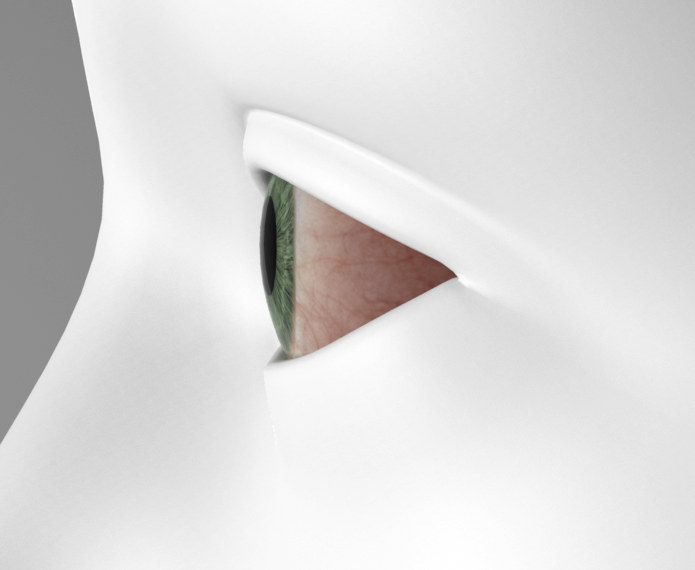
Hopefully it works!! ThanksJune 12, 2022 at 7:11 AM #1818683ok, i've made a little test in 3ds Max because i had the feeling something isn't right with the refraction in DAZ Studio. turned out i was correct, the image below is standard G8F (no change at the flat iris bulge) but in 3Ds Max and with Max materials (proper refraction). it should look the same in DAZ even with the flat iris, but it doesn't. i've checked the material settings in DAZ and refraction was on and IOR is set to 1.38 which should give the same result as in 3Ds Max but nope ...
 June 12, 2022 at 10:59 AM #1818770
I have played around with thin walled and there has changed something. But looks unreal.
And yes stachelzelle...you can sculpt me a iris morph ...When you have time and desire for it.June 12, 2022 at 12:09 PM #1818806@stachelzelle I'm amazed what a big difference the materials made. That's awesome!
@lucafeelgood These are morphs from Natural Eyes 2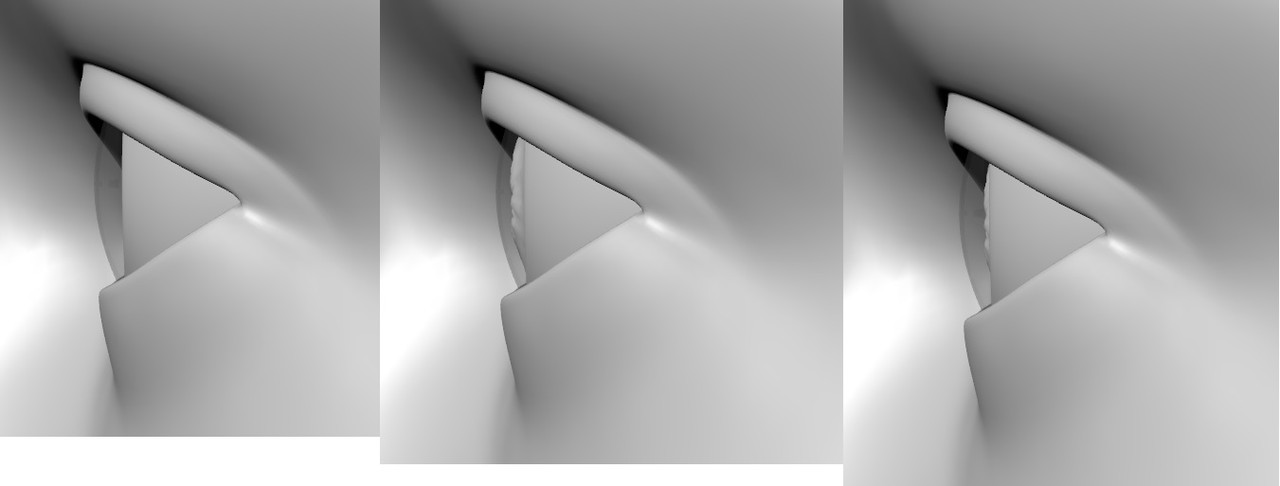
The 1st one is without a morph. The 2nd is the iris shape morph. And the 3rd is the iris shape morph combined with the iris concave morph. You can add a cornea bulge separately.
Edit: Some of the SY Eye Bright Fixer Genesis 8 and 8.1 promos could be better. The arrow order is confusing.
Instead of the standard "Before -> After" it shows "After -> Before"June 12, 2022 at 1:49 PM #1818830whatever, i've also made two little morphs for the iris, for those who want more control. with it you can bulge the iris outwards or inwards, one parameter is for the iris only, the other for the iris and the pupil. just copy the "data" Folder in your "My Library" folder (it's inside the "Content" folder after decompressing the .rar) and the morphs appear under Parameters -> Morphs when G8F/G8.1F is selected ...
https://mega.nz/file/PeRkiKQQ#aJQCqq55YMe11NQ5cLJDFlQgyYai6_4K_gVE1-PChpg
have fun 🥳
June 12, 2022 at 5:12 PM #1818960Here's a definitive reference for the Eye, complete with refractive indices for the various elements:
http://hyperphysics.phy-astr.gsu.edu/hbase/vision/eyescal.htmlSo you see to get a fairly accurate refraction for the cornea, you would need 2 parts, the thin-wall cornea membrane at n=1.376, and an overlapping volume representing the aqueous humor between the cornea and the iris at n=1.336.
This Iray dev blog covers the concepts needed to achieve just this effect:
https://blog.irayrender.com/post/17763515875/refraction-and-ior-stacksUltimately, there would need to be a geometry add-on to have an aqueous humor, as there is no representative geometry in the standard model. Just treating the cornea alone as either thin-wall or solid seems to give "uncanny" results.
June 12, 2022 at 6:00 PM #1818977yeah, the geometry is not sufficient, that's obvious on the first sight. the shapes are not correct, the iris is to flat, the cornea misses the additional bulge and there's no membrane. but all this doesn't explain why the refraction in DAZ doesn't work properly ... and without that, even the most accurate model will look wrong.
@amberkat nice link ...June 12, 2022 at 6:51 PM #1818980the geometry is not sufficient
That exactly explains why the refraction is incorrect.
Thin-wall is going to give a lightblub or empty bottle appearance, and turning it off would approximate a solid volume of a single IOR. Adding a volume object with the proper refraction would give the most accurate appearance of a progressive IOR.
If constructed like the reference model, Iray can very accurately simulate it.
The Daz eye is a lazy shortcut. But I guess it's like any other part, you can cut corners as long as it's not the focus. No need for microdetail if you're not going to be so close. For most applications, what's there already is sufficient for a convincing appearance.June 13, 2022 at 2:07 PM #1819266Thank you @stachelzelle very much for the effort that you have been making. I have tried it and has partially worked. The iris-pupil slider did not appear. But that is not any problem. Was just for testing.
Thank you @amberkat for your scientific explanation and the nice link. That was very helpful. OK. Now I can understand what is wrong with the eyes in DZ.
I also have no idea why they did not design it correctly.
In any case, I am a little further.@lucafeelgood These are morphs from Natural Eyes 2
@cage I tried Natural Eyes 2 and it''s not bad. Thanks for the tip...Here 3 renders Vic 81 from her eyeballs.
eyeball normal
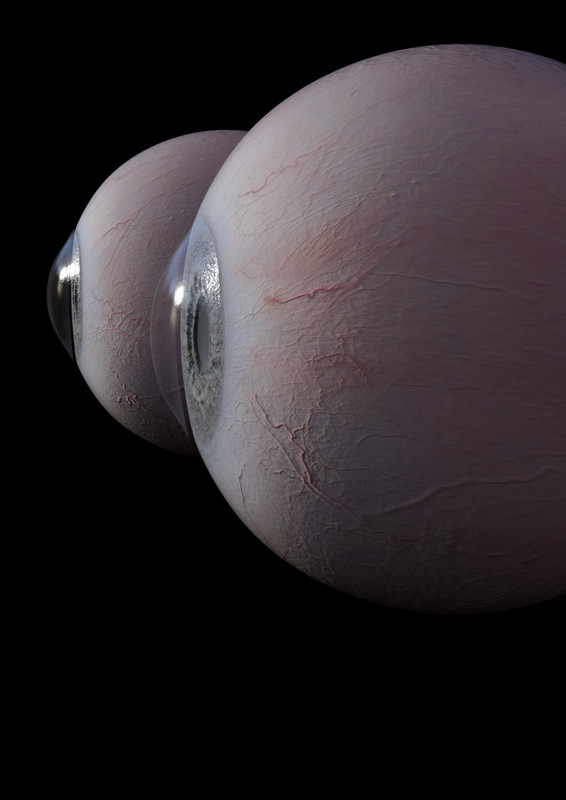
natural eyes 2
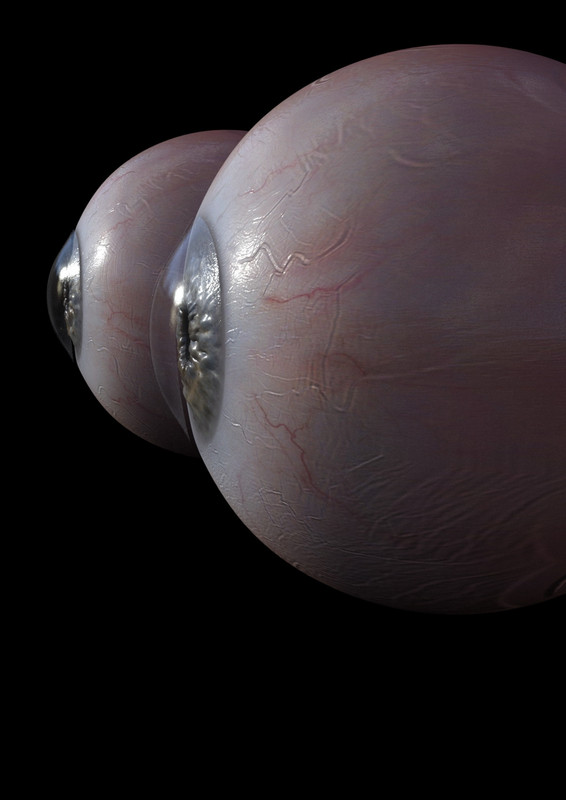
SY Eye Bright Fixer
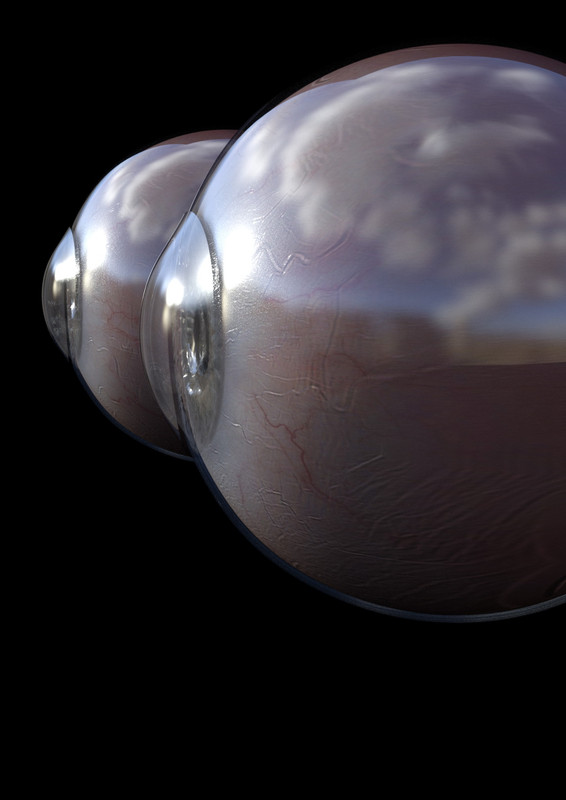
But the problems are still there. So never closeups from the side. I´m done.
June 13, 2022 at 5:15 PM #1819345as i said, for what ever reason the refraction doesn't work properly in DAZ. for example ...
... i also used Vic 81 eyes but in 3Ds Max
- left side, no modification, just a diffuse map and a material with refraction
- right side, i added a thin membran to the eye and the correct IOR settings from the website postet earlier ...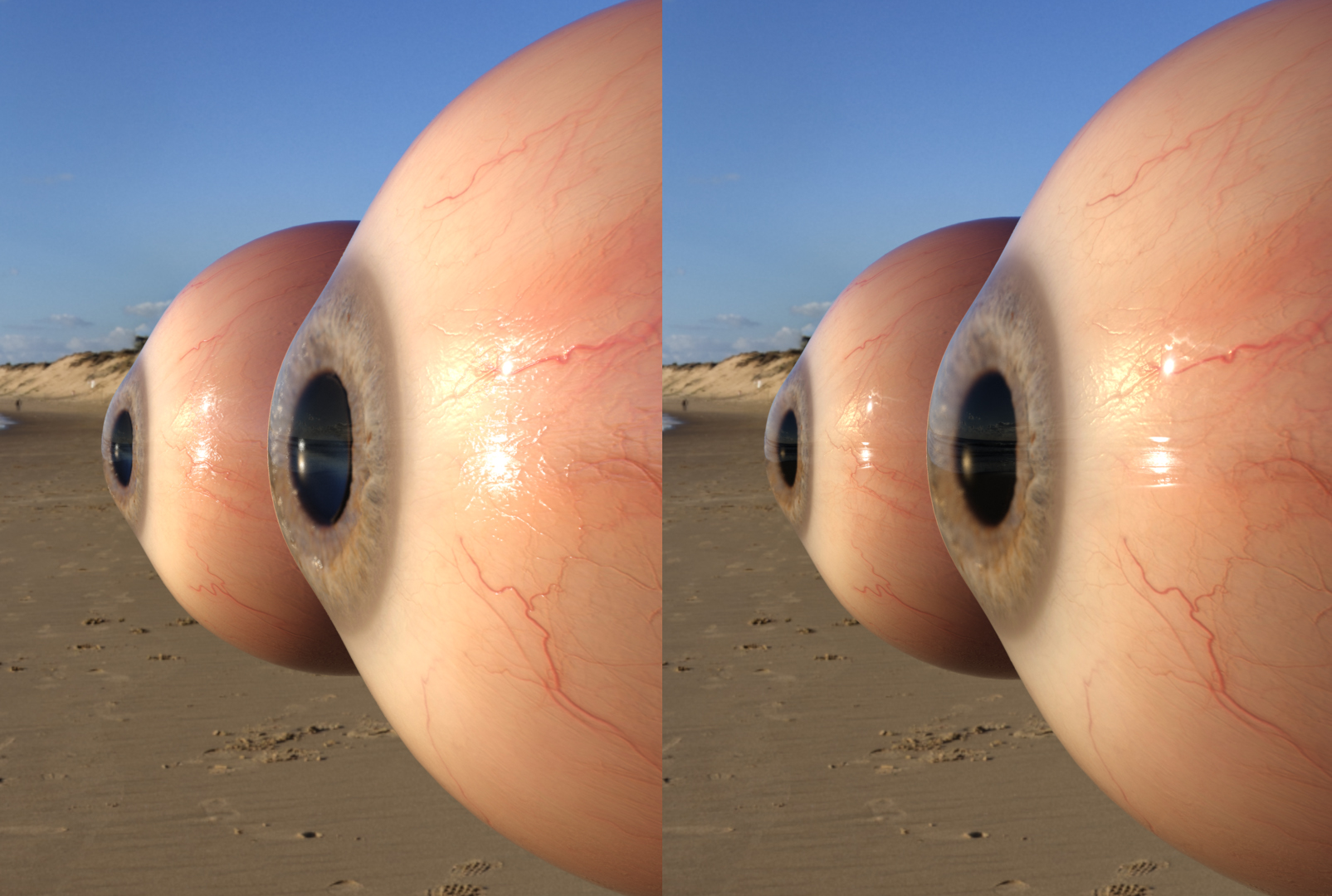
that's just a test so the materials in MAX are basic, but you can still see that something is broken in DAZ.
-
AuthorPosts









- You must be logged in to reply to this topic.
