Forum Replies Created
-
AuthorPosts
-
January 20, 2024 at 11:47 PM #2054453
thank you all for the advice on this, depth of field scares me as I can never get it just right. as for the lighting you are right, it does seem a bit off. Still learning and the CC is appreciated.
December 26, 2023 at 11:54 PM #2050456FOUND IT! Ghost Dynamics!
December 26, 2023 at 8:21 PM #2050446I have mesh grabber, no this had certain primitive shapes that you could press on other objects to create some interesting soft body effects. I used it last time for legs up on a couch (had the cylinder tool then used mesh grabber to fine tune) Thanks for the assist!
July 17, 2023 at 6:54 AM #1999952thanks, I will start with a category a day. It will help, appreciate it!
July 17, 2023 at 4:19 AM #1999927Sorry for the late reply, the issue is within Daz itself. So if I know I have a prop, say a measuring cup. I know it is a kitchen set. But my Daz prop lists the folder as the Authors name, this can get aggravating. So if I rename the folder will it still be accessible? Should I rename it in Daz or in explorer?
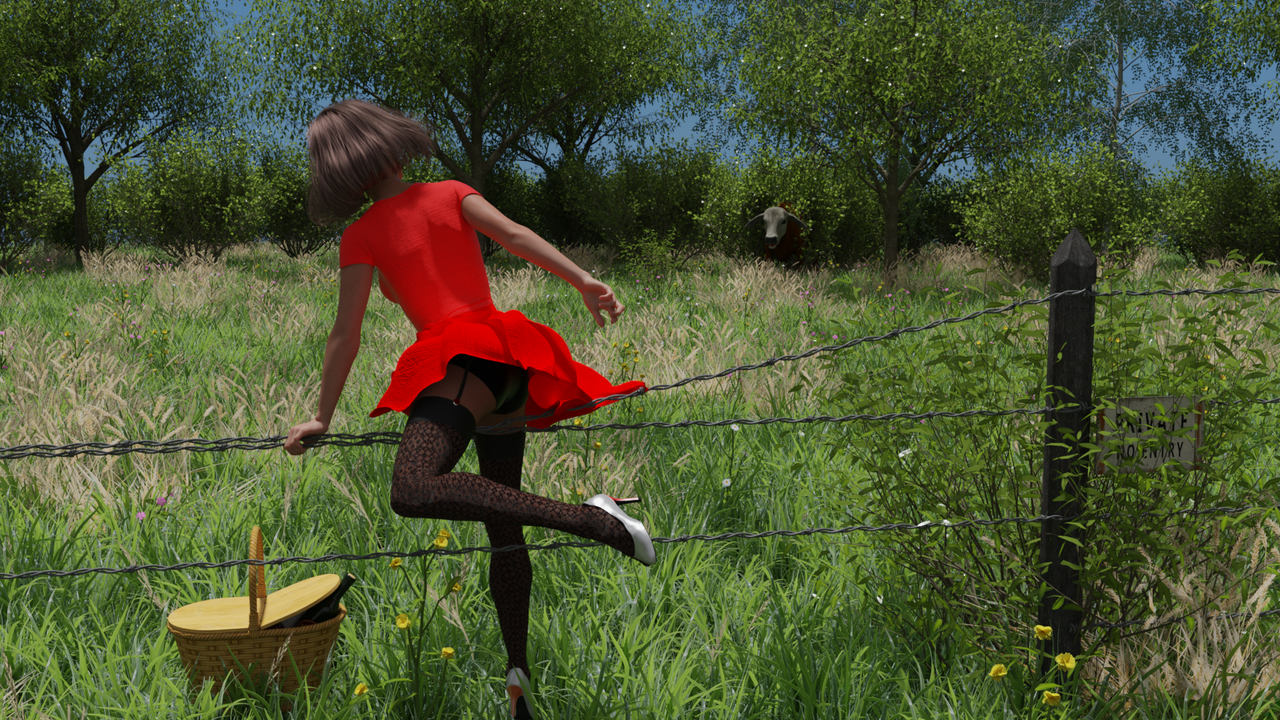
February 5, 2023 at 3:43 AM #1922989February 4, 2023 at 11:13 PM #1922913Based on a pinup by Gil Elvgren
January 30, 2023 at 6:10 AM #1920365tres
January 29, 2023 at 1:19 AM #1919943My Entry https://i.postimg.cc/4dhfHnxy/Revealing-Rosie3.png
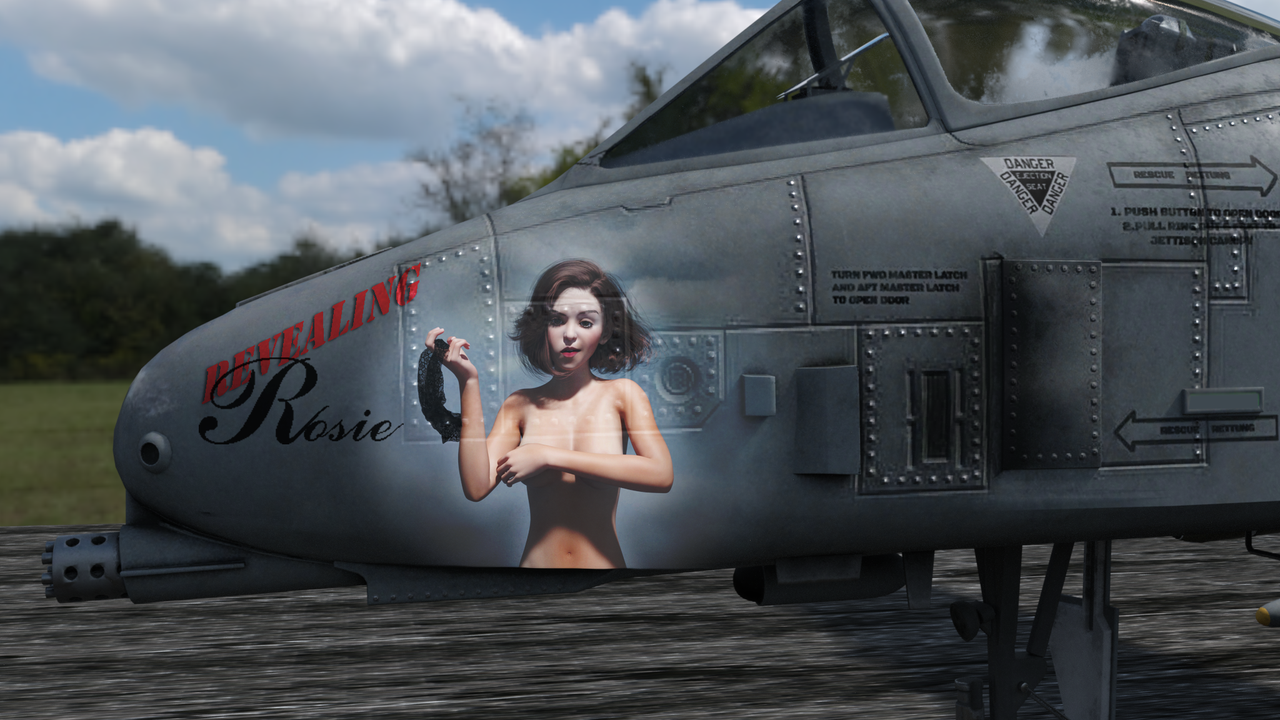
Edit: changed the photo since I felt Rosie was a little too revealing.
January 28, 2023 at 11:48 PM #1919928I have never done a contest here can I use Photoshop to stitch my render together or is that a no-no?
January 28, 2023 at 5:30 AM #1919527thank you for the explanation, I will try that. I appreciate it.
December 31, 2022 at 10:00 PM #1908283Not a problem, I learned something new and awesome too! All the best in 2023
December 31, 2022 at 3:42 PM #1908162sorry didn't want to edit my first post but figured it out.
create your koala shirt png put it on your character
-go to the materials folder for your selected piece of clothing, there you will see a plus sign in the bottom left
-click it and a list will pop up, in that list select material(s)
-create a unique name for your duf file
- it will then pop up asking what node you want to save, select that piece of clothing
- it will then save the materials for it
-when you equip the piece of clothing your duf file will be in the materials sectionDecember 31, 2022 at 3:13 PM #1908154what I do is go into my graphics program and open up the runtime/texture/ texture.png and make a duplicate, create what I want on the duplicate and rename it something I will remember. I then go to the surfaces tab and select the piece of clothing and select the base color and browse to my newly created texture and use that. I know this doesn't make it a duf, but I have created some nice textures this way. It takes some trial and error when trying to line up some graphics but it works. If someone has a better work flow I would love to hear it.
December 31, 2022 at 1:42 PM #1908129Sweet! Thank you for the assist on that. It worked like a charm.
-
AuthorPosts