Home Page › Forums › Art Showcase › RCC Marge Bundle for G8F & 8.1F *UPDATED*
- This topic has 76 replies, 11 voices, and was last updated 1 month ago by
 3Dmouse.
-
AuthorPosts
-
January 31, 2026 at 6:38 PM #2161859
@creepuk
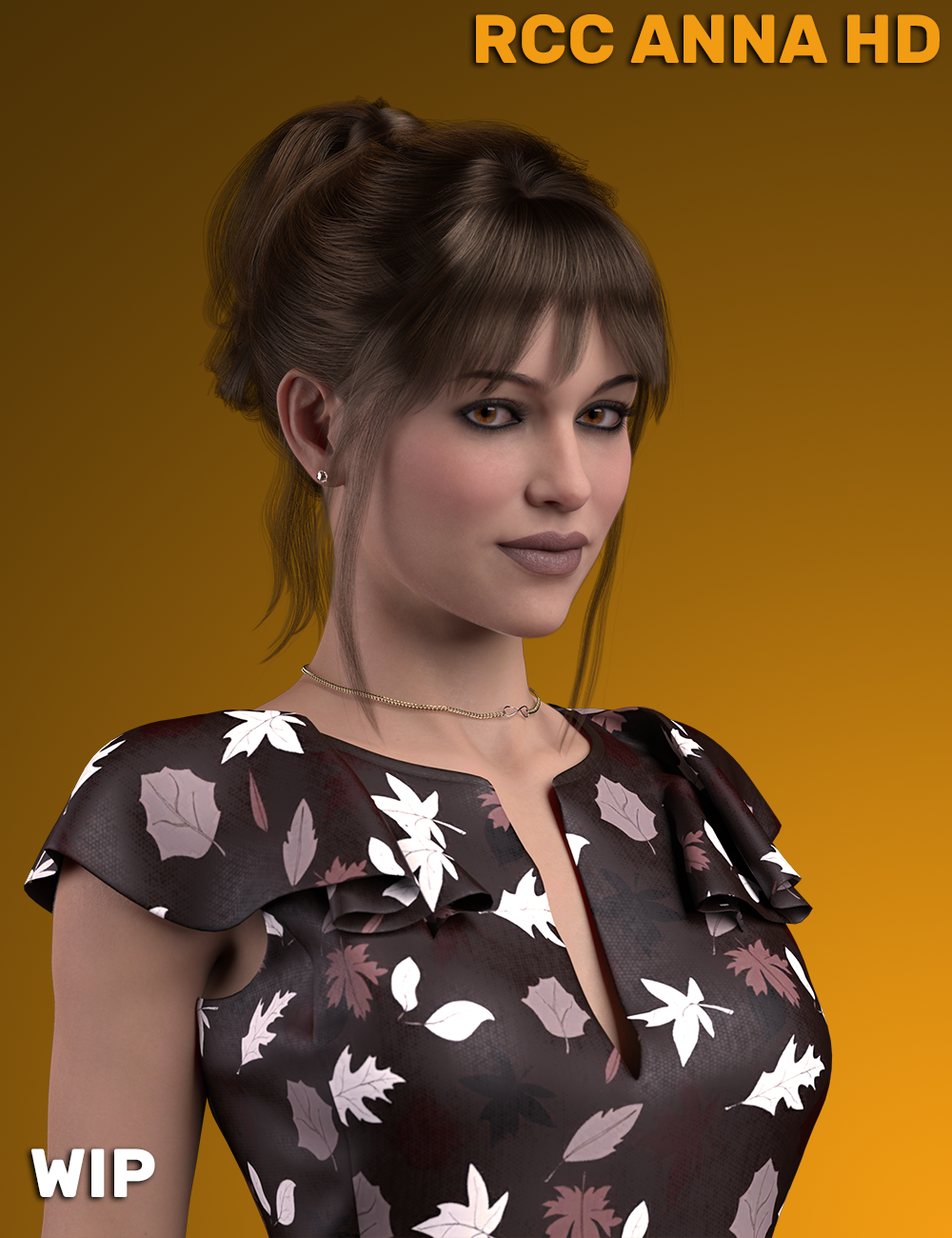
I don't yet but something like ~12 characters are in alpha. They need the skin MATs built and morphs refined. Anna linked in another post in this thread is in beta though, that'll be the next one.https://new.imagehostx.com/upload/2026/01/21/RCC-Anna-HD-Main-Promo-014-004-Remake-_1768958193.png
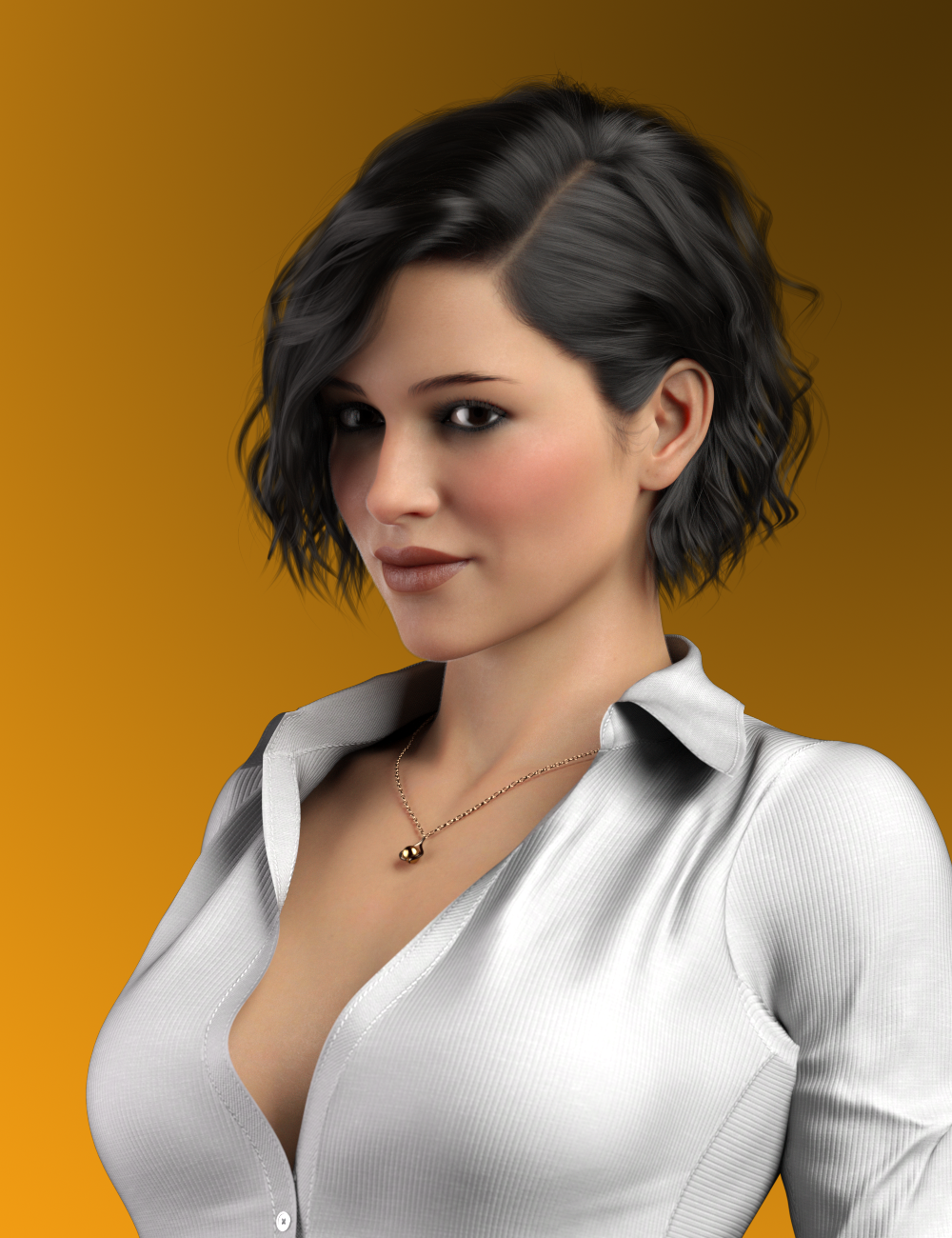
https://new.imagehostx.com/upload/2026/02/01/Alt-Main-Promo-001-HQ-Quality-PBR-Splash-Karla-PS-_1769905578.pngAnna has an ALT and a lot of these characters do but not all of them.
February 4, 2026 at 3:48 PM #2162495Final version is in beta now and looking like it's ready, likely to be released this Friday. Testing promos and details for the splash page.
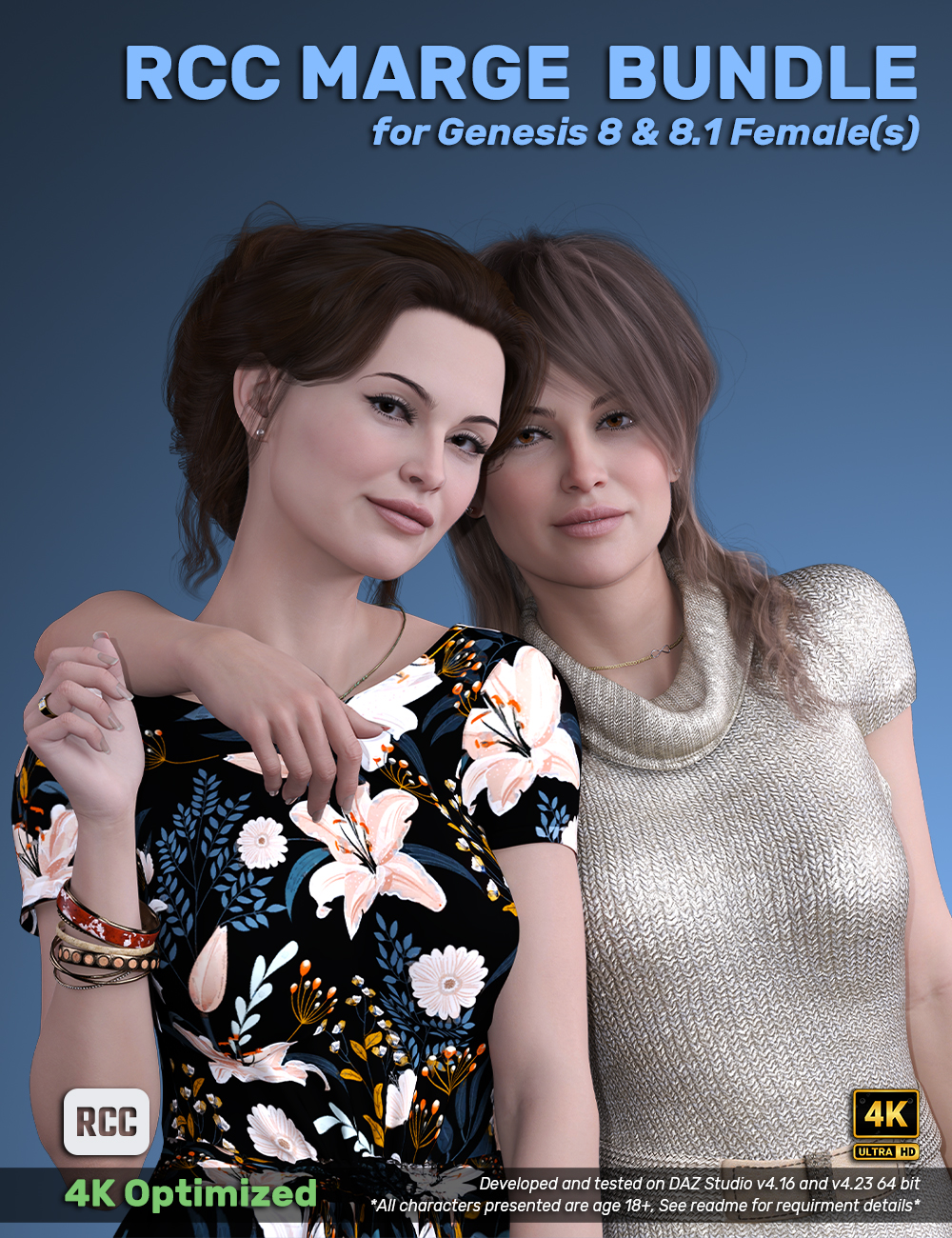
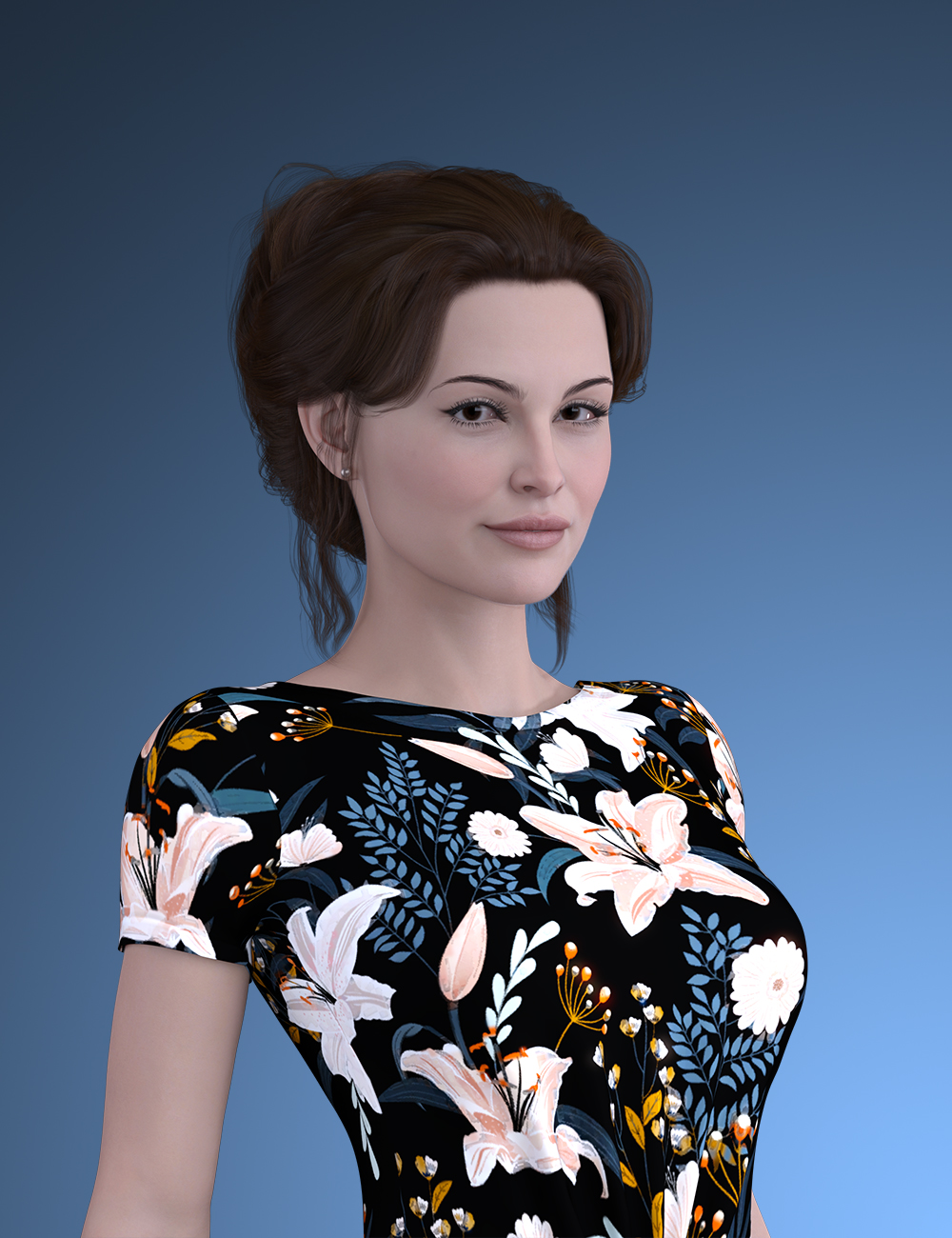
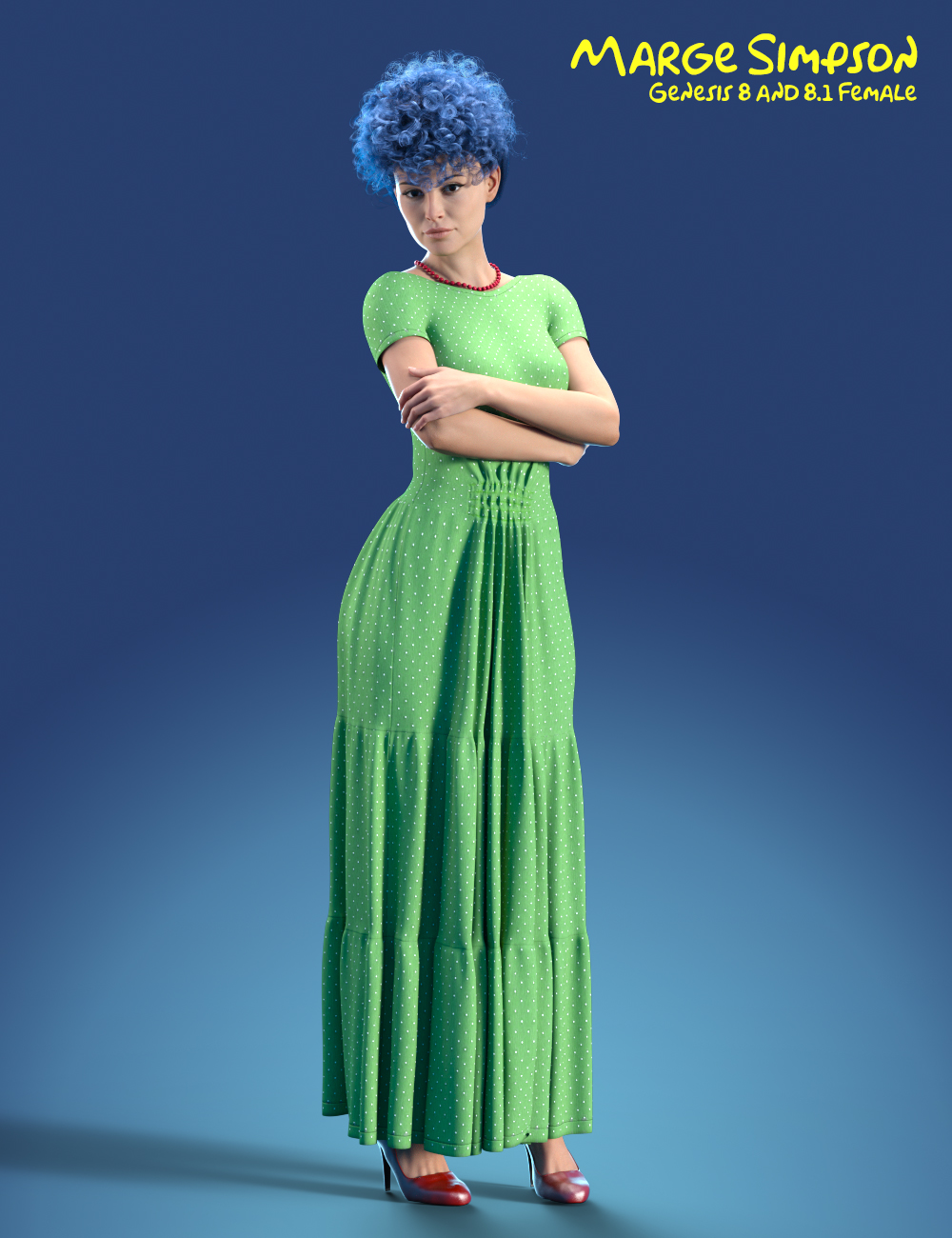
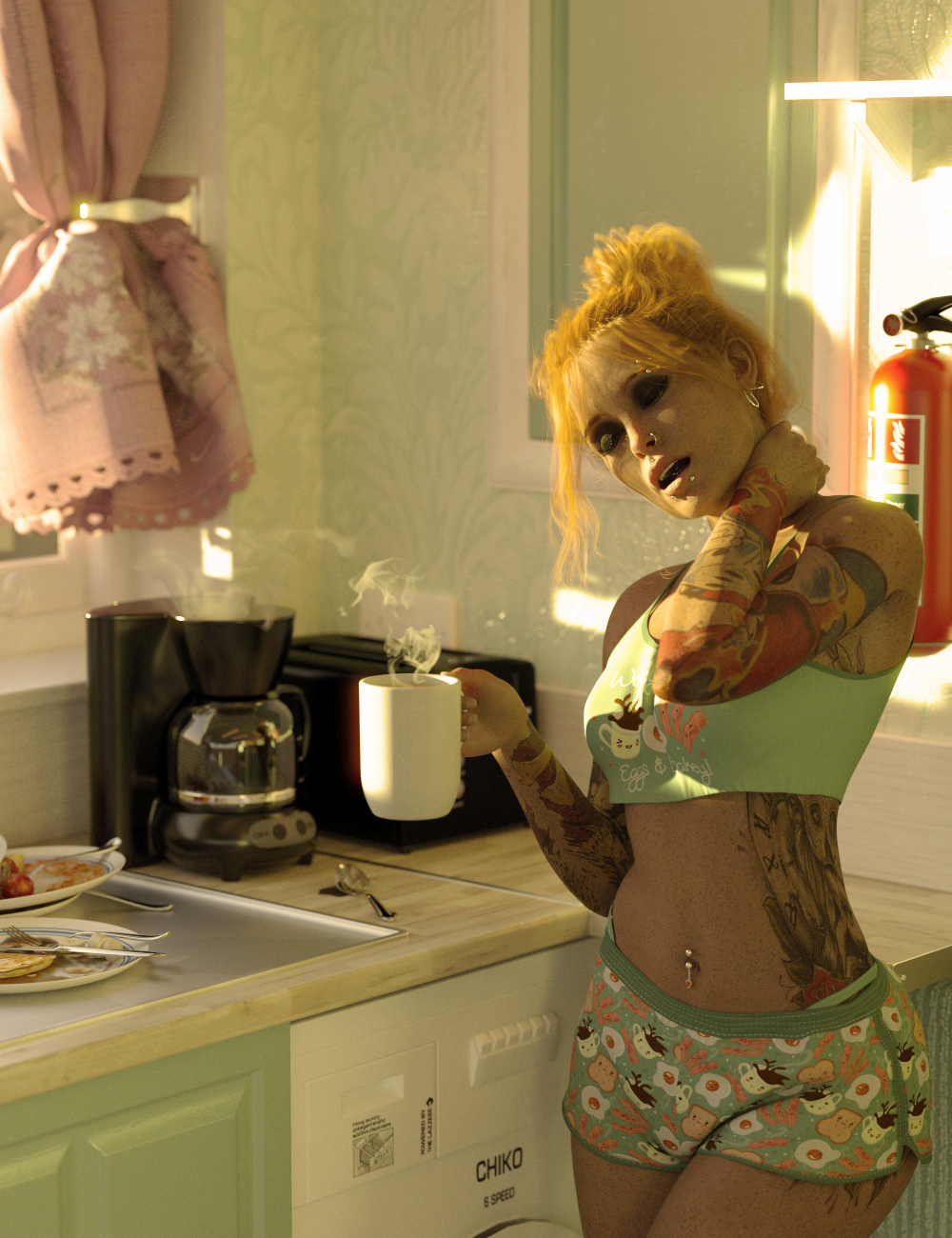
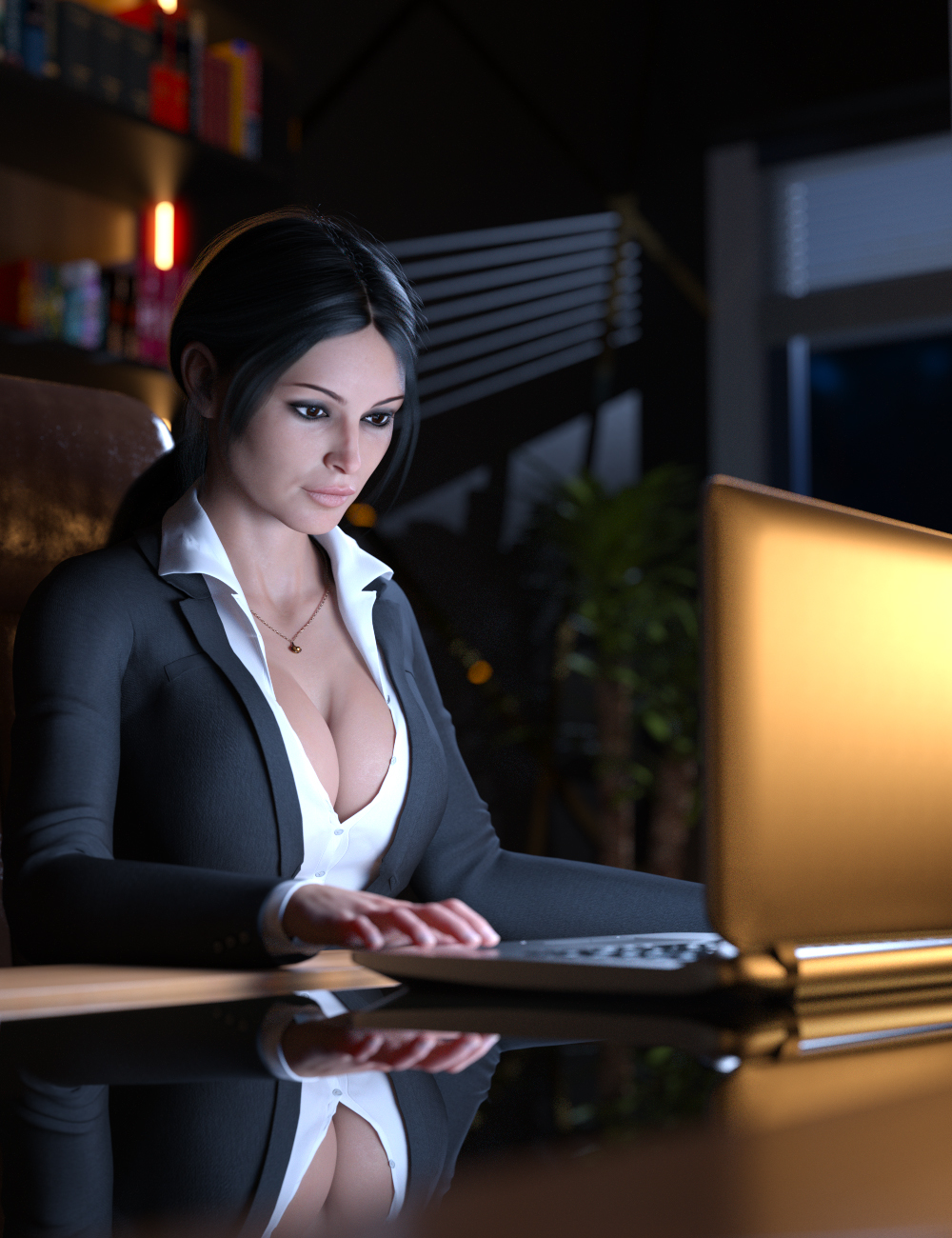
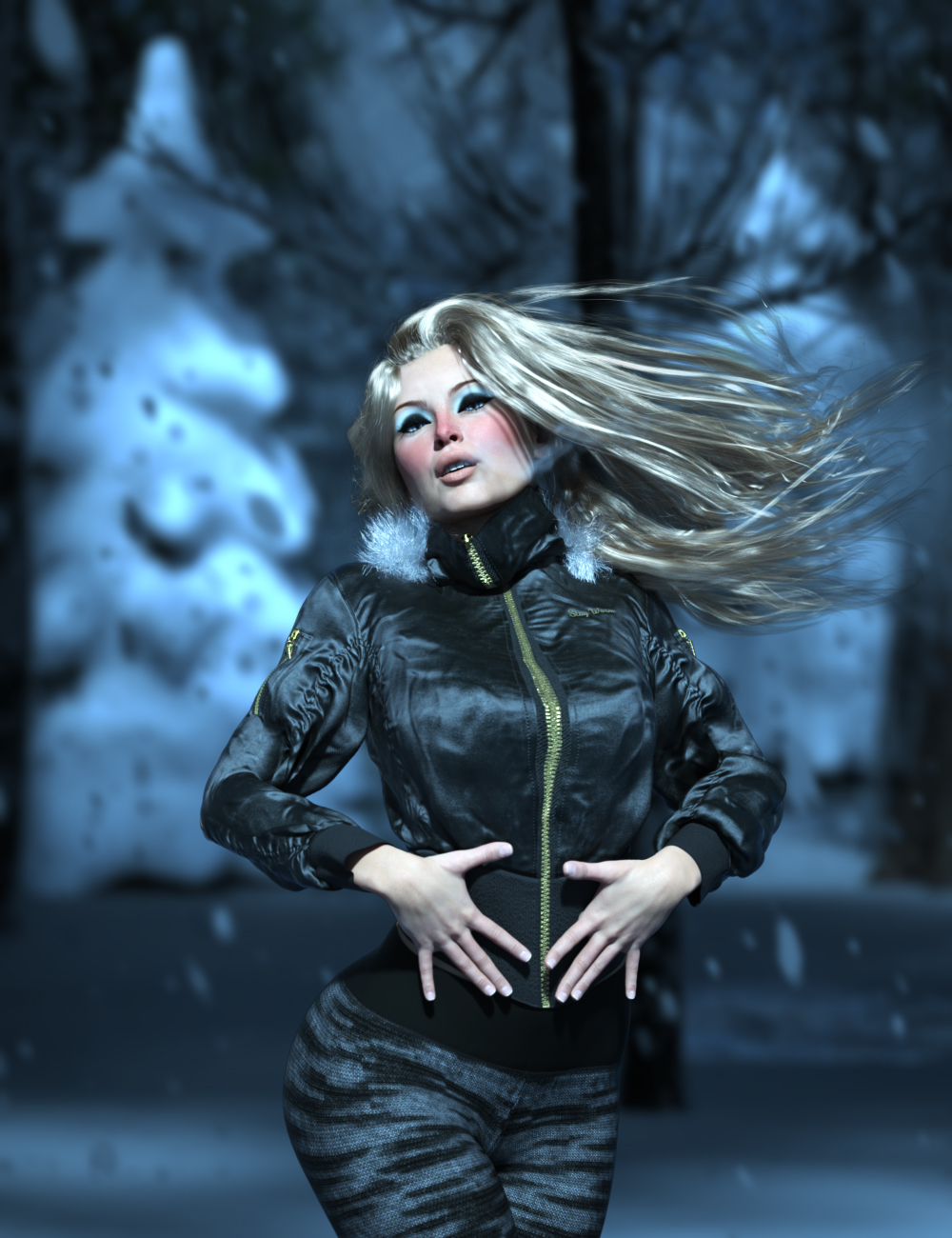
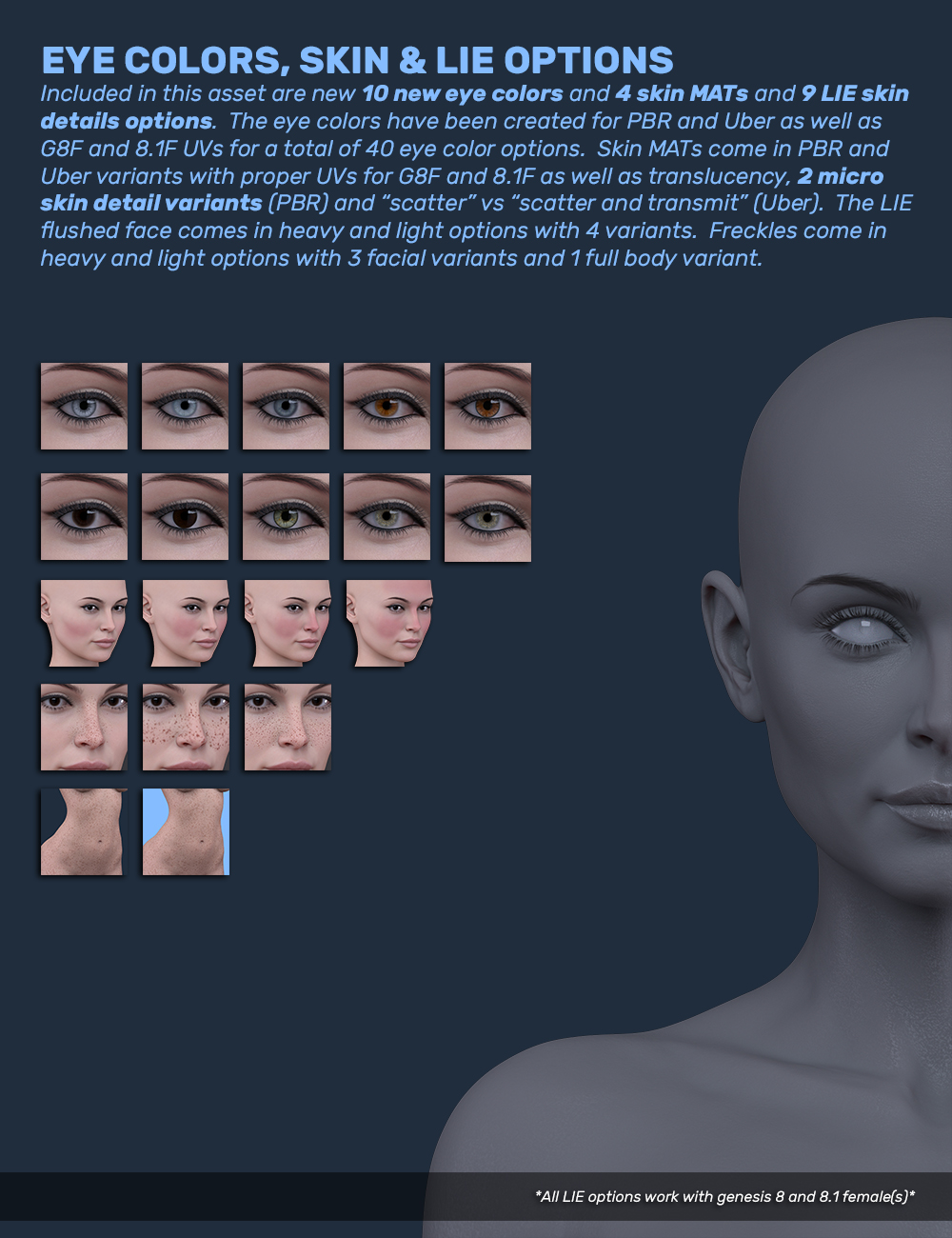
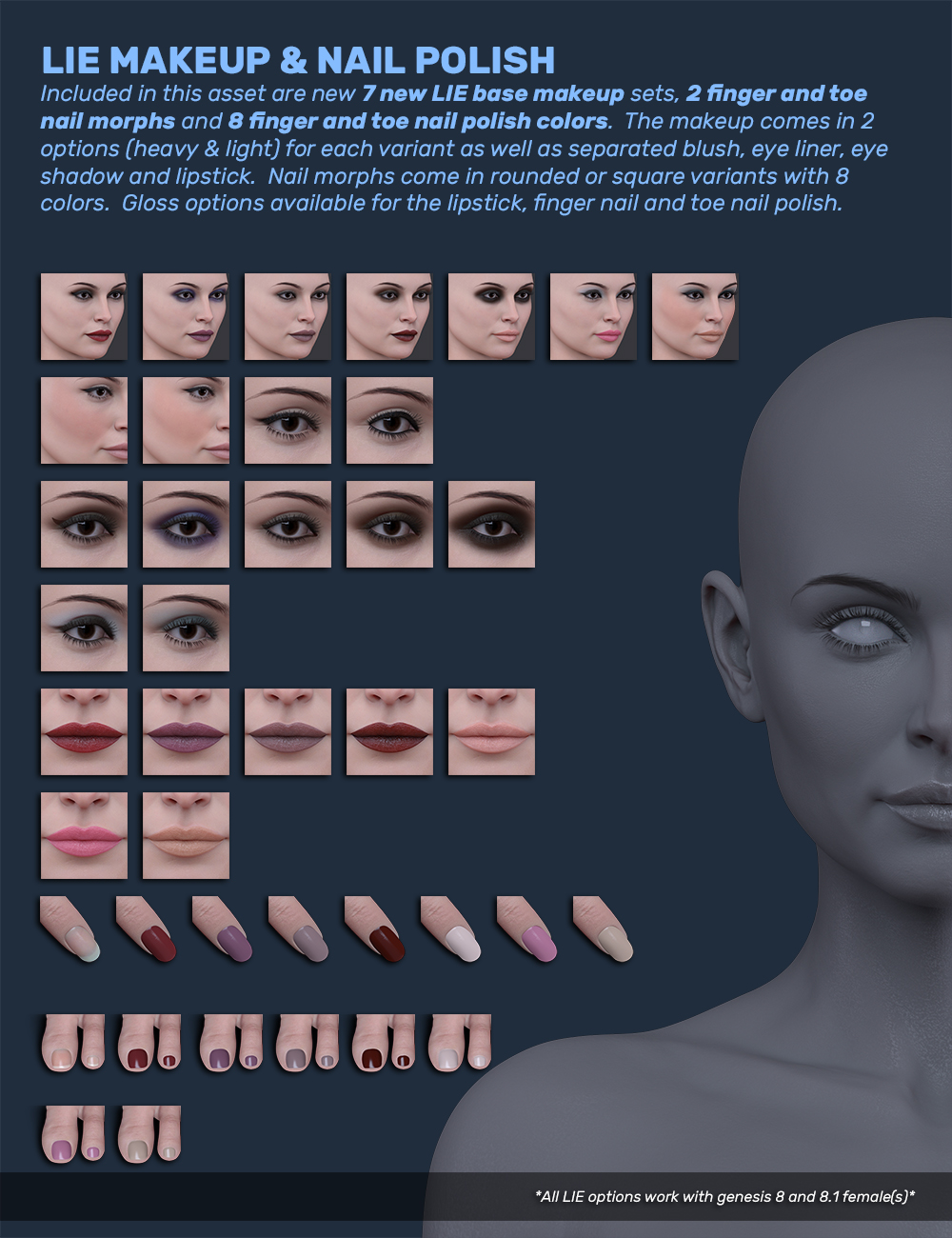
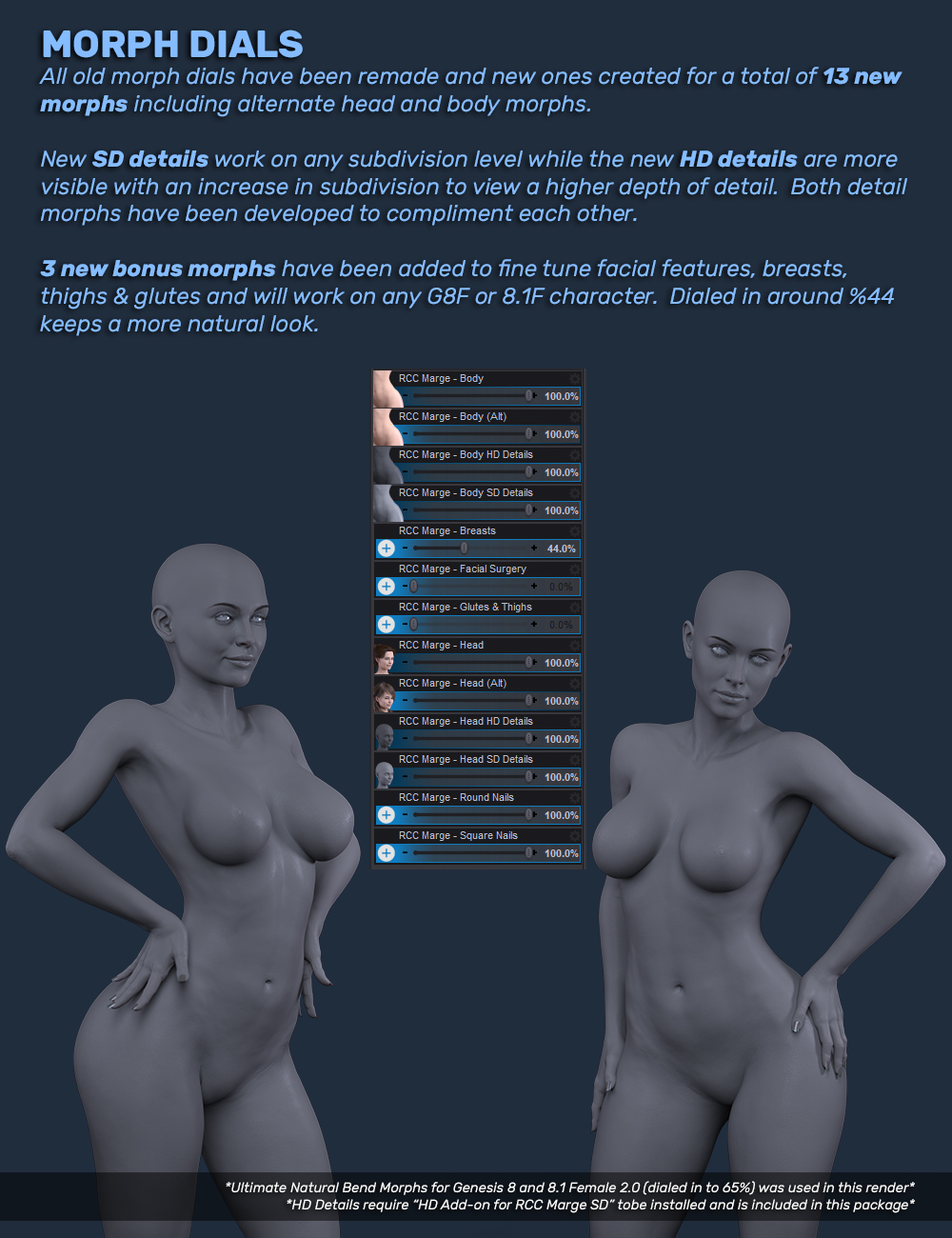
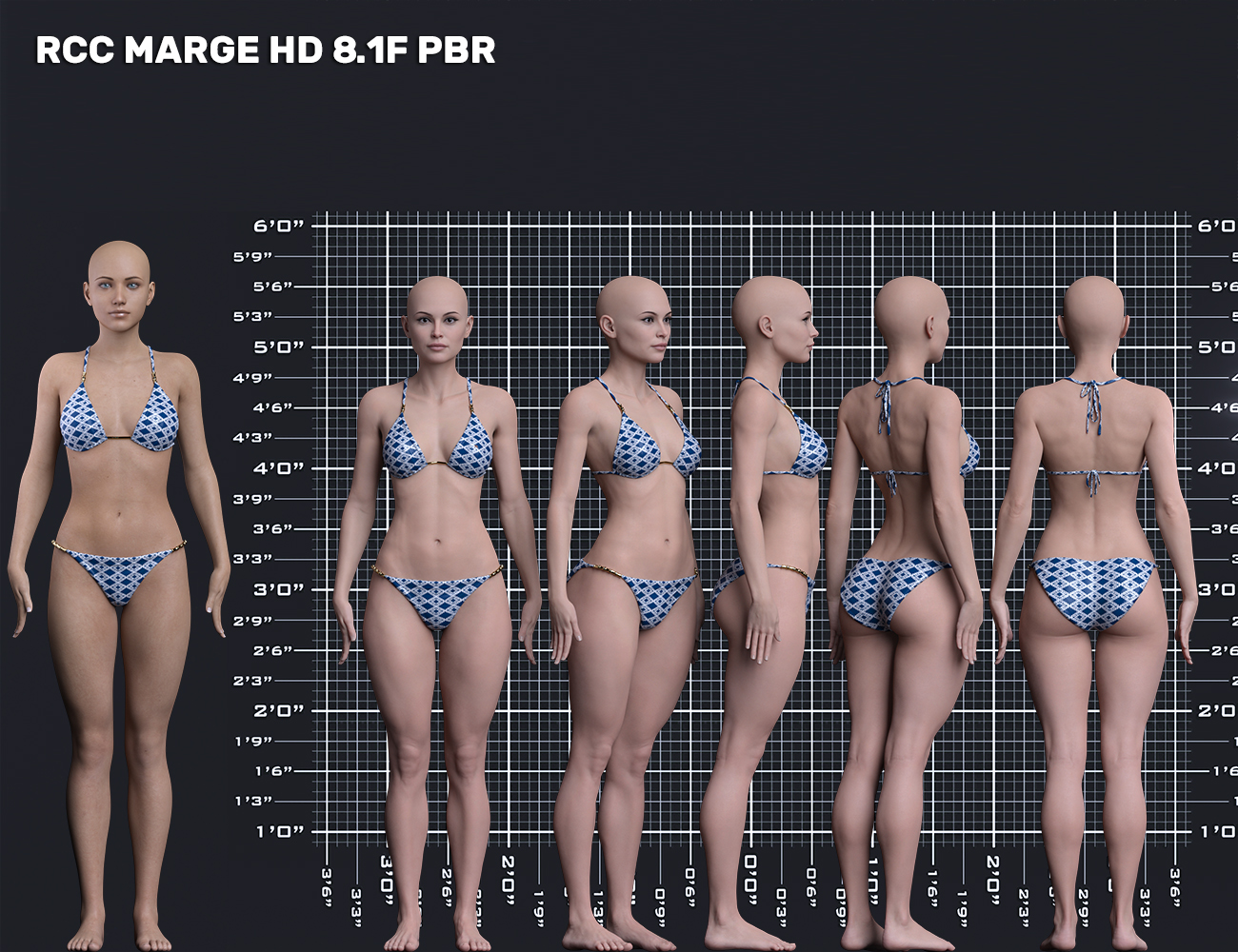
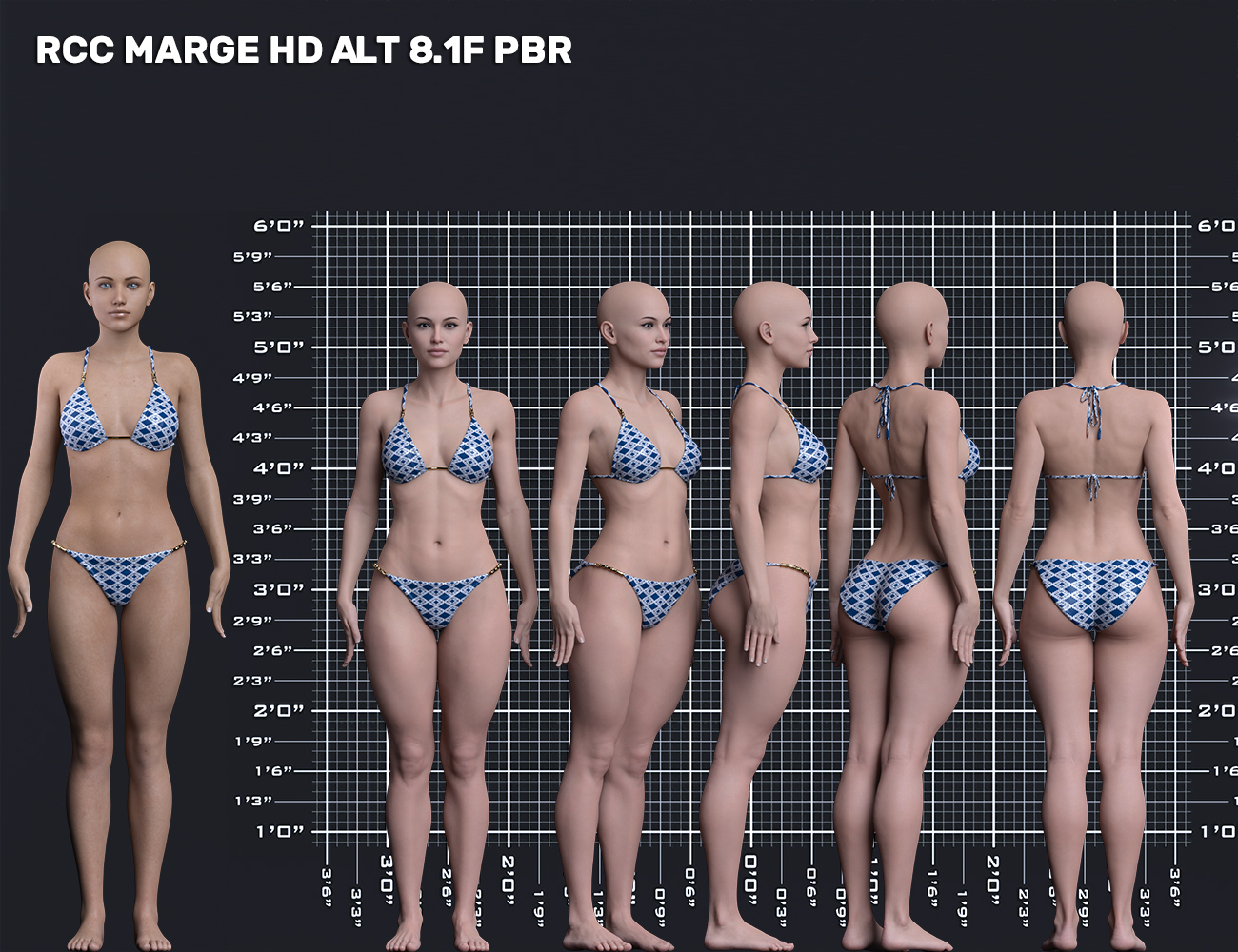
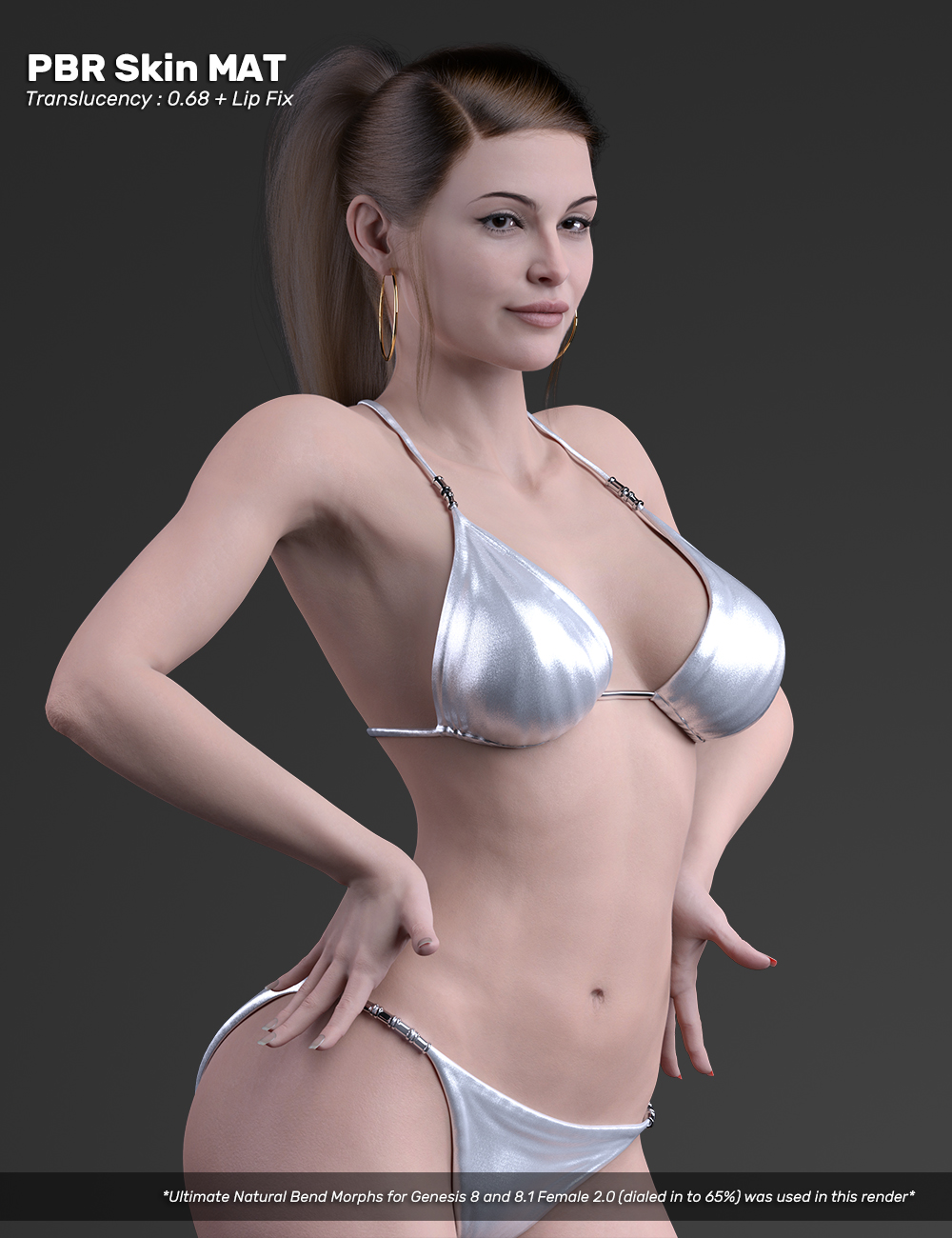
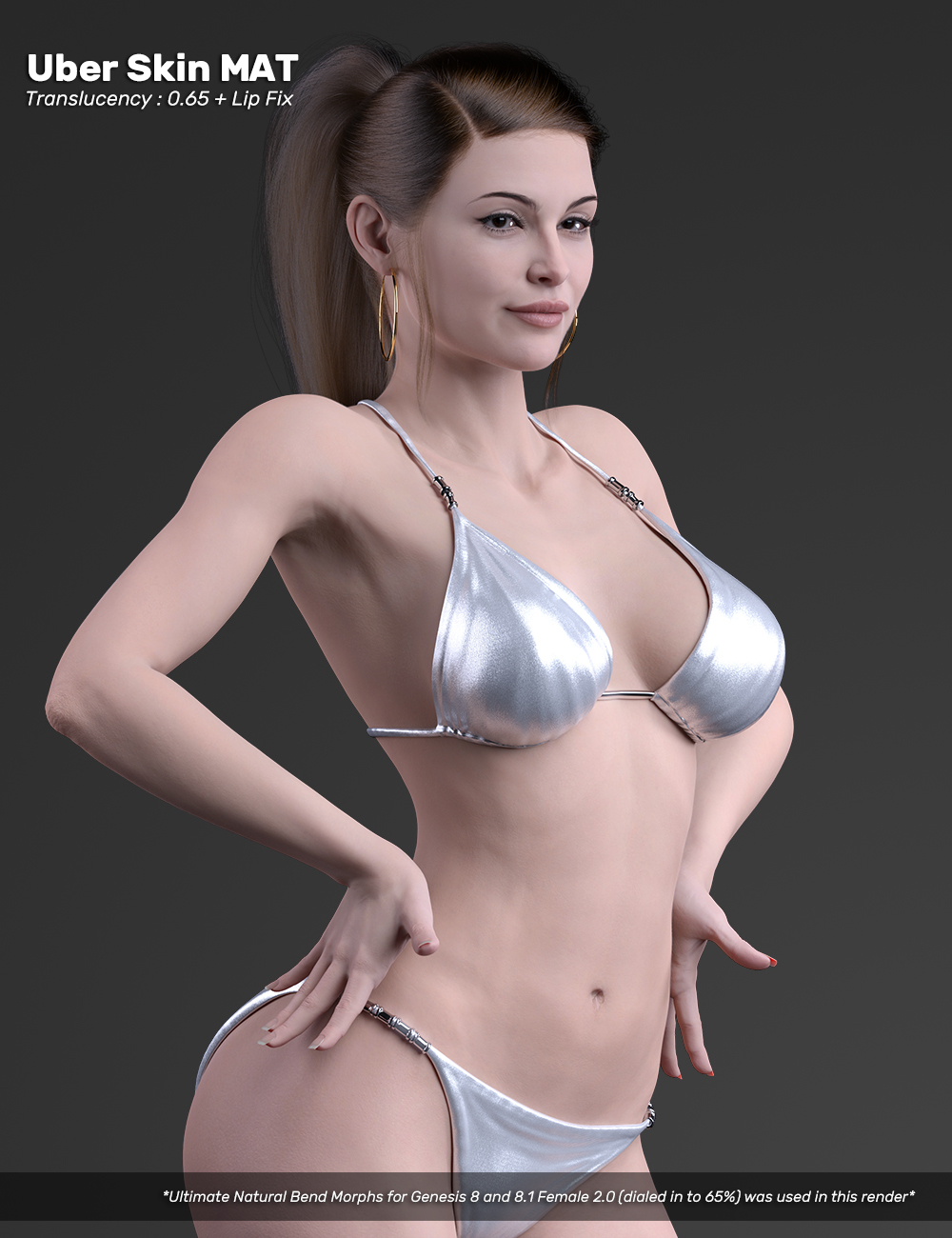
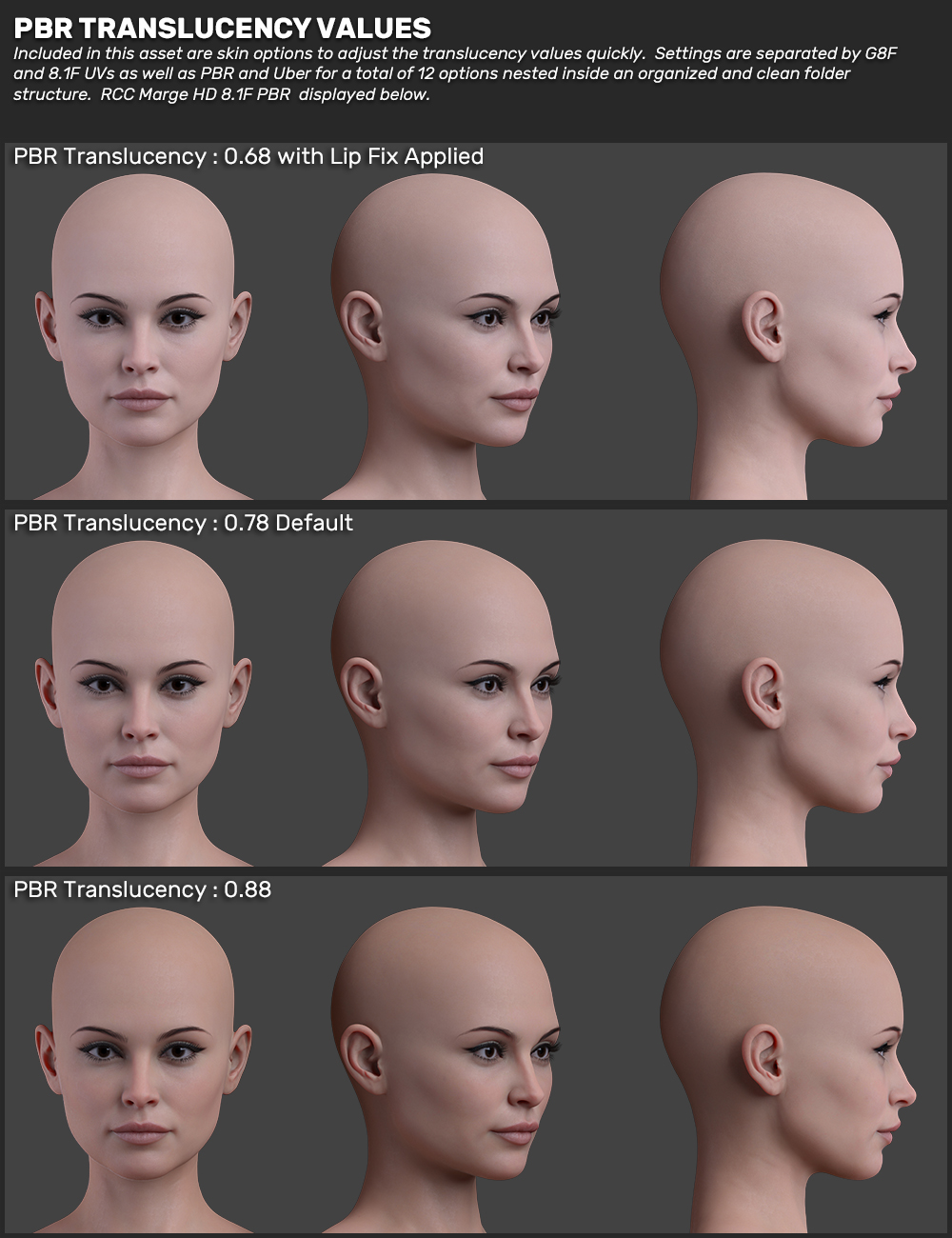
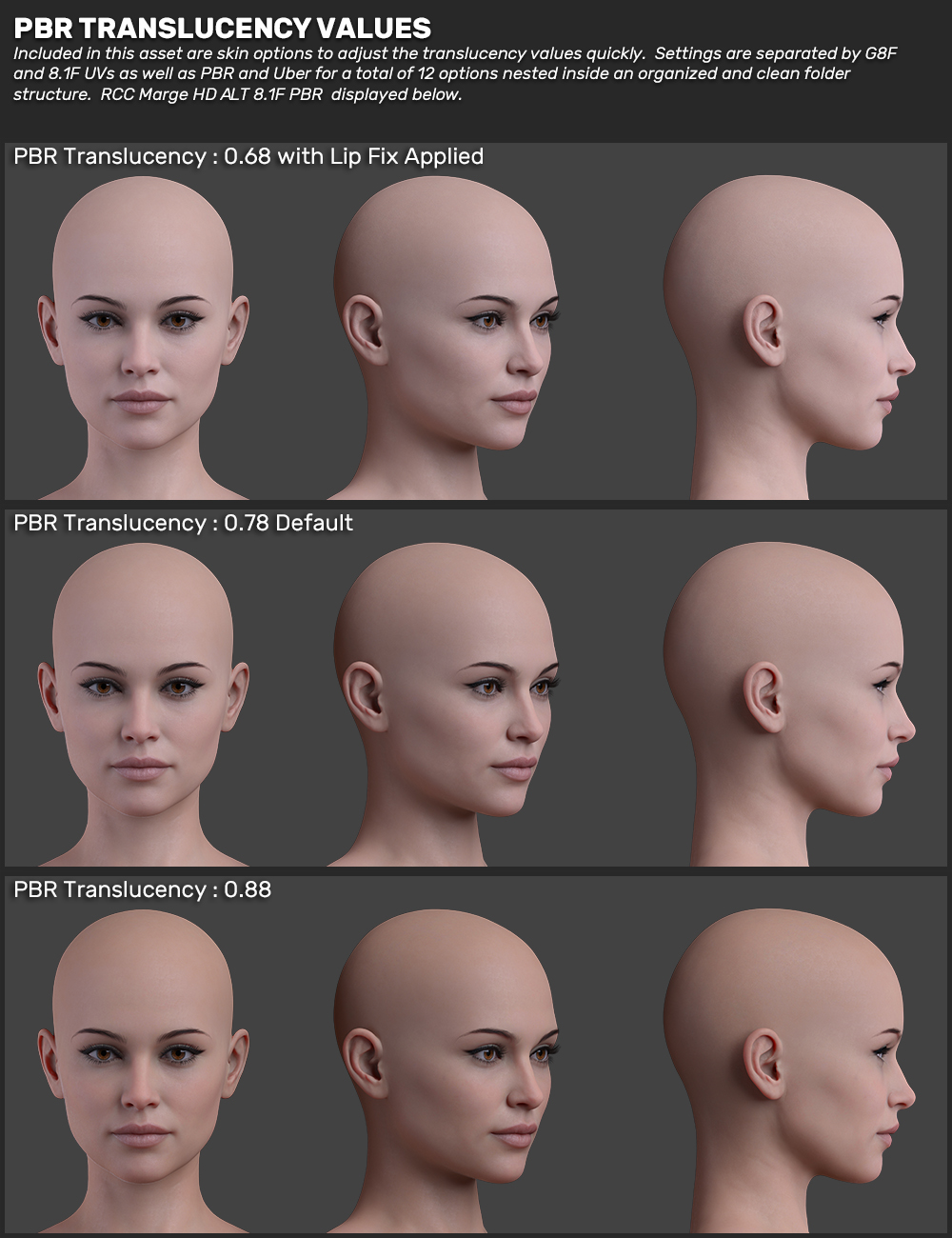
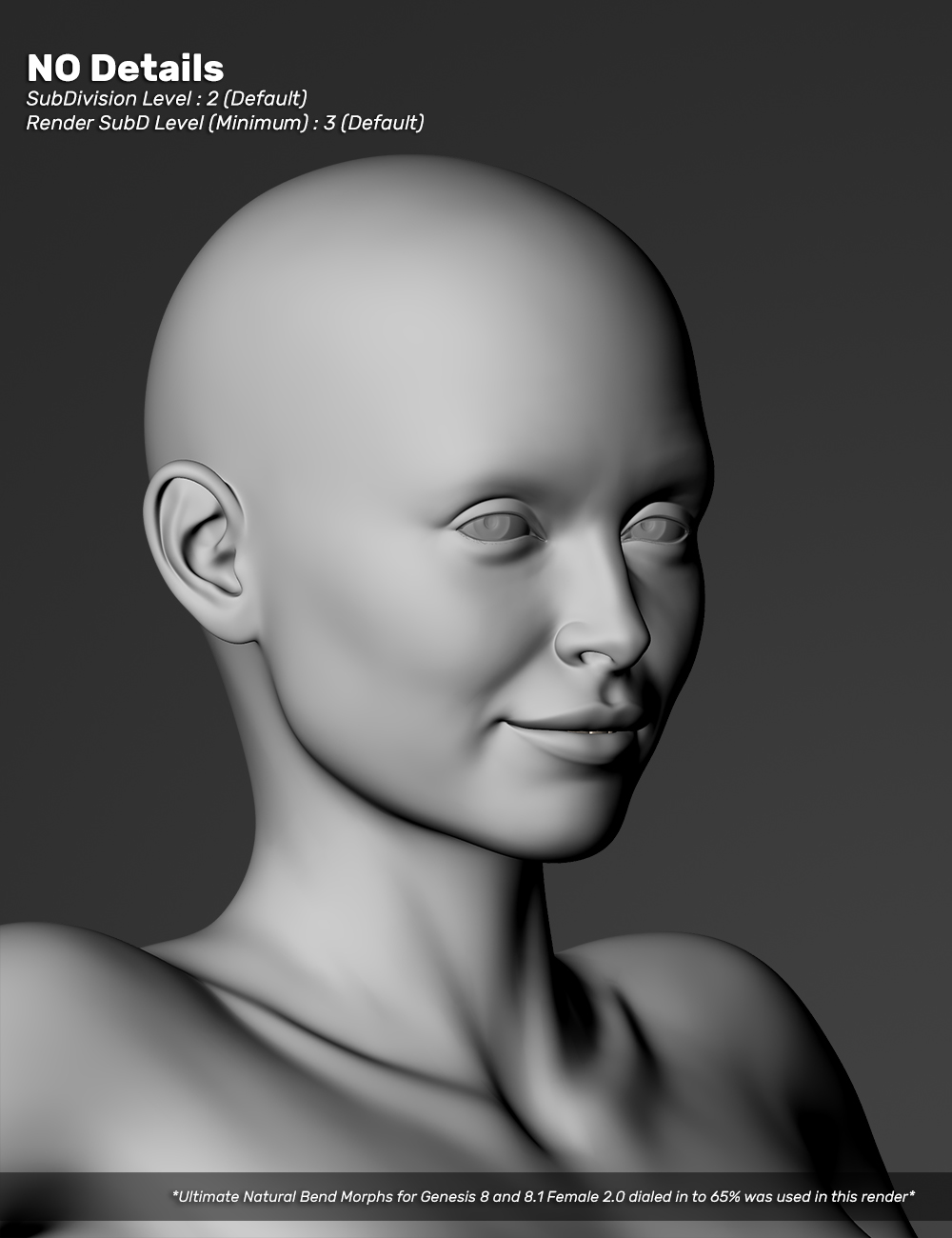
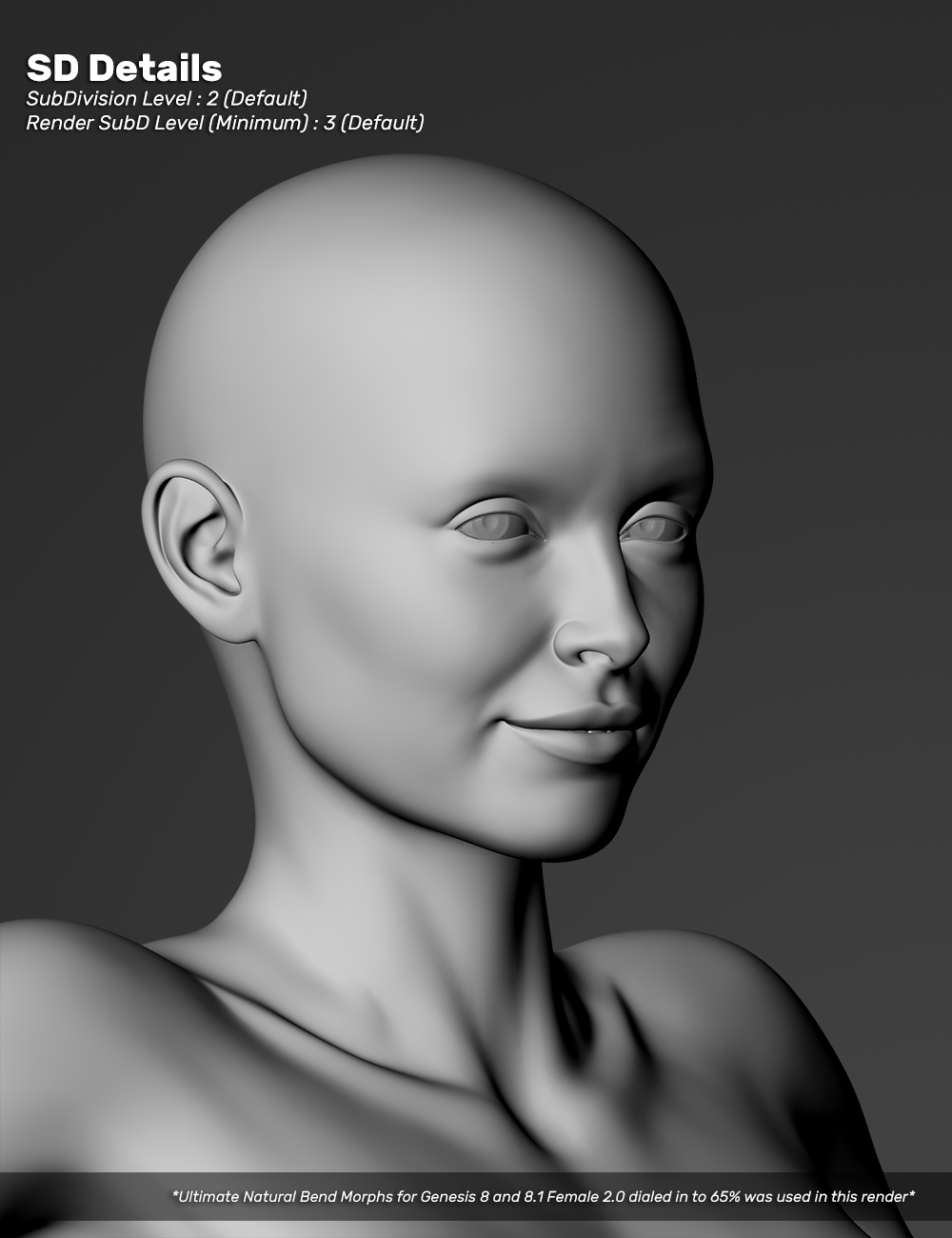
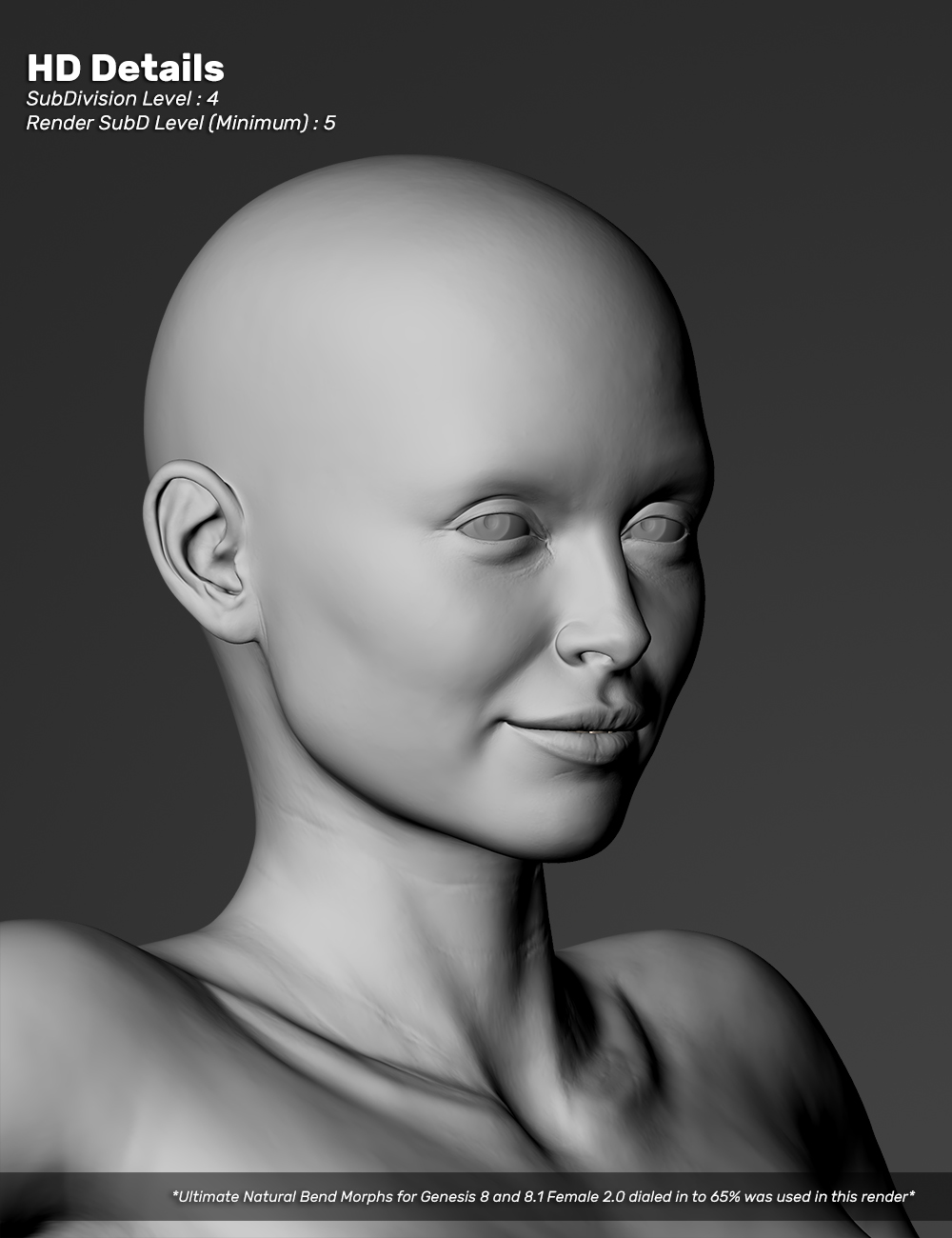
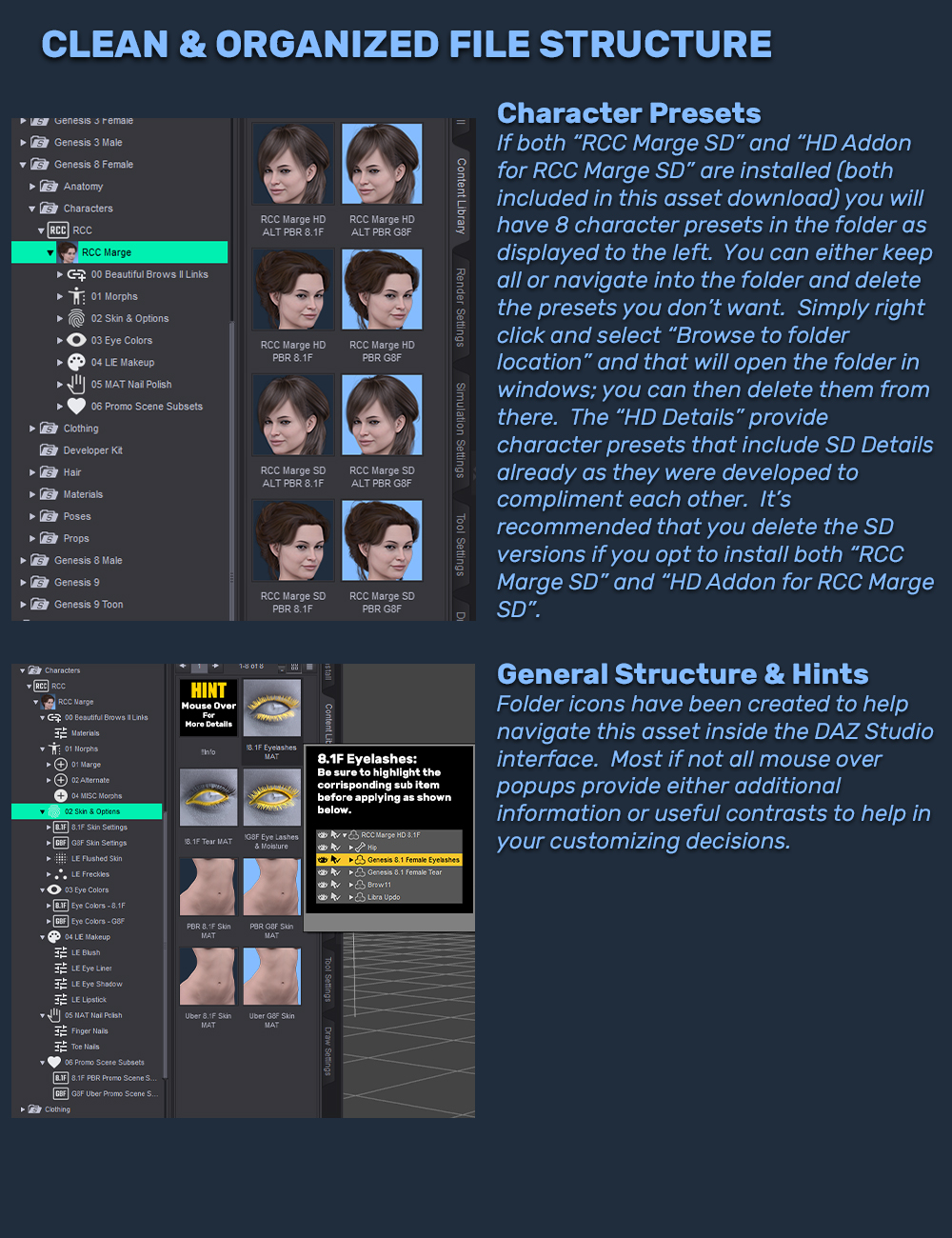
HD Addon Main, PRMO Alt Main, PRMO Marge Main, PRMO Marge Simpson, PRMO Morning Coffee, PRMO Office Late Night, PRMO Winter Chill, Eye Color & Skin Options, LIE Makeup & Nail Polish, Morph Dials, Marge Body Mug Shot, ALT Body Mug Shot, PBR Skin MATs, Uber Skin MATs, Marge Trans Options, ALT Trans Options, No Details, SD Details, HD Details, Folder StructureDETAILS:
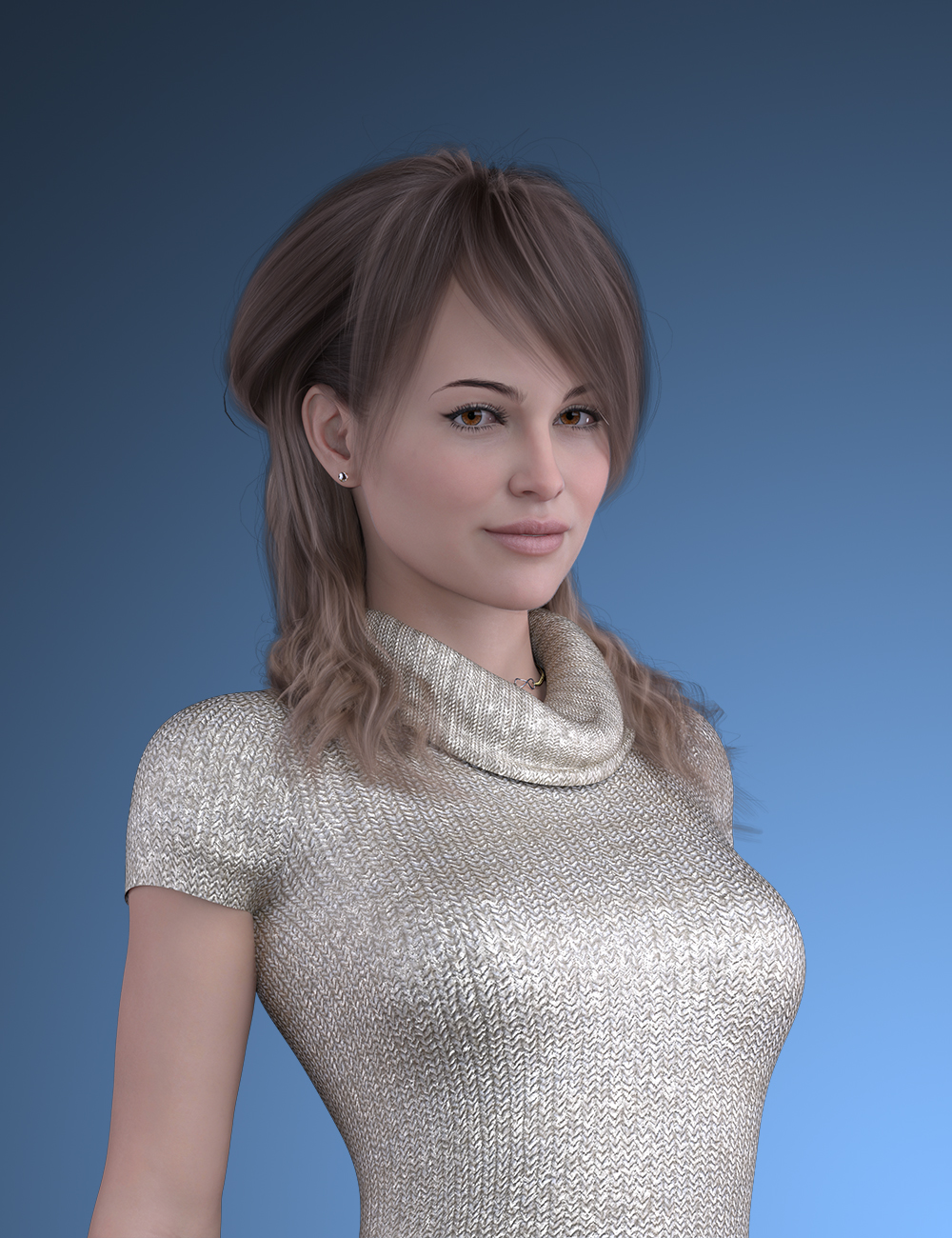
RCC Marge HD was inspired by Marge Simpson but can stand alone as an independent character with a wide variety of cosmetic options including 4 Uber & PBR Skin MATs, 4 flushed cheek types, 6 freckle types, 7 full makeup presets, 2 blushes, 7 eye shadows, 2 eye liners, 7 lipstick colors and 8 finger and toe nail options and 10 eye colors. Marge comes with 13 morph dials for the head, alternate head, alternate body, SD Details for head and body, HD Details for head and body, breast, facial surgery, thighs and glutes, finger nails and toe nails.Outside of makeup Marge comes with 4 skin options for G8F Uber, 8.1F Uber and 8.1F PBR; skin options for translucency, 2 micro skin details options for PBR and 2 scatter options for Uber. New hand painted, LIE facial flushed skin with 4 different MATs in 2 options (heavy vs light) for a total of 8 options. New LIE facial freckles with 3 different MATs in 2 options (heavy vs light) for a total of 6 options. New full body LIE freckles for G8F or 8.1F UVs in 2 options (heavy vs light) for a total of 4 options. New eye colors come in 10 different colors and variations created with proper G8F or 8.1F UVs for PBR or Uber neatly seperated into a clean folder structure for easy use. New LIE Makeup options have been remade and dialed in for a total of 2 blushs, 2 eye liners, 7 eye shadows and 7 lip sticks.
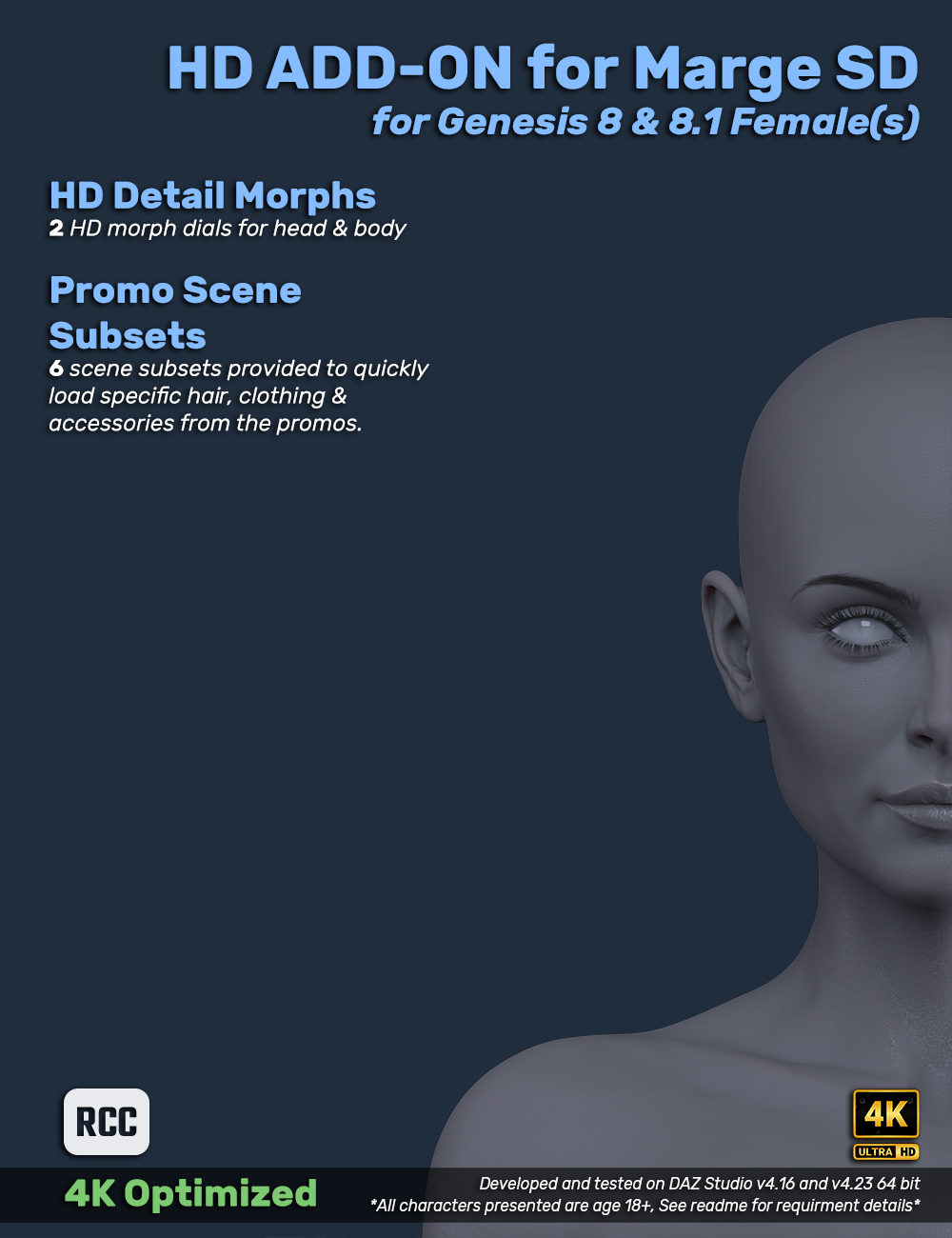
This asset is divided into two separated install packages: "RCC Marge SD" & "HD Add-on for Marge SD"
A custom DIM installation files (manifest.dsx/supplement.dsx) if you want to use DIM to install or you can open the file and install from "content" manually into your library folder.
SOFT REQUIREMENT: Beautiful Brows II by Chevybabe25
WHAT'S INCLUDED AND FEATURES:
RCC Marge SD includes:
CHARACTER PRESETS:
RCC Marge SD PBR 8.1F Character Preset
RCC Marge SD PBR G8F Character Preset
RCC Marge SD ALT PBR 8.1F Character Preset
RCC Marge SD ALT PBR G8F Character PresetBEAUTIFUL BROWS II LINKS (Requirement: Beautiful Brows II by Chevybabe25 to be installed)
-Brow 11
-Brow 12
-Brow 14
-Auburn MAT
-Blond MAT
-Brunette MAT
-Ebony MATEYE COLORS:
3 Blue Variations for PBR/Uber and G8F/8.1F
4 Brown Variations for PBR/Uber and G8F/8.1F
3 Green Variations for PBR/Uber and G8F/8.1FLIE MAKEUP:
7 x LIE Full Presets with 2 Variations (Heavy vs Light)
2 x LIE Blush with 2 Variations (Heavy vs Light)
2 x LIE Eye Liners
7 x LIE Eye Shadows with 2 Variations (Heavy vs Light)
7 x LIE Lipsticks with 2 Variations (Heavy vs Light)LIE SKIN OPTIONS:
4 x LIE Flushed Facial Skin with 2 Variations (Heavy vs Light)
3 x LIE Facial Freckles with 2 Variations (Heavy vs Light)
1 x LIE Full Body Freckles for G8F/8.1F with 2 Variations (Heavy vs Light)FINGER AND TOE NAIL POLISH:
2 x Morphs for Round vs Square
3 x Finger Nails Gloss Options
8 x Finger Nails Color Options
3 x Toe Nails Gloss Options
8 x Toe Nails Color OptionsMORPHS:
Marge Head Morph Apply/Remove
Marge ALT Head Morph Apply/Remove
Marge Body Morph Apply/Remove
Marge ALT Body Morph Apply/Remove
Head & Body SD Details Apply/Remove
Breast Apply/Remove
Thighs & Glutes Apply/Remove
Facial Surgery Apply/Remove
Navel Apply/Remove
Nipples Apply/Remove
Rount Finger Nails Apply/Remove
Square Finger Nails Apply/RemoveSKIN MATERIALS AND OPTIONS:
8.1F Eyelashes MAT
8.1F Tear MAT
G8F Eye Lashes & Moisture
8.1F PBR Skin MAT
8.1F Uber Skin MAT
G8F PBR Skin Mat
G8F Uber Skin MAT
2 x Micro Details Options : Soft Micro Details (for PBR),Ultra Micro Details (for PBR)
3 x translucency settings dialed in for PBR & Uber Skin MATsHD Add-on for Marge SD includes:
CHARACTER PRESETS:
RCC Marge HD PBR 8.1F Character Preset
RCC Marge HD PBR G8F Character Preset
RCC Marge HD ALT PBR 8.1F Character Preset
RCC Marge HD ALT PBR G8F Character Preset*** WARNING ***
You'll notice there are 8 character presets if you install both the SD and HD Add-on assets. You need to navigate into the "RCC Marge HD" folder and delete the presets you don't want. The HD Add-on will install character presets that apply both SD and HD details so it's recomended you delete the SD presets. Simply find the character presets in your library and right click on an open space next to the presets, select "browse to folder location" then select the ones you want to delete. Right click and "refresh" will show the changes or wait till you open DAZ again.
*** WARNING ***MORPHS:
Head & Body HD Details Apply/RemovePROMO SCENE SUBSETS:
01 Main
02 Private Office Late Night
03 Morning Coffee
04 Winter Chill
05 Marge Simpson
06 ALT MainTextures are up to 4k with diffuse, translucency, bump, AO, details, roughness & specular optimized into .jpg format. All LIE texture files remain in .png format to maintain the translucency required for use.
Included in the download are credits for merchant resources if anyone is interested in making their own characters as well as detailed promo credits.
February 5, 2026 at 2:56 PM #2162621Oh, you've done a lot of work!
February 5, 2026 at 4:03 PM #2162627@ramabay
Yeah, she's very close but some issues popped up in beta. If I can get to it, release could be this weekend or sometime next week.February 5, 2026 at 4:19 PM #2162629@poepogue
Excellent news! We're looking forward to it. And a huge thank you for your hard work and generosity!February 5, 2026 at 4:53 PM #2162637@ramabay
You're very welcome, good to see people are interested. : )February 5, 2026 at 5:45 PM #2162641🙂 ( ^_^)b
February 5, 2026 at 8:24 PM #2162657Top quality work is always a good hook! 😉
February 5, 2026 at 8:48 PM #2162662@eelgoo
Thanks : )Changes finished today! Updated the promo/splash page info and links. Looking like a Friday release if all goes well in beta.
I changed the promo format to .jpg instead of .png and it dropped the file size ~8 mb. Old Marge was ~287 mb vs this update optimized to ~233 mb.
February 5, 2026 at 11:07 PM #2162680Useful optimisation there. 🙂
February 5, 2026 at 11:28 PM #2162681I just caught a glimpse of the promos that were .JPG vs the others in .PNG and figured I would convert them all over; PNG size is just so unnecessary with little to no difference in quality.
February 6, 2026 at 1:49 PM #2162754Asset released!
RCC Marge Bundle for Genesis 8 & 8.1 Female(s)February 6, 2026 at 2:29 PM #2162757Exactly.
Even in textures you can optimise effectively without a significant decrease in quality by going from png to jpg.
In certain cases, you can even go down from .tiff to .jpg without a noticeable drop in render quality.It can be a big optimisation in file size / processing time if you do.
February 6, 2026 at 3:08 PM #2162761I tested the unoptomized version of the skin MATs in PNG a couple months ago when first starting this project. While the quality was better, you have to split hairs to see it. The difference was so minimal but the size of the zipped up asset was 233 mb vs like 1.5 GB. Then you would have to deal with the scene memory load. I had to turn on my CPU fallback crap in the render options just to get it to run without a black screen. Multiple benefits from optimization in storage and general usage. As it sits, the PBR is a bit resource intensive and not all that script friendly but the Uber looks pretty good and isn't so demanding.
February 6, 2026 at 3:32 PM #2162765Usually I prefer the way uber looks anyway. 🙂
-
AuthorPosts




- You must be logged in to reply to this topic.