Home Page › Forums › Art Showcase › New in Daz Studio
- This topic has 13 replies, 5 voices, and was last updated 7 years, 8 months ago by
 Schmitty.
-
AuthorPosts
-
December 12, 2018 at 3:01 PM #878565
Hi,
I've been playing around in Daz for some months now trying to figure out how things
work. I have a background in film and photo and was really curious about 3D art.
I know a lot of good 3D artist and realised that Maya was to complicated for me and
found Daz Studio. A great software for us who want to create good looking 3D art.The most difficult for me has been to understand the use of light and camera which differs a lot from the real world. Another thing that puzzles me is how to work with dynamic flow of hair and clothes. Tips appreciated.
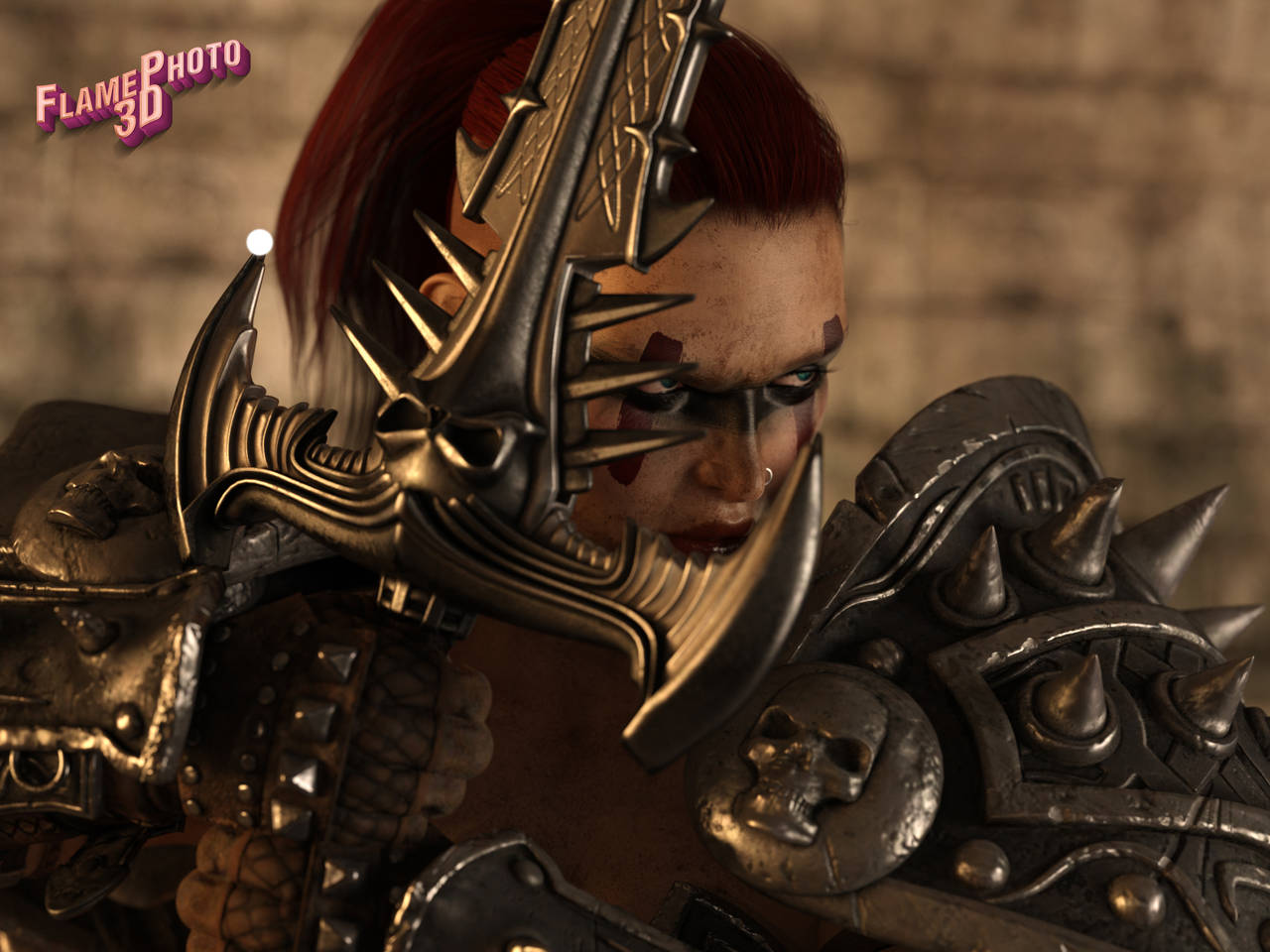
Here are some images I managed to produce, please give me some feedback
 December 20, 2018 at 5:53 PM #888778
Thumbs up!
December 20, 2018 at 10:51 PM #889099Thanks!
January 19, 2019 at 4:49 PM #926911Two very well done images, as a 'new user' you have done well.
You mention dynamic flow of hair, do you mean how to use dforce to make hair fall 'in place' ?
Also, iray renders do use real world physics, so light works close to how it does in real life. And you can do the same things with the cameras in DS as you can in real life.
Well done with these two, 🙂
January 20, 2019 at 1:17 AM #927356Thanks for your nice comment.
Starts to get control of the light and camera, the problems with the camera I think is that I want to control the exposure with it but thats done in the render
window.And yes I mean of course dForce, still trying to figure out how to do that so it looks good. Found some tutorials i gonna watch. Also need to find out about collisions to make more realistic images.
Here are some other images I just made
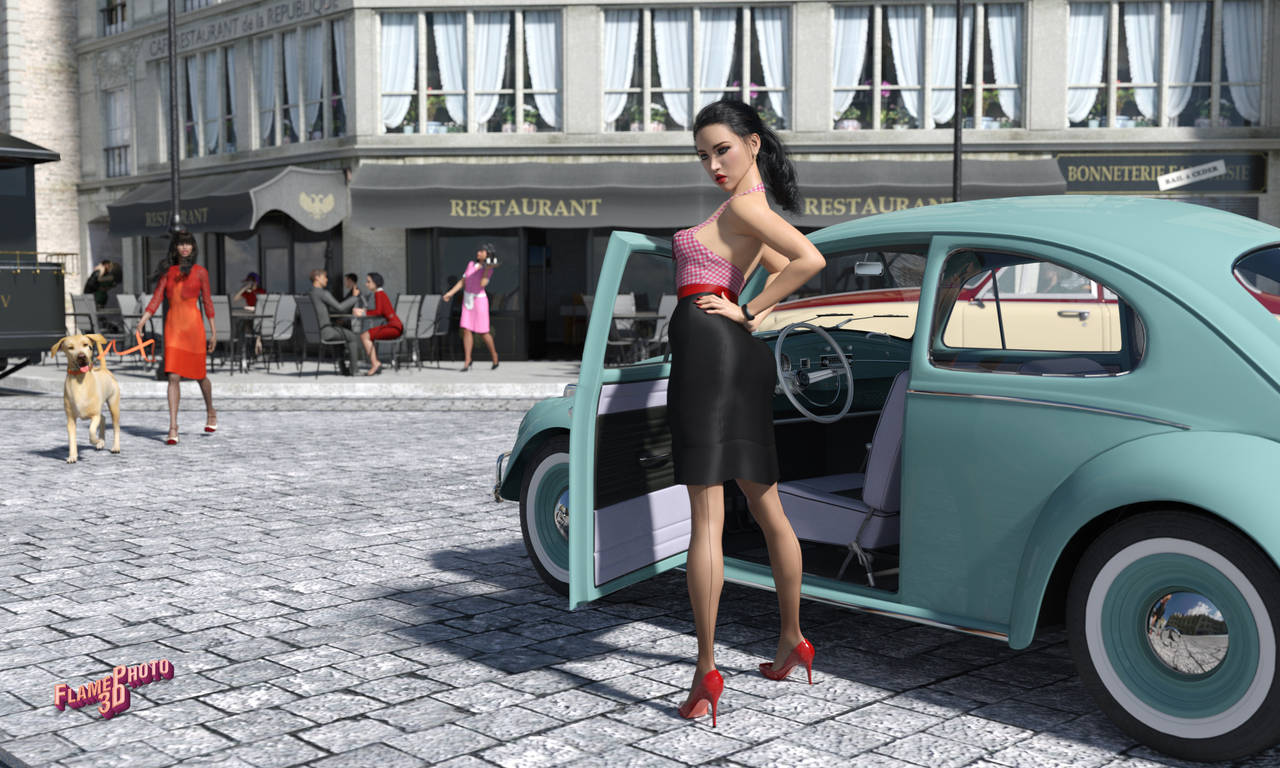
This was easy lighting, only used the sun
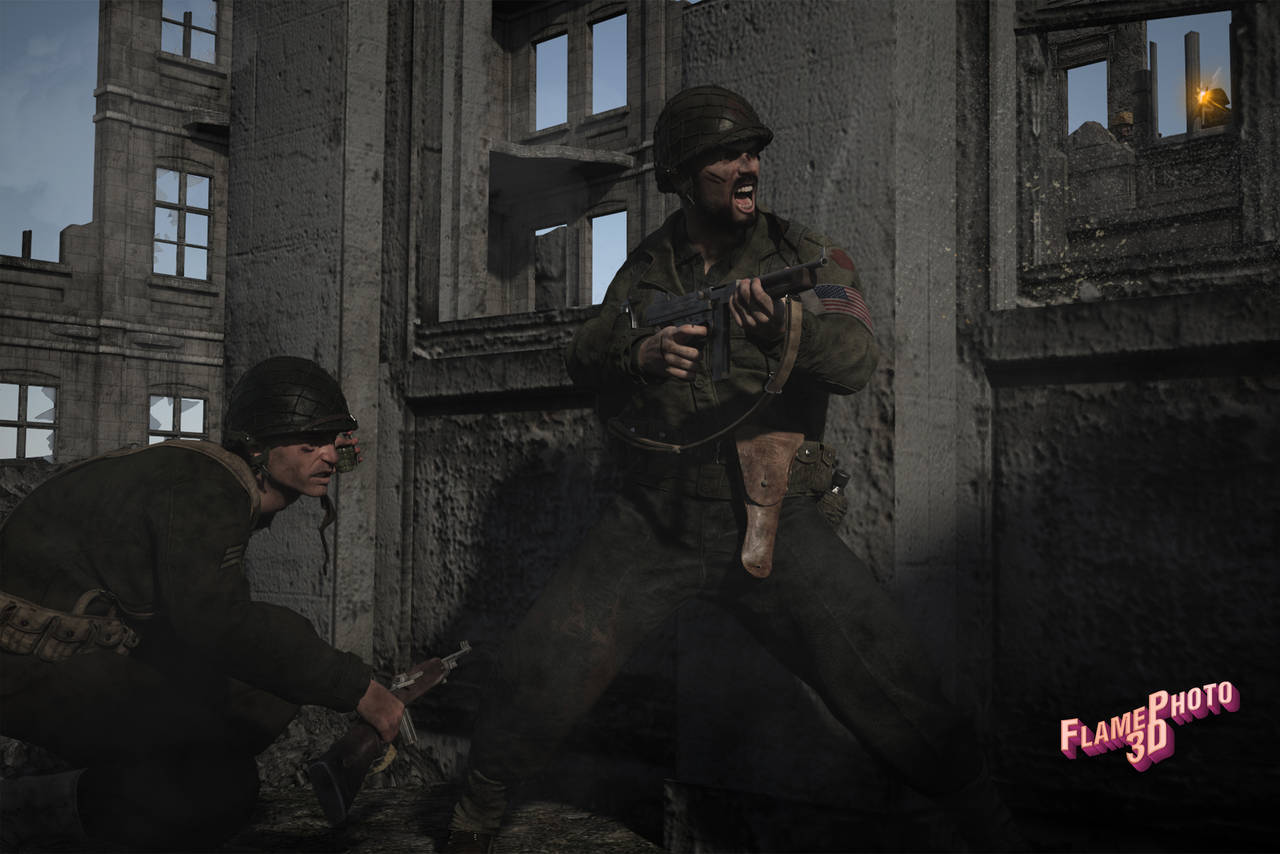
Same with this one
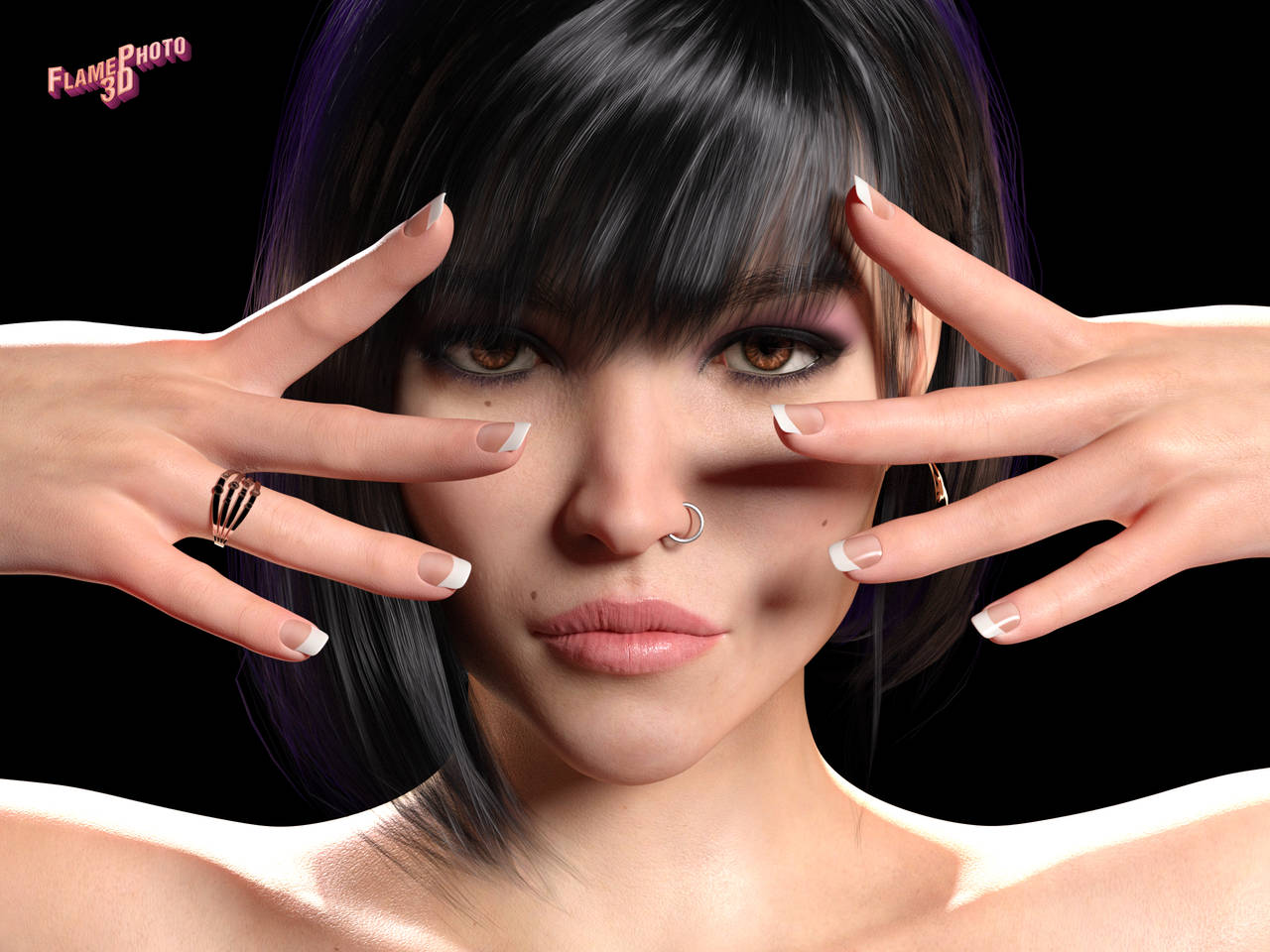
Here I worked more with fill and rim lights
 January 21, 2019 at 11:22 PM #929906
I like 'close combat' and portrait 01 is nice, but I cant help adding SSS to figures, sometimes I over do it, but we are all still learning 🙂
As for draping hair using dForce, there is an add on here on the blog that will 'set up the hair' for dForce but I found it a tad problematic. Here is the zone link for it if you want to give it a try :- 'https://zonegfx.com/dforce-master-hair-simulation-presets-for-dforce-cloth-engine-2/'
or this one :-
'https://zonegfx.com/dforce-master-hair-simulation-presets-for-dforce-cloth-engine/'You could try a hair piece that is set up from the beginning for dForce such as 'https://zonegfx.com/?s=dforce+hair' - haven't tried this one yet, but aim to. Its a large file at over 1 gig though so I imagine it would slow a lot of systems down.
As for cameras in DS, are you using a 'new camera' created by clicking on the icon at the top, or using the default (perspective) one ? When you create a camera, and select it on the scene tab, the paramters tab will show a lot of options for it, but you are right in that it is easier to adjust the exposure in the render settings.
January 22, 2019 at 12:40 AM #929978Thanks for the feedback.
I never use the perspective camera always add a new.
And I will try the dForce Master.Creating stuff is always about overdo and learn. I've learnt tons of stuff the last couple of months by just playing around inside Daz.
Thanks again
January 22, 2019 at 12:54 AM #929996Maybe you shouldn't share your deviantart account on a file sharing site. Just saying
January 22, 2019 at 9:47 AM #930423True, thanks
January 23, 2019 at 5:31 PM #932137Just out of interest, and to see if I can give you some pointers, have you tried dForce yet and if so, how much ?
February 6, 2019 at 5:32 AM #949795Ill comment on what I dont like because most of it is great.
I like the layout and setup with the VW Bug but her skin looks to plastic.
Almost the same issue with the Clown. The clown looks amazing but she looks like a cartoon.
The one with the sword is great also but, the hilt hides her face and almost looks like a golden beard.
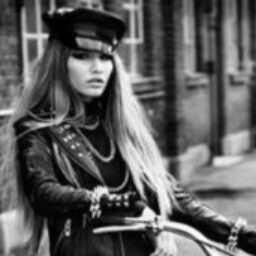
The woman with the fingernails is great also but, hands are difficult and there isnt much detail on them. Look at the grooves, veins and wrinkles in your hands. Close ups require more detail.
These are just my opinions because Im no pro but I am very picky.
almost forgot
The Military guys are amazing. I think the smoke from the barrel should be less consistent and more spread out. do a image search on google for barrel smoke gun
February 6, 2019 at 10:37 AM #950076Hi Adam,
Thanks for the feedback, it's very valuable. I need this kind of feedback
and dig deeper into the software to learn how to add more detail and how to
work with shaders. Just started to play with this last summer and tries to
do better for every new render.Most of the time I find it hard to look good and not cartoonish when I do
images that not are closeups. And I guess I need to look into how to find
better textures and shaders to make it look less plastic.Thanks again,
February 6, 2019 at 2:51 PM #950315Id rather people tell me what to improve than what im doing right. Most might disagree but I consider lighting second on importance. Lighting is extremely important in everything as you know but, lighting a turd perfectly doesnt mean much since its still a turd. The subject is #1 then all else comes after. I rarely see ugly people modeling clothing, watches,eye glasses, ect... Yes there is a market for "normal" or "average" people but most people especially women arent happy being average. Just look at the Daz store and what sells.
Also, its not only textures but morphs. A good morph for hands would add ligaments, creases on joints and vein bumps. Ive seen a few skins that have discoloration for veins floating around. This is mostly a side hobby but my goal is realistic images if possible. Im far from being where id like to be.
February 11, 2019 at 3:21 AM #956191[+1 Like]
-
AuthorPosts




- You must be logged in to reply to this topic.
