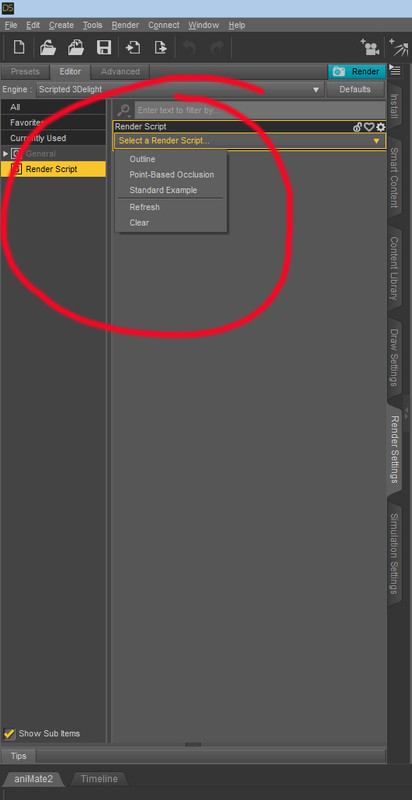
So I installed LR9K both ways and its still not working.. (Manual and self installer..) I'm not getting it to show up in the render settings shown in the pic .. Any ideas? I have DS 4.1 and 4.11
It's not there. You find it under Content Library->Daz Library->Scripts, and you can create a custom action from it to add it to the Scripts menu. Clicking it will open its own window, where you can set up the render.
OK, well I dbl clicked the one icon and the render settings window opened and found that it renders really slow and in the render library, not a separate pane as well as a black silhouette . I'll keep messing with it.
 .
.