Home Page › Forums › Art Showcase › Skin
- This topic has 15 replies, 7 voices, and was last updated 7 years, 4 months ago by
 ADAM.
ADAM.
-
AuthorPosts
-
February 24, 2019 at 8:32 PM #973881
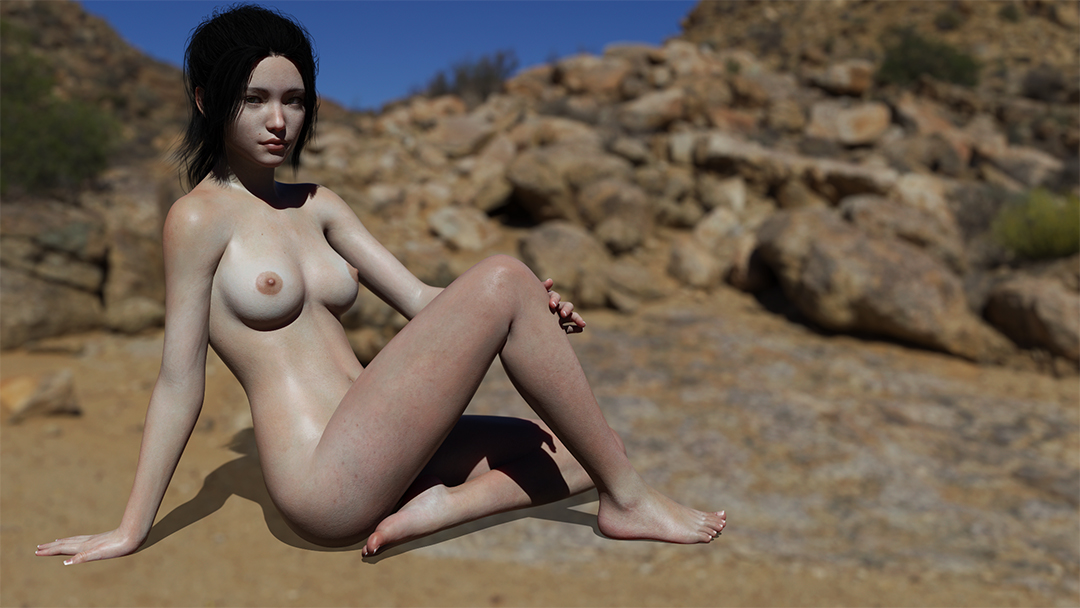
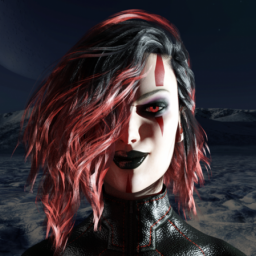
Input on reality of skin appearance
Any tips or pointers you can share that improve your iray skins.
This skin is based off tips from Deviant art and Daz forums.
bigger pic here
https://mega.nz/#!zPZmmILL!Dw3hROwdP63e0yhY3uClcBaNmVeoKoxOUOQcSyqVKko
 February 27, 2019 at 12:49 PM #977329
Other than her face looking like a pit bull, theres no input?
February 27, 2019 at 2:48 PM #977447The skin is looking a bit too grey for my taste. Maybe adjust the color of it a bit? But maybe its a lighting issue, I'm not sure.
She also seems to have no eyelashes and eyebrows, which makes it look a bit weird.
February 27, 2019 at 3:27 PM #977477Yeah i almost always forget to turn those back on. I turn them off to get a bit of extra speed during editing.
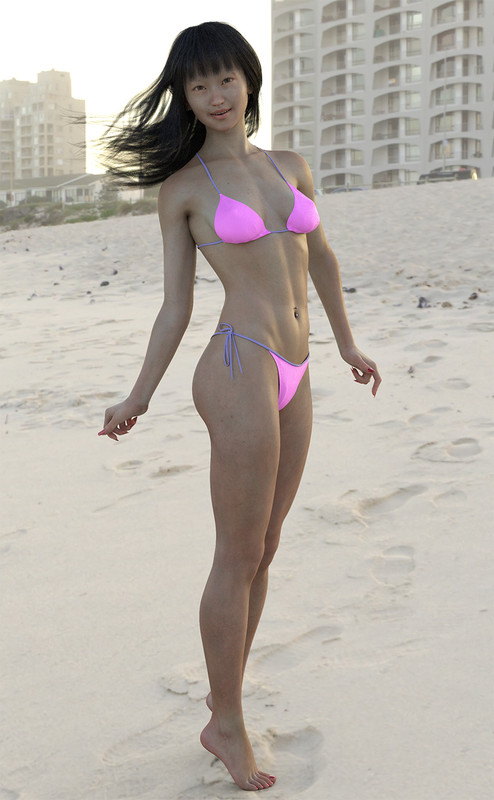
Ive got to study skin types more. It seems to me asians have a bit more yellow than pink/red and I tend to take out to much sometimes. Thanks for feedback.
March 4, 2019 at 11:43 PM #984594There's a product called Altern8 that takes some of the red out and then you can add it back in with the settings in said product. I use it quite often, and it speeds up my iray renders.
March 4, 2019 at 11:55 PM #984602Thanks, Ill give it a try.
March 12, 2019 at 5:58 AM #994360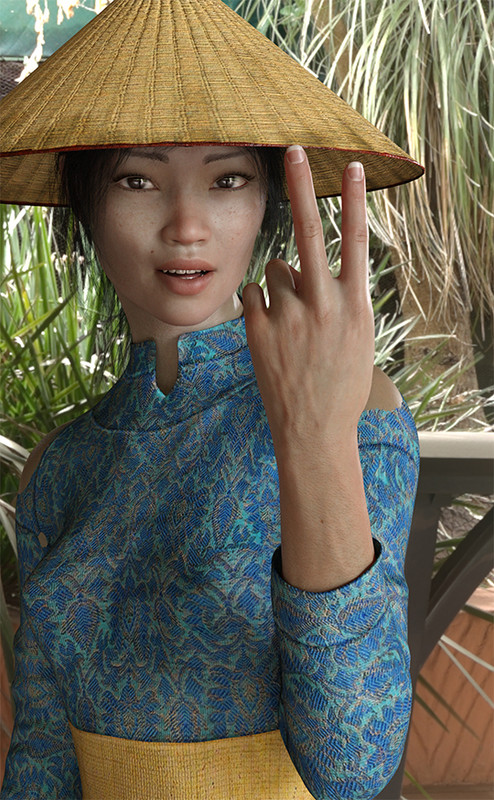
Not sure why the shoulders are going through the outfit but its a skin test anyway
March 12, 2019 at 8:02 AM #994470Did you try to adjust the shoulder areas of the kimono with the shaping tool?
March 12, 2019 at 9:30 AM #994554Blemishes, hairs, vascularity. Skin looks amazing to me, eyes too.
March 12, 2019 at 1:52 PM #994782Thanks, did no adjustment. Looked fine till I rendered it. Didn't feel like re-rendering. I might post a nude link to get full effect.
March 13, 2019 at 8:22 AM #995789March 13, 2019 at 10:08 AM #995912You should consider putting up a guide. This is amazing.
March 13, 2019 at 1:57 PM #996152Most everything is on Deviantart. There's 3 tutorials i looked at but cant link then atm. Do a image search on google for realistic skin deviantart. Ive added a few tweeks but havent changed much. Still experimenting. Ive yet to get something im fully happy with. Any advice/tip are welcome.
March 15, 2019 at 12:12 AM #998093May 18, 2019 at 8:09 AM #996120Hi amigo, I think the problem is the way of your lighting. It's a good pose. Your shadows on the body are to hard i think. That's why I think it don't look natural anymore.
Do you use an environment map in your render settings....that can be the different between day and night. I always make my own lighting. I wil give you an example, a nude image on a black background.
nudity1
nudity2
and a closeup.....

as you can see no hard shadows.
Used lights:
Render Environment map: Barcelona Rooftops from HDRlabs.
Distant light(63,9%), a white spotlight(51,3%), a blue spotlight(46%), a brown spotlight for the shadows(46%), a rimlight(42,5%) and a specular spotlight(100%).I hope this info can help you a bit on your way to a more natural look....
-
AuthorPosts








- You must be logged in to reply to this topic.