Home Page › Forums › General Chat › DS 4.11 to 4.23 upgrade. issues
- This topic has 12 replies, 6 voices, and was last updated 1 year, 11 months ago by
 Dragon.
-
AuthorPosts
-
November 19, 2024 at 8:16 AM #2103483
Been a LOOONG time since I posted.
Wanted to try some G9 stuff out. Upgraded my 4.11 to 4.23.
1) does G9 not separate their male and female folders like previous versions?
2)I tried to render a simple cube and all I got was the transparent background? Whats up with that? Are there new settings to get things rendered?November 19, 2024 at 8:22 AM #2103484G9 stuff can be used on both male and female, it's only one base character, then you apply male of female settings on it. So no separate folders, you will have to set them manually in your library.
Did you select Iray as render settings ? and check which window is selected for the render as well
November 19, 2024 at 8:46 AM #2103489@khefrenn Thank you for G9 info.
Yes its on iray. still just getting the checkered boxes BG. Even tried some older scenes. same thing. I can see everything in the preview , just wont render. like rendering a blank.
November 19, 2024 at 12:33 PM #2103535Might be a GPU driver issue? Check the log file for errors.
November 19, 2024 at 4:24 PM #2103568What’s your OS and GPU? If D|S 4.23 is anything like 4.22 its performance will leave a lot to be desired if it doesn’t meet those specs.
I have no interest in D|S 4.23 and am staying in 4.21 because that’s the last version that supports Windows 7 GPU rendering. Having said that I do have a machine that meets the minimum Windows 10 & Nvidia requirements of 4.22 (Windows 11 & RTX A6000) and I did a test render in that.
The render will start out with the checkerboard and eventually resolve into an image. How long it will take will depend on how powerful your GPU is.
I did the cube test you talked about and in both cases: .png & .jpg the image resolved in 20 seconds and a bit. The same for Brooke HD.
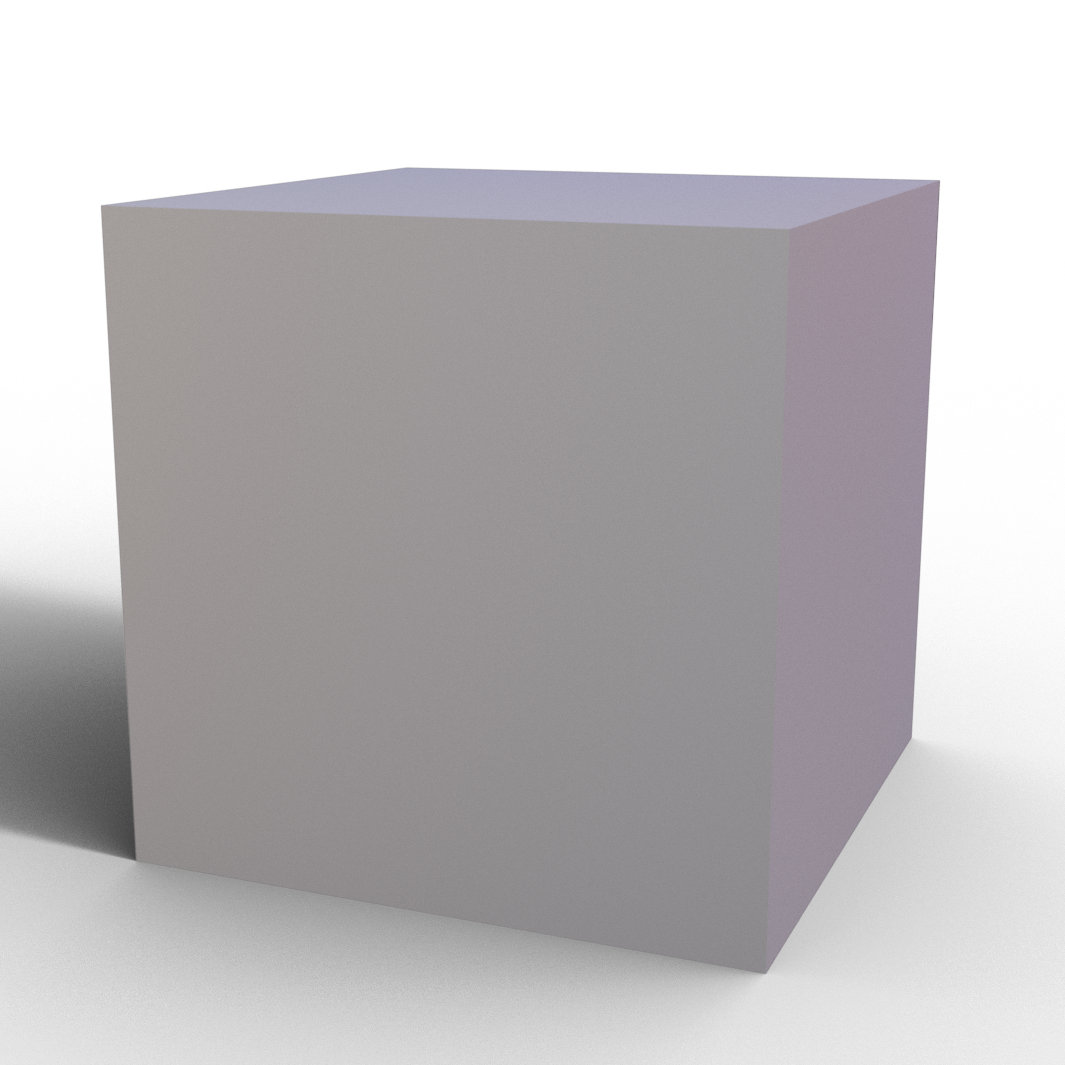
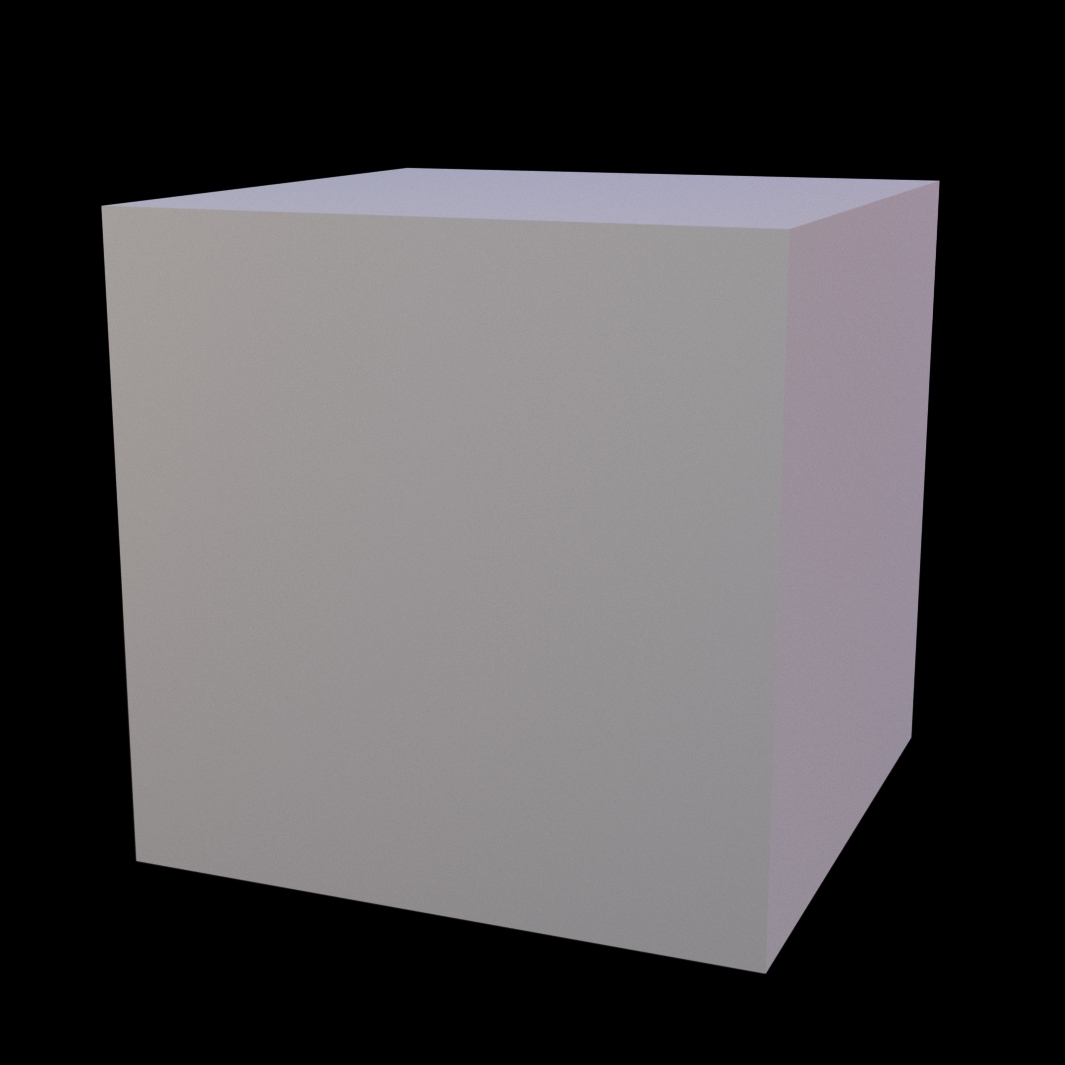
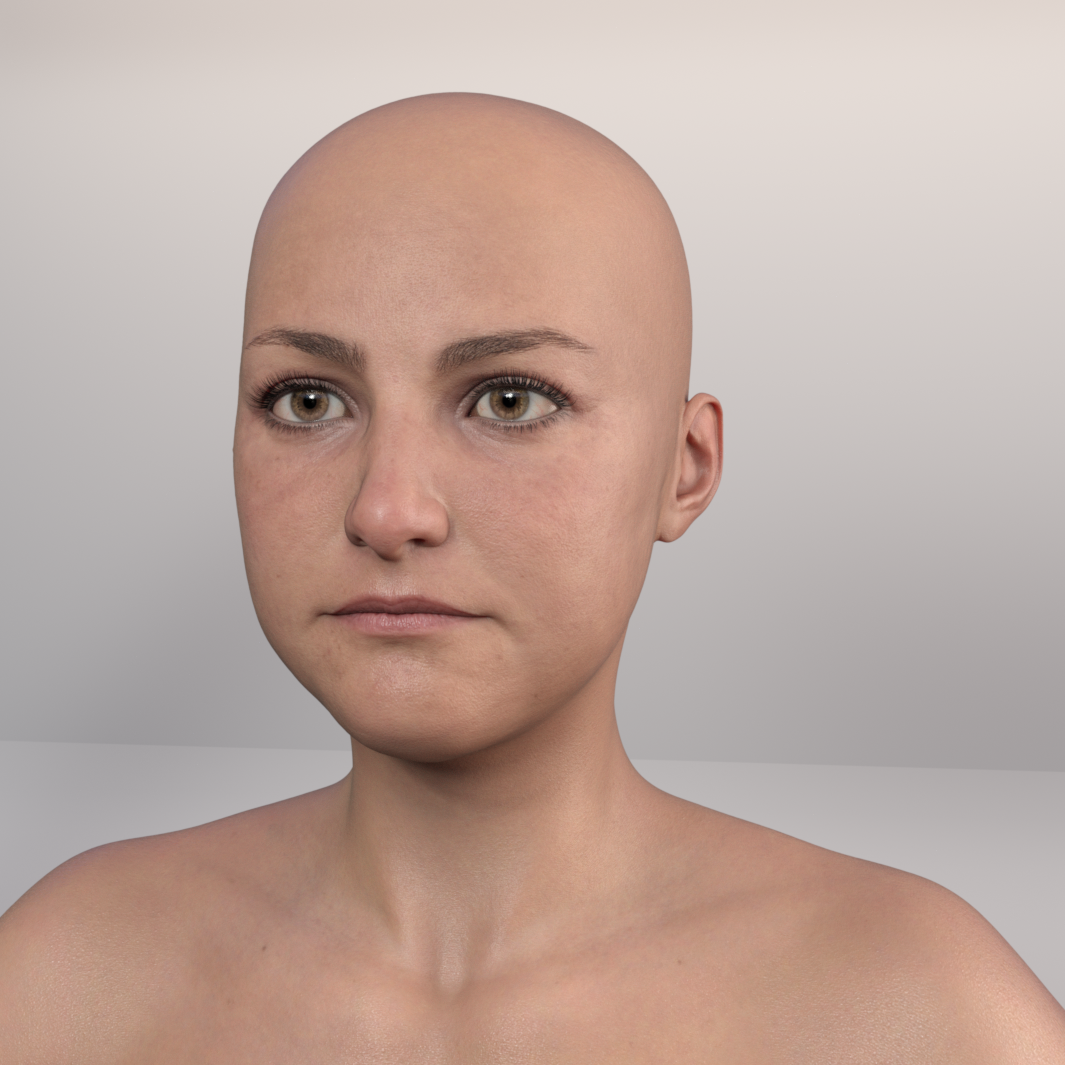
My guess would be if the image isn’t rendering it could be a driver issue like @3dnoob said and/or an OS issue. I think I did encounter an issue similar to yours in the past and it was because the GPU wasn’t powerful enough to handle the render.
November 20, 2024 at 1:59 AM #2103676@3dmouse
Win 8.1 and gtx 1070.. I'm thinking a no go then. So I have to figure out how to back to my 4.11.November 20, 2024 at 2:11 AM #2103677I think you need to upgrade a few things mate. I've got a copy of DS 4.15 if you're desperate.
November 20, 2024 at 2:20 AM #2103681Win 8.1 and gtx 1070.. I'm thinking a no go then. So I have to figure out how to back to my 4.11.
I have Daz Installers from 4.0.2.35 to 4.23.0.1, there's 4.11.0.383 included in the list. EDIT: it's the only version of D|S 4.11 and was released on June 12, 2019.
If you still do want to try G9, then your specs will work in 4.21, which is the last version that GPU rendering is supported for Windows 7, so your 8.1 should be good. That's what I use when I want to use G9 characters and volumetric. I have 4.12, 4.16 and 4.21 installed side by side on my Windows 7 PC: i can launch and run each of them; I use 4.16 mainly because it's the last version where the old Ghost Lights still work without having to be adjusted.
If you want 4.11, 4.21 or an even earlier version let me know and I'll PM you a link for downloading. There's a list of all the versions I have on one of the threads here; am sending copies of them to Guy Axworthy of f95 zone for archiving.
November 20, 2024 at 3:37 AM #2103688Im sticking with 4.22 for a bit. I updated G9 and it seems to be running slower or it could just be my imagination. Serves me right for cheating on G8. Hopefully she'll take me back.
November 20, 2024 at 3:52 AM #2103690Im sticking with 4.22 for a bit. I updated G9 and it seems to be running slower or it could just be my imagination. Serves me right for cheating on G8. Hopefully she'll take me back.
Thanks for the update on that; won't do any updates on G9 on my machine that's running D|S 4.22
And I'm pretty sure she will :-]
And the reason I know about what D|S versions will run on Windows 7 is because I was a product tester for Renderotica (aka Rendoperv aka Weird-n-creepy-Otica) for 7 years and it was a requirement to have the latest version of D|S. Took a leave (now permanent) from product testing for them first due to my Mum's final illness, then 2 years later Pa's stroke which has led to prolonged hospitalization ¯\_(ツ)_/¯
November 21, 2024 at 4:25 AM #2103872Had a bomb cyclone hit yesterday. Power was out for about 24 hours. Lots of damage out there in my area. ( the worst hit) Got power back about an hour ago.
I did a system restore before that and got my 4.11 back.
@3dmouse I'd not mind 4.21, or the one that works for G9. I thought Id be able to run side by side versions like I did in the past, but 4.23 wiped out 4.11.thanks.
November 21, 2024 at 7:00 PM #2103966Yikes! I hope you and yours are okay 0_0
The system restore was a great bit of foresight 🙂
Sent a PM
November 22, 2024 at 1:17 AM #2104011@3dmouse thanks. I'm fine. Neighbor had one of our tress fall and block their driveway, but no damage. Seattle doesnt get cyclones/hurricanes, whatever they want to call them. I'm out in the foots hills of the Cascades and my area was one of hardest hit. Another one coming in tomorrow. Only with rain this time.
-
AuthorPosts










- You must be logged in to reply to this topic.
