Home Page › Forums › Art Showcase › Stealth
- This topic has 13 replies, 6 voices, and was last updated 3 years, 6 months ago by
 gaver.
-
AuthorPosts
-
April 13, 2023 at 6:44 PM #1956196April 13, 2023 at 10:02 PM #1956270
Using one of my favorite models so I have to like it.
I noticed there isn't much difference between the 2 orcs in the back middle. They have almost the same pose and appearance. Then I noticed the same thing with the orc in the front middle and back right. Id suggests something to set them apart a bit more than they are. Could possibly add some different poses, weapons, armor or morphs to really change things up.
April 14, 2023 at 4:43 AM #1956322You Are correct, I noticed it to. I figured because of DOF it would not matter much. As said, took my pc 6 hours to render. Maybe I do a Rerun
April 14, 2023 at 12:14 PM #1956557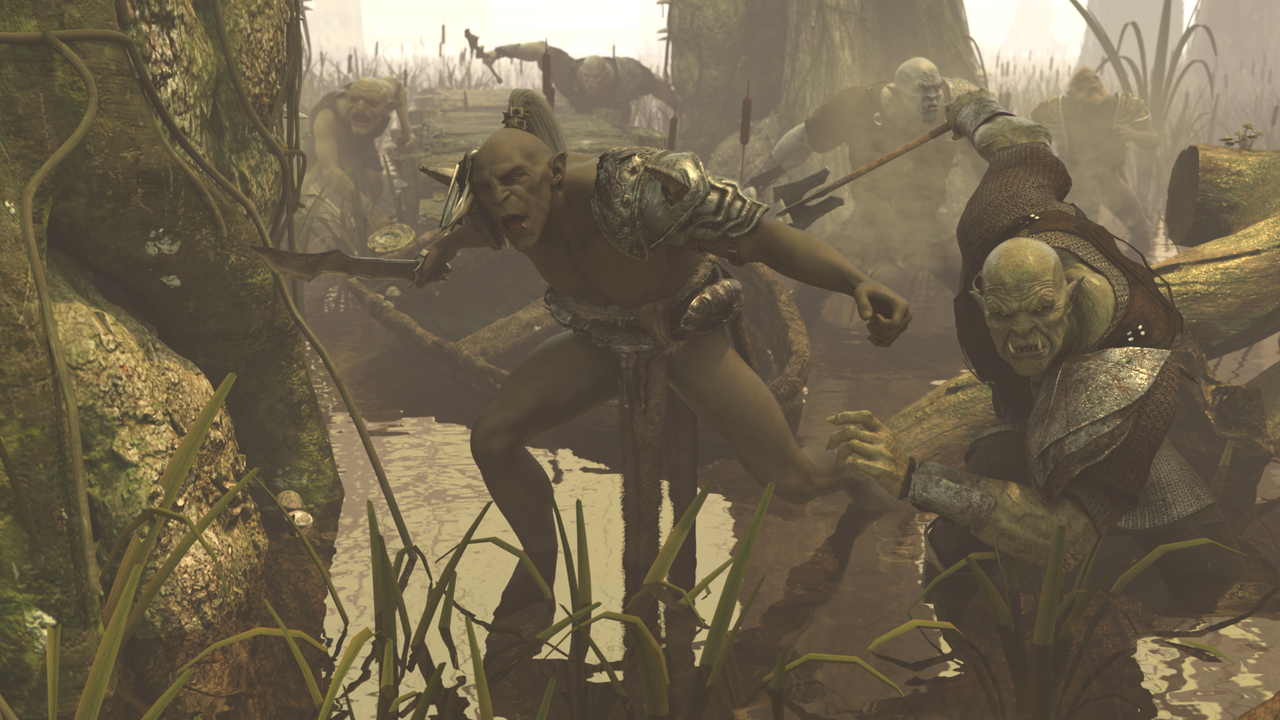 April 14, 2023 at 2:18 PM #1956618
Wow a cool render with wonderful atmospheric.
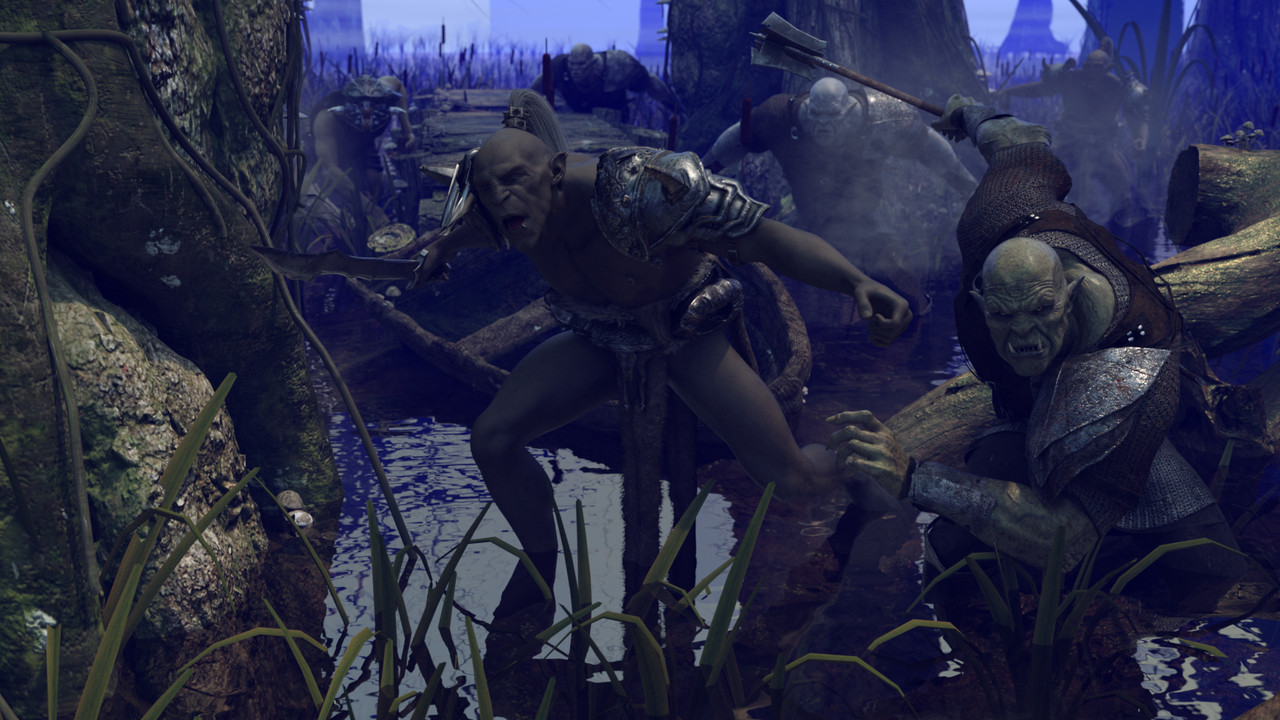
Find the second image in green much better. Did it take 6 hours again?April 14, 2023 at 3:24 PM #1956643YEs, had a busy day, so made some adjustments, did quick testrender to see if everything was in place. Then set up a proper render, and went on with my day......
Darn, now I have a fairly decent pc.... WE all want that 110% LOLApril 14, 2023 at 7:05 PM #1956746Like it much better. looks more realistic as well.
April 17, 2023 at 12:18 PM #1957949April 17, 2023 at 6:46 PM #1958058Thnx Serge
Working on a more crowded pic trying new approach see how it turns out.....April 19, 2023 at 5:21 AM #1958640I don't particularly like the theme, orcs and stuff, but I appreciate the effort and technical prowess you've shown in putting a great image like this together. A more crowded scene?... if the characters share identical textures they'll only be loaded once to GPU VRAM. That might lighten the load a bit.
April 19, 2023 at 5:46 AM #1958648Hi Frank.
Still contemplating on my " how do I do this" ...
At the moment I make subsets of per character, and per 2 in fighting position. Once that is done I am thinking of creating billboards( of these subscenes in different poses) to populate the scene with, maybe use instances.
Also thinking about billboards with characters an props. so I make building bloks.
Create a surrounding, set up lighting and add billboards and instances on low sub division.
Characters closer to the front will be " normal" characters with high subD
.
At least that is the plan......April 19, 2023 at 6:12 AM #1958669"At the moment I make subsets of per character, and per 2 in fighting position."
That's what I do if I know it's going to be hard to do in-scene like with a group of props or a group of characters with simulated clothing. Great minds think alike 😜.April 22, 2023 at 1:38 PM #1960163If they're going to be in fog and towards the back, you might as well render the figures by themselves and turn them into billboards. that way you can load as many characters as you want and it will not tax your system at all. 6 hours for a render is too long to wait. 🙂
There are dozens of tutorials on youtube:
April 22, 2023 at 7:24 PM #1960298Thnx Ted
I know, have used billboards before ( on an older PC) Does the trick nicely working on the separate items at the moment...
Only downside is you can not turn a board on the axis. I Know this is possible with the bought billboard items. Have to look into that still, will be an ongoing project in spare hours...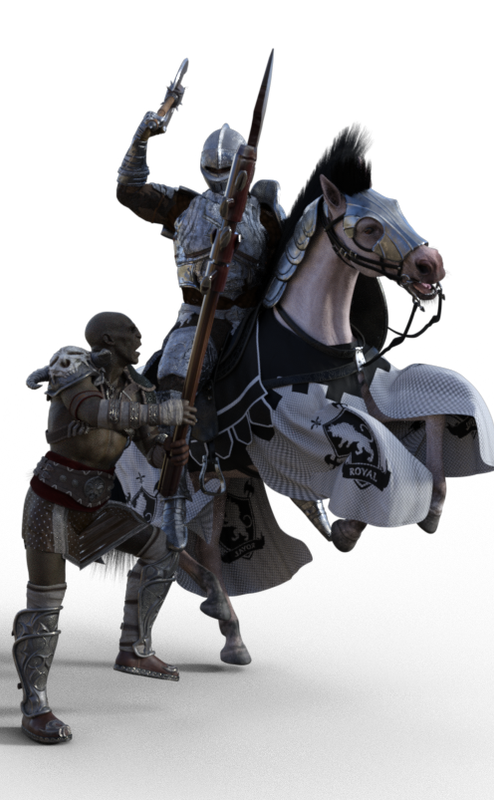
-
AuthorPosts








- You must be logged in to reply to this topic.
