Home Page › Forums › General Chat › FlippedNormals Eye Kit in Daz3D Studio?
Tagged: FlippedNormals Daz3D
- This topic has 3 replies, 3 voices, and was last updated 4 years, 3 months ago by
 Goblyn.
-
AuthorPosts
-
June 28, 2022 at 12:19 AM #1824576
Has anyone successfully used Flipped Normals Eye Kit in Daz3D Studio?
After the gods blessed us with two blog posts here and here I had no choice but to try one out.
There are two types of textures to use with the sclera OBJ model: The "Realtime" textures which includes the iris and sclera together, and "VFX" texture that has separate textures for the sclera and the iris.
I've loaded the sclera OBJ and iris OBJ into the scene and added the VFX textures onto each, but once I put the iris into the eye, I cannot get the cornea bulge in the sclera translucent enough for the iris.
To compensate, I adjusted the cutout and made the sclera translucent and put a primitive sphere within the OBJ. And I thought I outsmarted it.
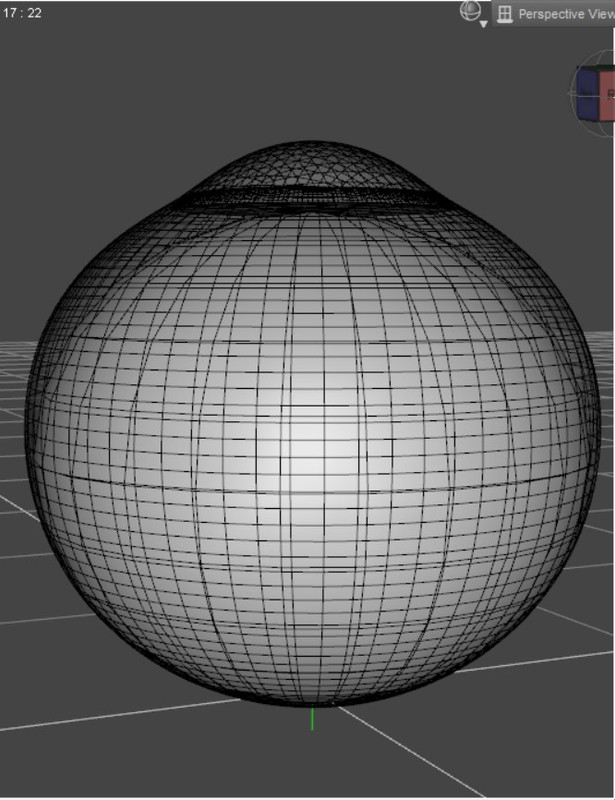
Until I realized I now have this ghostly shell around the eye
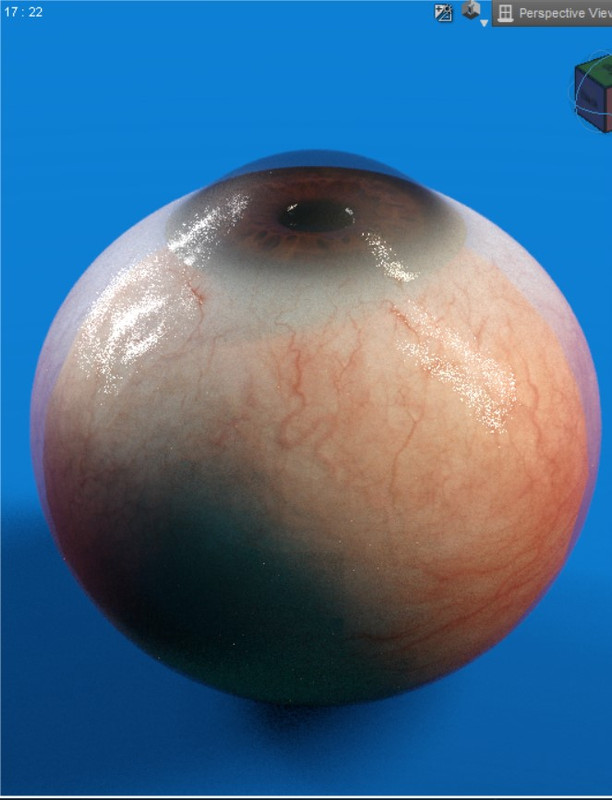
And I cannot get it to resemble the eye in the promo...
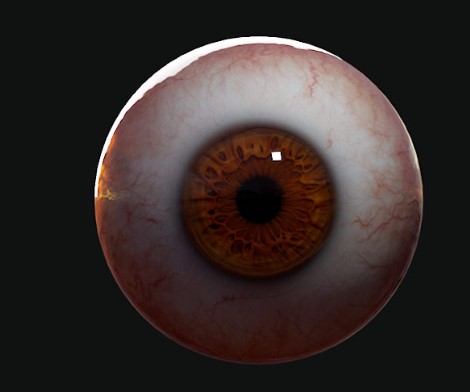
Yes, I know the promo's are blender, but I'd like to get as close to it as possible ^ ^
I thought for certain there'd be more discussion on this at the Daz forums, but no such luck, which is weird since they have it on their site.
Has anyone had better success?
June 28, 2022 at 1:46 AM #1824587Yeh there's only one very short thread on this product over on the Daz forum. I don't do close-ups so eyes don't make much of a difference to me, but it would be nice from a technical stand-point to know if the eye could be made to work properly in DS.
Have you tried to use the Geometry Editor to make some separate material zones? Although that might screw up the UV mapping.June 28, 2022 at 2:59 PM #1824872looks like the same problem that was discussed in this thread ... conclusion: the refraction doesn't work properly in DAZ
June 28, 2022 at 10:14 PM #1825148@Frank22 Thanks for the advice. I've never used the Geometry Editor, but I may need to try it out. The eye I created yesterday didn't work out as planned 🙁
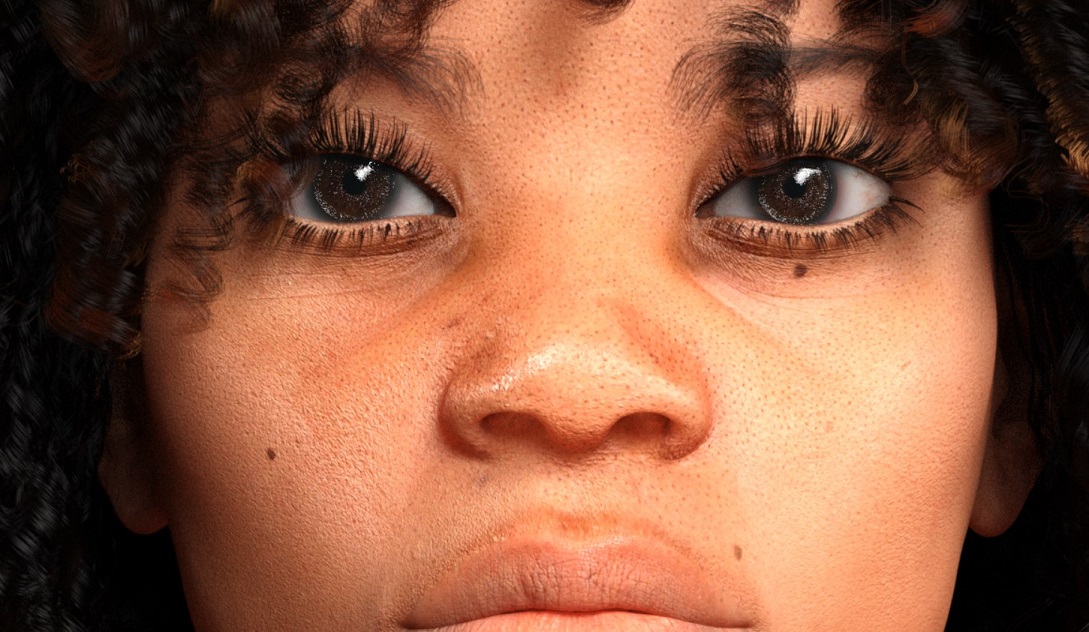
Thanks for the heads up @stachelzelle I may have to give Natural Eyes II a try again. I was really looking for a more natural sclera and iris than cornea bulge, but all three would be nice.
I've tried Natural Eyes II and I before, but there's always something that looks a bit uncanny. I found Jada 8.1's brown eyes work best, while Victoria 8.1 are a close second.
-
AuthorPosts






- You must be logged in to reply to this topic.
