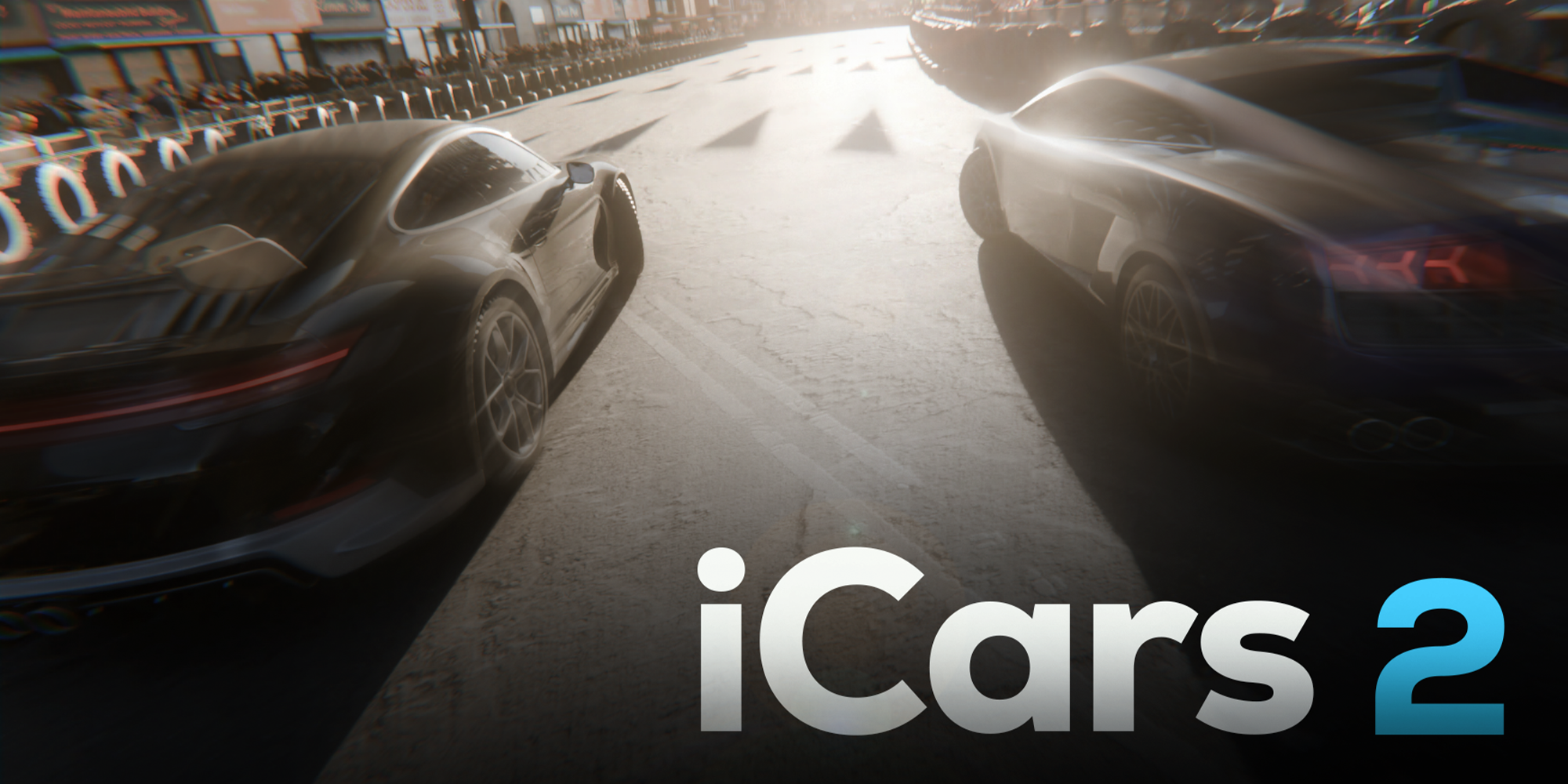
iCars | Traffic & Vehicles - Physics Simulation Blender 3D Addon
Build realistic traffic in Blender with one setup: lanes, traffic lights, roundabouts, and collision avoidance—all inside iCars.
Works for highways & city streets, supports camera follow, and syncs live with iCity road networks.
Meet the iCars Traffic System—a fast, art-directable way to create realistic traffic simulation in Blender. Define lanes, signals, and roundabouts; control flow, speed, spacing, spawn rate, and let collision avoidance keep cars believable. Use it for archviz, city shots, previz, or game trailers.
Key Features:
Smart lanes & routes for streets, avenues, and highways
Traffic lights, stop/yield, roundabouts (timing & logic controls)
Collision avoidance & lane-following behavior
Speed zones, density & spawn rate controls for art direction
Camera-ready: follow vehicles, hero shots, aerial passes
Works with iCity: live road-network sync for instant city traffic
Performance: use low-poly cars for crowds; swap to high-poly for close-ups
Quick Workflow
Add iCars Traffic Controller.
Define lanes/paths or sync with iCity roads.
Set signals/roundabouts logic (timing, phases).
Choose vehicle packs (LP/HP), traffic density & speed.
Hit Run/Play—tweak spacing, flow, and cameras for final shots.
Blender Addon, Car, Simulation

