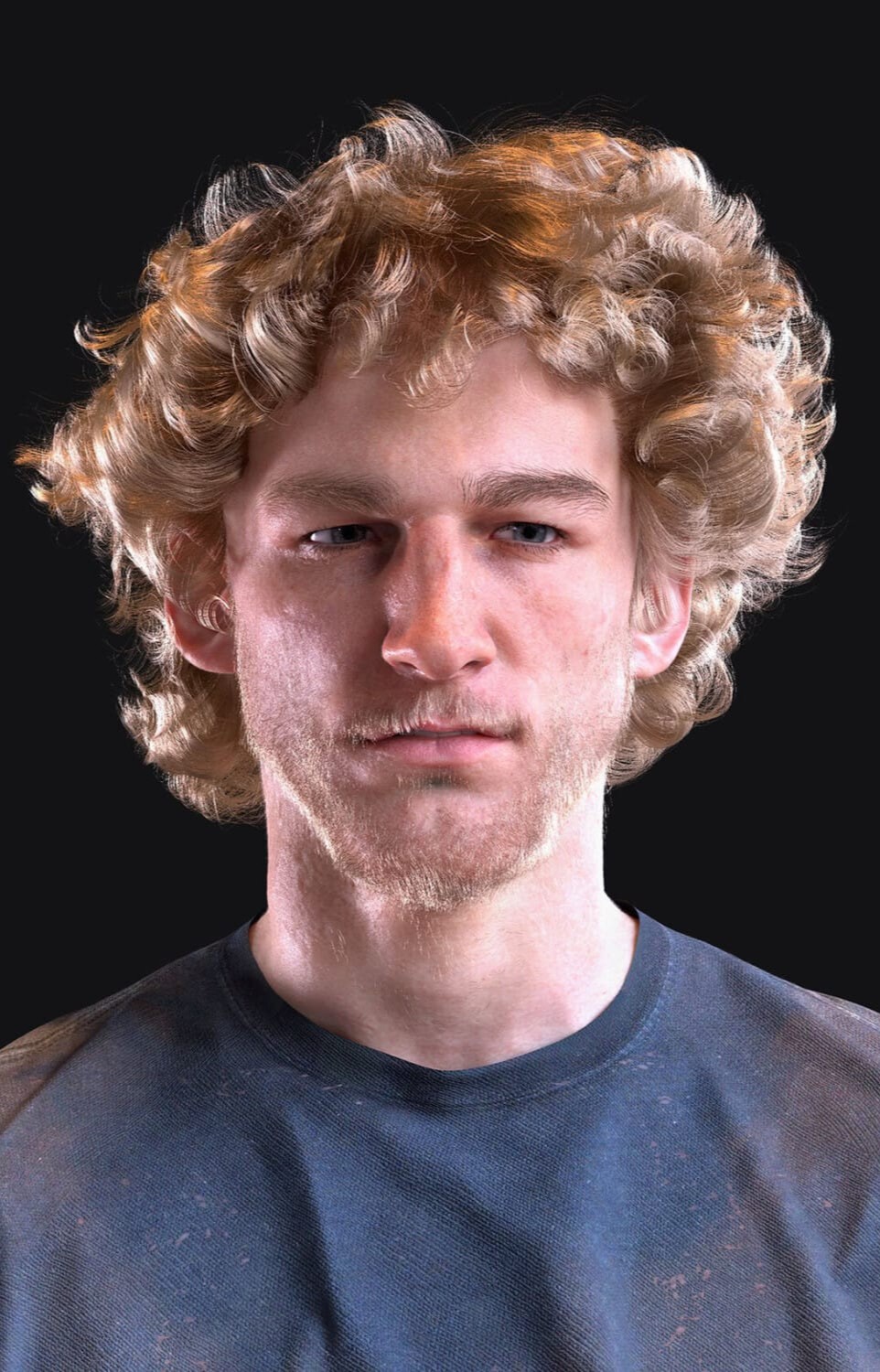
Angelus Hair for Genesis 9
DETAILS
-------------
Strand-Based hair for Daz Studio.
WHAT'S INCLUDED AND FEATURES
-------------------------------------------------
Angelus Hair for Genesis 9 (.DUF):
Hair:
Angelus Hair
Angelus Hair (SBH Editor Version)
Materials:
10 Hair Colors
Daz Studio Iray Material Presets (.DUF)
HOW TO INSTALL
------------------------
1. Download the .zip file(s).
2. Unpack the .zip file(s)
3. Transfer the two folders (/data, /people) into whichever one of your Daz Studio content directories you prefer, such that they merge with your existing content library folder structure. For more detailed instructions, please refer to various tutorials online relating to the manual installation of third party Daz Studio content.
CONTACT
-------------
For any queries or support, please use the Contact feature on Renderhub via my Profile
uncanny-valet
https://www.renderhub.com/uncanny-valet/angelus-hair-for-genesis-9

