Home Page › Forums › General Chat › Yoke For Genesis 8 Female "problem" - I can't manage to make it work on G8.1
- This topic has 9 replies, 3 voices, and was last updated 3 years, 3 months ago by
 DLay.
DLay.
-
AuthorPosts
-
July 18, 2023 at 10:13 PM #2000912
Hi all! I just bought today FemTec's "Yoke For Genesis 8 Female" (renderotica.com/store/sku/60770_Yoke-For-Genesis-8-Female).
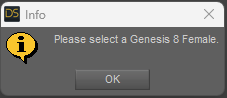
My problem is when I try to use it on a Genesis 8.1 it doesn't work and asks me to select a Genesis 8 Female (https://i.gyazo.com/67ba882af7f75c04e8c3e56a79618014.png)
Does anyone know if there is a way to make an issue like this work on 8.1?
Maybe I am just being clumsy. Thanks so much in advance!
July 19, 2023 at 5:06 AM #2000987Is a .duf or a script .dse?
Seeem a script...wait... 🙂July 19, 2023 at 5:39 AM #2000990@dlay , replace this dse at FTD/YOKE_G8F/DUFs.
Tell me if work... 🙂
https://www.mediafire.com/file/spukwszv4lupok2/FTD_Yoke_support_functions.dse/fileJuly 19, 2023 at 6:09 AM #2001002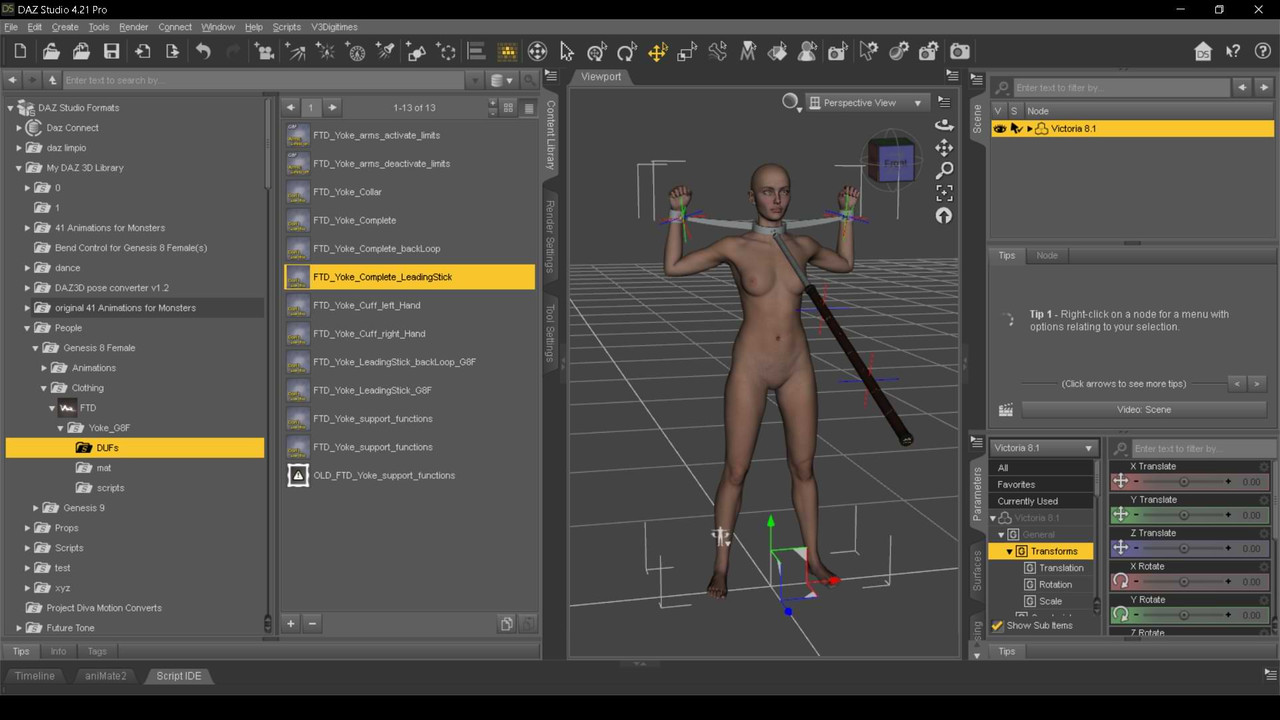 July 19, 2023 at 10:23 AM #2001126
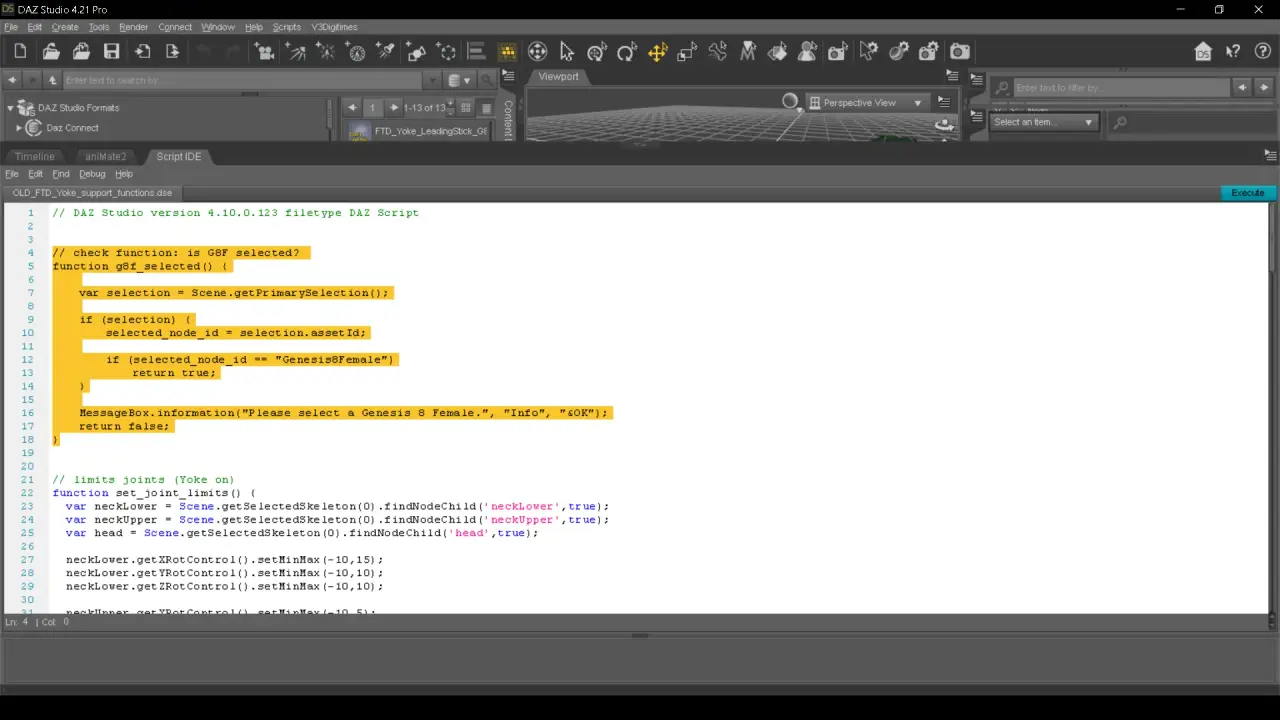
Is a stupid "check" from the programmer/dse.
I can see the .dse code... 😀 ¿How? Ahhhh! Good question.
Just "comment" or delete this lines...
 July 19, 2023 at 11:35 AM #2001154
Open your eyes... (PM)
July 19, 2023 at 4:02 PM #2001296Hi @Abad ! thanks so much. I just quickly tried with the file you sent me but it gave me a "Error opening file".
I will try later with more time when I finish work today. Thanks!July 19, 2023 at 7:29 PM #2001366You can try to change item identification. My daz computer is presently down, so the explanations may be a bit approximate, but I think it is in the hamburger menu at the top left of the scene pane. Select the G8.1F, then on this menu: edit>scene identification and change to genesis 8 female
The char will be considered as a G8F now and it should work.
I think it is also possible to change scene id in menu edit>figureJuly 20, 2023 at 5:13 AM #2001526The truth is that I used the duf (the "Dont use!) 😀 ... I hadn't even noticed the procedure by scripts. Out of laziness, I didn't look at the scripts, since they have the constant call to "FTD_Yoke_support_functions.dse ". And, now that I look at it, there is another new check inside each script, that's where the error comes from. I'll go through ALL the damn scripts today... As for changing the "node id", which Niala points to, I haven't. tried.
(I practically just woke up. It's 7:10 AM in Spain... Groannn...)July 20, 2023 at 5:33 PM #2001877 -
AuthorPosts






- You must be logged in to reply to this topic.