Home Page › Forums › General Chat › ???Tired of screwing around
- This topic has 11 replies, 7 voices, and was last updated 8 years, 6 months ago by
 ADAM.
ADAM.
-
AuthorPosts
-
April 25, 2018 at 11:47 PM #583571
How the heck do you get mirrors to work in D/S? I mean c'mon now. If a product comes with a mirror, you shouldn't have to tweak the damn thing to get it to work.
April 26, 2018 at 12:39 AM #583618i think that sometimes the props are defaulted to zero to give the user total control, so have you made sure that the mirror surface is actually set to reflect? and you may have to adjust the refraction level also, both found in the surface pane. You need a light source of some sort besides the default lighting (headlamp).
April 26, 2018 at 12:55 AM #583643@Ethiopia I looked for mirror shaders and found nothing. But I have mirror products that were out before shaders.
I never know what I'm talking about. LOL I'll try the HDRI
@slickrick OK so I'm looking for a reflection and a refraction slider in the surface tab.April 26, 2018 at 1:58 AM #583685There's also a free mirror shader on sharecg but cant link it atm. Ive read a tut someplace and nickel in the base iray folder works with some modifications.
April 26, 2018 at 5:02 AM #583805The crap shouldn't be this difficult. I got it to mirror, but its dark, like smoke colored glass. If I light up anymore I'll just white everything out.
April 26, 2018 at 5:34 AM #583829dunno ive not messed with mirrors much yet. I think ive seen a setting called reflectivity. try polished aluminium also.could just DL a mirror and copy + pasre the settings.
April 26, 2018 at 5:44 AM #583834zonegfx.com/i13-yoga-studio-bundle/
That bundle has a flower shaped mirror that works well if I remember correctly. Maybe that could help. I'm too tired to load it up to confirm. Just about to head to bed, but I'm willing to reimburse the points if I'm wrong.
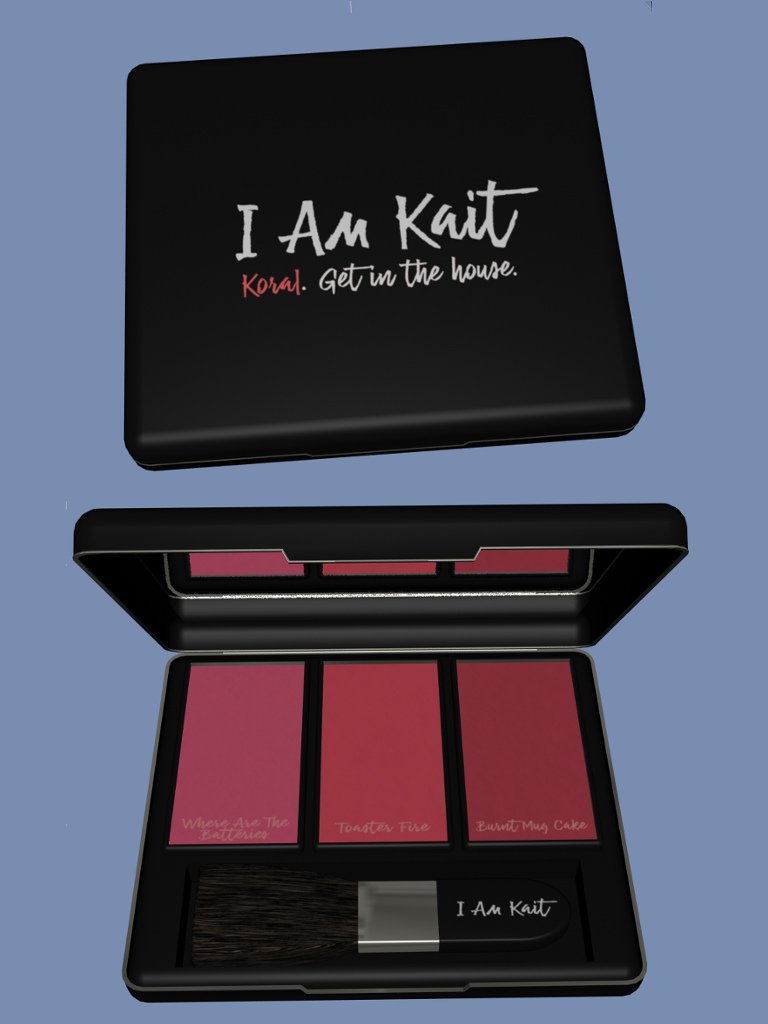
April 26, 2018 at 6:14 AM #583851When I do reflective surfaces, it always has to be a black surface with maxed out gloss and specular. Inside of this product had a panel that I had to mess with to make it into a mirror and it looked good.
 April 26, 2018 at 7:29 AM #583917
If the item you are using predates Iray, or it is made for Poser or 3DL, then it will not have the correct shaders. When you look up stuff in stores, if it doesn't actually say Iray by name in the materials, then it almost certainly does not have any Iray.
A lot of times you can get away with just applying Iray Uber to the surfaces. But that wont work for mirrors and special effects.However, Daz came with several Iray Uber Base Shaders. There are several highly reflective metals, but "Metal - Aluminum Polished" is a perfect mirror shader. No hunting for freebies when you already have this built in, and it works exactly like a mirror. You may have to hunt for where the Uber shaders are located. It took me a while to find them myself, I didn't know I had them until I read about them in a forum sort of like this. I moved the folders into my shader folder so I could find them easier. There's a variety of shaders there, liquids, car paint, and several metals.
April 26, 2018 at 8:25 AM #583971@d0gg0d found the mirror shader and it works PERFECTLY. Thank you very much.
I tried all the uber base metals before I posted, and they came out blurred, which is weird because when I applied crap to my Enterprise bridge floor, everything came up perfect mirroring.. Say WHAT? lol
No matter. I have a shader that works now. Just sucks when a product shows its a mirror and has the perfect mirror effect in the promo, but when you go to render it, it doesn't. I shouldn't have to create a mirror for a mirror thats supposed to BE a mirror. If I bought the item, I'd be asking for my money back.
April 26, 2018 at 11:41 AM #584135This one has one it works good imo
(https://zonegfx.com/homestyle-2-iray-shaders/)April 26, 2018 at 4:13 PM #584458NP, glad it helped. Mirrors is on my "to do" I read a bit about them awhile ago.
-
AuthorPosts









- You must be logged in to reply to this topic.
