Home Page › Forums › General Chat › Thinking Laterally.
- This topic has 32 replies, 10 voices, and was last updated 8 months, 1 week ago by
 eelgoo.
-
AuthorPosts
-
February 9, 2026 at 11:01 AM #2163089
I know there is the Wrap technique, I've tried that & made no real progress.
As I said in the original post, what is the current opinion of the state of play with the old Face Gen / Face Transfer / Head Shop type of approach?
:0/
February 11, 2026 at 6:01 PM #2163399I see there have been a few conversions from @kvitravn
Good to see that.
Hoping to see more, especially of HID, RKS & perhaps V3D too?
🙂
February 11, 2026 at 6:44 PM #2163401Hehe just posted HID Ginger 8.1
February 11, 2026 at 10:14 PM #2163420BTW Any input about my original question?
🙂
February 12, 2026 at 9:05 AM #2163446Automation doesn't feel possible for now 🙁
February 12, 2026 at 10:37 AM #2163451That is a shame, but thanks for the perspective. :0/
Hoping to see a lot more G9 to G8 conversions from you, if you are up for it?
🙂
February 12, 2026 at 2:19 PM #2163471I have to throw my hat in the ring as well and second eelgoo's hope for more conversations.
On my side especially a Victoria 9 to G8 would be the cherry on the cake.February 13, 2026 at 10:02 PM #2163617@falos
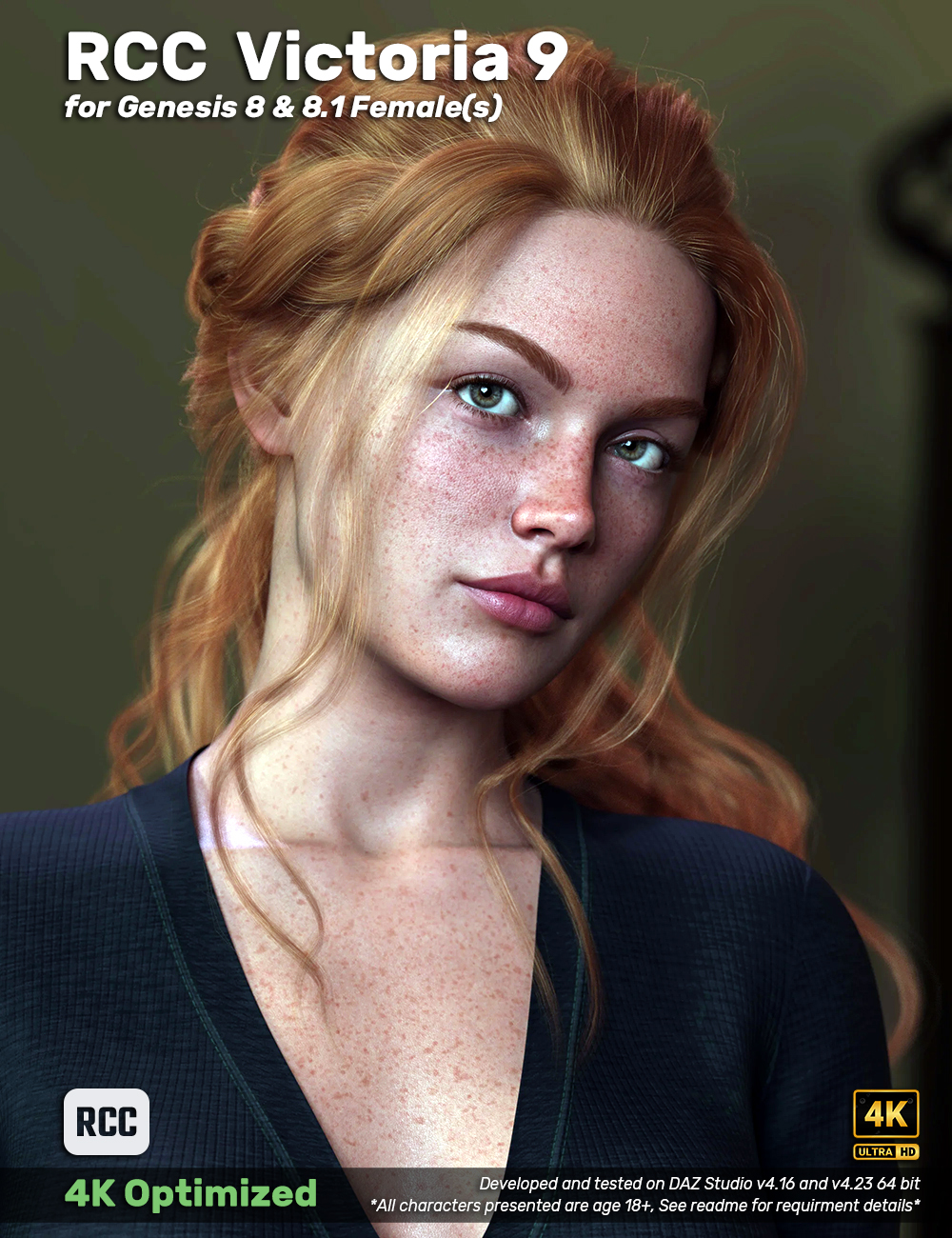
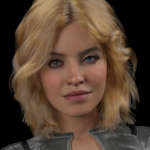
RCC Victoria 9 for G8F & 8.1F in BETA testing now, soon to be released.February 14, 2026 at 1:04 AM #2163626Wow, i'm truely impressed. There is no visible difference to the original.
Thanks for the preview, can't wait for a release.February 14, 2026 at 1:41 AM #2163631@falos
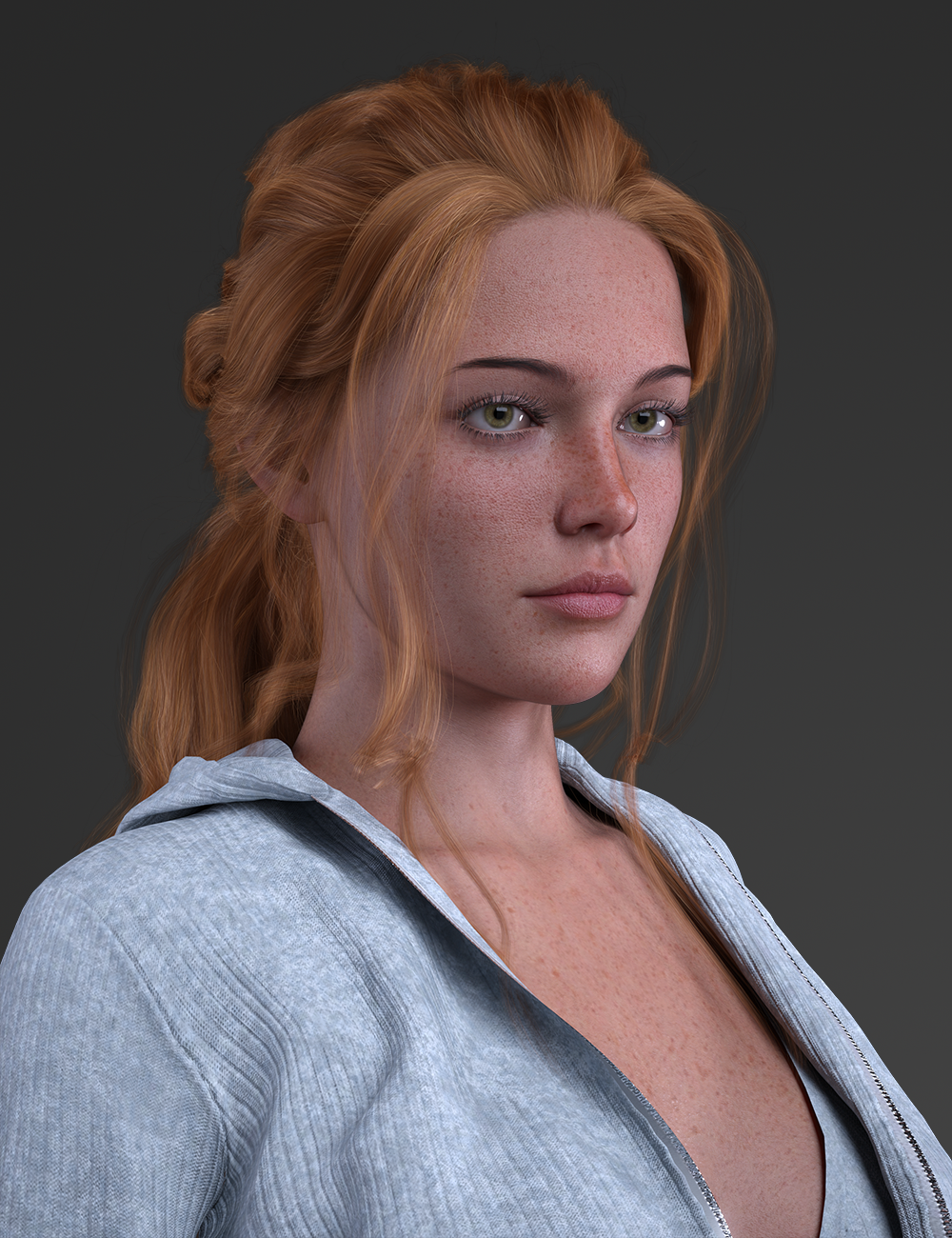
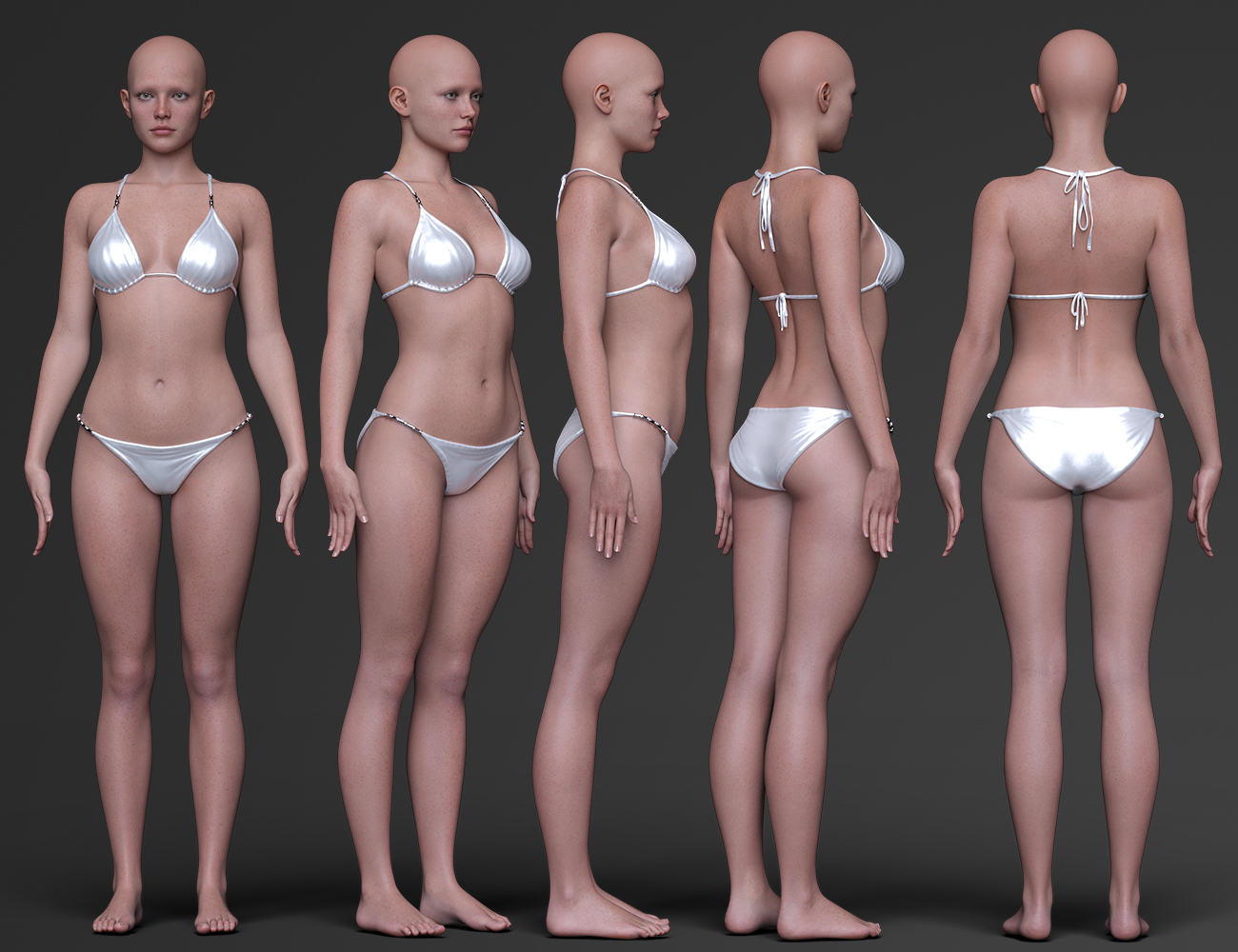
Oh that's not the G8F 8.1F version, it's a pic from a hair that used victoria 9 lol. Mine isn't much different from that though. It's missing eye textures, eye brows, makeup and HD detail morph dials but it's not off by much. I provided beautiful brows II links for brows, custom eye color, eye lashes, tear and filled in some other bits I couldn't get off the G9 though. I tested victoria 8.1F HD details and it looks good.I suppose I should do a comparison and promo shots come release so people don't mistake it.
I have renders going now, I'll edit this with them when they're done.
EDIT:
Head Shot & Details
Full bodyThese renders were made with what's available in the asset as it stands. Victoria 9 uses PBR textures so that's how I made these, no Uber options for this one. I thought it was strange but the translucency value on G9 is something like 0.87 so I just copied those setting for the G8F and 8.1F skin MATs and it came out 1:1 or close enough that I can't tell the difference. Victoria 9 uses a detail normal texture along with a normal to produce those details you see. Other than that you can dial in in mouth realism, eye bulge and navel dials that come with 8.1F. If you want HD details, victoria 8.1's work well with these morphs. I chose to keep those out of these renders so you can see what's in the asset. So this conversion isn't 1:1 as all G9 to G8 conversions are but honestly, I think I like this 8.1F version more than the G9.
February 14, 2026 at 4:25 AM #2163642@poepogue
Wow, great work! Could you share some insight into how you achieved this? I'm especially curious about the process of converting Genesis 9 face morphs to Genesis 8, as well as the texture adaptation. I'd be really interested to hear about your method.February 14, 2026 at 11:38 AM #2163688@ramabay
Sure, I followed some tutorials on it.MORPHS:
(https://www.youtube.com/watch?v=kXssz90XFEA)
you basically make a G8 Skin suit and fit it to G9. When you apply the G9 character dials, the G8 follows the morph. You extract the G8 fit-suit as an obj then import it onto a G8 or 8.1. From there you apply rigging, E-Freeze and split the morph into head/body. Daz floats G8 morphs into 8.1 so I usually create the morphs into G8 but honestly, some of these G9's really shouldn't be a G8 as there are 8.1 specific dials that mirror G9's that adjust facial features and other areas.EYE FIX:
(https://www.youtube.com/watch?v=zpCN1jYhc1k)
G9 eyeballs don't match G8 and they get distorted when following that process. To fix it you select the eyeballs and remove them from the morph dial so that morph won't change it. The eyes revert back to normal (round) and they move to the default position so you have to resize and position them either in daz or your favorite 3D software. PITA? you bet.TEXTURES:
(https://www.versluis.com/2024/03/but-what-about-the-textures/)
Still trying to figure this one out completely but you basically use daz to output a single texture file with atlas. You import the G9 and G8 morphs into facewrap and you can convert/output a G8 texture file. I'm new to this one and I'm still figuring out what can be done with it but from my limited understanding people use it to create morphs for daz as well as texture files. I think there are other apps as well like blender and maybe even substance painter that can do this but I'm not sure.NOTES:
Looking at some of these morphs I've converted over leaves me with feeling like the mass majority of G9 body morphs are not so good in comparison to some G8/8.1 morphs. I'll likely never use them but when I convert a G9 I try to do it completely and split the morph into head/body. Victoria 9 is an exception to this at least for me.February 14, 2026 at 11:52 AM #2163690February 14, 2026 at 11:59 AM #2163691February 14, 2026 at 4:34 PM #2163704@inversekinematics
Thanks! : )I did a test today and loaded Victoria9 for 8.1F, then loaded the G9 version. You can highlight the brows from the G9 and apply it to the 8.1F. Not sure if I can snag the brows but I'm tinkering with it a bit.
-
AuthorPosts






- You must be logged in to reply to this topic.