Here's the trick, no need to spend 1k pts for it
Open the .blend file, make sure it's in solid viewport shading, then select assets which you don't want, then press H to hide it or you could just delete it, and then save it (use save as). I always use this trick for KB3D, and it works every time
Is it easier/ quicker to do in Blender rather than on DAZ itself using geometry editor? I use geometry editor to save the props I need as an obj file...and these files can get huge.
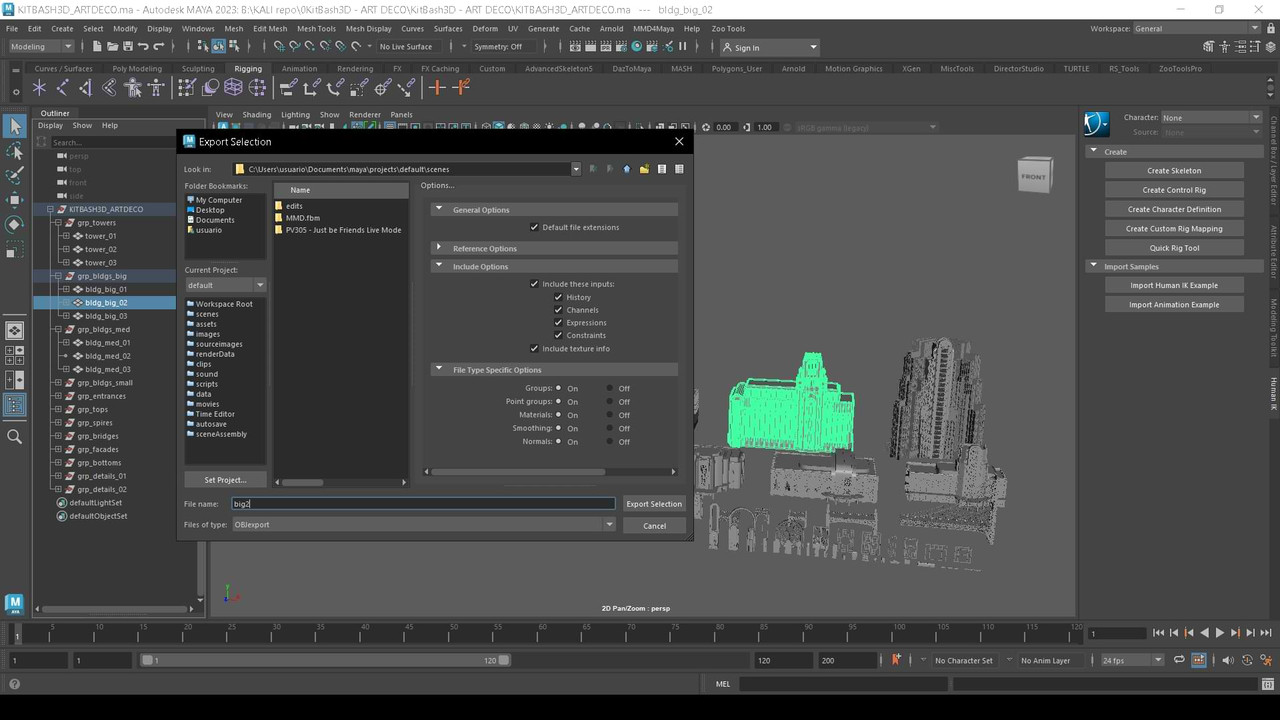
In Maya format is easier.... Just open "outliner/select group/and export select as aobj..."
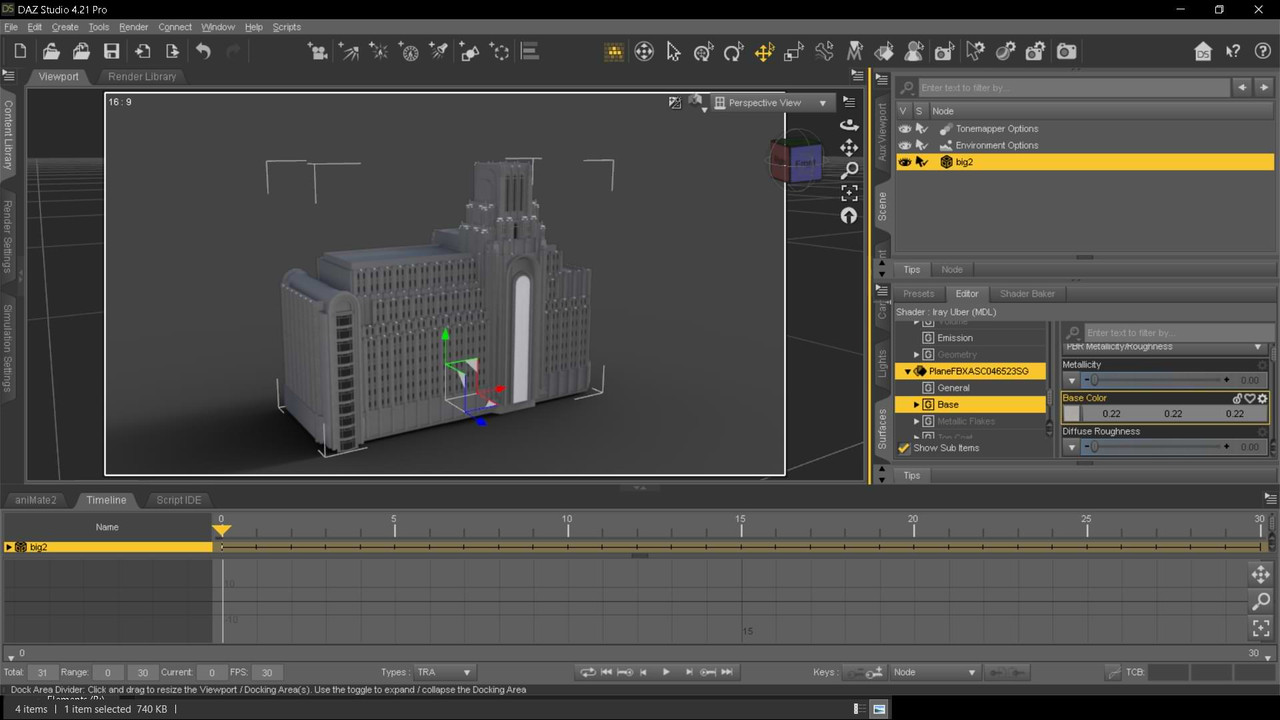
Then, import to daz (after texturize if no .mtl file is present..)
In Blender, after the script, save the "collection", but sometimes, is ungrouped..
 .
.