rdaughter light room presets

Home Page Forums General Chat rdaughter light room presets

Viewing 9 posts - 1 through 9 (of 9 total)
  • Author
    Posts
  • #1789216
    Anonymous
    Inactive
    Rank: Rank-1

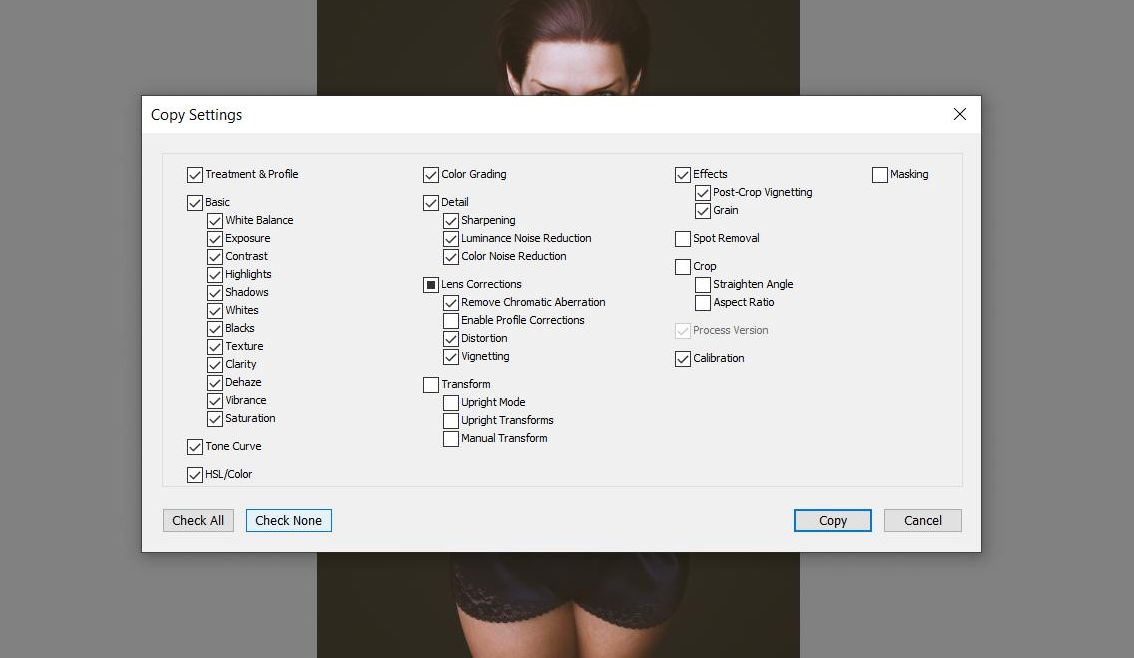
    I'm impressed with rdaughters lightroom presets he has for sale. Problem is, I've never used lightroom before, I don't even have it installed. I found this video of his that has 3 free presets and apparently they should be dng but they download as tif. It's almos 20mb each but load as a tinyy pic.
    Any chance a kind soul with lightroom can test these for me? I wonder if it's worth the trouble of getting a new software installed.

    https://www.youtube.com/watch?v=KUm5nxe_Gmg

    #1789220
    Legolas18
    Participant
    Rank: Rank 7

    These are not presets, but just image results of the presets.

    #1789263
    Anonymous
    Inactive
    Rank: Rank-1

    It's strange. He clearly marks them as presets and someone actually thanks him for them. When I downloaded them from mediafire, they are named 1.dng, but for some reason download as tif. If you have lightroom, could you perhaps rename tham as dng and try to load them?

    #1789266
    Legolas18
    Participant
    Rank: Rank 7

    Ok, I've tried to open the .dng in Photoshop and it works.

    Basically it's a CameraRaw preset.

    What he does is some sharpening and color correction. I'll try it on an image I made some time ago...

    #1789268
    Anonymous
    Inactive
    Rank: Rank-1

    I didn't know they are compatible! I'll try them in phoroshop, thank you for taking the time to help me out @legolas18 🙂

    #1789269
    Legolas18
    Participant
    Rank: Rank 7

    No problem, have fun 🙂

    #1789274
    Anonymous
    Inactive
    Rank: Rank-1

    Thanks @legolas18 . Lightroom actually looks very powerful. I'll give it a try. Here's another preset that looks more extreme
    https://www.youtube.com/watch?v=f3PreU8-IJI

    #1789275
    Legolas18
    Participant
    Rank: Rank 7

    Thanks for the heads-up. I think Lightroom is a lighter version of Photoshop, though. Also, he seems to be using only CameraRaw, which is included on both, so no need to install newer software 🙂

    #1789333
    Anonymous
    Inactive
    Rank: Rank-1

    It looks like in lightroom it makes alot of adjustments. Not too impressed, but it's not too bad.

Viewing 9 posts - 1 through 9 (of 9 total)
  • You must be logged in to reply to this topic.


Post You Might Like