Home Page › Forums › Art Showcase › Hold on to your pants! My first DAZ character in Blender!
- This topic has 4 replies, 4 voices, and was last updated 5 years, 2 months ago by
 Frank21.
-
AuthorPosts
-
August 10, 2021 at 7:03 PM #1719531
So, I tried using the Daz to Blender bridge but, knowing DAZ, I knew I also had to get my hands dirty.
Step 1 - DAZ - Converted Krashwerks Desiree to 8.1 (I tried to keep it simple, so no hair).
Step 2 - Applied PBR materials of Genesis 8.1 (because, it should be better , right?)
Step 3 - Light and render!
DAZ (IRAY) RENDER
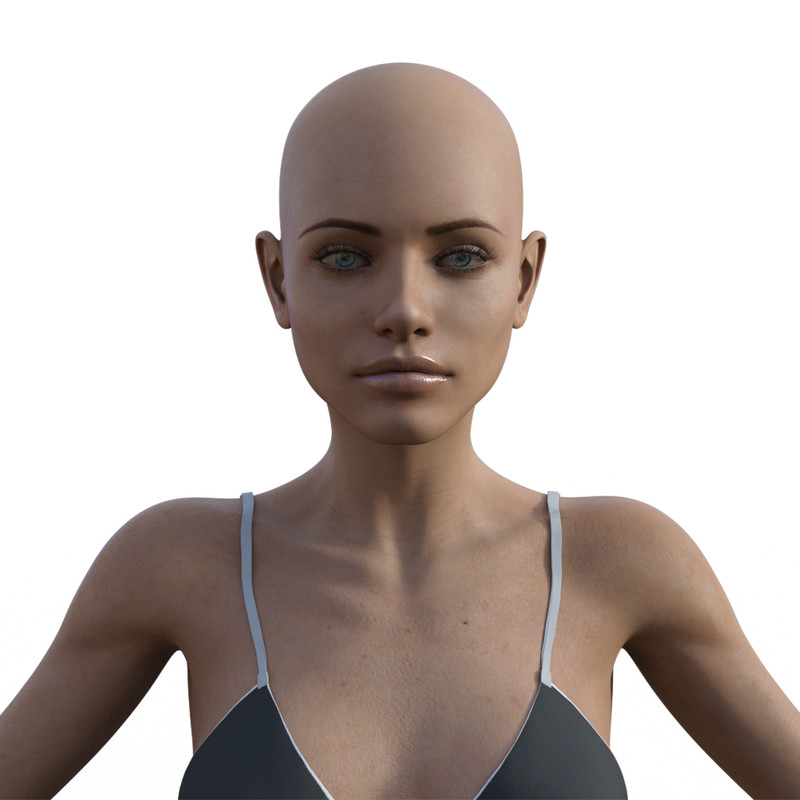
Step 4 - Daz to Blender (Bridge)
Step 5 - Lights and render! (to see what happens with the default settings)
BLENDER (CYCLES) - DEFAULT CONVERSION
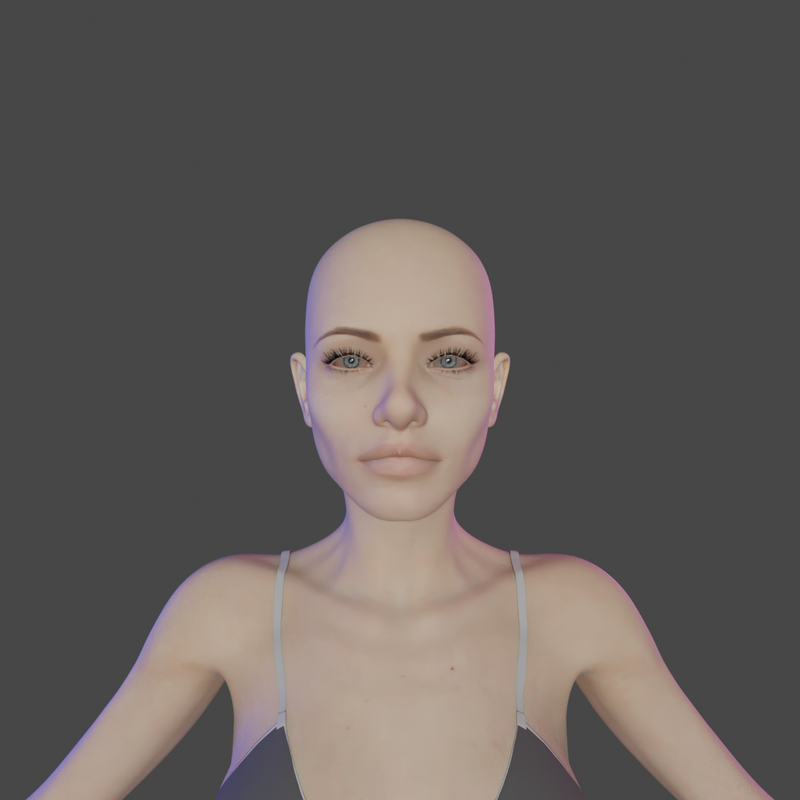
Step 6 - Turns out the Daz guys made their own shaders and didn't apply neither the Specular nor the SSS map. Looks pretty bad to me!
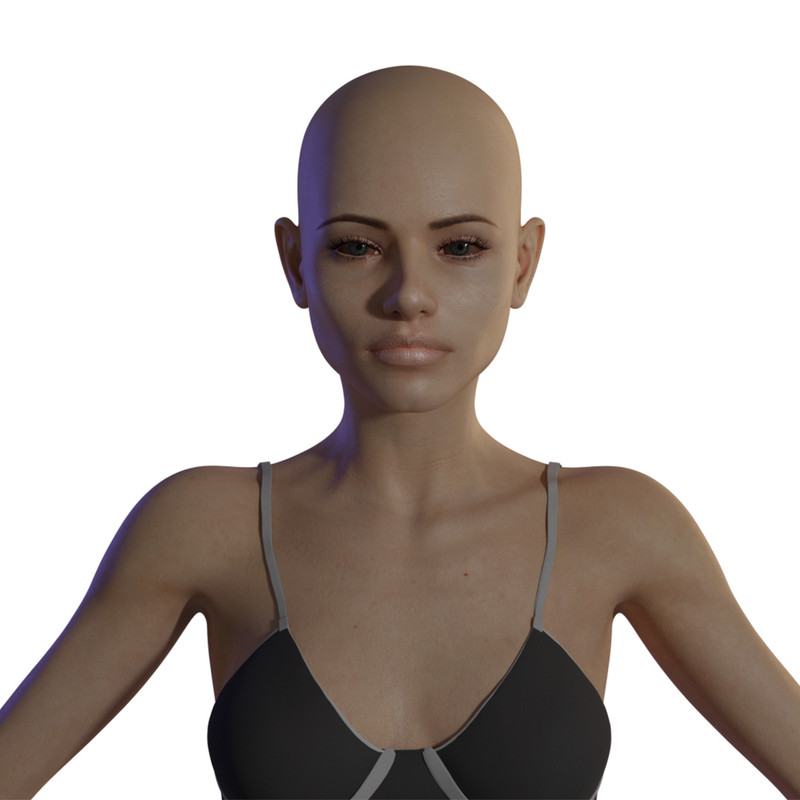
Step 7 - Made my own (basic) skin shader [using the same textures!], and found the secret component: SSS 0.005 (no map used), and the specularity map needed to be multiplied by x10 (or you didn't see it).
Step 8 - Fix lights, camera, and Final render for my very first (properly fixed) DAZ character in Blender!
BLENDER (CYCLES) - MY CONVERSION
Step 9 - Am I done yet? No! What about using an AI Upscaler (Topaz Gigapixel AI) to double the size of the Bump and Displacement maps? I just want to see what I can get with it.
Step 10 - Texture compressions of the maps (they were large, so I compressed them with Photoshop)
Step 11 - FINAL RENDER!
BLENDER RENDER, with 8K Textures!
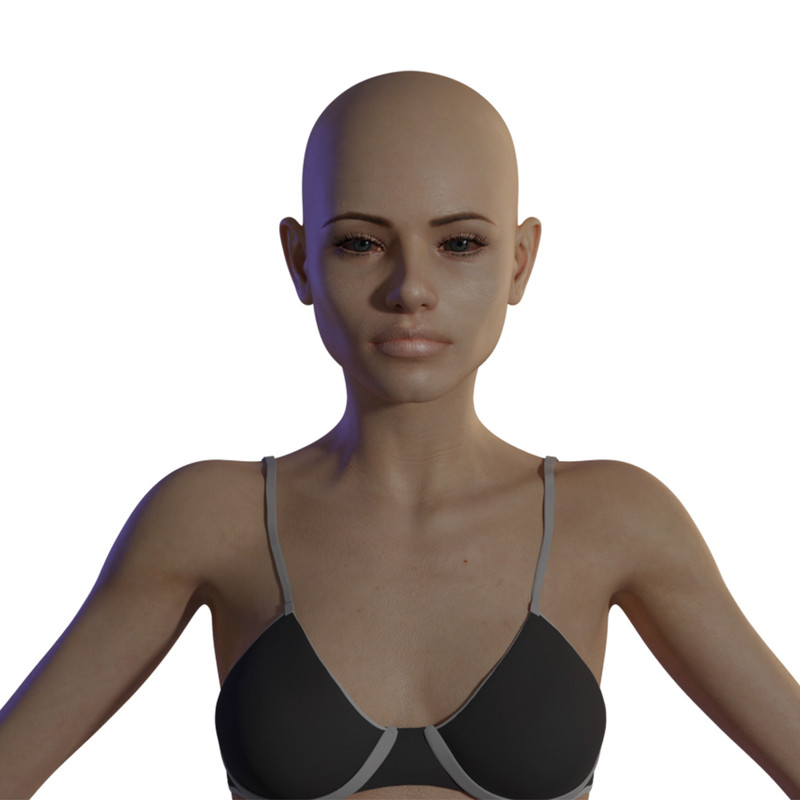
BLENDER RENDER, with 8K Textures, Closeup:
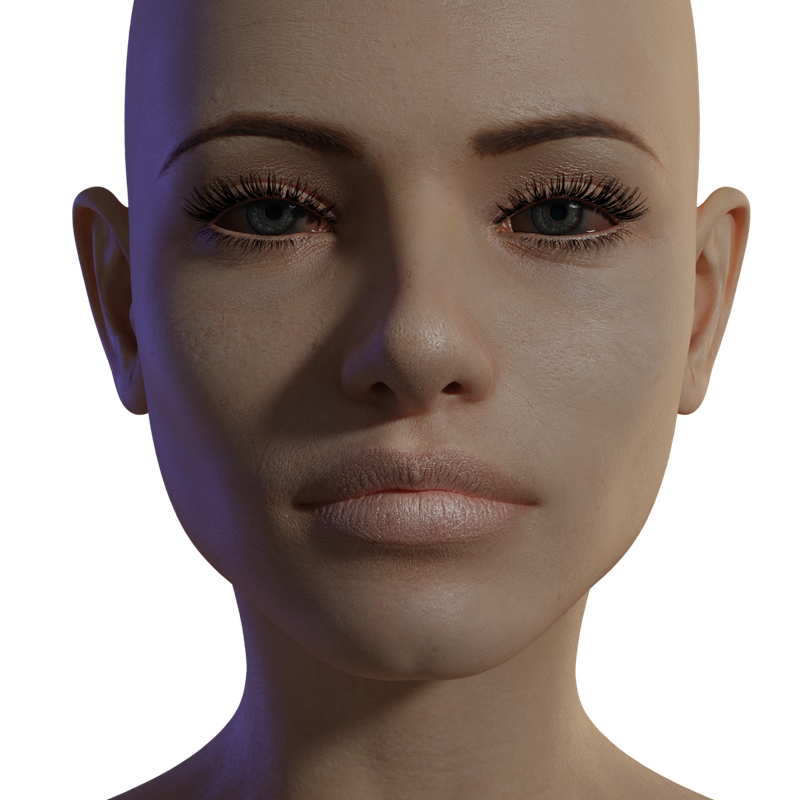
Let me know what you think!
August 10, 2021 at 10:24 PM #1719571Wow - I'd say pretty great for first time!
August 11, 2021 at 3:23 AM #1719628The skin textures came out fantastic. Well done!
August 12, 2021 at 8:03 AM #1719874I'm not sure why you would be wanting to move DS characters to Blender unless you're going to animate them. The thing is that the newer DS skins are so complex these days they have dozens of separate nodes for SSS, translucency, DLSW, refraction etc, that they can't really be moved to Blender unless you build them all over again.
August 12, 2021 at 10:04 PM #1720023Thanks for that info Legolas. I never knew Blender had those capabilities and really don't use it apart from a few small things like altering models and converting file formats. Good luck with the character you're working on.
-
AuthorPosts








- You must be logged in to reply to this topic.
