Home Page › Forums › General Chat › Hair ID
- This topic has 6 replies, 3 voices, and was last updated 7 months, 3 weeks ago by
 Poe.
Poe.
-
AuthorPosts
-
March 2, 2026 at 4:44 PM #2165673
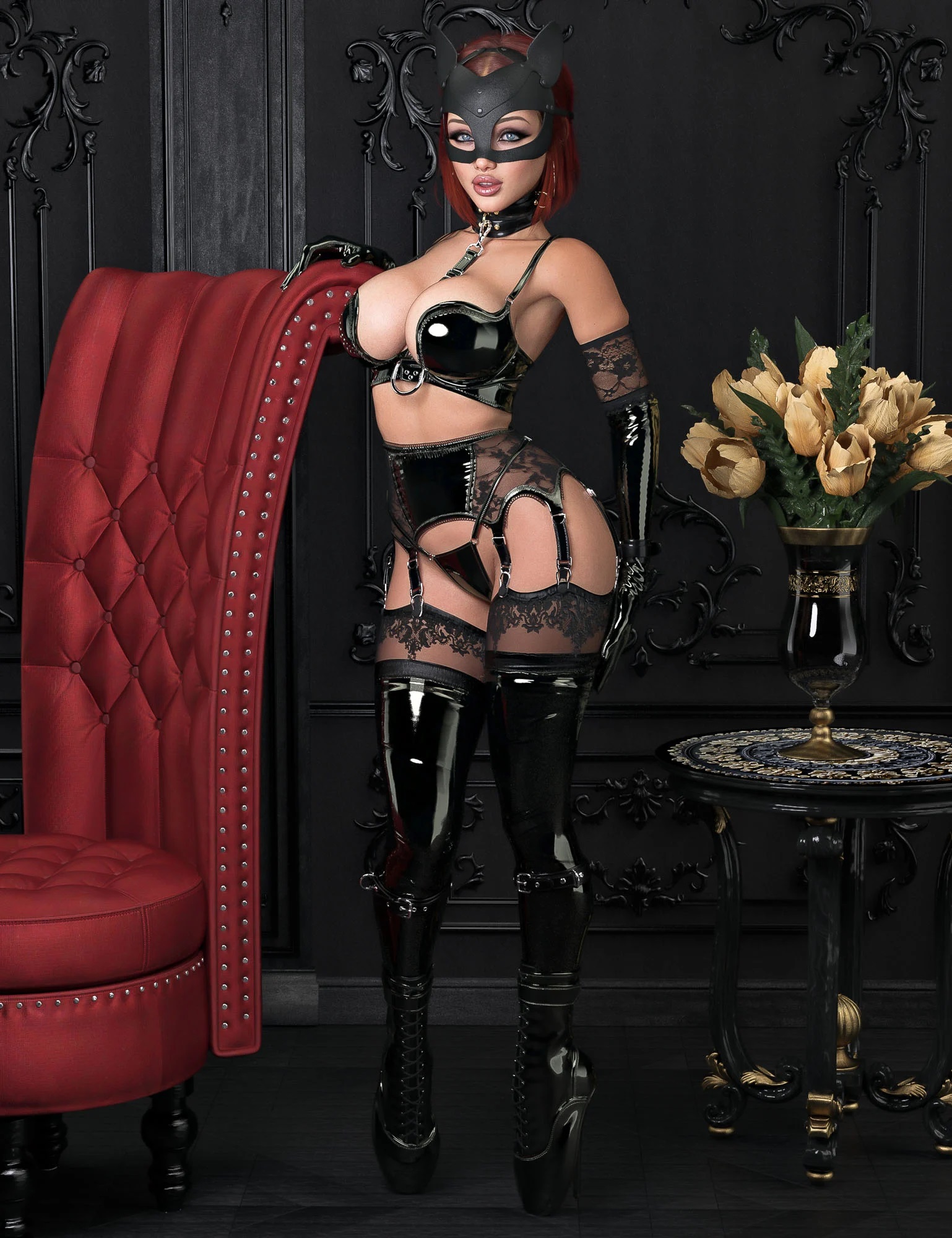
I know I've seen this before and I likely have it...
from Thorns & Temptation Bundle promo
(https://www.daz3d.com/thorns--temptation-bundle)March 2, 2026 at 7:28 PM #2165704March 2, 2026 at 7:45 PM #2165705@supimps
Hmmm, not that one unless there was custom edits to it. There's no "behind ear" sliders for that one. Thanks for the attempt though.March 2, 2026 at 8:26 PM #2165708I believe @supimps suggested the correct approach. Most likely, the author of that set created a custom morph in Blender (or another software) to properly fit the mask, including adjustments around the ears.
In Blender, this can be done quite quickly and easily. I’ve used headwear in my renders many times and handled it the same way.
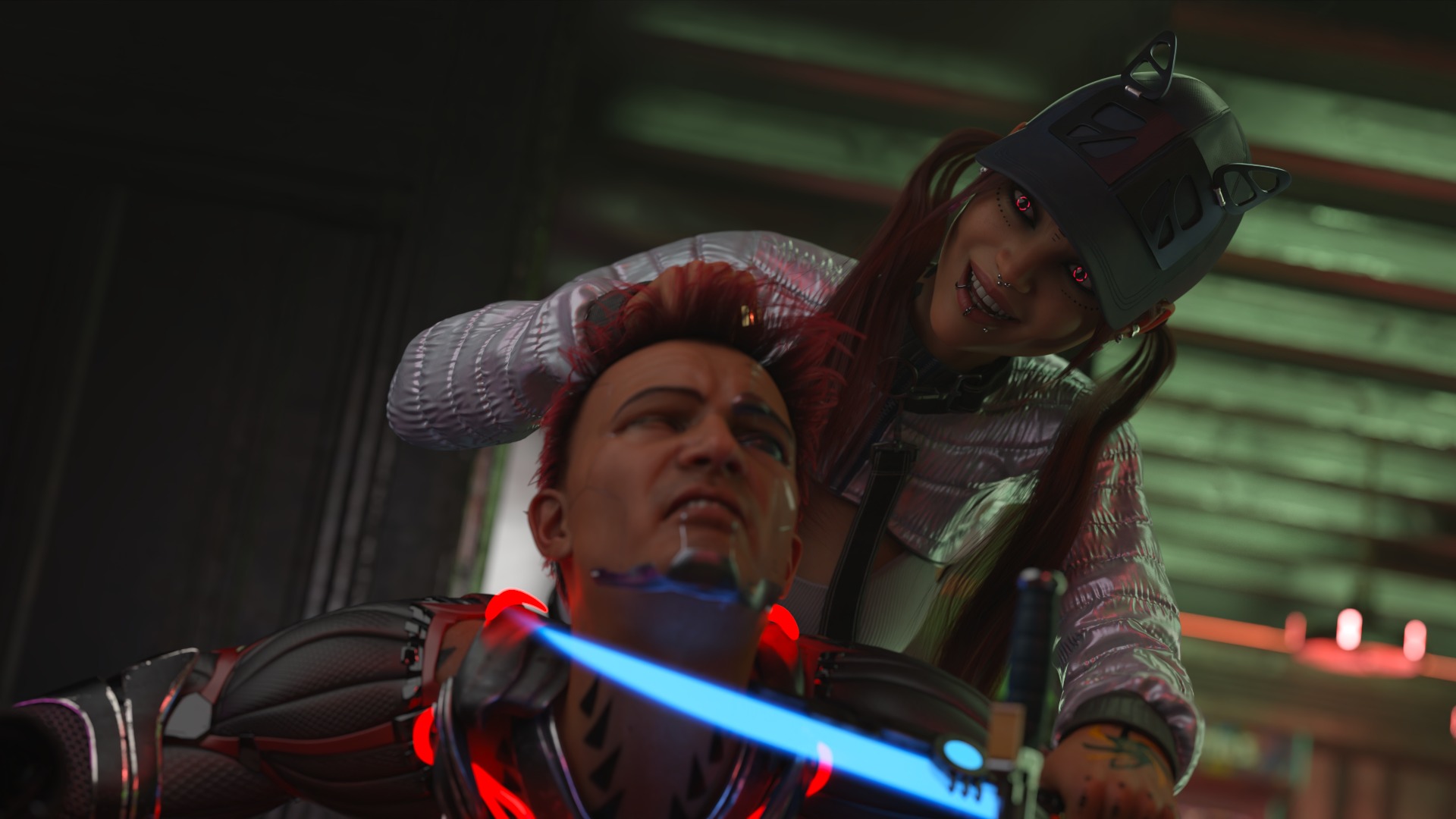
For example, in the render below, I adjusted the hair under the cap directly in Blender:
https://new.imagehostx.com/upload/2026/03/02/local_1772483099.jpgMarch 2, 2026 at 8:31 PM #2165709@maddy
Thanks Maddy, I was hoping that wasn't it. I was thinking it could be "Holo hair" but then that one doesn't have a "behind ears" either. I'm reluctant to get into blender but it's just yet another reason to get some experience with it.March 3, 2026 at 12:28 PM #2165815@poepogue
The artist put this hair in the "additional products used in promo images" section for Gothic Indulgence for Invicta Couture Black Rose (Daz Store link) and you can see it used without the mask in the sixth render.
I believe @Maddy is right that artist must have made a custom morph for the hair to fit under the mask, you could try using Daz's D-Former if you don't want to use a third party software.March 3, 2026 at 12:56 PM #2165819 -
AuthorPosts





- You must be logged in to reply to this topic.