Home Page › Forums › General Chat › G9 to G8 Face Morph Transfer Question
- This topic has 19 replies, 6 voices, and was last updated 1 year, 7 months ago by
outro.

-
AuthorPosts
-
March 12, 2025 at 10:05 PM #2121534
From the few tests I've done, the fit suit method works fine but distort the iris
March 13, 2025 at 1:46 AM #2121550I rarely see distorted irises in the conversion cases by using Fit Suit. How does the distortion look like ? Or name the character with which you failed to get the expected result~
The case I did for eel (V3D Natalie) with Fit Suit, no fix.
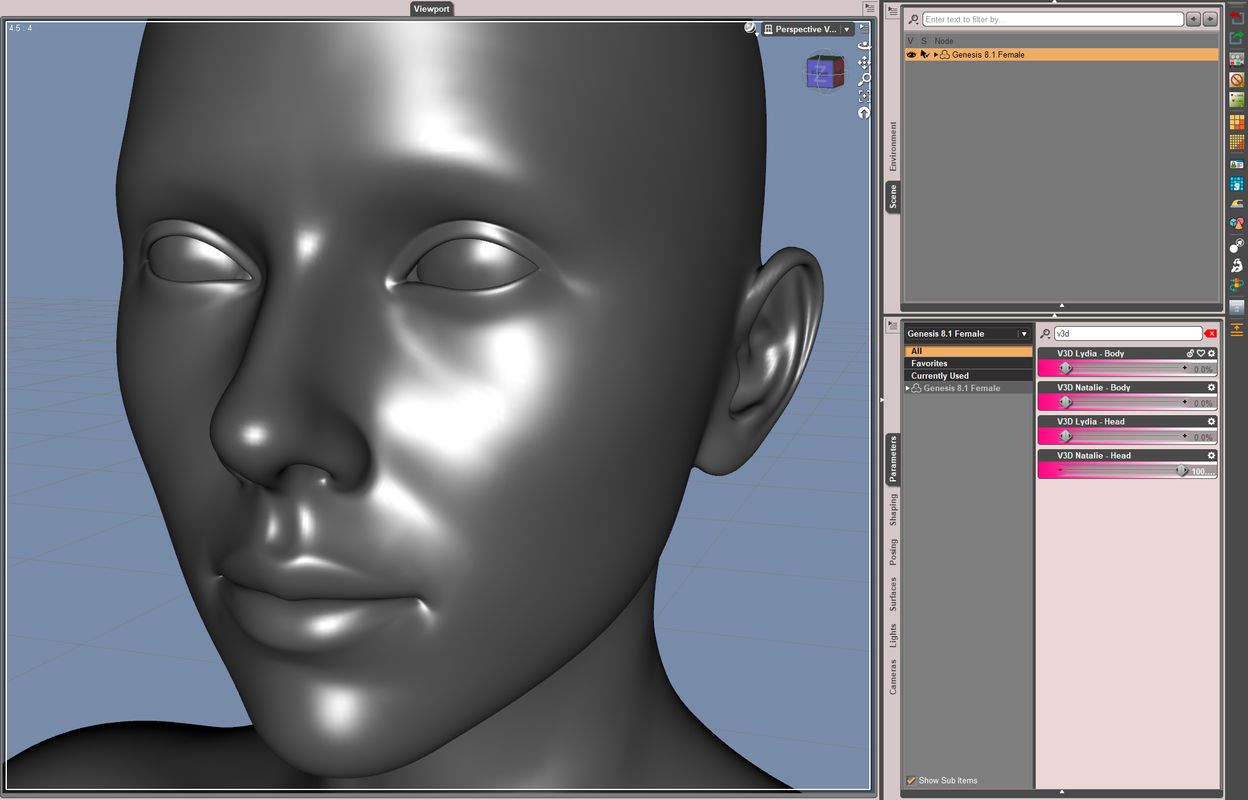
And, you need to distinguish the natural bulge of Cornea geometry on the eyeballs.
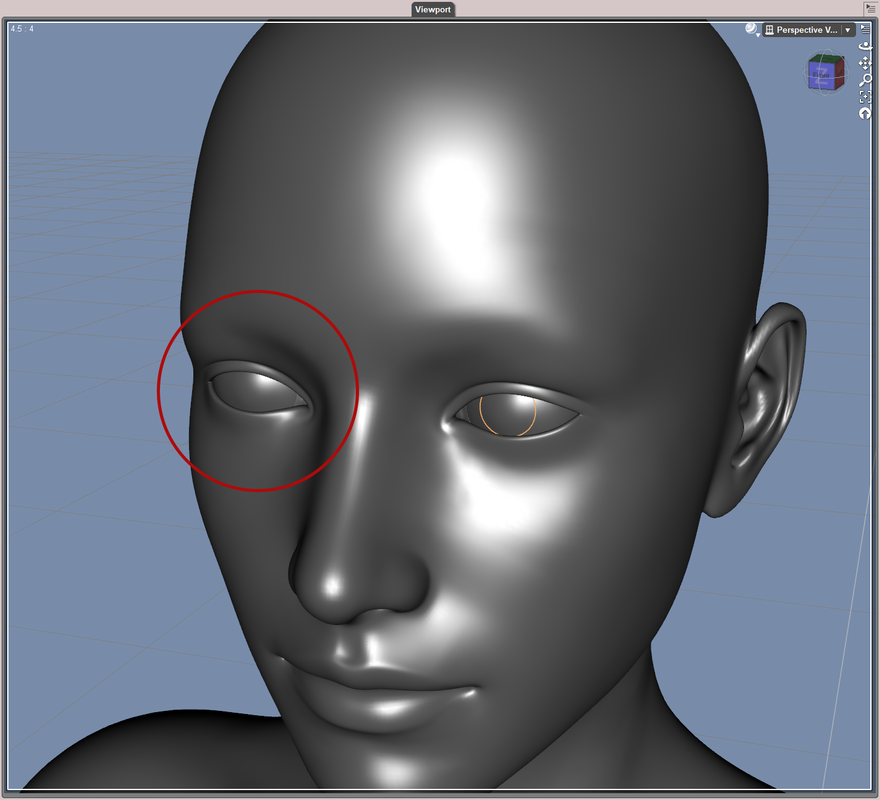
When fitting G8 CLONE mesh on G9, in Transfer Utility dialogue, tick Use Near Vertices with value set to 1000%. That'll help to give more precise result in some cases.
Besides, better always use Dev Load rather than Base figures of G8/G9 for any conversion ~
Good luck !
March 13, 2025 at 11:31 PM #2121663@Richard Y
I've used the method from the WP Guru shown in this video:
The clay model looks fine but once you apply a material, the iris appears as slightly distorted.
At the 14'04 mark the distortion is clearly visible on the eyes of the converted character.
The result was even worse when I used this method on HID Emmy and HID Violet.I don't think this method uses Transfer Utility. Maybe there's a better way to do the conversion.
March 14, 2025 at 3:09 AM #2121680Yea, though Jay converted the figure with DevTools for G9, the "fit suit" was still rigged on G9 with Transfer Utiliy (by using Create Follower, at 5'.00 of the tutorial) but just in a Silent Mode. However, the way of using DevTools is more cumbersome ~~
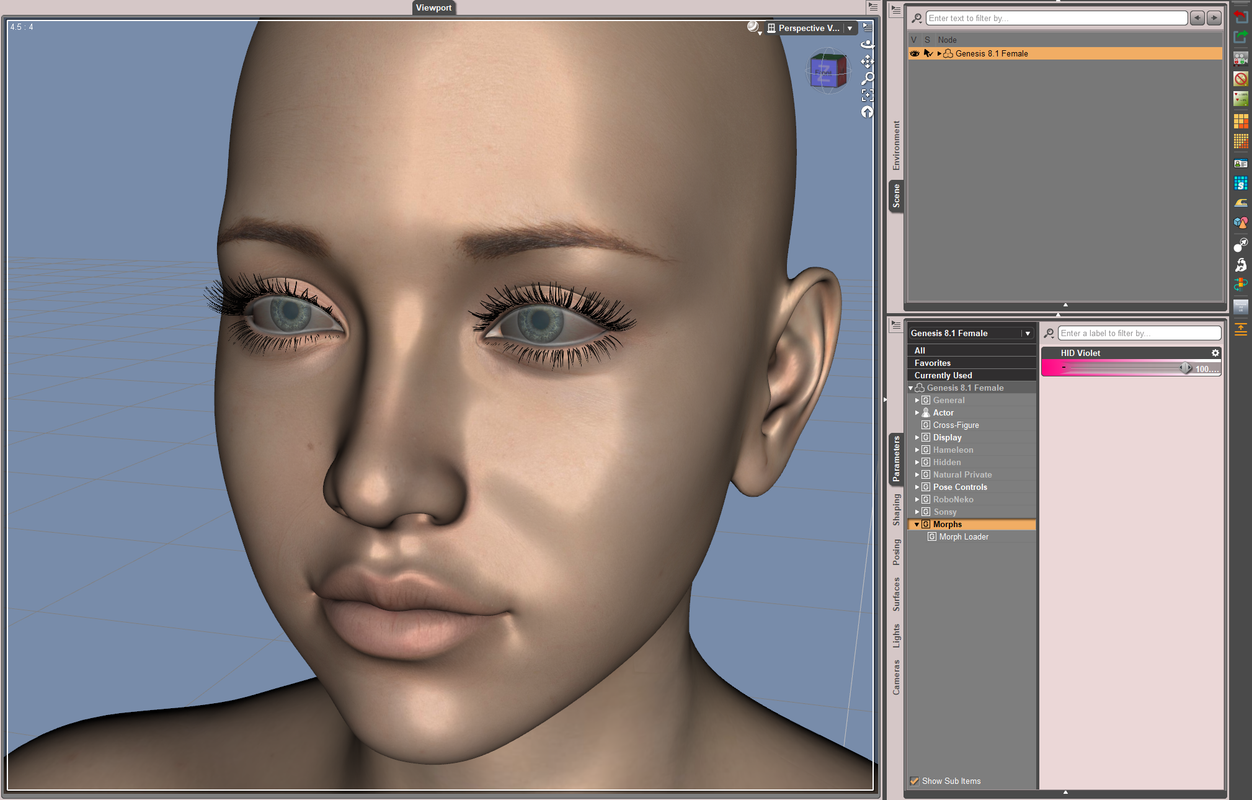
I checked HID Violet, yes I could reproduce the issue even with my way... I think with the above way shown in the tut, you'll get a even worse result. I believe the culprit comes from the bigger range of Vertex Positions' change on the head morph of Violet G9.
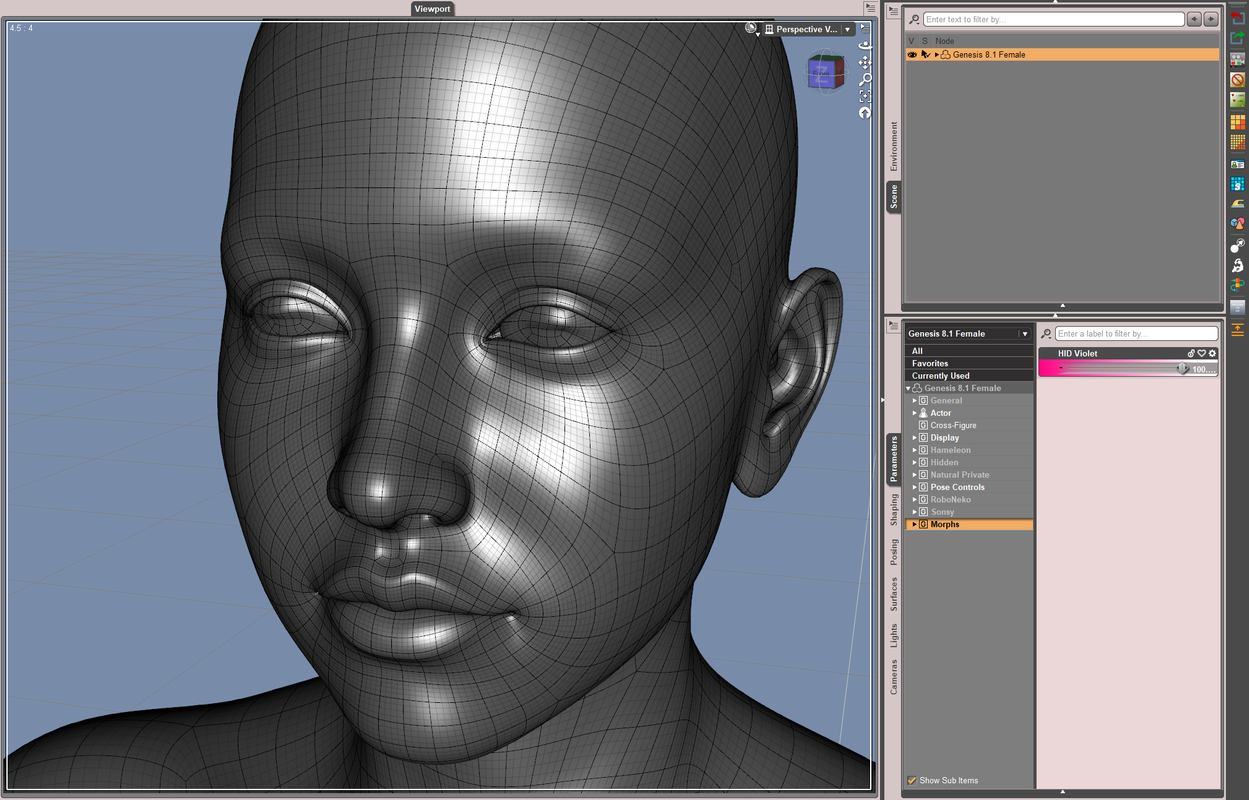
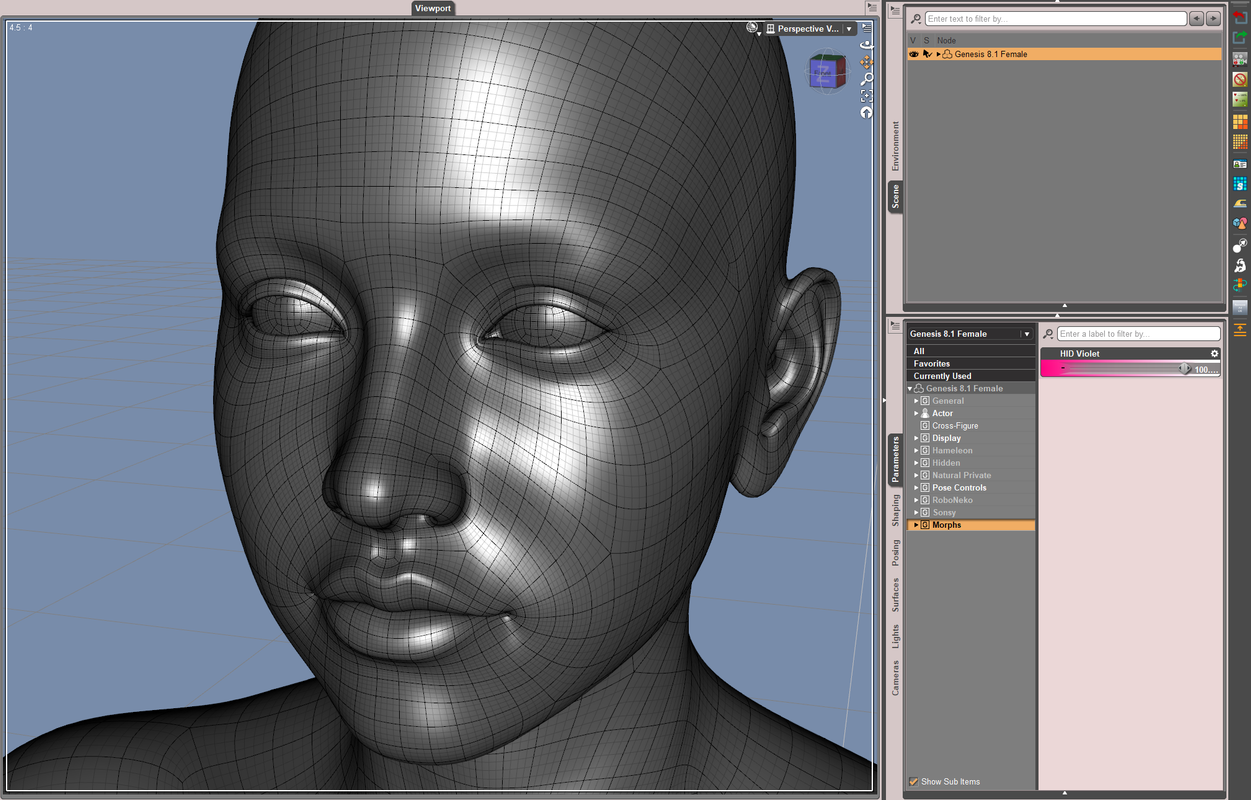
But it should be easy to fix the distortion in Blender (with Smooth/Grab brushes...). Or, remove the delta vertices of Violet Head morph from the Eyeballs then directly re-rig them to get a even perfect result ~~
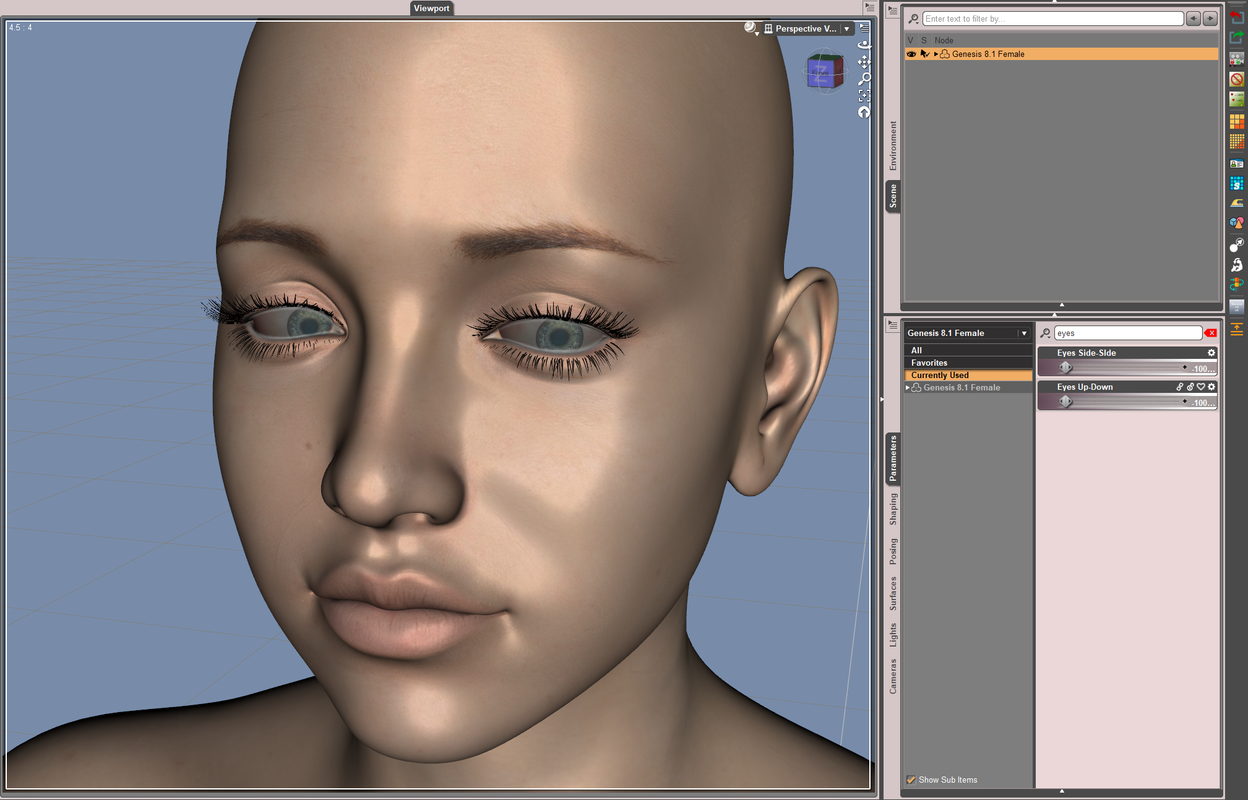
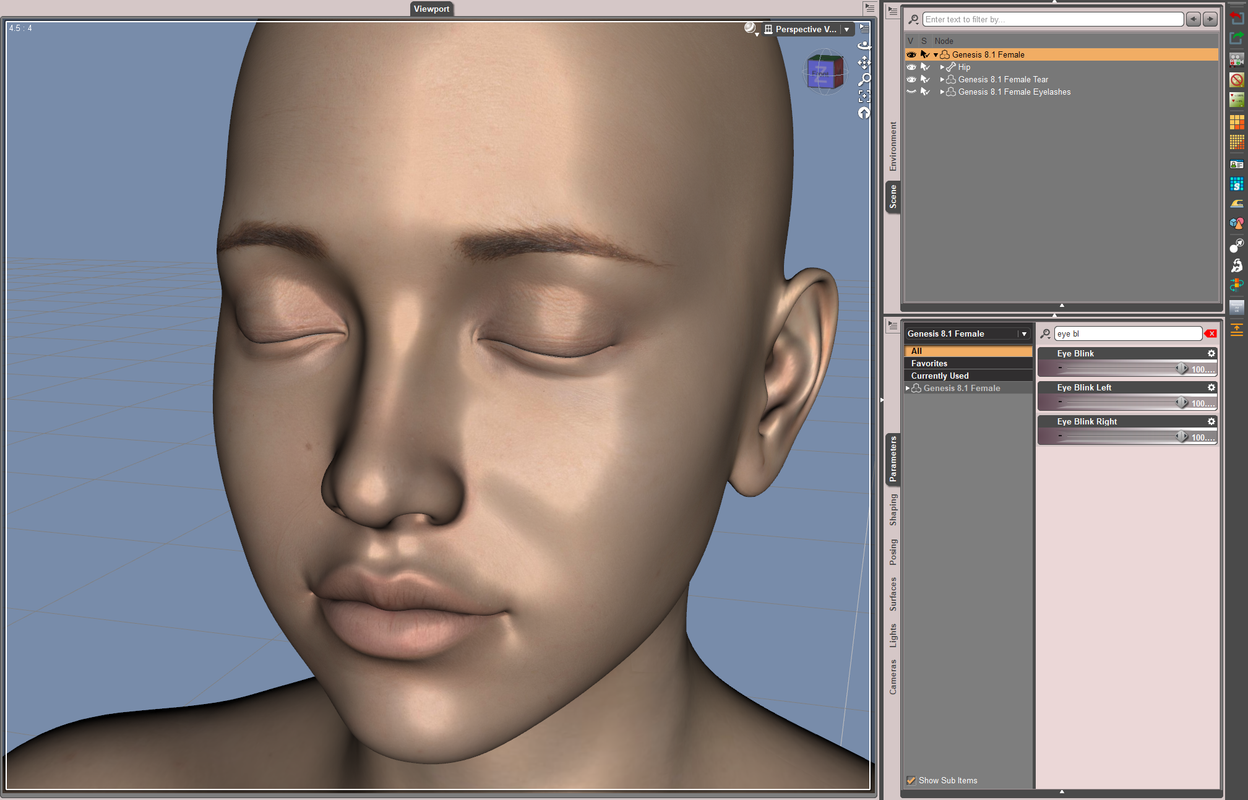
With the 2nd way, I roughly re-rigged them as below. Even without any fix for correctiver morphs, Eyes Up-Down / Side-Side and Eye Blink worked pretty well.
 March 14, 2025 at 3:49 PM #2121749
Thanks for the input, Richard. Conversion between generations is always so cumbersome.
-
AuthorPosts




- You must be logged in to reply to this topic.
