Home Page › Forums › General Chat › Free AI art...on your PC?
- This topic has 39 replies, 12 voices, and was last updated 3 years, 5 months ago by
 SkippyTheMeh.
-
AuthorPosts
-
January 7, 2023 at 7:56 PM #1911048
AI seems to be moving fast.
Now we already have free AI art solutions that can generate art on your PC (no 3rd party websites or anything). You just use a few free pre-trained "Models", and get what you want. The trick is to learn the lingo to talk to the generator (Prompts).
EDIT: Yes, you can also do NSFW. No blocks there, since it's generated on your PC. You just need to use the proper model.
The installation is a bit complicated at first, but once you have installed things, you are golden.
1. How to install Stable Diffusion on Windows (AUTOMATIC1111)
NOTE: Use python-3.10.9 for now, not the latest version! I also used GIT 2.39.0.2 with it.
There is also a YT guide:
(https://www.youtube.com/watch?v=VXEyhM3Djqg)
2. You can get trained "Models" (not character models, but art generation models) here:
3. There is also a discord channel for NSFW stuff called Unstable Diffusion.
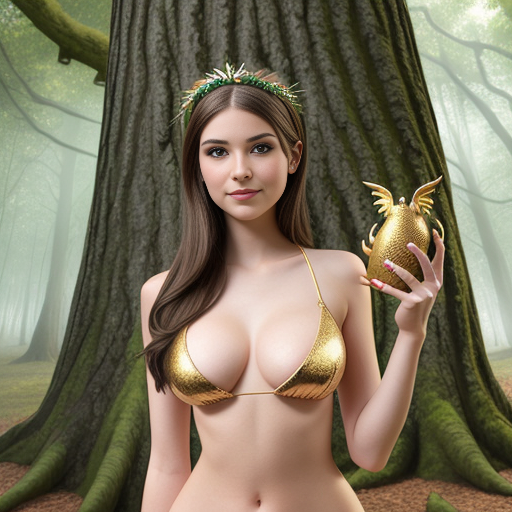
Here is something I did (I am still bad at prompts)
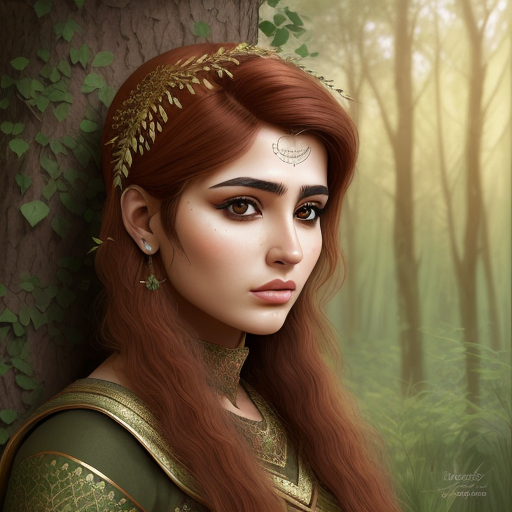
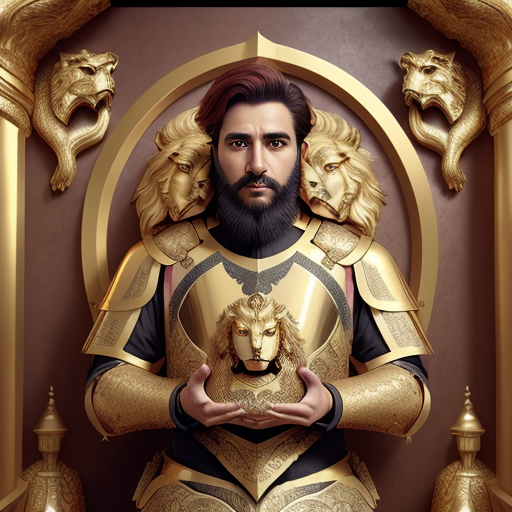
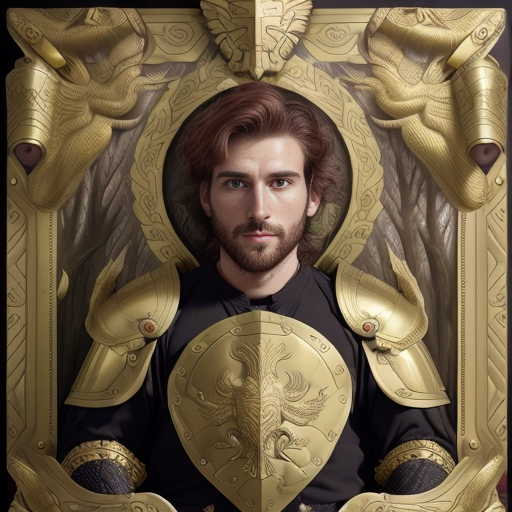
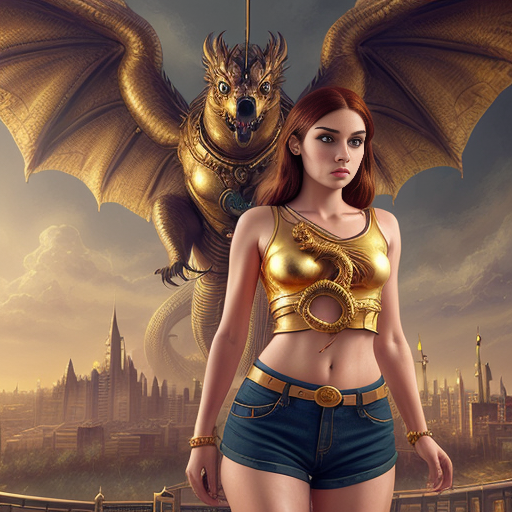
For this one I got help from ChatGPT (an AI chat program) to help me get prompts to create better art!
 January 7, 2023 at 8:08 PM #1911052
Interesting. Can’t really say I understand the context behind ai art, but superficially, it’s quite impressive given that this is entirely driven by prompts!
That said, ai art seems to have this very flat illustrative art style reminiscent of old 80s and 90s fictional novels.
Is it possible to create a series of related ai art pieces or do they all come out pretty random and/or generic in some cases?
January 7, 2023 at 8:15 PM #1911054@diviniren I think we are still in the relatively initial stage of AI art, so unfortunately it comes with little control and a lot of randomness at this stage, and it's more of a novelty interest.
However, given that there's most probably going to be a huge boom in AI in general in this decade, we can hopefully expect things to improve drastically within a few years, maybe even to the point of AI generated video.
January 7, 2023 at 8:30 PM #1911059Well, if we thought about it, that’s what deepfake is really and has been around for a while, and ai art is just an extension of that (singular object to whole scenes). But yeah, would be very interesting to see how far ai art goes, if it can get to the point of actually creating something original rather than stitching and blending reference assets. Both a blessing and curse I suppose! 😉
How long does it take to generate these images btw?
January 7, 2023 at 8:49 PM #1911062@diviniren With my computer, just a few seconds, but it seems to require a relatively powerful GPU and the size of the image is small (typically 512x512, although there are AI based image resizers).
January 7, 2023 at 9:07 PM #1911064@ethiopia Generating images on your computer means no porn block 😉
Just take a look at the various generators I linked here:
Also, I believe you could create your generators (they call them models) too, and even train them to apply a desired face anywhere you want.
The cool thing is that you can also create a blend of generators to create your own unique style. 🙂
January 7, 2023 at 9:18 PM #1911067I mean, some of these are stupidly good already:
January 7, 2023 at 9:42 PM #1911069Is it possible to create a series of related ai art pieces or do they all come out pretty random and/or generic in some cases?From looking at things a bit more in-depth, yes, but you have to be more skilled than I currently am with prompts, and creating a certain style.
Also, you can use specific "Models" (art generators) to get more similar / consistent results.
January 7, 2023 at 11:30 PM #1911088@ethiopia Sounds like a great idea. I am not sure how it all works yet, but I can see people creating this sort of AI trained packages. 👍
January 8, 2023 at 12:42 AM #1911107It's pretty impressive tech, but IMO it still needs a few years till it can work basically as an independent render engine and till it can give a consistent "always good" quality (in high res - without AI upscale edit: you can do high res anytime but currently a 4090 is not enough for this 😀 💸).
BUT in it's current state, it's pretty darn good for composite works.
Like this one:
DAZ Render + Stable Diffusion + Photoshop/Lightroom Mix
(it's the img2img part in SD (with the test script), it's kinda editing an already existing image with the prompts, a bit tricky to use, but it can give amazing results)(not mine)
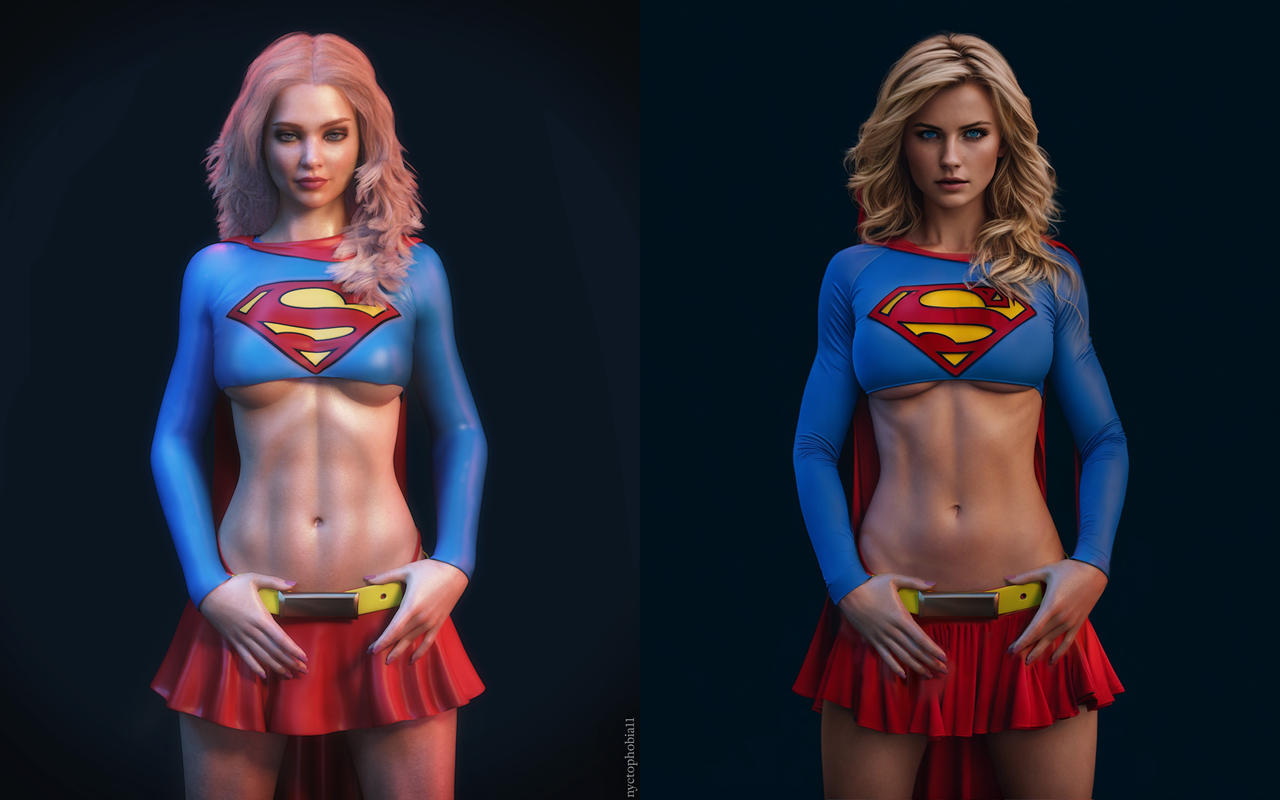
https://www.deviantart.com/nyctophobia11/journal/Supergirl-but-is-it-art-944149209and of course, you can throw in some DeepFake for the face, and tada every member at ArtStation hates you 😀 😀
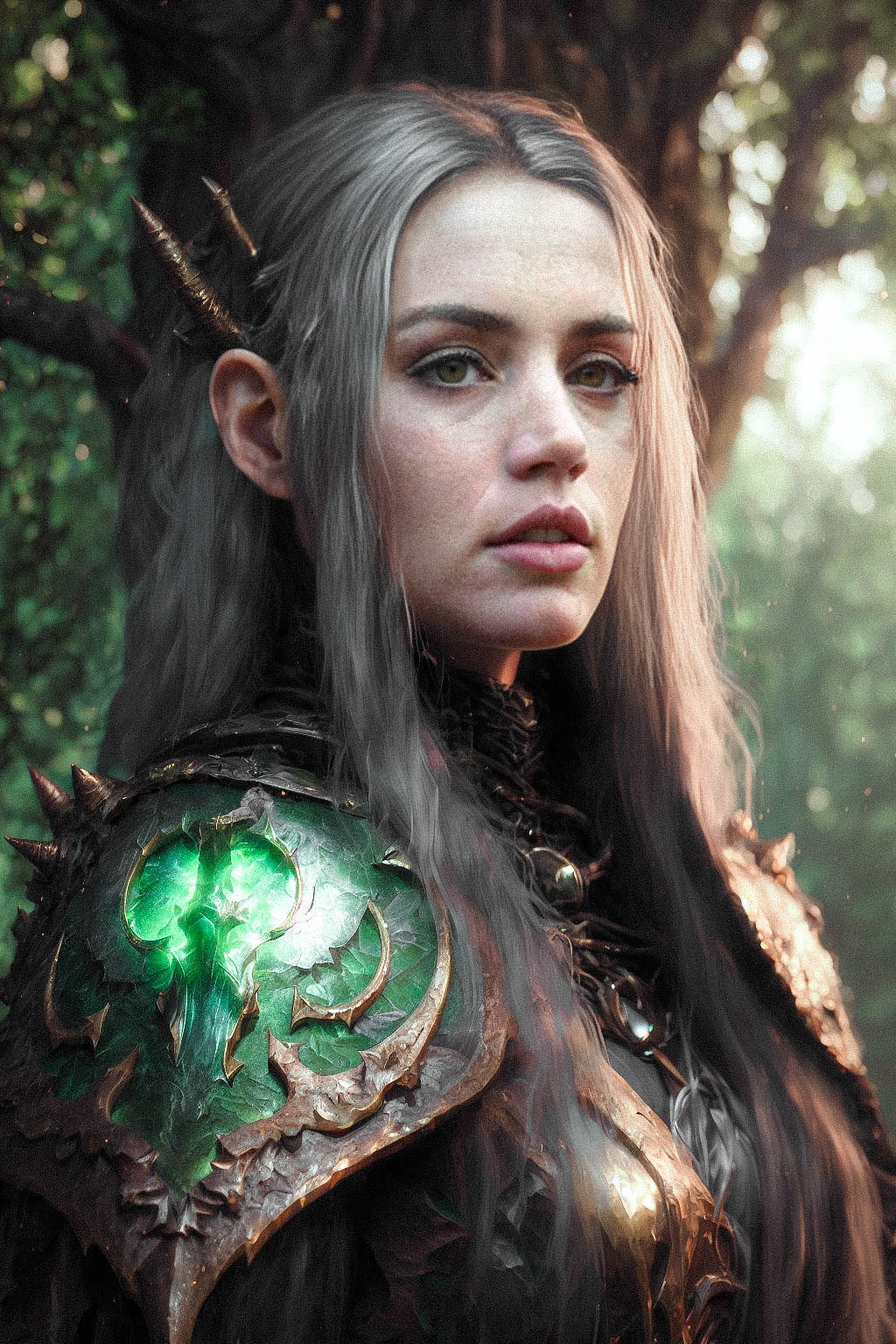
(original)
January 8, 2023 at 1:02 AM #1911131@warrant63 Thanks for the input. I have to admit, a render + the ai seems to be very appealing, I really need to learn that 🙂
And the deepfake too 🙂
January 8, 2023 at 2:44 AM #1911144I've been interested in DeepFaceLab for a while but the killer for me is the "training" component where, even for a few minutes of video, it can take several days. Days in which your CPU and/or GPU are running at or near 100% doing the required calculations. That's not a realistic prospect for me.
January 8, 2023 at 10:50 AM #1911245@ethiopia
You can already remove the watermarks from Getty images 😀 It's limited to a 2048x2048 res tho.
@legolas18
For the SD img2img you can find a kinda guide here - btw it's already implemented in the AUTOMATIC1111 GUI SD
A better (?) way of doing img2img by finding the noise which reconstructs the original image
byu/Aqwis inStableDiffusion+there is a video about it (it's an older SD, but it gives a good idea about values)
Worth to note that for some reason this particular image works pretty well with img2img 😀 with other pics, it's pretty random, but you can mix 3-4 iterations into one (like the Supergirl one)
@frank22
for me so far (in the AI industry) the DeepFaceLab project is THE favorite. They started to focus on the Live webcam part, so it didn't really change in the last year, but the community come up with pretty good training methods and shortcuts.You can already shortcut the training a bit with premade or pretrained models, and you can train face models that don't need extra training for various videos (RTM models). Of course, it depends on the model's quality etc etc.
edit: if you want to create an RTM face model from scratch (with a pretrainded "base" model), calculating with 1x 3090 24GB, it's 2-3 days to create a good faceset (create a 5000-8000x picture set from video materials to cover every possible face angles) - you only use the GPU for a few hours at this part (mostly at 100% ofc).
Then train it for approximately 11 days (24hours non stop with mostly 100% GPU use - you can stop/start it anytime).
And it's kinda done, you can use the model without extra training 🙂January 8, 2023 at 12:26 PM #1911275@warrant63 Thanks for the tips. It's certainly a nice new toy to play with 🤩
I also found the official guide here
https://github.com/AUTOMATIC1111/stable-diffusion-webui/wiki/Features
By the way, which program did you use for the deepfake? Thanks 🙂
January 8, 2023 at 12:40 PM #1911276@legolas18
for the faceset creation MachineVideoEditor + ACDSee (for sorting)
https://github.com/MachineEditor/MachineVideoEditorfor training and creating the composite: DeepFaceLab (RTX3000_series_build_11_20_2021, there are no newer builds for 3000/4000, only a few github fix etc)
https://github.com/iperov/DeepFaceLab
(you can use it from MachineVideoEditor too if you only want to use one GUI)edit: this is a pretty good guide to it 🙂
https://mrdeepfakes.com/forums/threads/guide-deepfacelab-2-0-guide.3886/ -
AuthorPosts






- You must be logged in to reply to this topic.
