Home Page › Forums › General Chat › Big Thanks
Tagged: Gratitude
- This topic has 10 replies, 5 voices, and was last updated 2 years, 8 months ago by
 Ethiopia.
-
AuthorPosts
-
February 9, 2024 at 10:56 PM #2057892
Just want to give a big thanks to @Ethiopia for getting this beauty here: https://zonegfx.com/text-to-3d-plugin/
Cracked, much appreciated. And thanks to everyone else that makes this place... go.Hip hip.. No?
February 10, 2024 at 12:09 AM #2057894I agree, I've been waiting for this utility for ages BUT I'm a dullard who doesn't know how to enter the serial or access the plugin🙄
I've copied all the files plus the c***k but... That's all I've managed. Anybody care to help a senile old git please?
Thanks from my cell in the old folks home for the bewildered!
February 10, 2024 at 12:27 AM #2057897Did you replace the dll file and restart Studio?
There's a LOT of talent here, from the person who first detected the hidden files and time code tracking of downloads, to the person who wrote the de-tracking script, and then the person who cracked this plugin.
What would we do without them?February 10, 2024 at 1:42 AM #2057901Thanks Ethiopia, yep replaced the dll and restarted but nothing obvious appears for me to enter a serial or start creating 3d text...
It's a ME issue, not a software issue 😣February 10, 2024 at 3:40 AM #2057909Biff,
Go to "Help" and "About Installed Plugins" on the menu and it will give you a list of available plugin applications. Next to it is a place to enter the serial number. I tried most of the serial numbers in the "Serial numbers and Instructions" text file and I couldn't get any of them to work.
Of course it could be a ME issue. I'm a bit of a geezer myself.
February 10, 2024 at 10:28 AM #2057932@stickduck, I've asked our pet hacker to read this thread and see if he/she/it has any comments. I heard back from one person who mentioned that he had to re-install Studio to make it work.
(Edit) I just counted the downloads and it's been grabbed 112 times so far. There's only been two people who've mentioned a problem so far although I'm sure that not everyone who downloaded it has installed it. I'll keep track.
February 10, 2024 at 5:22 PM #2057978.. worked like a charm for me..
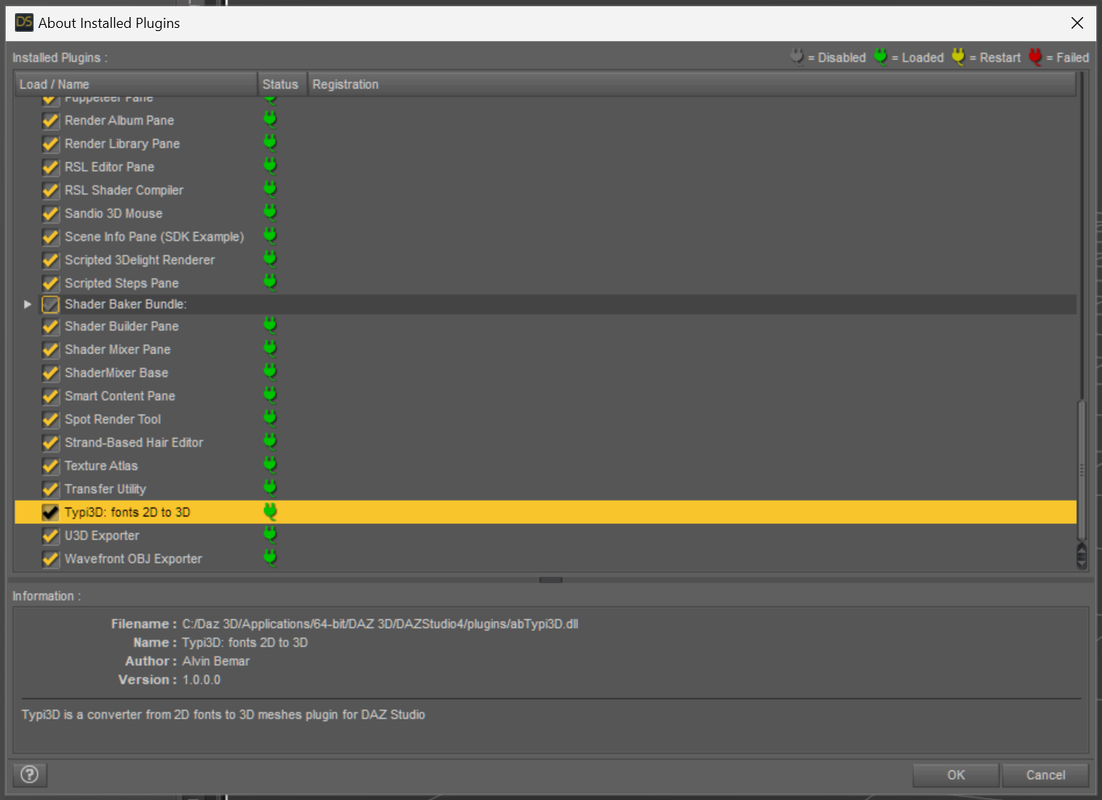
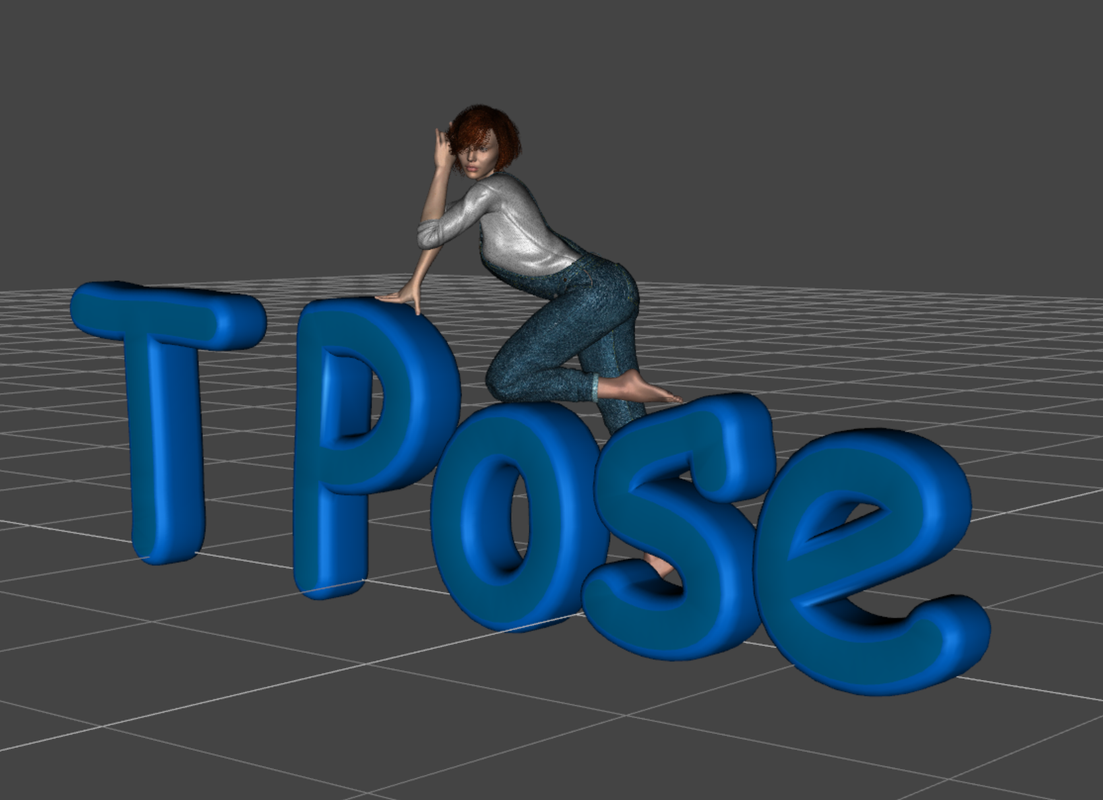
@unusualsuspex1. Close Daz3D if it is already open 2. Copy all the folders (docs, libs, plugins) to your Daz installation folder.. (.. for me the location was C:\Daz 3D\Applications\64-bit\DAZ 3D\DAZStudio4..) 3. Copy the dll file from the cracked folder to the "plugins" folder and overwrite.. 4. Open Daz3D now 5. Go to Help -> About installed plugins 6. You should see the "Typi3D: fonts 2D to 3D" entry with an empty input next to it 7. Put any of the serials from the text file in that (.. the first one worked for me..) 8. Daz will say that it will need to be restarted for the registration to take effect. 9. Restart Daz3D 10. Done..
@stickduck
.. you probably need to replace the abTypi3D.dll dll in the plugins folder with the cracked one for the serial to be accepted..
@ethiopia
.. reinstalling Daz for this would probably be overkill.... hope that helps..
February 10, 2024 at 6:47 PM #2057990To everybody, from the filler to the cracker to you helpful lot, thank you! It was definitely a ME issue, as in thick as shit!!
Thanks guys
February 10, 2024 at 8:50 PM #2058002I just love a happy endings
February 11, 2024 at 12:56 AM #2058011More happy.
I had the older DLL in the plugin folder.
Thanks for the help.
February 12, 2024 at 10:50 AM #2058161It seems that the plugin is not without it's problems. If you have it, you might want to bookmark this thread...
https://www.daz3d.com/forums/discussion/667336/released-typi3d-plugin-fonts-to-3d-mesh-windows-version -
AuthorPosts







- You must be logged in to reply to this topic.
