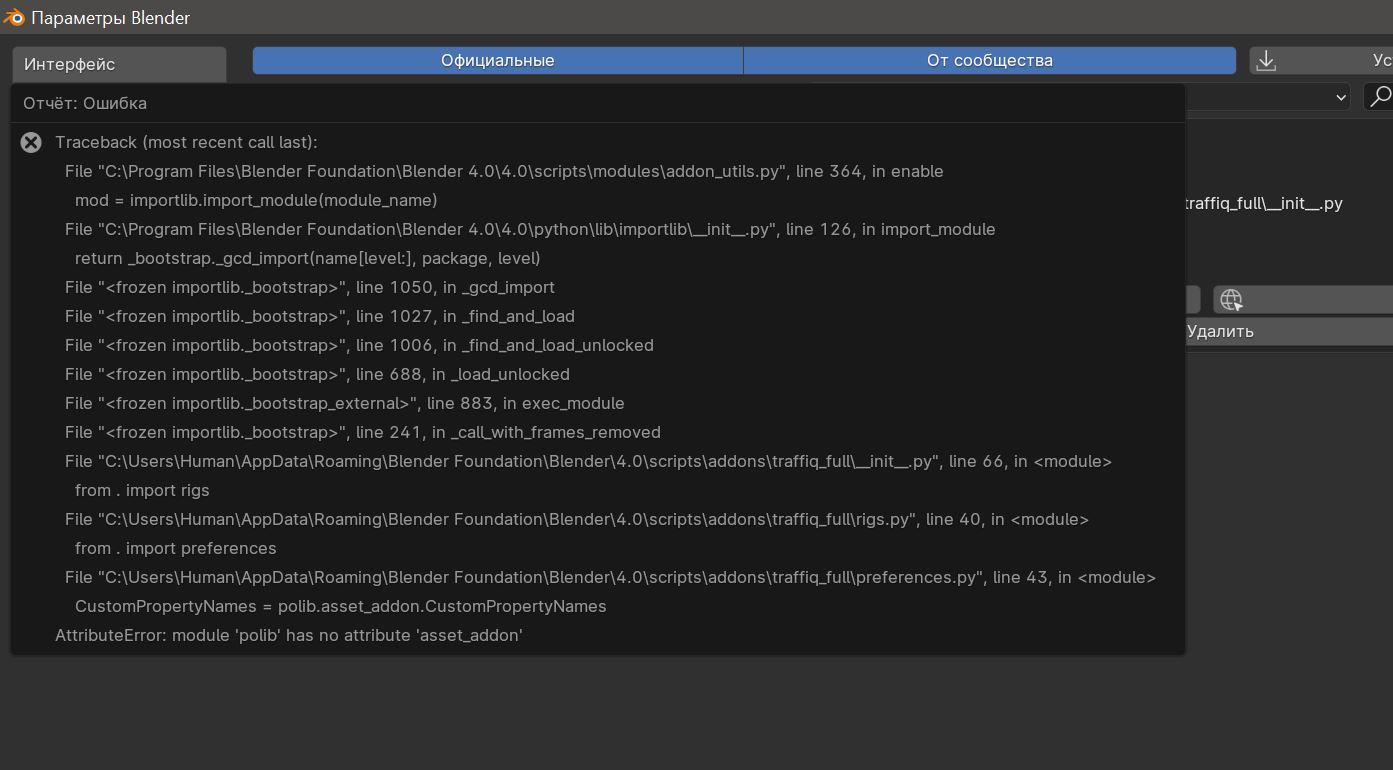
Hello,
I don't have this one.
But, following the documentation you could find on "Blender Market-> Traffiq 1.7 -> documentation-> How to install it".
You have to, as usual, put the ZIP file in your addon folder.
Then in Blender -> Edit -> Preferences -> Add on -> Install -> browse to the location of the file.
That's all.
If you receive a ".RAR" archive, you will normally find the ZIP inside.
 .
.