Home Page › Forums › General Chat › Prob Textures
- This topic has 6 replies, 2 voices, and was last updated 6 years, 5 months ago by
 MasterCreatif.
-
AuthorPosts
-
March 12, 2020 at 4:54 PM #1512868
Hello friends
Small texture problems.
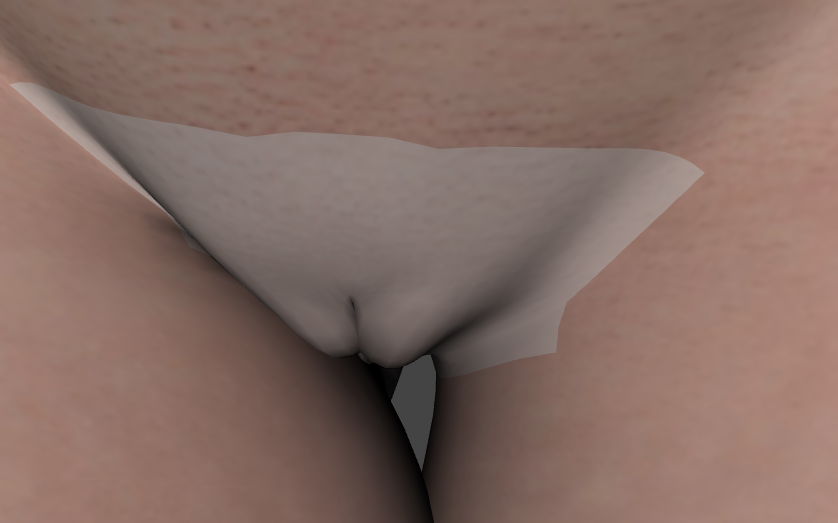
I explain to you, when I want to put a texture (example here red buttocks on my character) the genitals remove the textures ... if I uncheck the faulty texture the genital textures become correct again
Here in picture (sorry for the photo)
I do not work with Iray there is no rendering on this photoExample this file
L.I.E. Sound Punishment Overlays For G8FBut I have this with the files to dirty the body or also with injuries ...
thank you in advance
https://i.postimg.cc/DwzfxLhS/2020-03-12-17-48-00-DAZ-Studio-4-12-Pro.png
March 20, 2020 at 8:51 PM #1525465We need to know a bit more about what you are using. For example are you using a separate genital figure or simply a morph on the base figure ?
Every 3D object has something called a UV map. This tells the texture for that figure where to be, i.e. it maps the texture correctly onto that figure. If you add the Daz 3D anatomical elements to a figure, you then have to either apply the torso material to the elements by copying the torso surfaces on the surfaces tab, then pasting them onto the gens figure AND then with the anatomical elements figure selected on the scene tab, on the surfaces tab scroll down to where it says ' UV set ' - here you can change it to the correct UV set for the figure. Some vendors include an option to apply the torso material to the Daz 3D gens. But the gens can also use a separate or different UV map created just for it.
Go back to your scene, open the surfaces tab, and see what maps are in use before you apply the overlays.
And let us know if you are using a genital add on,
Regards,
March 20, 2020 at 10:55 PM #1525603Hello, Thanks for your message.
Yes I Use New Genital G8
My UV is : Default UV
I will try to understand with your explanations ...
Thank youMarch 21, 2020 at 2:05 PM #1526462OK, when you alter the texture of a body that is using the new gens for V8, you have to update the material of the new gens. There is an option for this in the new gens folder. There are two actually, but one is for 3delight materials.
Also bear in mind that new gens adds a geo-shell so that you can see the two extra layers, called 'effect layer' and 'colour layer'. By default colour layer is visible. You can tell this by the small eye icon that appears next to it on the scene tab. Try clicking on that eye to turn that layer off.
This geo shell also causes problems with other add ons, such as the lifelike nipple geo-graft that I posted to the zone. Turning the colour layer off when using that product solves the problem. (The new gens shell will overlay or cover the nipple geo-graft, it could be doing the same thing in your case. )
March 25, 2020 at 12:09 PM #1532690Hello, thank you, I'm going to watch today and I'll come and tell you if it's good 🙂
May 14, 2020 at 6:21 PM #1602036Hello, I'm coming back for my textures story
Nothing works, I have recently been on Nvidia (GTX 1650 4GO)
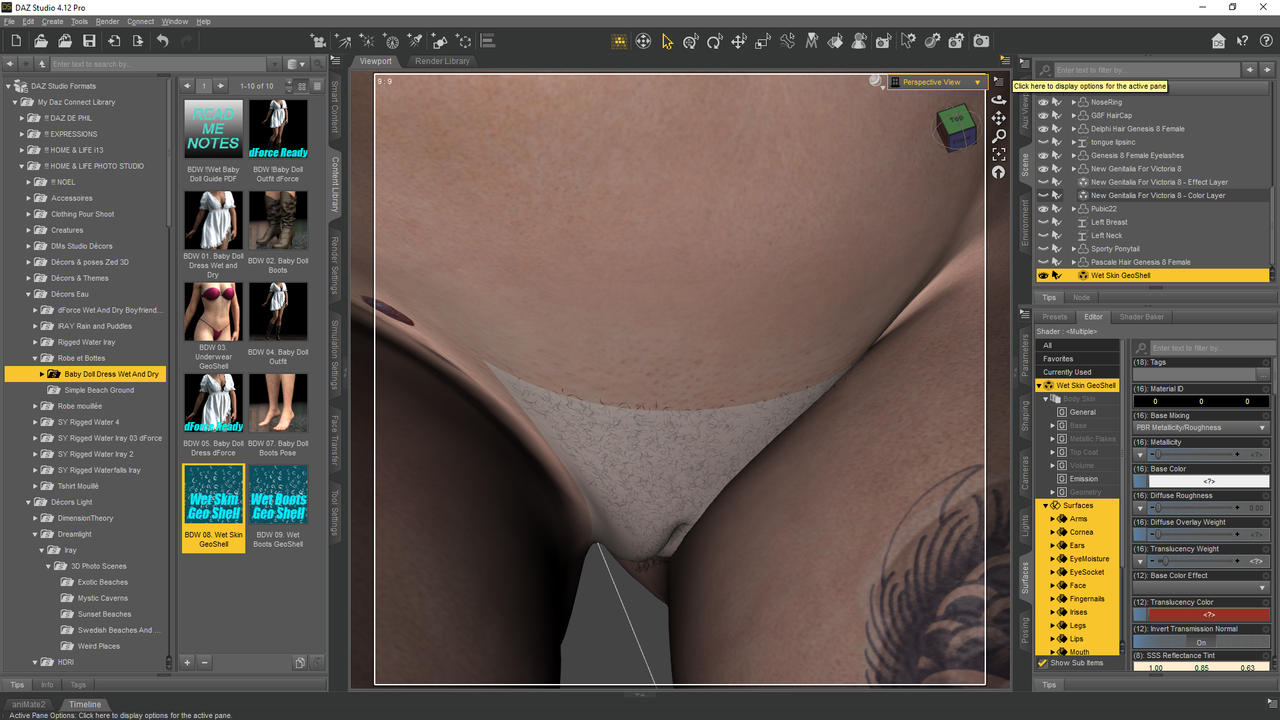
Always this problem of white texture which is put on the level of the sex.I copy the surfaces and copy nothing happens
Wet Skin GeoShell textureThe files are G8 Female
Genital New Génitalia V8
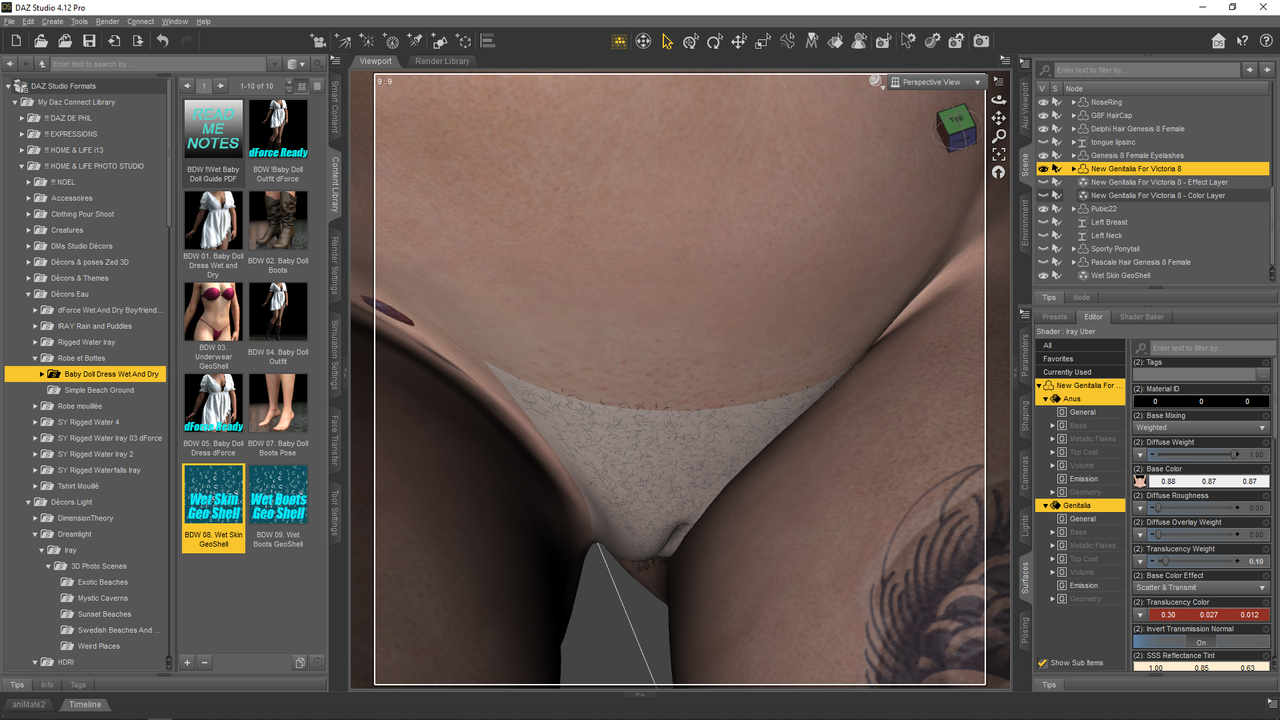
wet file of the DAZ Baby doll wet and dry file https://www.daz3d.com/catalog/product/view/id/49427https://i.postimg.cc/g09VC0Ds/1.png
https://i.postimg.cc/1XzwGVmm/2.pngThank you HELPPPPP !!! 🙂
May 14, 2020 at 6:44 PM #1602041YESSSSS !!!!
I found 🙂
In fact the Genital part which is copied into the surface of the texture that is superimposed, I set the opacity of the vagina and anus to zero
And my white area disappears and the texture added to the base texture is perfect
I'm happy lol -
AuthorPosts



- You must be logged in to reply to this topic.