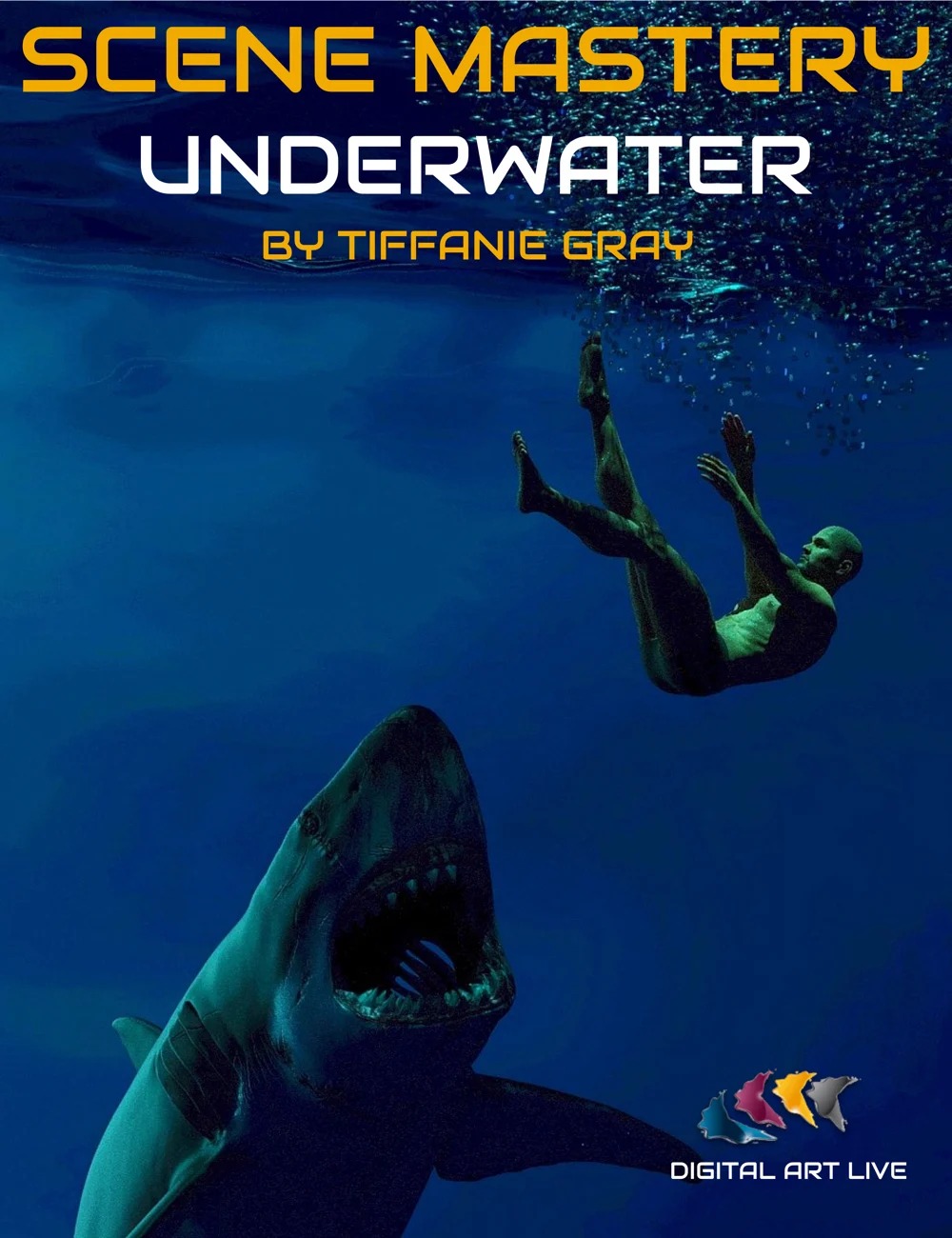
Scene Mastery Tutorial : Underwater
Building scenes involving water introduces a unique set of hurdles to overcome for the 3D artist. Water can affect the lighting, mood, and the look of materials in your scene and it's vital to understand how you can adjust the characters, props, materials, and colors to ensure the resulting render will work and that the realism will shine!
Ensuring that the “physics or effects of water are represented in a scene such as bubbles, foam, splashes, ripples, whirlpools, waves, and wakes can also take some doing, but with the right resources (we'll look at a selection of some of the best) and postwork tips, all of these challenges can be conquered in this tutorial by Tiffanie Grey.
Tutorial running time: 1 hour and 48 minutes.
You'll Learn:
A greater level of understanding of the properties of water in 3D/2D art
Choosing Realistic colors vs Fantasy Colors for scenes
How to alter your Out of the Box environment to achieve more realistic scenes
Color and light adjustments
Adding props to enhance your scenes
Study of how hair, skin, clothes and objects react with water
Posing characters: falling, diving, swimming, floating and action scenes
How to simulate particles, bubbles, special effects and DOF underwater
How water and other liquids react in puddles and cups
Comparison of Iray vs 3Delight for water and lights
How to create your own environments and light effects with primitives and textures
How to create your own textures in 2d programs
Suggestions for post-work in 2d programs
Considerations for Split waterline Scenes (the part above, the part below)
69971, Digital Art Live
https://www.daz3d.com/scene-mastery-tutorial--underwater
File Hosting: MEGA

