The Mockup Creation Course for Adobe Photoshop and Affinity Photo
Have you ever wanted to learn how to create those awesome mockups you see everywhere these days? Do you want to present your design work or product designs in the best most professional way possible, making them both unique and polished? Do you want to create stunning presentations for your portfolio? Then this course is meant for you.
This course is massive spanning multiple projects and software. We will first learn basic mockup theory, how to best layout our mockups. We will talk about proper shadows and highlights and crafting wonderful rich mockup experiences.
We then teach you how to set up your own studio to take photos for mockups including t-shirts, iPads, bottles and more. Learn lighting techniques and photo editing techniques to make your mockups truly custom and unique.
We will go over the basics of pre-made mockups and how to customize those extensively.
Next, we learn how to adapt our designs and graphics to any photo imaginable, even free stock photos. We will give you the foundations needed to place graphics on t-shirts, apparel, mugs, boxes and more. We will learn how to apply graphics that have perspective and use warping tools to warp objects along curves to create product label presentations.
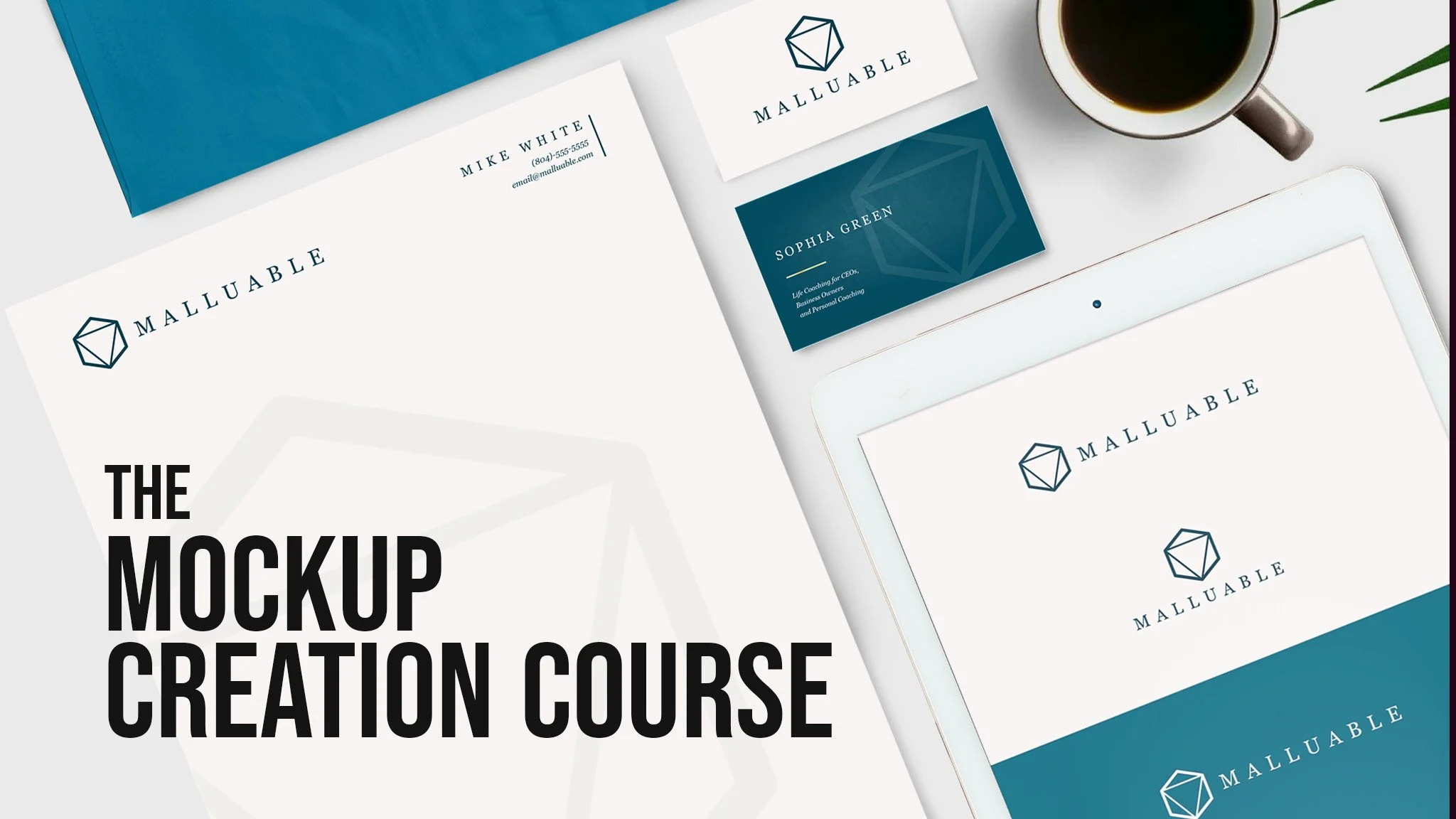
We tackle a presentations of for a branding project so you can find ways to best customize and develop a mockup that adheres to the brands style, making it a stunning portfolio centerpiece.
We will create a 3d Box from scratch and learn how to layer in shadows, highlights and details to create any box style needed for any presentation.
There is even a whole section dedicated to using 3D software like Adobe Dimensions and Blender to create fully 3D product mockups that are hyper realistic. No prior experience needed in the 3D software as it will be taught from scratch.
Affinity, Adobe, Blender, Mockup, Course

