SubDMorphLoader Plugin
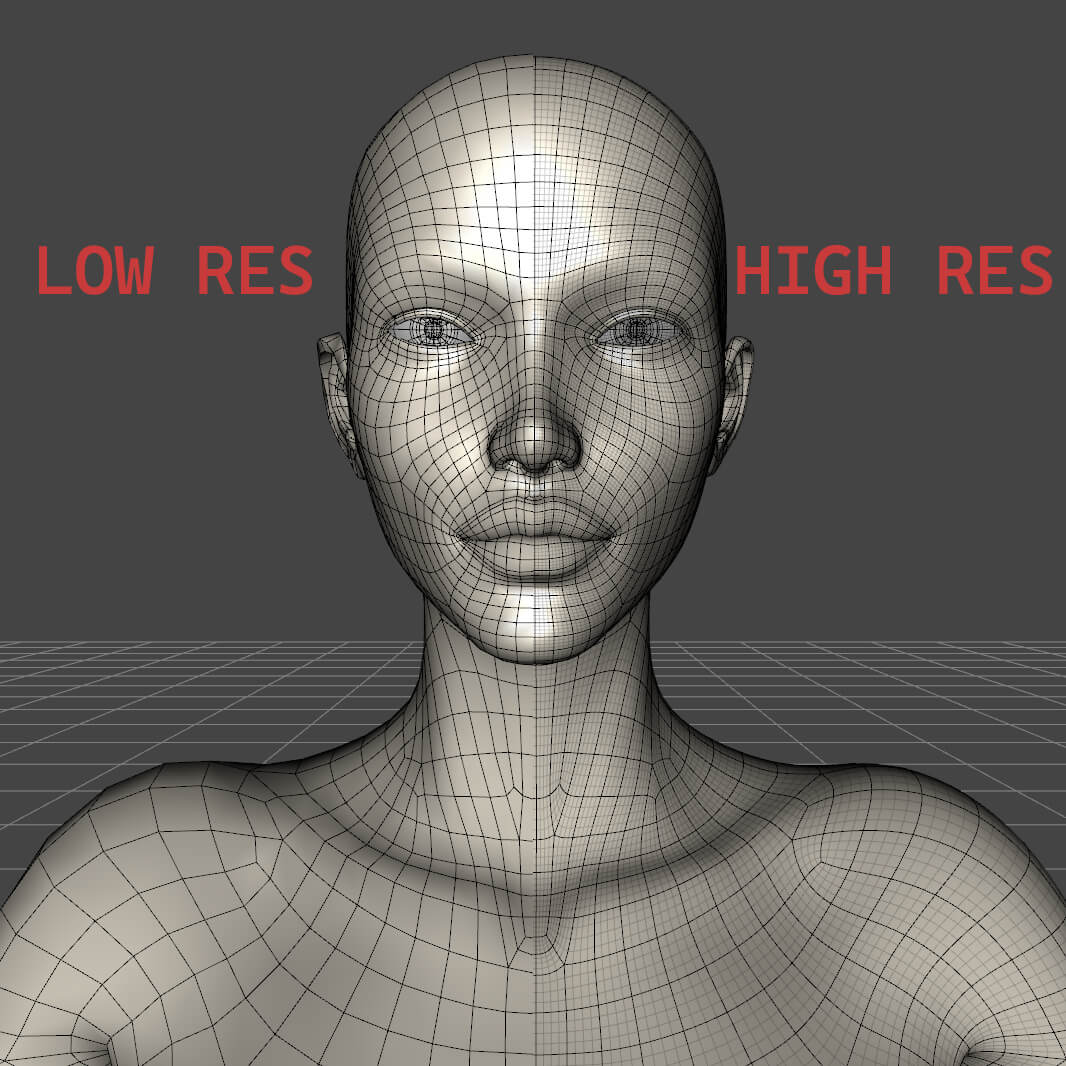
SubDMorphLoader is a DAZ3D plugin that allows you to load subdivided morphs made from base figures or clothing.
The base geometry must match the figure's geometry for this to work. If the two models have different face counts, the plugin will display an error.
This plugin rivals the closed-source plugin available exclusively to DAZ3D vendors, called Multi Resolution Morph Support. It allows you to import higher-resolution morphs into DAZ Studio while preserving the details you created in Blender or ZBrush.
Morph Loader Pro remains active and can still be used normally.
Installation
To install the plugin, locate your DAZ3D installation folder on your drive. It should look something like: C:DAZ 3DDAZStudio4plugins
Place subdmorphloader.dll inside the plugins folder.
Using the Plugin
To locate the plugin, go to: Edit → SubD Morph Loader. (Make sure you have a figure or piece of clothing selected first)
When the new window opens, click Browse and select your morph .obj file.
There are several options available. For example, if you have a dFormer loaded to separate the head from the body using weight maps, you can select it from the Attenuate by dropdown menu and choose dFormer.
The other options provide additional customization. Keep in mind that, depending on the settings and where the morph is applied (for example, to a specific bone or surface), the result may not look exactly the same as the original morph you created.
However, these options can sometimes produce interesting or unexpected results that you may like and want to keep.
xenaith

