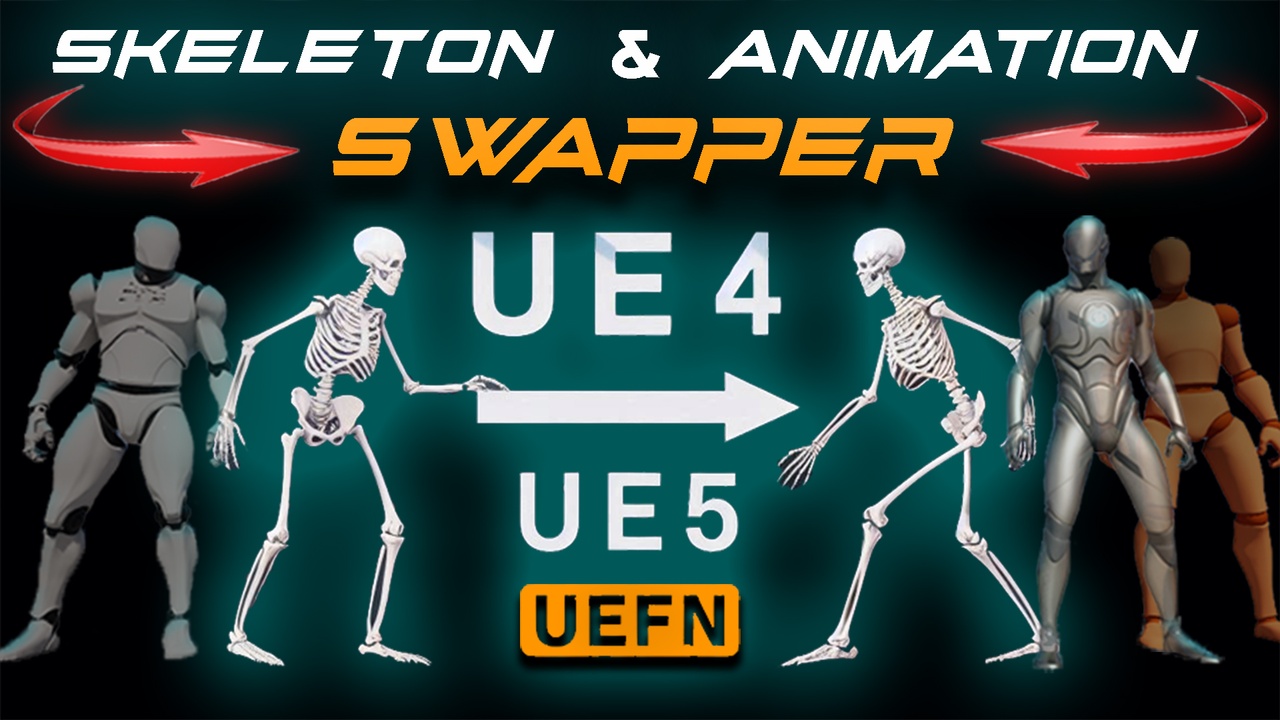
Skeleton and Animation Swapper UE4 to UE5 UEFN + Swap & Retarget animations
Skeleton Swapper will turn your UE4 skeletal mesh into UE5 or UEFN skeletal mesh in one click. Which means that you will have the new skeleton that is 100% compatible with new Unreal Engine 5 standards. (Having 5 spine bones 2 neck bones and 2 twist bones on arms and legs) This plugin will transfer skinning weights accordingly leaving aside rerigging and reskinning of your characters. Also Skeleton swapper will let you convert your existing UE4 skeleton based animations to new UE5 or UEFN Skeleton animations, which will let you keep all of your animation montages in your project untouched and fully working. Which means that you can transfer your whole project to a new Ue5 or UEFN skeleton in minutes without any retargeting hassle, and then use the free UEFN 500 animations sample directly with your characters.
To use:
select your mesh or animations & right click
Select Skeleton Swapper and Assign new skeleton
IMPORTANT: Open UEFN skeleton and set retargeting options to:
Skeleton Swapper for animations also comes with Swap & Retarget option which lets you select multiple animations retarget and swap them without creating new copies. (You will need to prepare retargeting asset for it)
Example for Swap retargeter:
Lets assume that you have created UEFN based character from your UE4 based character using Skeleton Swapper. Now if you replace UEFN mesh in the Sandbox BP (500 Animation Sample project) with your new mesh, you will see that it might have discrepancies in some areas due to different ref poses of UE4 mannequin and UEFN. So you will need to use Swap retargeter to fix this.
Take UE4 Mannequin and create UEFN based skeleton mesh with Skeleton Swapper.
Copy RTG_UEFN_to_UE4_Mannequin (located in UE4 Mannequin Rigs folder) and change Target IK to UEFN and preview mesh to your new UE4 fixed mesh (Swapped one) so you will retarget from UEFN mesh to the new UE4 fixed (swapped) mesh.
Save RTG Asset
Select your UEFN animations, right click and select Skeleton Swapper
Pick your meshes and new RTG asset
Click Accept
Now you have retargeted and good looking animations for your new UEFN based Skeletal mesh. Enjoy
Attaku
https://www.fab.com/listings/039a7607-105a-483f-bb27-95f0f9570788

