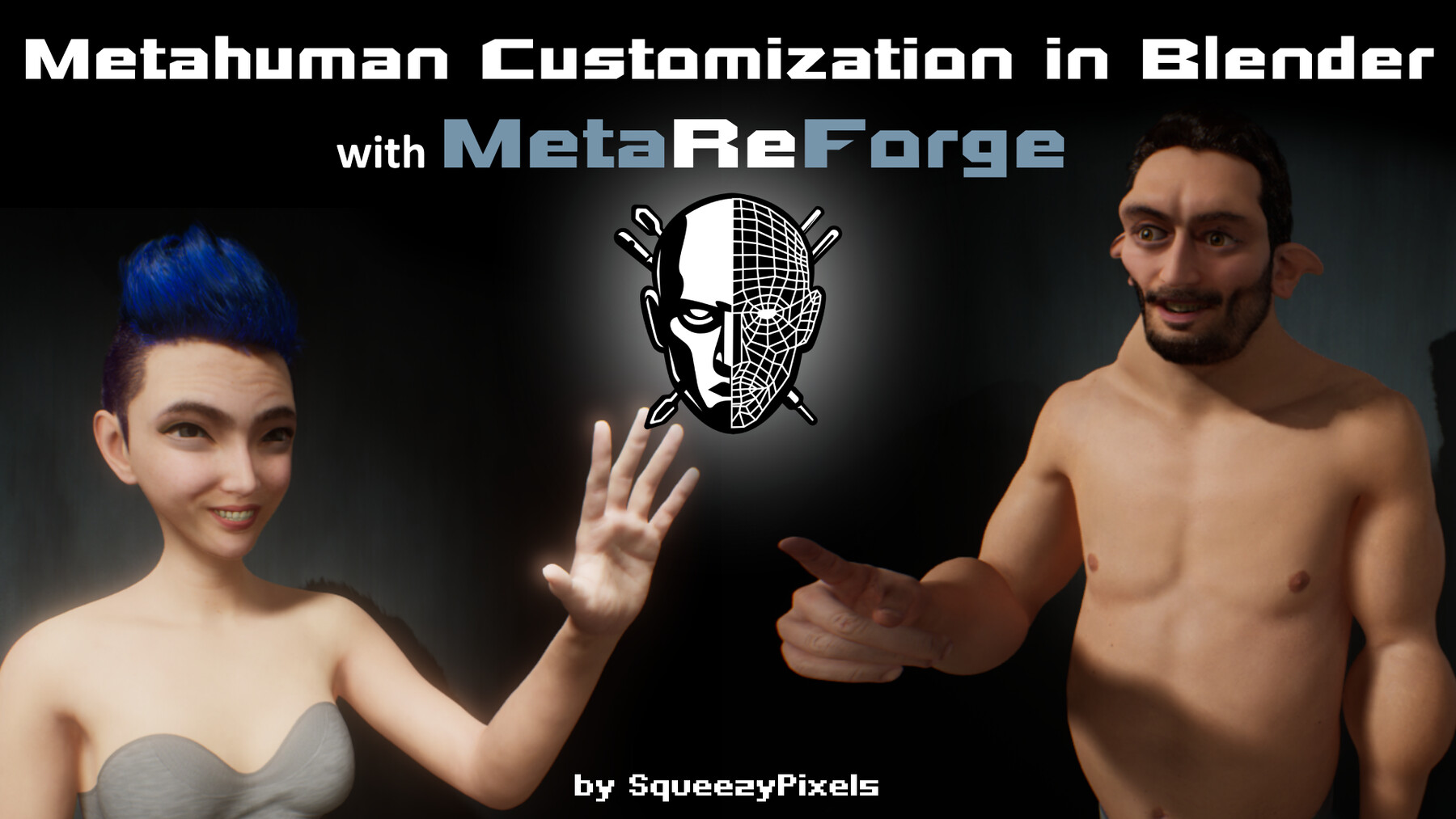
MetaReForge
About MetaReForge
Our primary goal is to enhance the editing capabilities of Metahumans, creating a tool that is both straightforward to use and offers ample creative freedom. Manual editing of Metahumans in Blender presents a myriad of challenges and non-obvious aspects that we aim to simplify for you. Time is our most valuable resource, and it's better spent on realizing bold creative ideas rather than endlessly searching for solutions to technical issues.
Epic Games Metahuman Creator offers a user-friendly platform for Unreal Engine developers, facilitating easy and cost-effective character creation. However, its primary output of human-like characters limits the ability to develop varied, stylized entities. While exporting the character and making adjustments in an external 3D editor like Blender seems a plausible solution, it comes with its quirks. The built-in post-process animation blueprint (more specifically, AnimNode_RigLogic) does not recognize the updated rest bone positions, assuming the bones remain in their initial locations prior to the adjustment.
With MetaReForge you can:
Edit the Metahuman base mesh in Blender.
Transfer changes to higher LODs (Levels of Detail).
Transfer changes to the default Metahuman's clothes.
Automatically align the skeleton with the modified base mesh to ensure accurate pivot points.
Modify neutral joint (bone) positions in the Metahuman DNA file for the proper functioning of AnimNode_RigLogic.
Preview facial expressions in Blender.
Manually correct morph targets on LOD0.
Add-on Limitations:
Default groom assets may not bind correctly to the modified mesh. Since we cannot export the groom from UE without third-party tools, be prepared to create new grooms in Blender.
MetaReForge does not alter expression poses. For example, if the original Metahuman rotated an eyelid by 10 degrees to close the eye, after modifications in MetaReForge, it will remain the same regardless of how the mesh has changed and how many degrees are required to completely close the eye of the modified mesh.
MetaReForge does not automatically adjust morph target deltas.
If you would like to clarify anything before purchasing I would be happy to help.
Blender Support
MetareForge 1.1 supports Blender 4.1 (recommended), 3.6, 3.3.
MetareForge 1.0 supports Blender 3.3 and Blender 3.6.
All versions are not compatible with Blender 4.0
ArtStation Standard License
Some people misunderstand the license so let me remind you that, this is an installable tool (not to be confused with a stock asset), which means that it is covered by the corresponding clause, i.e. you may use the Product on an unlimited number of projects
MetaReForge metahuman morph methuman customize

