DLSS Render for Blender (Pro)
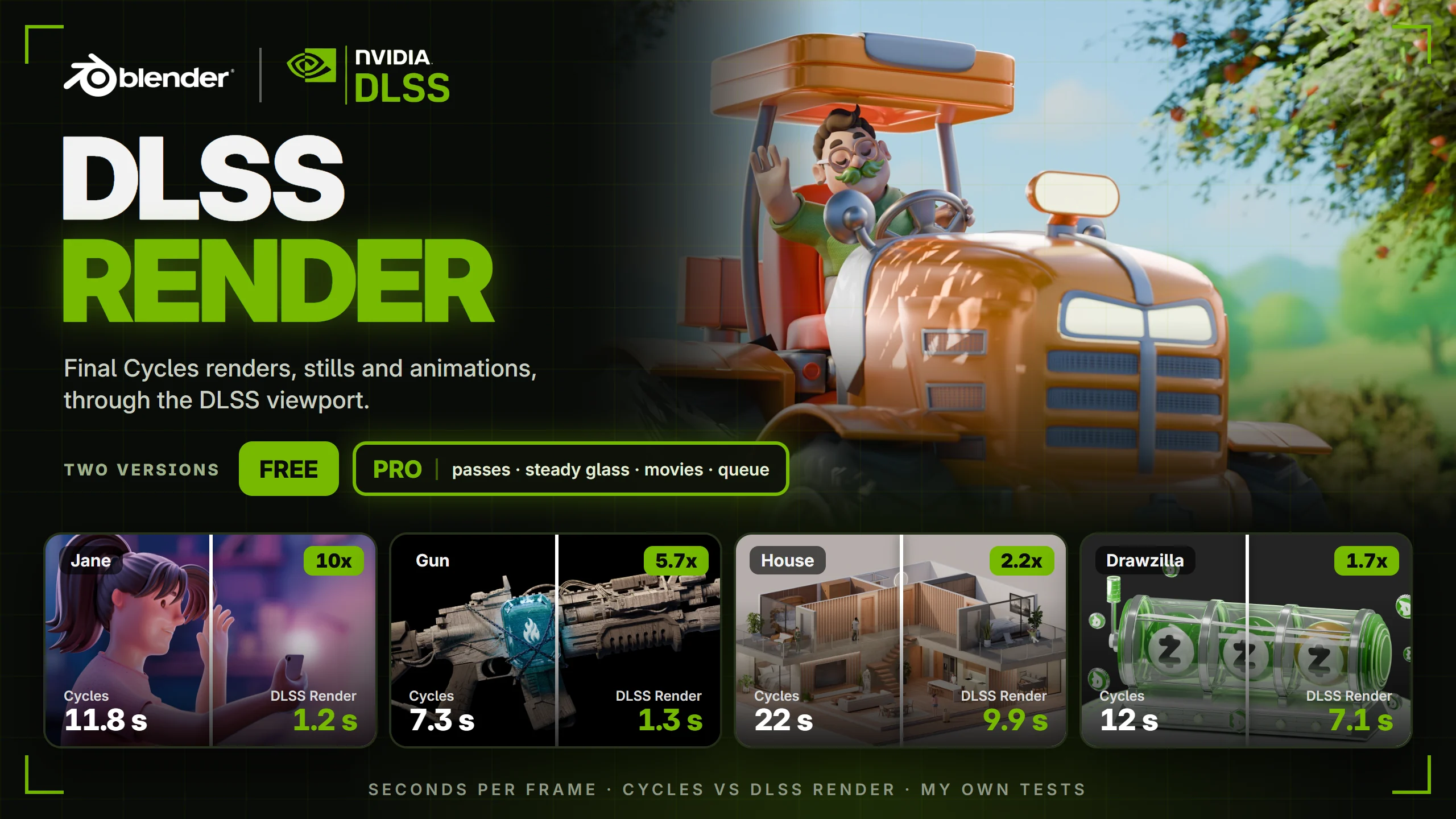
DLSS Render renders your final Cycles stills and animations through Blender 5.3's DLSS viewport. Same scene, same graphics card, and in my own tests up to 10 times faster than a normal Cycles render.
What you get (Free and Pro)
One simple panel in Render Properties, right under Render Engine. If something is missing, one button fixes it: switch to Cycles, turn on your graphics card, use GPU Compute.
Quality in samples per frame: Draft, Balanced, High, or your own number. Balanced is a good start.
Render Image and Render Animation buttons. Press Esc to stop.
Saved like a normal render: your resolution, frame range, output folder, file format, color management and transparency.
Any size: renders bigger than your screen are made in overlapping, blended tiles, so a 4K render works on a 1080p monitor.
No black frames: the render restarts quietly every 50 frames, which stops a Cycles viewport glitch on long animations.
Pro adds:
Render passes in one file: Depth, Normal, Position, UV, Vector, Cryptomatte (object, material, asset), Albedo, AO, Emission and more, saved with the DLSS picture as one OpenEXR MultiLayer file per frame. The passes are exact (a short Cycles data render per frame), ready for Blender's compositor, DaVinci Resolve or Nuke.
Steady Glass & Noise: one tick that calms the frame-to-frame flicker on glass and fine detail in animations: about 60% less in my glass tests, without ghosting. It runs on the processor while the graphics card renders, so it costs almost no time.
Movies: set the output to a movie and you get the movie, made from lossless frames.
Render queue: line up scenes, cameras and frame ranges and let them render one after another. Resume continues after a crash, it shows the time left and when it will be done, chimes when it ends and keeps the computer awake.
Render window: frame, samples, percent and time left while it renders, and Image > Save As at the end, like Blender's own render.
Blender, Armin, Dlss

