Camera Exposure and Tone Mapping Manager
Camera Exposure and Tone Mapping Manager
**Updated with other Tone mapping settings (Gamma, Saturation, Vignetting, Burn highlights, etc)**
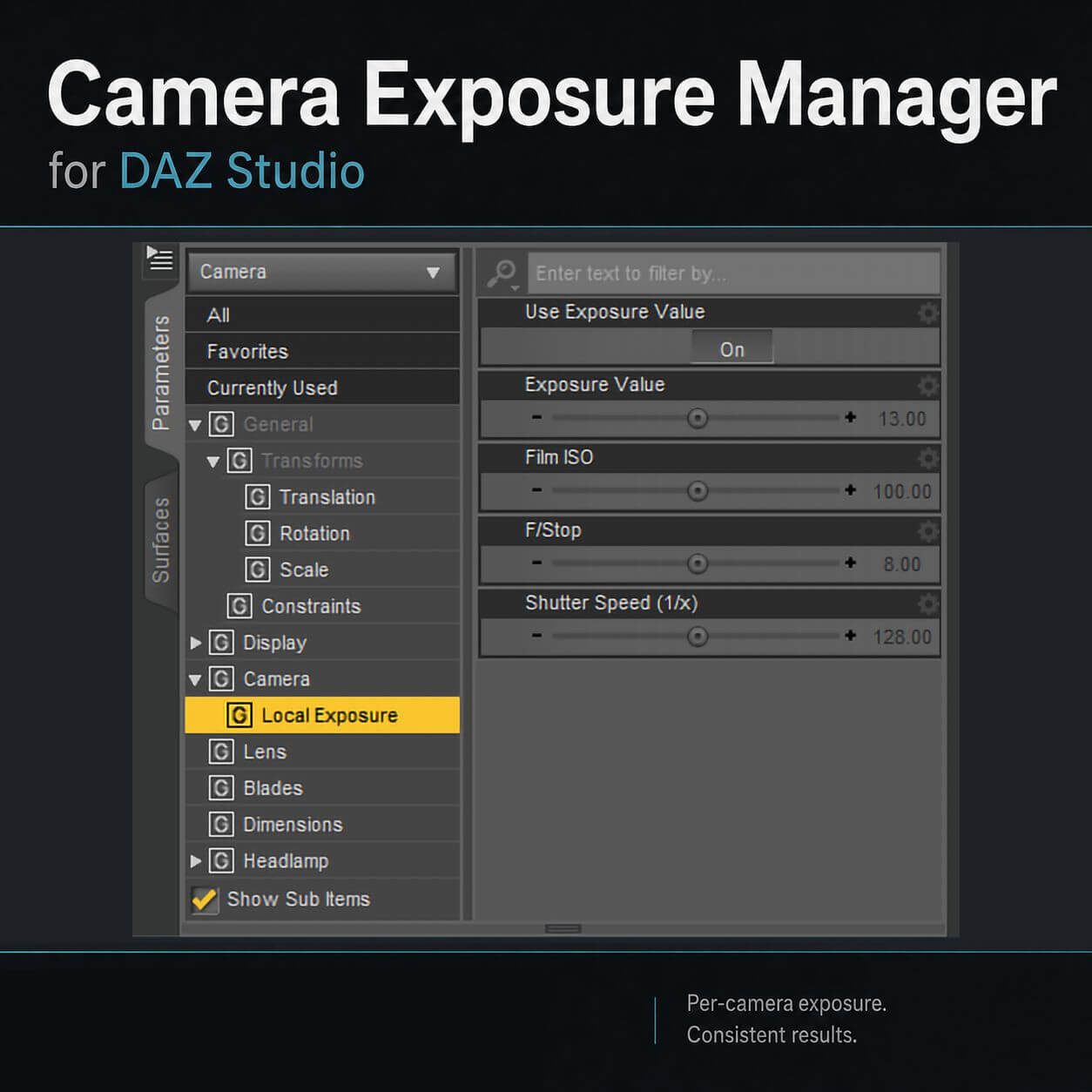
Camera Exposure and Tone Mapping Manager allows you to add an Exposure Value to each camera and, when switching cameras, the Current camera EV is applied automatically to the tone mapping parameters.
- 1 Script will create the Exposure parameter in the selected camera
- 1 Script will automatically track the current camera and set the Tone mapping EV value to the camera
How to use:
First, make sure the tone mapper is created (switch to Iray and it will create it)
Then, select a camera and load the first script, then set the exposure for that camera.
Repeat.
Finally, launch the second script and now, every view change will use the current camera's exposure values.
Pawngame

