Bake Animation Offset V2
Bake Animation Offset 2.0
Fix the pose once. The whole animation follows.
The shot is already animated, and then you notice the small miss: a shoulder sits low, a hip has drifted, a hand points the wrong way. Editing hundreds of keys by hand takes too long. Fixing only one frame breaks the rest of the clip.
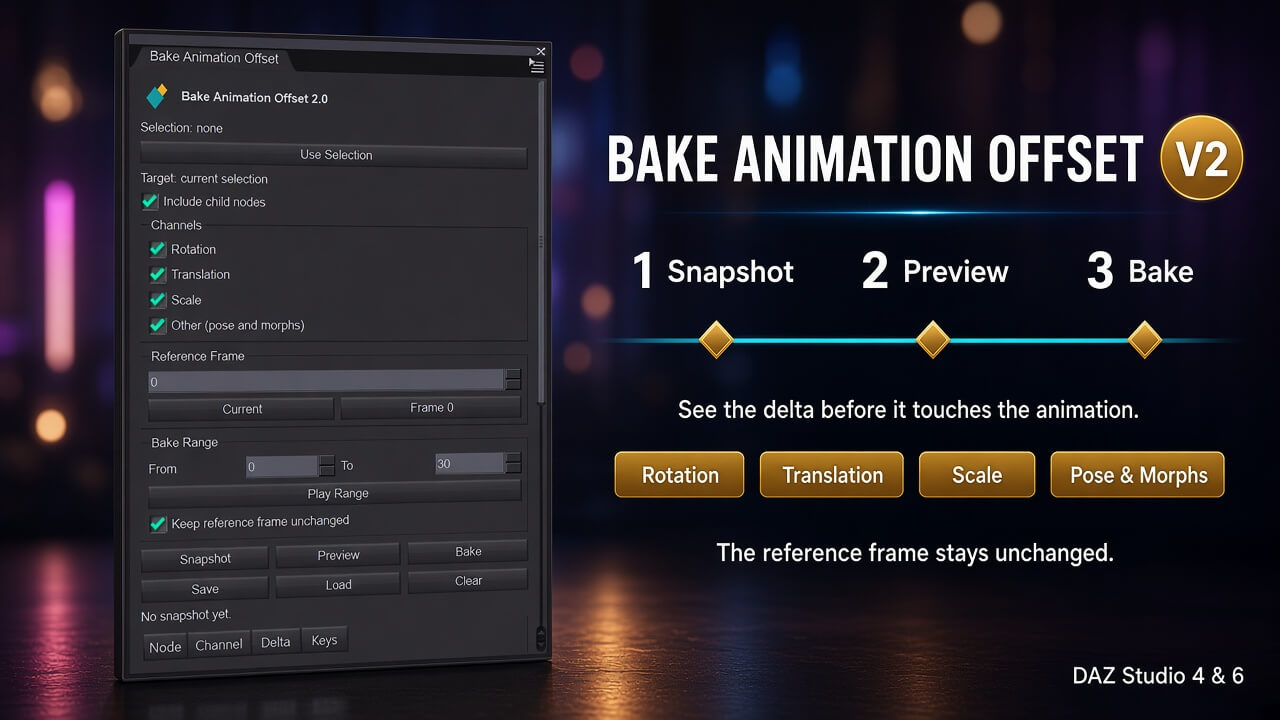
Bake Animation Offset carries that correction across the range you choose. Snapshot the pose, adjust it on the reference frame, and bake the shift into the keys that are already there. The reference frame can stay as you set it. Every other keyed frame receives the same delta.
Channels are read raw, without ERC. On Genesis the angle is not added a second time: twist bones, Pose Controls, and aliases do not duplicate the rotation you already corrected. The plugin is built for Genesis 8, Genesis 8.1, and Genesis 9.
Why it earns a place in the workflow
One correction instead of a frame-by-frame pass. Fix a head tilt, a shoulder turn, or a foot placement on a single frame and run that fix through the clip.
You see the change before it is written. Preview lists the node, the channel, the delta, and the number of keys. Until you press Bake, the animation is left alone.
Several characters in one pass. Select the roots of the figures you want. Each one gets its own delta. Every other figure in the scene stays put.
Only the channels you need. Bake Rotation, Translation, Scale, or the other channels: pose controls and morphs. Child bones are included with one checkbox.
Your own slice of the timeline. Bake the full Play Range, or only the frames from From to To. The reference frame does not have to change.
The snapshot stays. Save it to a file and load it later, in the same scene or in the next session. If the bake is wrong, undo it in DAZ Studio.
intenzo, Genesis 8, Female, Genesis 8, Male Genesis 9

