Alpha Pose Tools
Alpha Pose Tools
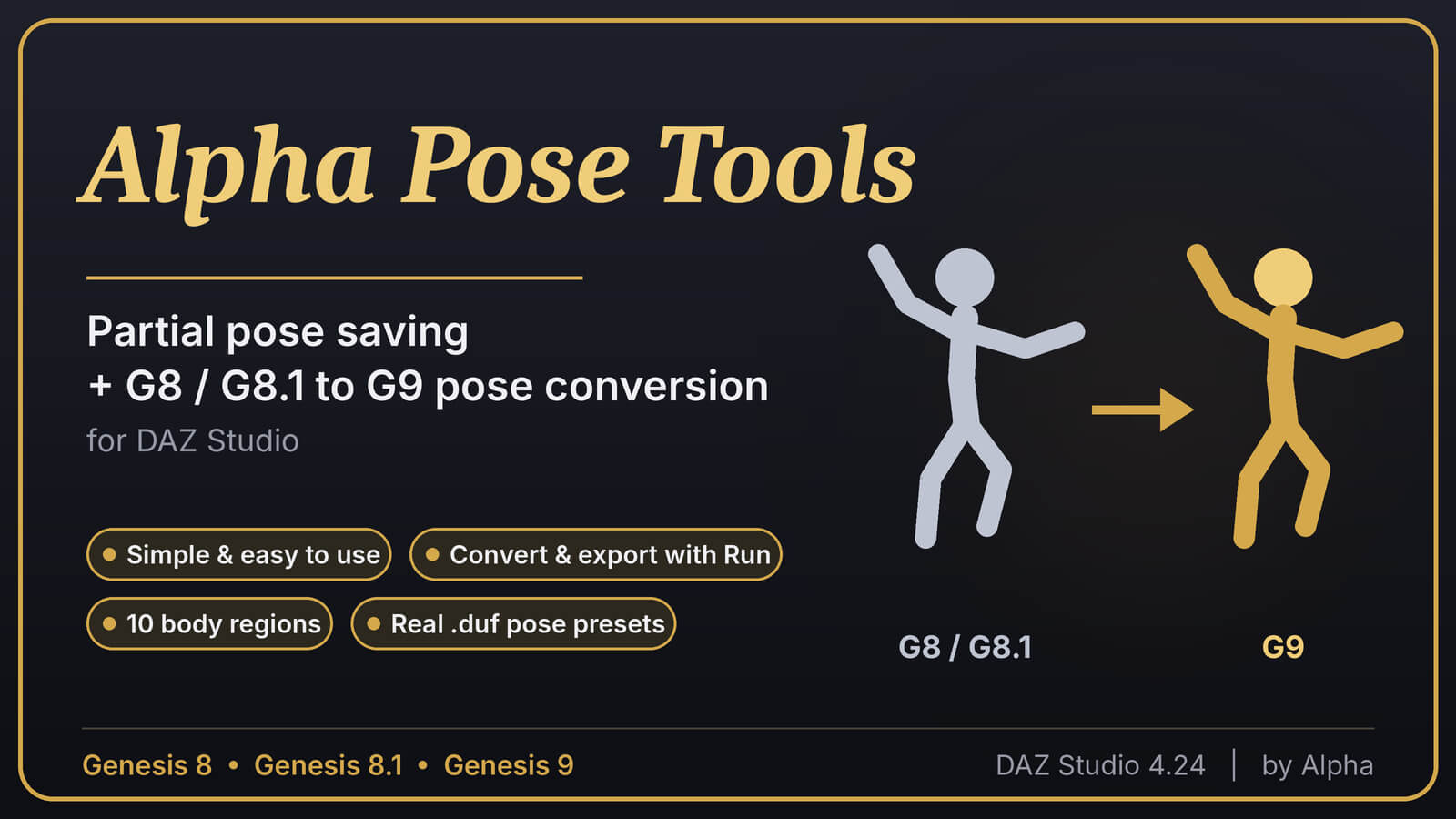
Partial pose saving and G8 / G8.1 ⇄ G9 pose conversion for DAZ Studio
Simple. Easy to use. No scripting, no typing, no setup. Pick your figures and the body part from a dropdown, click Run, and your pose is converted or exported. Alpha Pose Tools turns one finished pose into reusable pieces and carries poses across Genesis 8, Genesis 8.1 and Genesis 9 without re-posing by hand.
What you get :
1. Partial Pose Saver
Save just the part of a pose you need as a real .duf pose preset:
+ Right arm, left arm, right leg, left leg
+ Head
+ Right hand, left hand (with all fingers)
+ Upper body, lower body, whole body
++ Upper body and lower body are split so they never overlap and never leave a gap. Saving both and applying them one after the other gives the same result as a whole-body save.
2. Pose Converter
One tool with three modes:
- Transfer. Copies a pose (or any region of it) from one figure in your scene to another. It recognizes each figure’s version automatically and works in every direction: G8 to G9, G9 to G8, G9 to G9 and G8 to G8.
- Export. Saves a converted pose region as a .duf for Genesis 9 or Genesis 8 / 8.1, in the location you choose. Poses between the same generation export directly, with no conversion.
- Zero pose. Picks any figure from your scene and resets its body pose to the base A pose, without moving the figure from where it stands in the scene. Eyes and facial settings are left alone.
-------------------------------------------------------------
Key features
- Simple, easy-to-use dropdown menus. No typing and no editing of scripts.
- One-click convert and export with the Run button.
- Real .duf pose presets that you apply with a double-click, with native undo.
- Ten selectable regions, from a single finger-to-toe list.
- Automatic version detection. Pick the source figure and the tool works out whether it’s G8, G8.1 or G9.
- Bend and twist handled for you. G8 splits shoulders, forearms and thighs across two bones, and G9 uses one. The converter takes care of the difference in both directions.
- Hands and fingers included, with the G8 carpal bones matched to the G9 metacarpals.
- Feet and toes matching between the two skeletons, including G8’s extra metatarsal bone.
Height-aware whole body and lower body poses. Hip height is kept, scaled to the figure’s leg length, so crouches stay on the ground and jumps stay in the air.
- No unwanted sliding. Only the pose is transferred, never the figure’s horizontal position in the scene.
- Menus that stay open until you close them, with a Back button, so you can run several conversions in a row.
- Works with figures already in your scene. Nothing is loaded or deleted by the script, and transfers can be undone with Ctrl+Z.
- Custom icon and a clean, branded interface.
-----------------------------------------------------------------
How it works: (4 easy steps)
1. Put your figures in the scene (for example a G8.1 in a pose you like, and a G9).
2. Run Alpha Pose Tools and choose Transfer or Export.
3. Pick From, To (or the export version), and the Part.
4. Click Run. The pose appears on the target figure, or a .duf is saved where you choose.
-----------------------------------------------------------------
Great for :
- Reusing your old Genesis 8 / 8.1 pose collection on Genesis 9
- Building libraries of hand, arm and leg poses
- Mixing a dance pose’s upper body with another pose’s legs
- Cleaning up a figure by zeroing its pose before starting a new scene
------------------------------------------------------------------
Requirements
- DAZ Studio 4.24 (developed and tested on 4.24.0.4)
- Genesis 9, Genesis 8 and/or Genesis 8.1 figures
- [Windows. Add the platforms you tested.]
-------------------------------------------------------------------
Installation
Copy the included files into your DAZ content library’s Scripts folder, then open them from the Content Library and run them.
>> for Adding toolbar button :
In the Content Library, right-click the script and look for Create Custom Action…. That puts the script in the actions list.
Then use the toolbar Customize… (right-click the toolbar area) and drag the action onto a toolbar.
DazContent, Scripts, Poses, Genesis 9, Genesis 8 Female, Genesis 8 Male, Genesis 8.1 Female, Convert

