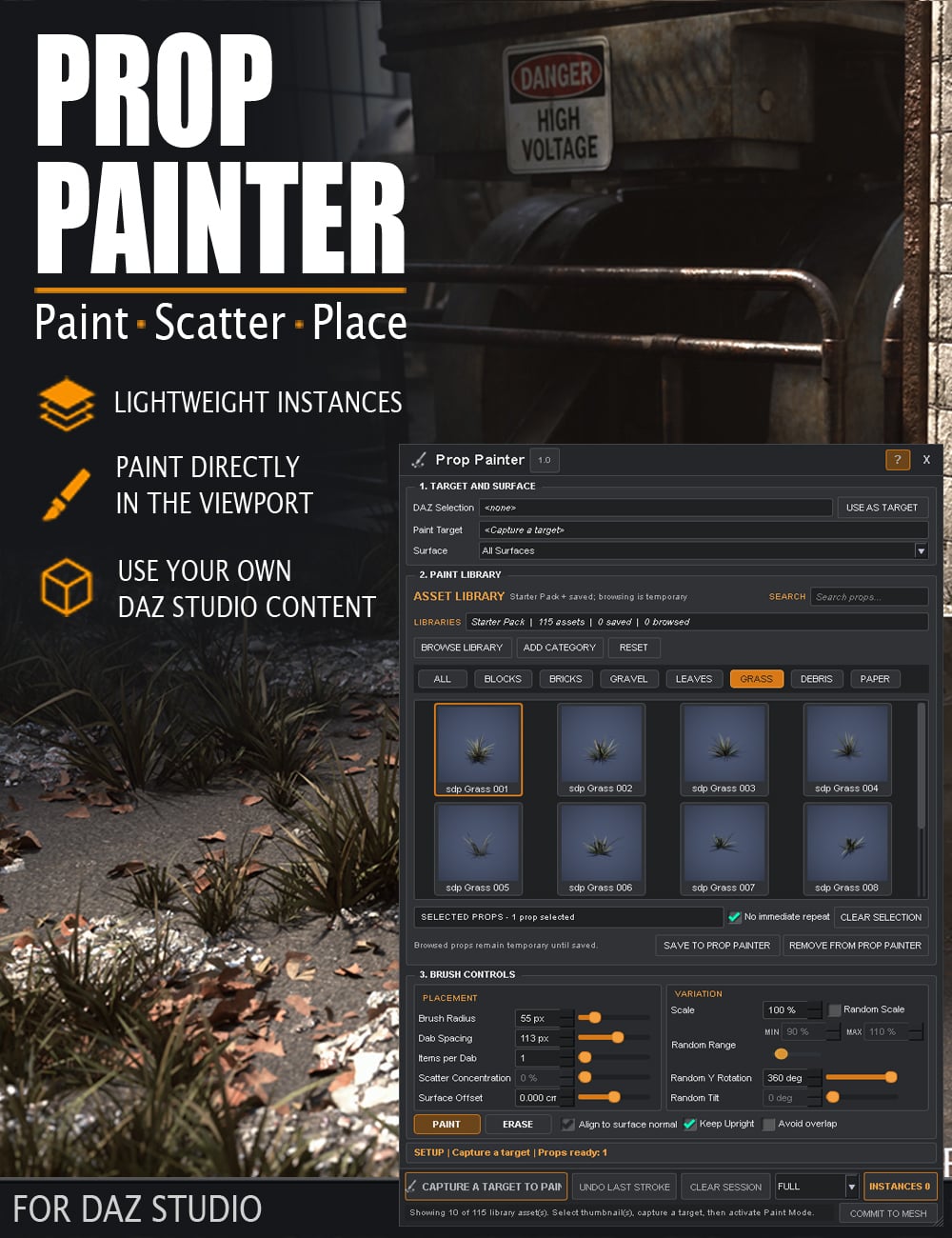
Prop Painter
Currently supports Windows Only. Prop Painter is a fast, intuitive DAZ Studio plugin for placing and scattering props directly onto scene surfaces.
Instead of positioning leaves, rubble, bricks, gravel, litter, vegetation and other small scene elements one by one, simply choose the props you want to use and paint them into the scene. Use single-click placement for precise control or paint across larger areas to build up natural-looking detail quickly.
Prop Painter creates true DAZ Studio instances, helping keep scenes lightweight even when working with large numbers of objects. Random scale, Y rotation, tilt, spacing and scatter controls help break up repetition, while surface alignment, Keep Upright, overlap avoidance and automatic grounding help props sit naturally on the geometry beneath them.
You can use the included Starter Pack or work with compatible props from your existing DAZ Studio library. Favorite assets can be saved into custom Prop Painter categories for faster access, while original content files remain untouched.
Whether you are dressing a street with litter and rubble, scattering leaves across a forest floor, adding gravel and debris around a ruined building, or simply placing a few props quickly and accurately, Prop Painter turns repetitive scene dressing into a fast, visual workflow directly inside DAZ Studio.
Paint it. Place it. Bring your scene to life.
118578, Stonemason
https://www.daz3d.com/prop-painter
File Hosting: mega.nz
(Generated from Filled Request)

