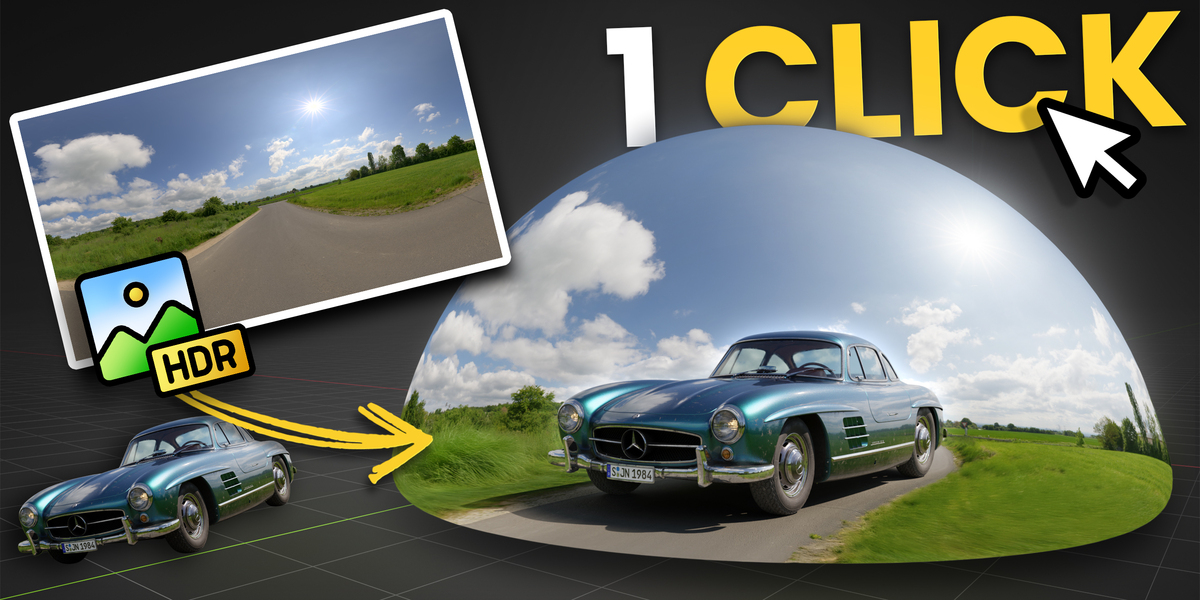
Polydome - The Ultimate Hdri Dome
POLYDOME – Installation & User Guide
Learn how to install, set up, and get the most out of POLYDOME in Blender 4 & 5.
System Requirements
Blender: 4.2+ (fully compatible with Blender 5)
HDRIs: Optimized for Poly Haven Asset Browser but works with any HDRI in the Asset Library or on your Hard Disk
Download & Installation
Step 1 – Download: After purchase, download the polydome.zip file.
Step 2 – Install:
Open Blender.
Drag the polydome.zip file into the Blender window.
Go to Edit → Preferences → Add-ons.
Make sure that "PolyDome - The Ultimate HDRI Dome" is activated.
⚠️ Important: Do NOT unzip the file before installation. Blender installs the .zip directly.
After Installation
Watch the tutorial video to learn all core features, controls, and recommended workflow for POLYDOME.
This tutorial covers setup, controls, floor matching, puddles, projections & best practices.
First Steps
1. Press "N" in the 3D Viewport to open the Sidebar.
2. Navigate to the "PolyDome" tab.
3. Click on "Enable PolyDome" to load the PolyDome environment to your scene.
4. Drag & drop an HDRI from the Asset Browser or your file explorer into 3D viewport to update the Dome.
Tips & Best Practices
Use EEVEE for fast previews, then switch to Cycles for final rendering.
Poly Haven HDRIs offer built in resolution switches but any HDRI will work just fine.
Adjust puddle settings to instantly add realism to outdoor scenes.
In Invisible Mode, adjust background color or add vignette effects to improve composition.
Troubleshooting
Add-On Not Visible After Install?
Open Preferences → Add-ons, search for "PolyDome - The Ultimate HDRI Dome" and ensure the checkbox is enabled. Restart Blender if the sidebar tab still doesn’t appear.
Drag & Drop Doesn’t Update the Dome?
Toggle the "Enable PolyDome" checkbox off/on in the SideBar. This refreshes link paths and fixes stale previews.
HDRI, Dome, Skies, Enviournment, World
https://superhivemarket.com/products/polydome
File Hosting: pixeldrain.com
(Generated from Filled Request)

