Material Image Viewer (Blender)
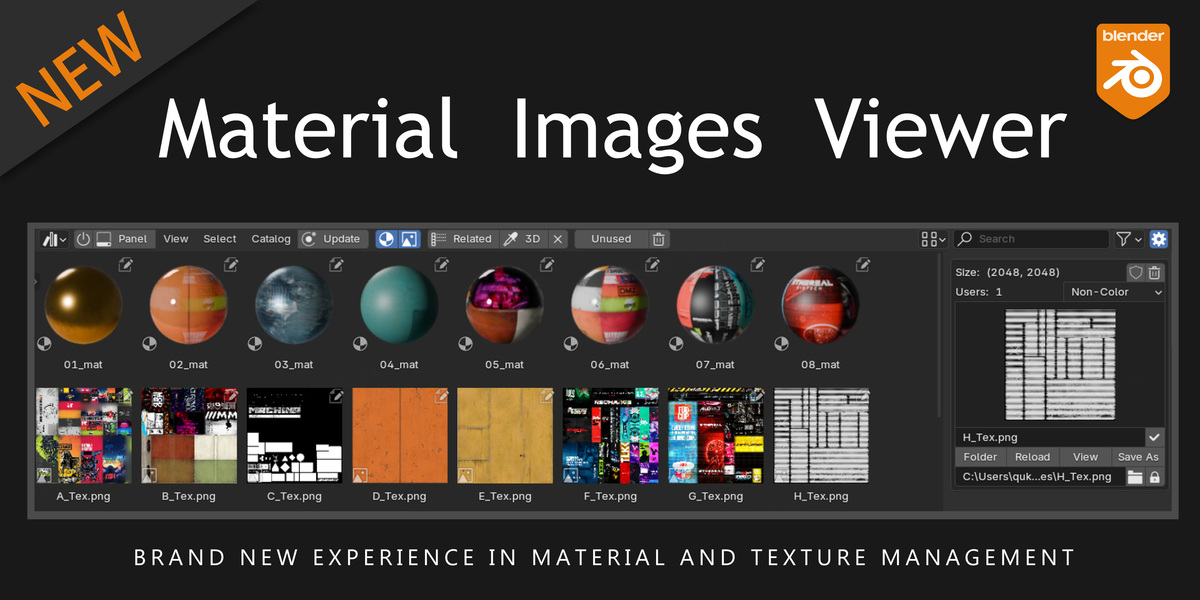
1. Preview and manage materials and images.
2. Operate on materials and textures (select models that use this material, make selected models use this material, filter associated images by material, filter associated materials by image, etc.).
3. This tool helps you quickly manage materials and images, allowing you to see them more intuitively and understand their relationships more conveniently.
Detailed Features:
Materials:
1. Select models by material.
2. Use the eyedropper tool to filter materials used by the model.
3. Filter images referenced by material.
4. Batch assign materials to selected models and assign materials to selected mesh faces.
5. Rename, delete, mark as a fake user, and display usage count.
Images:
1. Filter related materials by image.
2. One-click to open the local path of the image.
3. One-click to save the image as a different file.
4. One-click to view the image on a large screen.
5. Rename (Blender image name + local image file name).
6. Independent packing and unpacking, color space switching, resolution preview, reload, delete, mark as a fake user, and display usage count.
https://mega.nz/file/Y3FkBZrL#JVdOBQh43mShjYcijjvVQ6jpCrjRcHkHku2cQtrR07E
File Hosting: Mega.nz

