Home Page › Forums › Art Showcase › Pheasandent Weeble (Chenoa Locklear & Jessica Stephen)
- This topic has 6 replies, 4 voices, and was last updated 5 years, 9 months ago by
 Mark Sinister.
-
AuthorPosts
-
January 19, 2021 at 2:31 AM #1659474
 January 19, 2021 at 4:00 AM #1659486
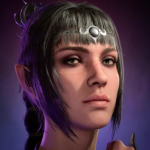
What photoshop effect did you use? The skin looks smooth like comic/anime style.
January 19, 2021 at 3:45 PM #1659617I'd like to know the photoshop effect, too.
January 19, 2021 at 6:52 PM #1659639@dreamscometrue @ace94 most likely smart blur in photoshop
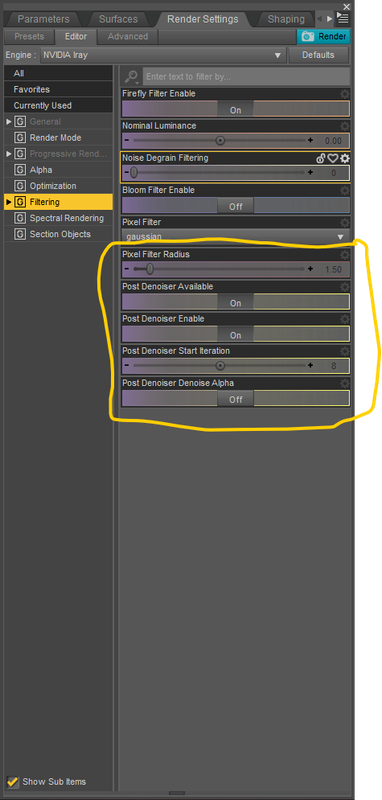
January 19, 2021 at 8:18 PM #1659648There's 3 things I use. 1 of which I use for quick renders.
1 - In Daz I use this for fast rendering. Sometimes I would do a render with and without and mix it in photoshop with a Mask Blend.
2 - In photoshop I use a Action that turns images into watercolor paintings. There's a lot out there but I found one that makes nice smooth effect. Then I use a Mask blend to restore some parts of the image if I want to show bumps and stuff. But I mainly just use the make to pop the details of the eyes back to the original renders and leave stuff like hair and some skin in watercolor style.
3 - I go into Photoshop Express. It's an app in windows Market Store or your android app store. In there I play around with filters. But there's an option in there where you can smooth the crap out of everything. It's called Reduce Luminance Noise.
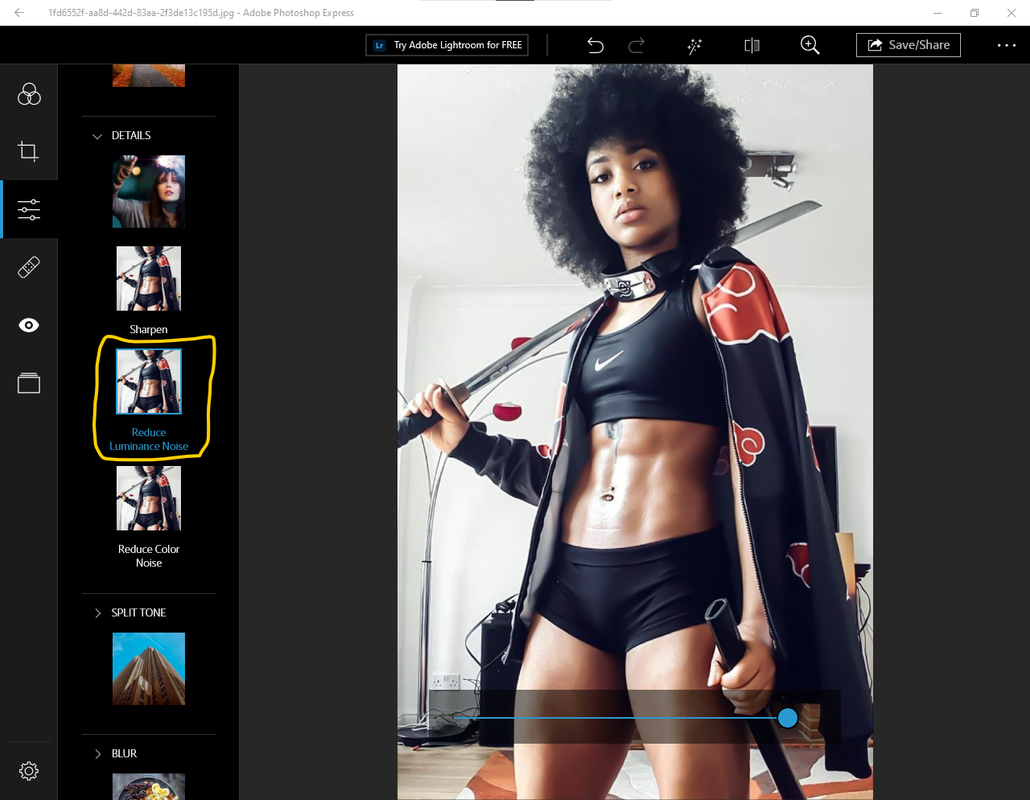
I use 1 an 2 a lot but 3 I don't use as much because it can remove all details and make everything to smooth.
It all depends on the effect you want. I like the watercolor effect, but I don't like making it to cartoony unless I need it that way.
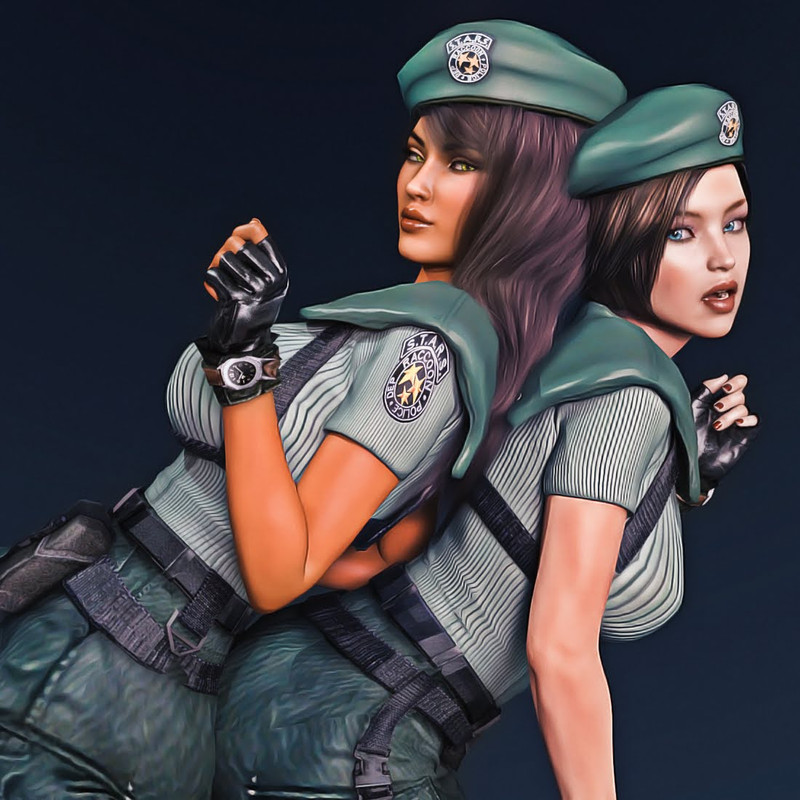
Even with this image I had to go back and restore their badges because it became so smushed that I couldn't be read anymore.
January 19, 2021 at 8:25 PM #1659649@shiftone smart blur is pretty good feature. I wonder if this is the same one.
Edit: NVM he explained above. Thank you.
January 19, 2021 at 8:29 PM #1659650Yeah I don't use smart blur because I already have the action that I want to use to create the Watercolor effect that I want. I don't need to do much tweaking.
I just download any photoshop effects that are posted on this site or search Youtube for tutorials and create my own action from the tutorials.
-
AuthorPosts





- You must be logged in to reply to this topic.
