Home Page › Forums › General Chat › How to do this AI stuff
- This topic has 14 replies, 4 voices, and was last updated 1 year, 1 month ago by
 trader2h.
-
AuthorPosts
-
September 11, 2025 at 12:05 PM #2144736
Ok, picture this. Think of a a complete dimwit that can't really grasps most of the new generation stuff, especially Ai. Let's take for example me 😉 I really love the whole Daz process but I also really like this result.
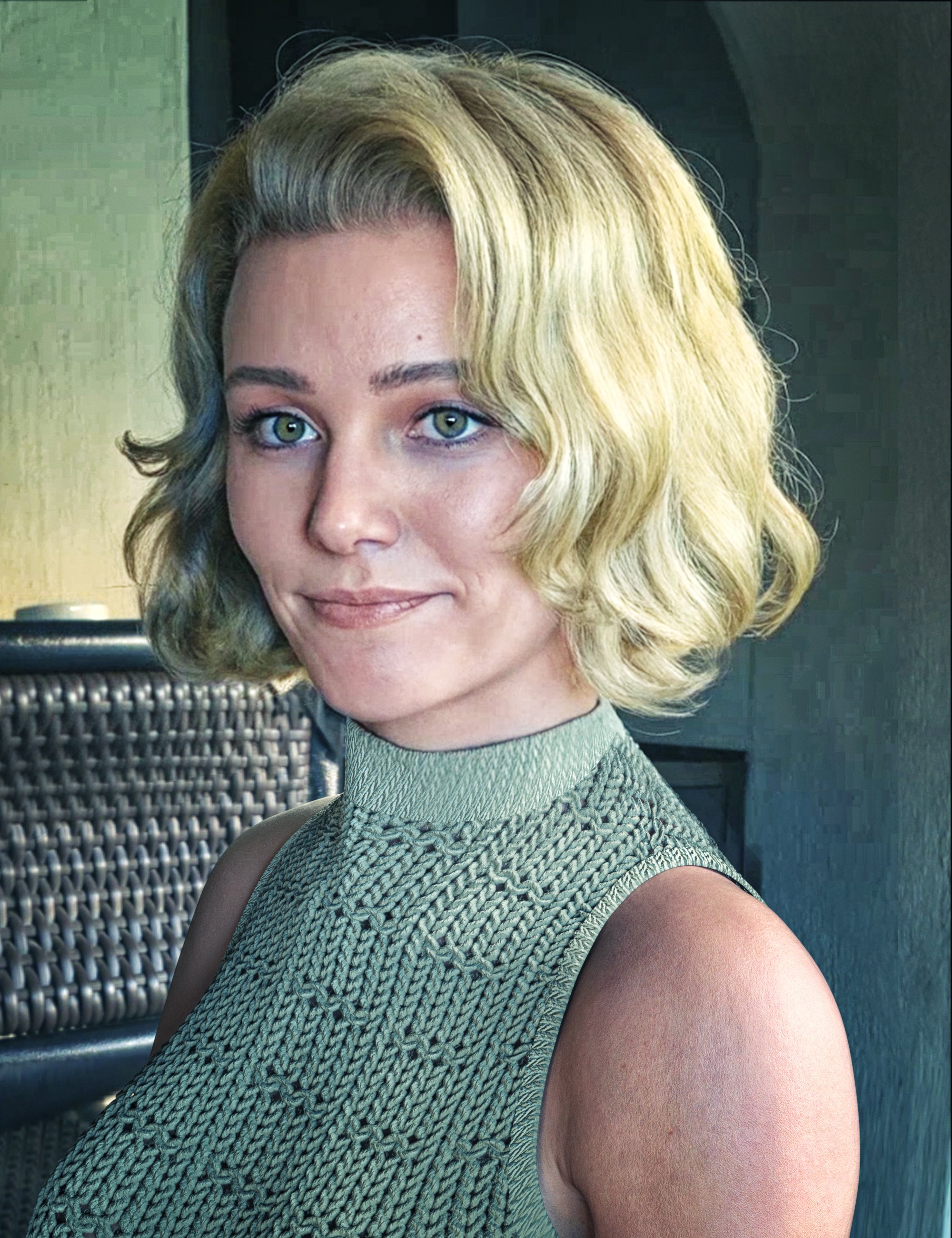
This is the original girl and it's obvious that it's the same person.
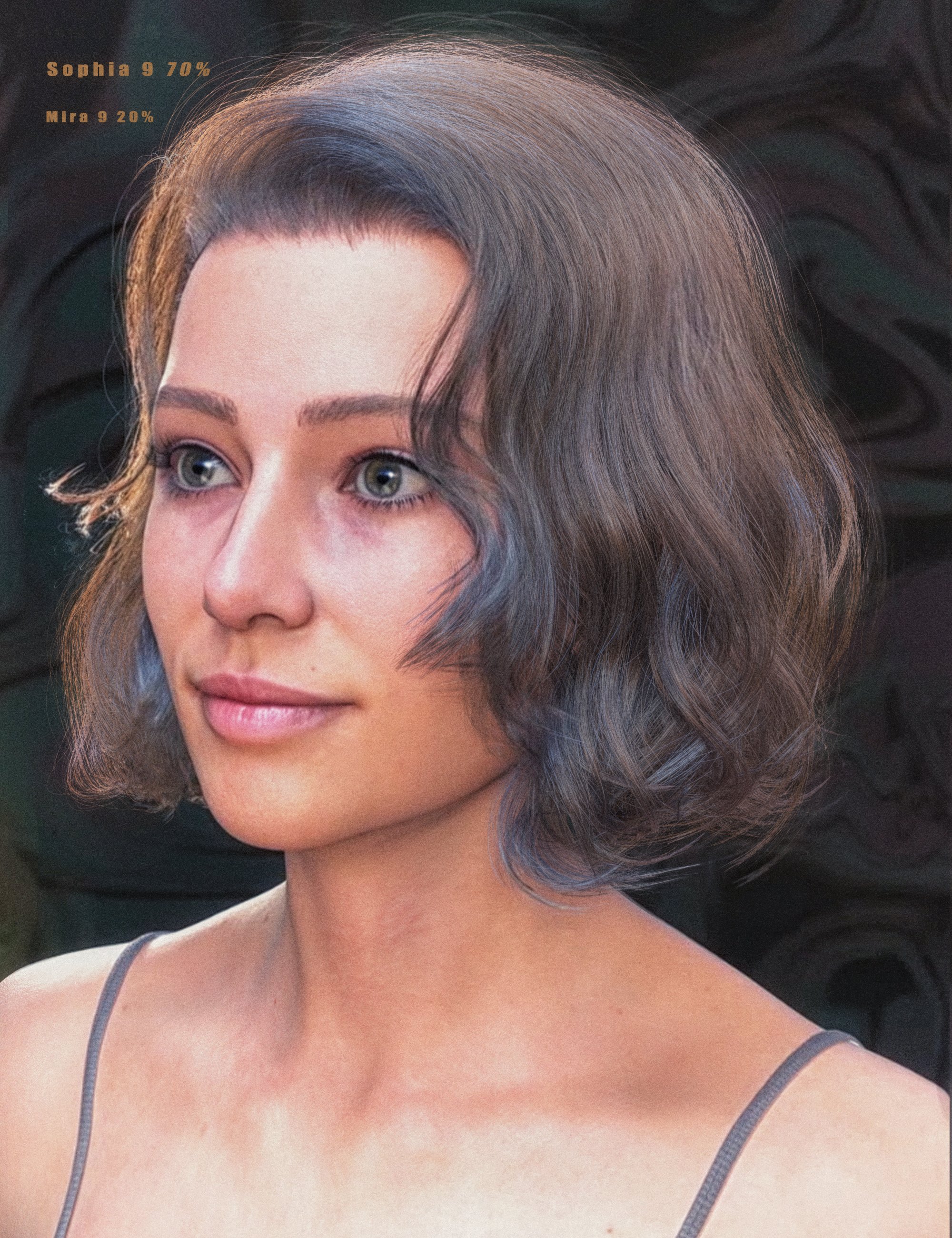
So, anyone have any idiot proof advice on how to do this? How to just enhance the render without changing too much of it ? I really can't grasps the whole AI process, I guess I'm too old, but I do stil have the passion. Is it only done with subscription? Do you have to download anything. I really want to be able to use AI this way.
September 11, 2025 at 1:39 PM #2144741What is on the first screenshot is most likely "face swap", but I may be wrong. And regarding working with AI - I use Deepseek. If you specifically need a similar result - post the screenshots on postimage - send the AI and ask how this can be achieved.
September 11, 2025 at 2:35 PM #2144750If you want to keep it simple, just sign up to any AI platform that offers image to image creative upscaling/enhancing. A good chunks of them have free membership to enhance a few images per day.
Set the creativity to a low setting so it doesn't change your image too much.
You can try site like Kreia, freepik, Leonardo.September 12, 2025 at 11:44 AM #2144869Wow, just tried Krea and it is really easy! I'll try the rest as well and see if they offer more enhance options, but I'm really impressed, although for some reason it keeps adding acme to my girl 🙂
I tried to use DeepSeek as well, but it needs a phone number and that's pretty much a no no for me 🙂
Such great tools to use, I'm a fool for not finding them myself!September 12, 2025 at 12:18 PM #2144870On the sites you will visit there are published works with examples of prompts - they can serve as a good hint. Deepseek is used only for correcting prompts - if something doesn't work, any AI can be used for such a task...
September 12, 2025 at 12:57 PM #2144875I noticed that Krea created a prompt on its own, made a great little summary of the image, pensive stare and all 🙂 But I'm only interested in enhancing the skin and eyes mainly, so that's not really important and it didn't change anything anyway when I tried to change the prompt. I added a line about het glowy green skin, but I still got the same fleshy tone.
September 12, 2025 at 2:17 PM #2144886I didn't know about Kreia - I'll go try it. 🙂
...................September 13, 2025 at 12:46 AM #2144929I used Krea to enhance some Daz renders and other than a few issues with hands I'd say my acceptance rating is fairly good. Hitting a good enhancement within a 1-3 rolls. It did a pretty nice job of making it look more realistic.
So good that it made Daz render engine pointless.September 13, 2025 at 9:29 AM #2145000Did you also have trouble with the skin? I tried a lot of prompts trying to keep the face smooth, but it keeps adding acme and big spots!
September 13, 2025 at 10:05 AM #2145008@trader2h If using Krea, forget the prompt and tweak the settings. Lower the AI strengh and clarity and up the resemblance.
September 13, 2025 at 6:29 PM #2145075I'm at a loss. Even with very low sharpness and clarity, I still get acme. Is it because I don't let it render enough and it's grainy?
And the prompts do nothing at all. I tried to give her a wide smile with dimples and add a park on the back and didn't work no matter how I phrased it.
I guess everything takes experience. I'll keep working on it because the potential I see, I like a lot!
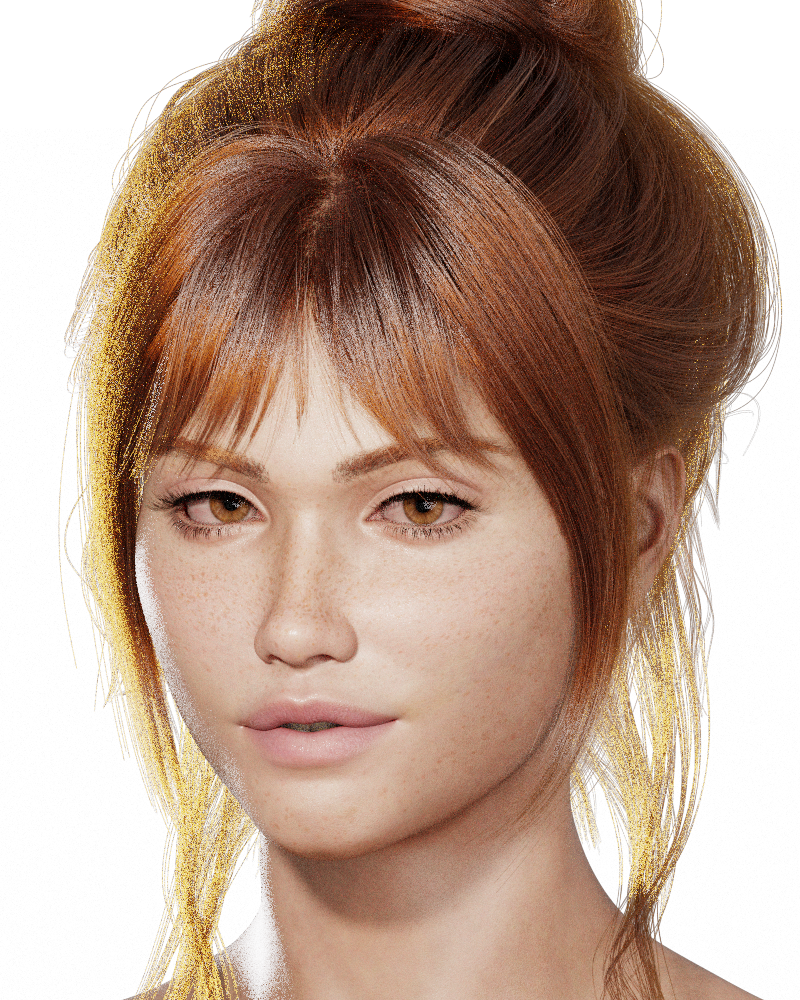
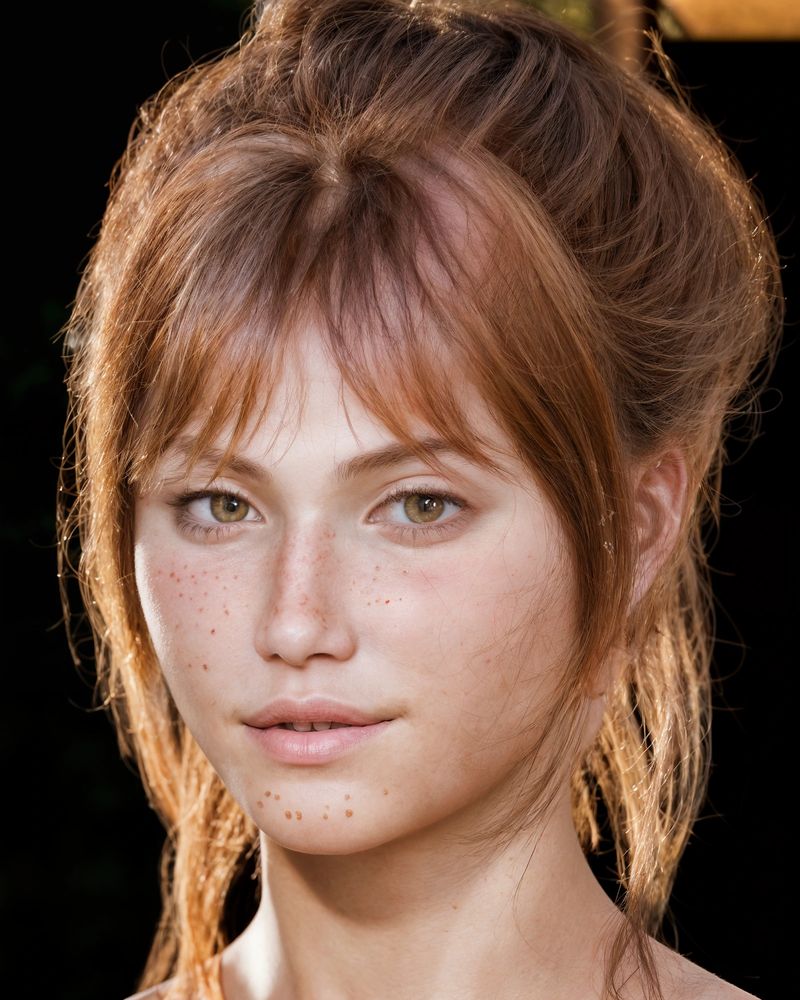
I take it back, this time I just added "her skin is healthy with no blemishes" and it followed the instruction. Still no wide smile, but I'll take it 🙂
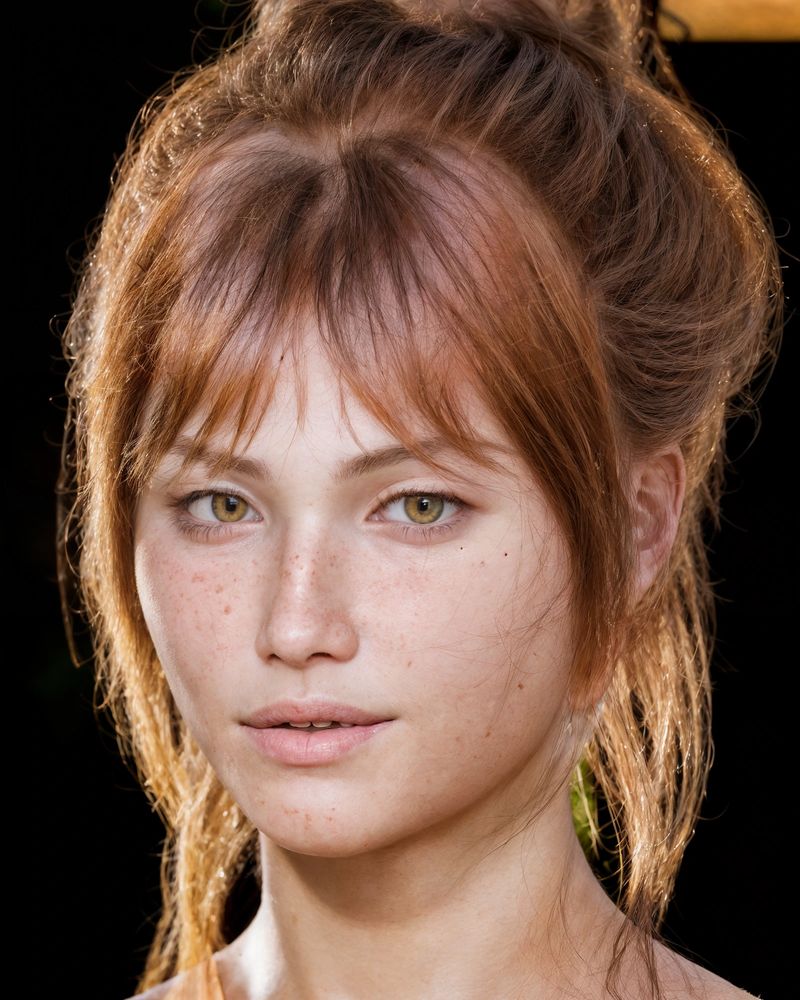 September 13, 2025 at 6:49 PM #2145077
Can't say I really like the Full AI effect 🙂
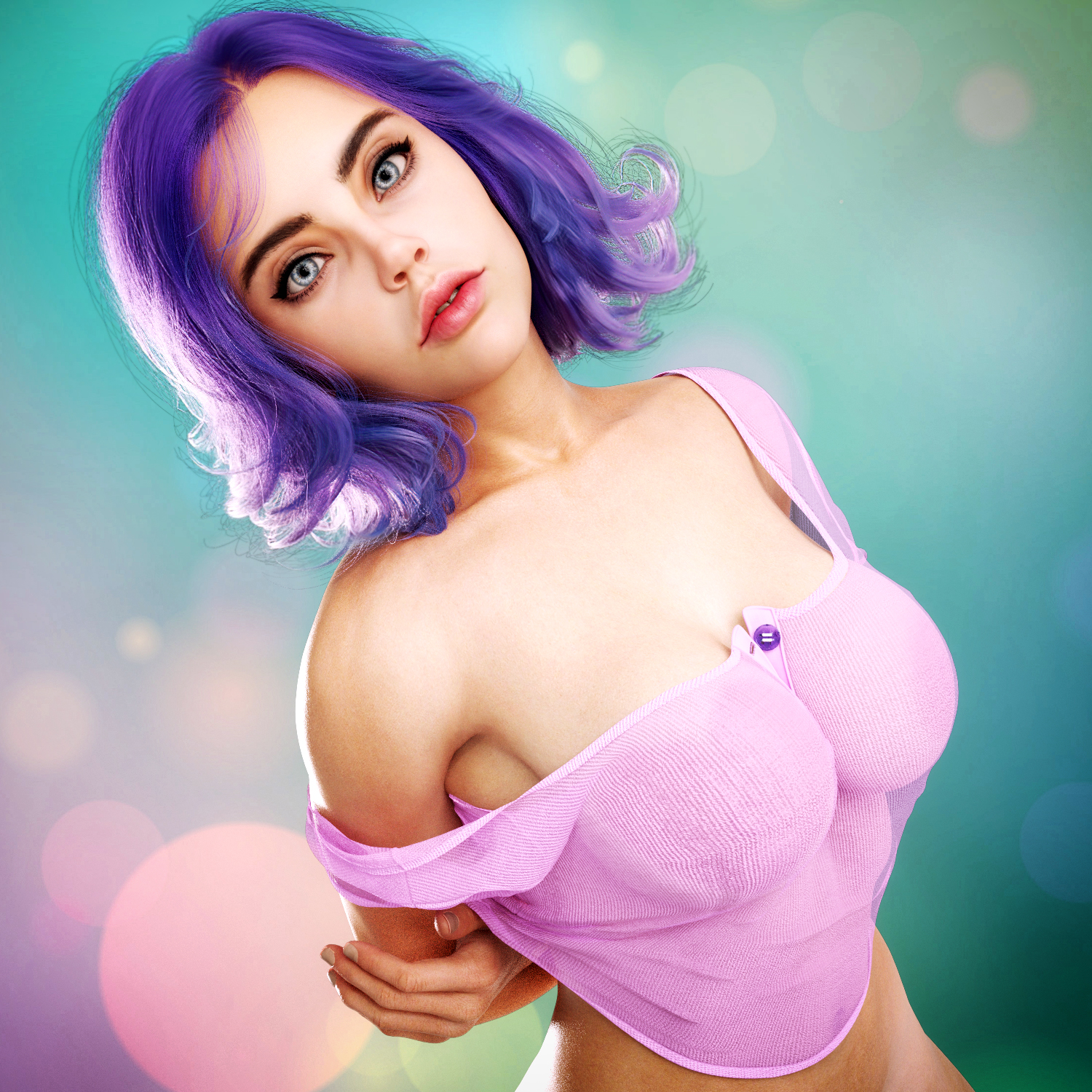
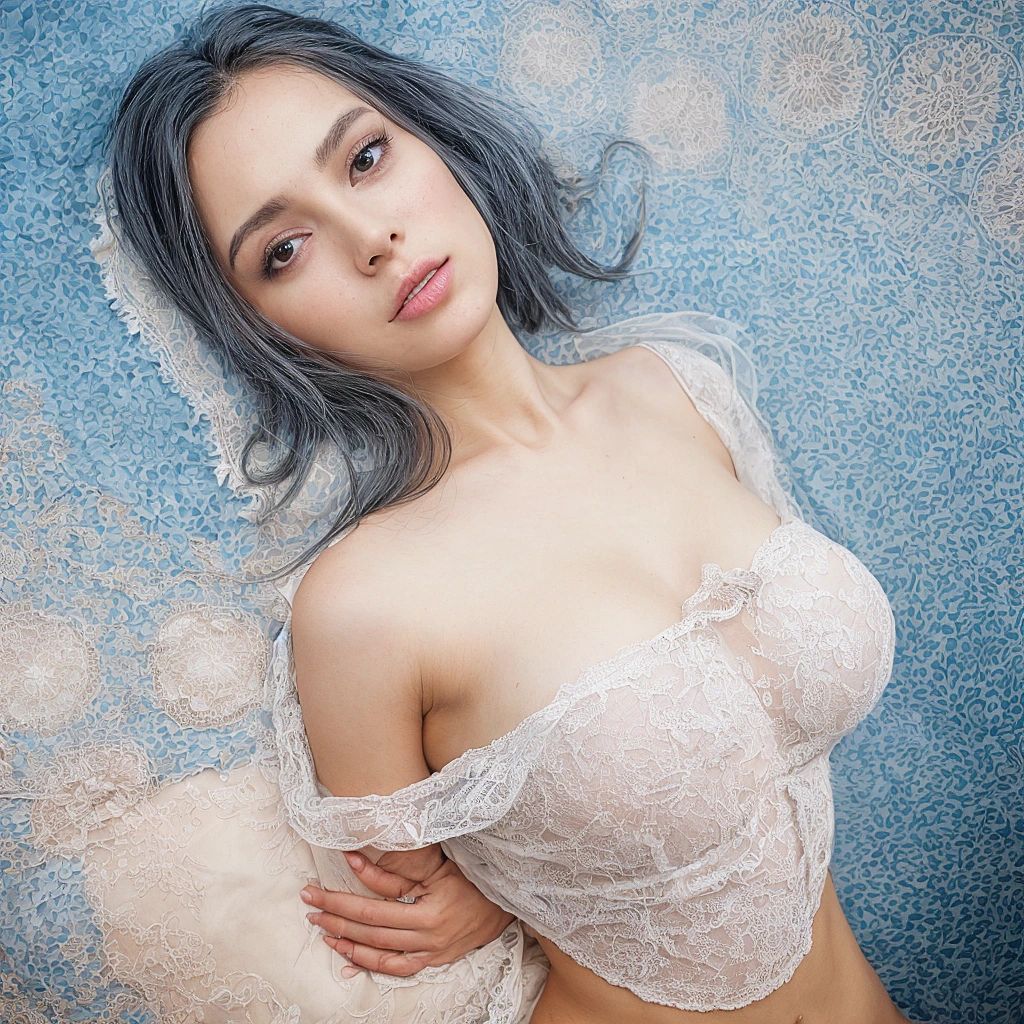 September 13, 2025 at 7:14 PM #2145079
What you call blemish/acne is actually a poor attempt of the AI to recreate freckles since your original character has freckled skin. Sometimes the result are not very subtle.
And AI is not good at doing hand/feet in general.September 13, 2025 at 7:56 PM #2145084Ive not had an issue with skin. I've also not ran many characters through it. Possibly 10, maybe less. Most of my good luck has been on the base setting or by dropping AI slightly. I also ran a few real people through it with similar results. The more I messed with base settings the wilder the results.
I may try another render soon just to see what happens. Its been awhile since I've done anything.September 13, 2025 at 7:58 PM #2145085Yes, noticed that about the hands and I just saw that on the second image with the acme, she looks a little bald and the eye is deformed. Too bad because I prefer those eyes to the clearer lastimage.
-
AuthorPosts



- You must be logged in to reply to this topic.
