Home Page › Forums › Art Competition › And The Winners Are...
- This topic has 17 replies, 10 voices, and was last updated 4 years, 8 months ago by
rondo.

-
AuthorPosts
-
February 18, 2022 at 2:58 PM #1777793
Sorry so late, I've been sick.
Thank you @madmungo and @Frank21 for giving 5,000 points each!
Thanks to @Plebby and @Ethiopia - they added 10,000 each!
And the winners are...Honorable Mention and 2,500 points to @Lucafeelgood
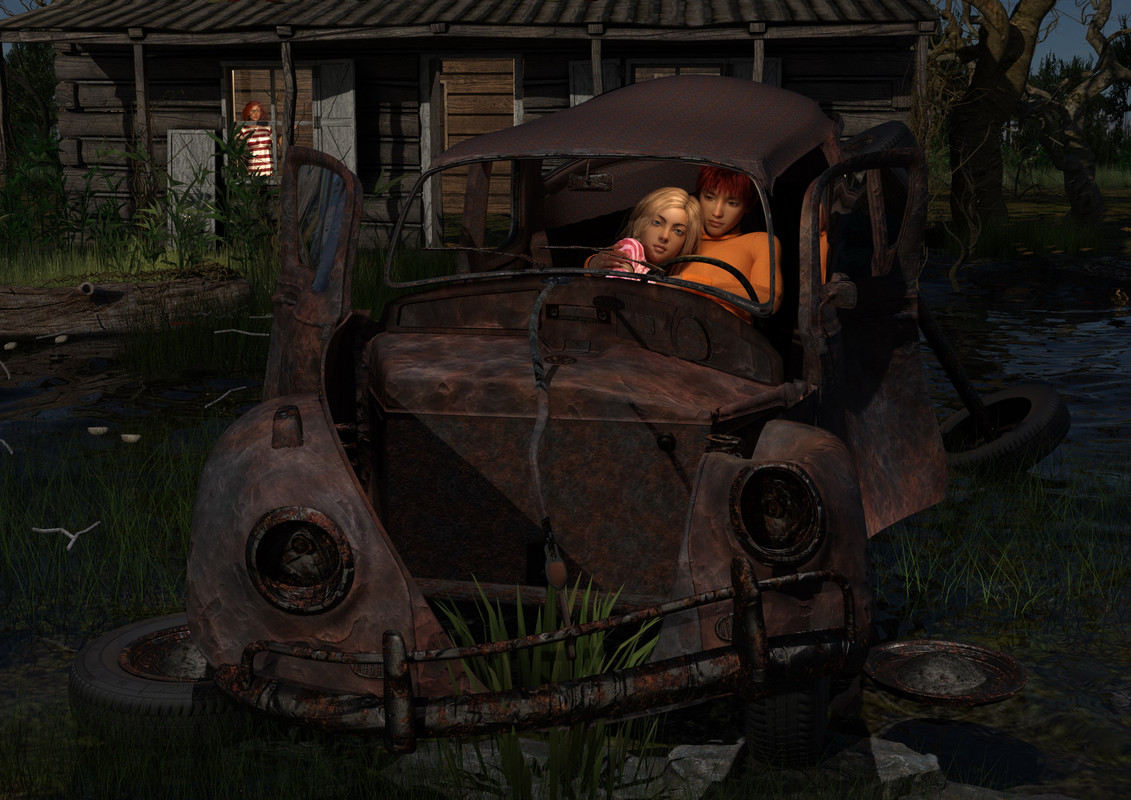
Also with Honorable Mention and 2,5000 points to @Larry

One More Honorable Mention and 2,500 points to @graphicmod
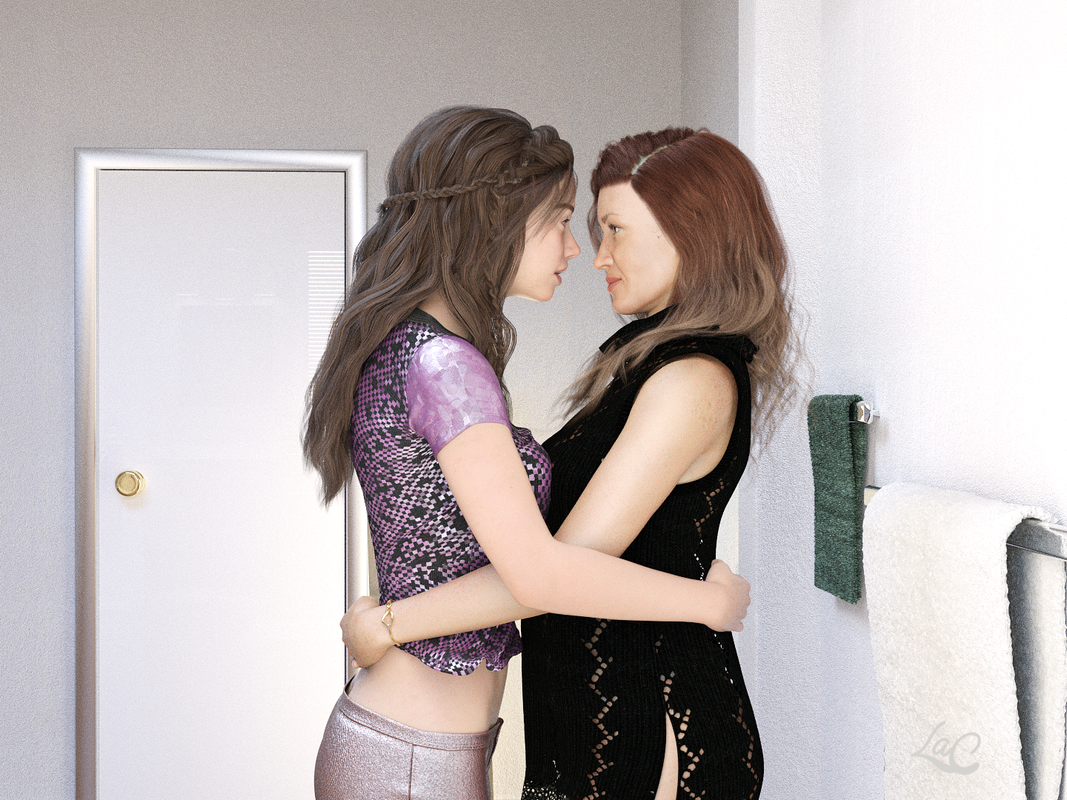
@Frank21, you bring up a blast from our collective past that really struck a cord with me. Congrats, and 5,000 points coming your way!
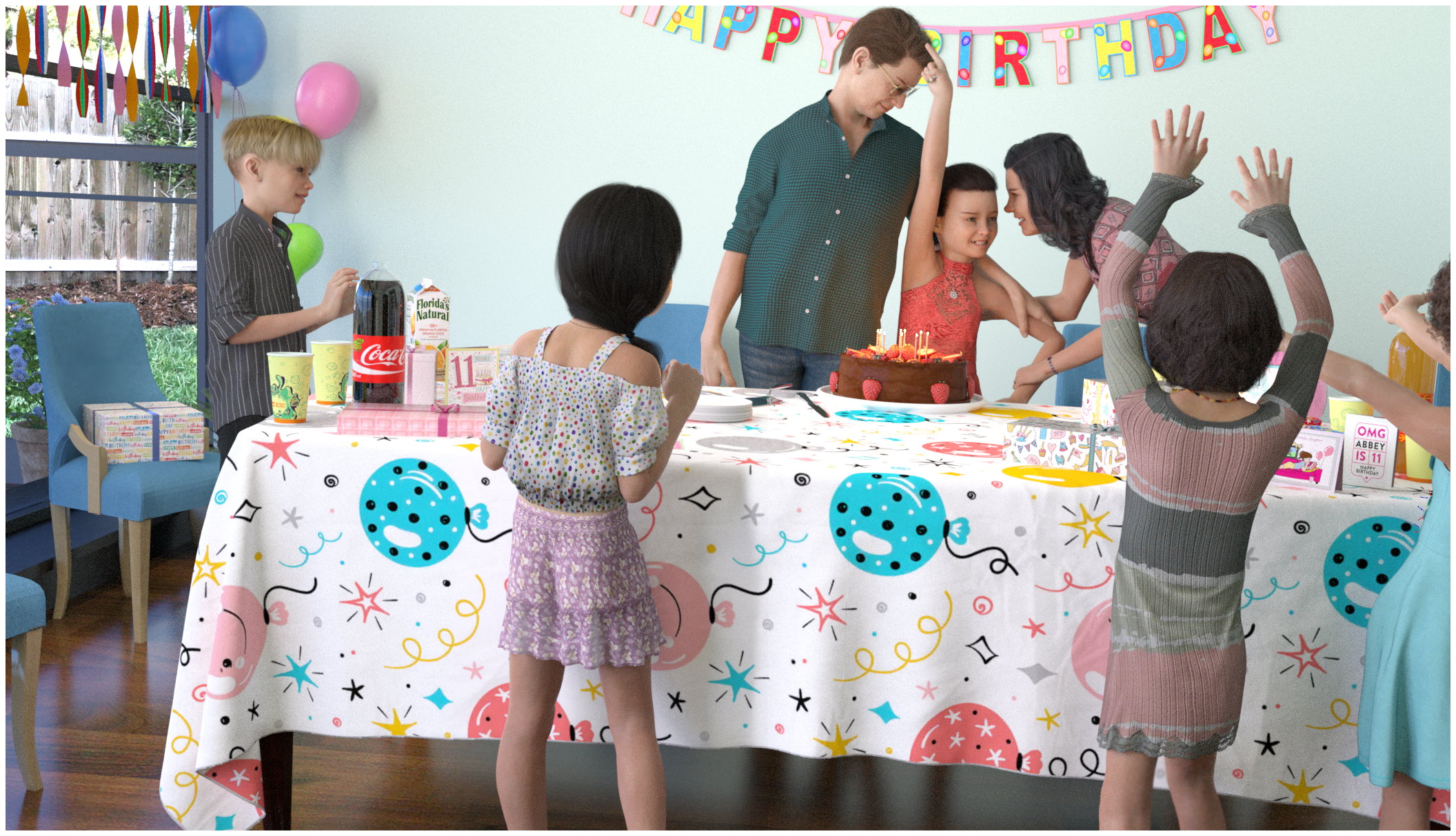
@Eve Adams I had to smile at this. A fun pic of something I have done in real life. 5,000 points headed your way!
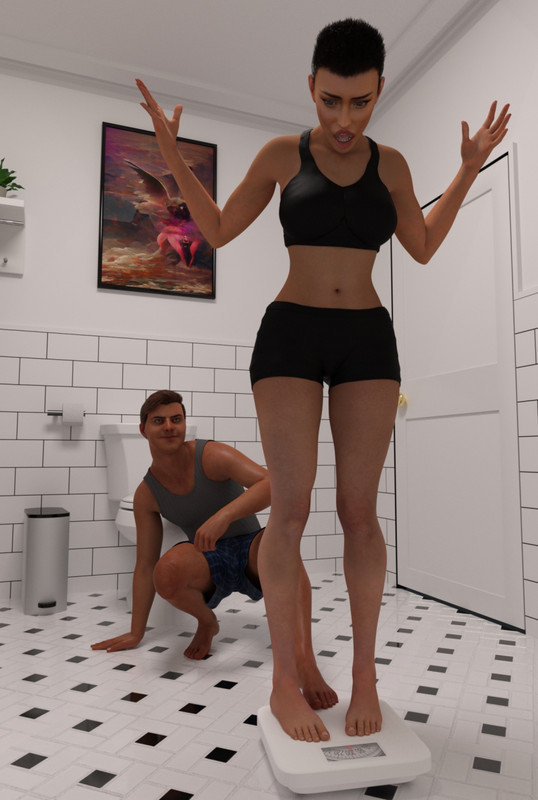
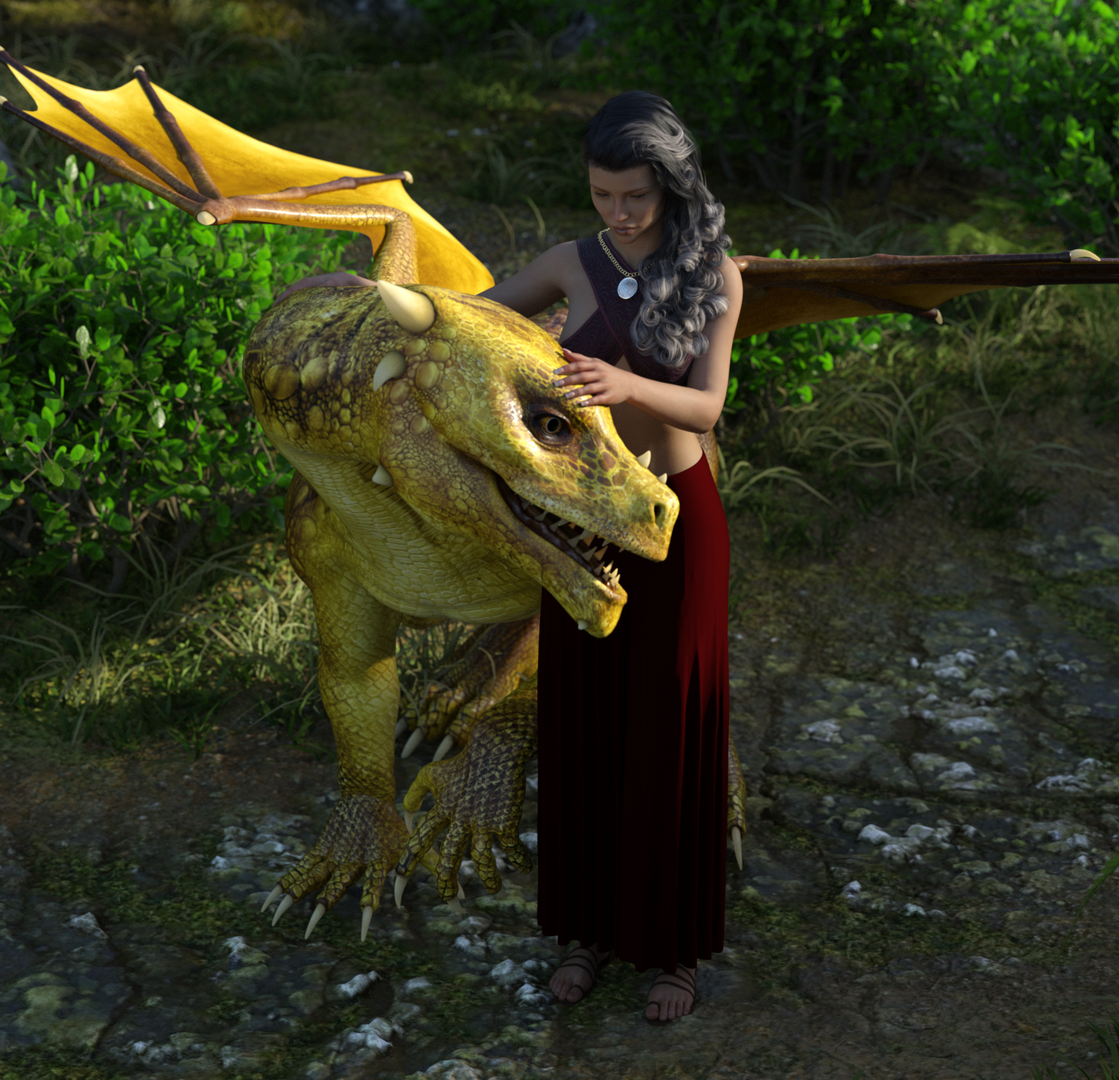
@Tony Joseph thanks and 5,000 points to you for reminding us that the pets are loved, even if they breathe fire!
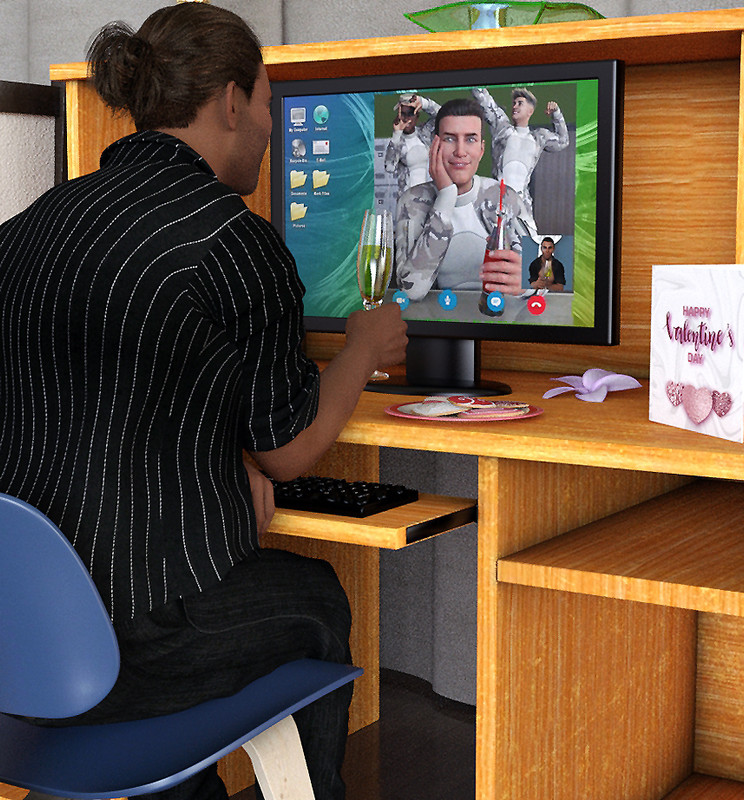
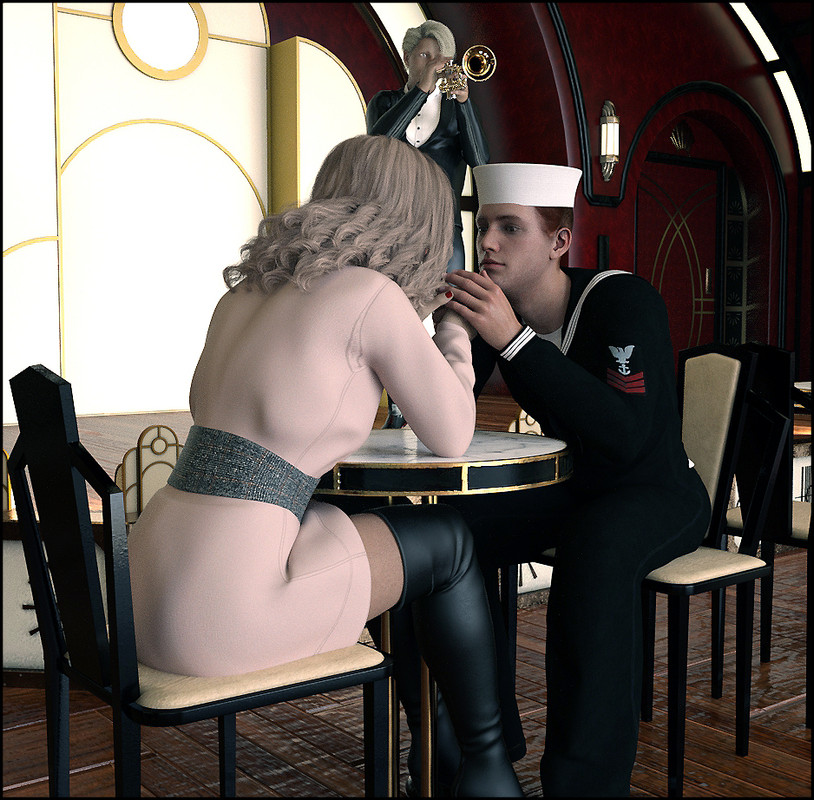
I know I said I was only going to choose one winner per person, but darn it, @Madmungo you had to come up with 2 pics that I liked alot for different reasons! 7,500 points to you and Great job!
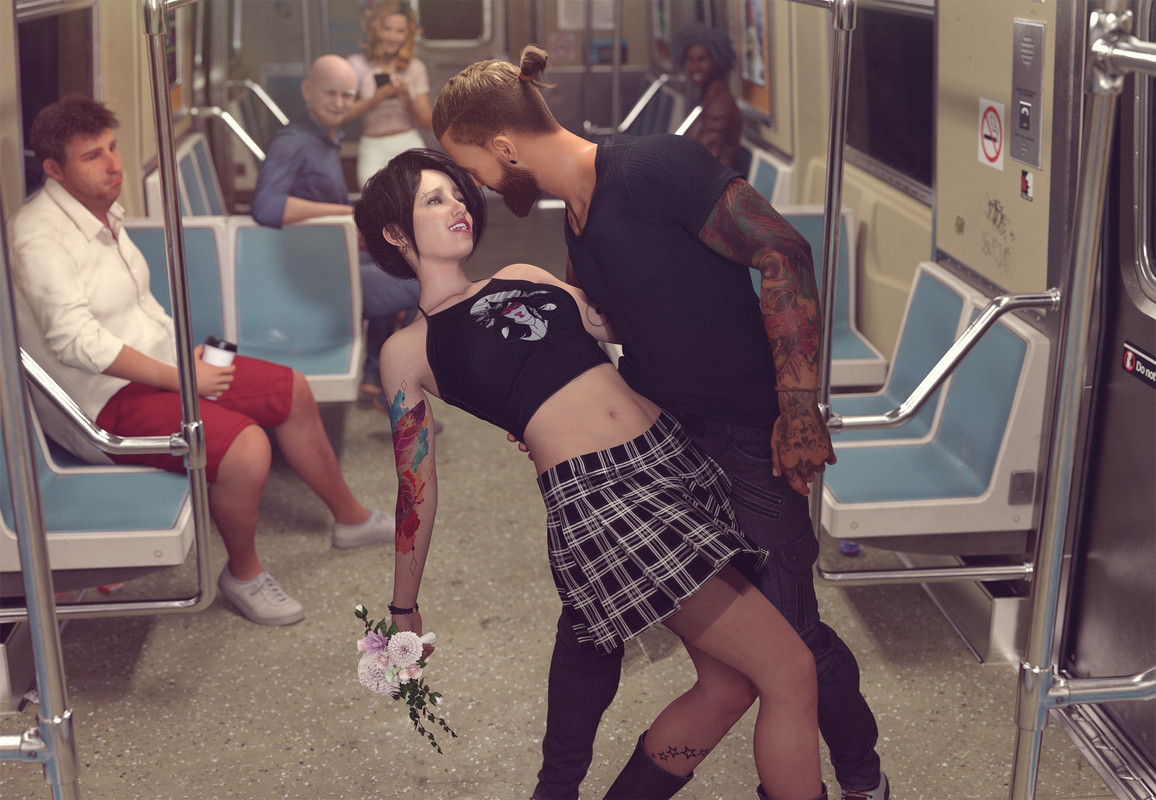
Finally, the Grand Prize and 10,000 points goes to @enjoyify
This was fun because of the layers... the old man in the background... the disinterested guy in red shorts... the movement of the dress... the flowers and tattoos - there's just so much I love about this pic!
Excellent work!
Thank you all for making this a love-ly contest!
February 18, 2022 at 3:39 PM #1777813@Lapucelle Thank you for the mention and for creating fun moments with this friendly competition!
February 18, 2022 at 4:13 PM #1777819Many thanks to @Lapucelle for yet another great competition. Well done to everyone who participated, there were some really high-quality renders to enjoy and congratulations to all winners.
February 18, 2022 at 4:42 PM #1777825Well done everyone. All the entries were cracking renders, but someone has to win. Thanks to @lapucelle for hosting another great contest.
February 18, 2022 at 6:31 PM #1777865Big thank you goes to @lapucelle for organizing the contest.
Also Great thanks to those who donated points.
And...applause to all the Great artist who entered this contest. There are really great entries.
CheersFebruary 18, 2022 at 6:56 PM #1777882THANKYOU..... once again for running the comp, thanks to those that enter and those that bump up the points prize.....
February 18, 2022 at 7:44 PM #1777902So much variety in those entries! Thanks to everyone and especially @Lapucelle.
Edit - I looked through all of them again and I think the Grand Prize winner was well deserved.
Great picture @enjoyify!February 18, 2022 at 11:42 PM #1777956I'm humbled @Lapucelle! Thank you!
I was inspired to submit after seeing the cool renders that were already posted. It's rare to see so much humor and heart!
Much love!
February 19, 2022 at 1:37 AM #1777981@Enjoyify I'm not pissing in your pocket, but that's a mighty fine scene you put together.
The fat guy with the coffee and the old chap are very natural looking. DOF to great effect.
The pack of cigarettes on the floor was a nice touch.
I'd like to know-
1. How you lit the scene
2. How long it took to render, it's quite a large picture but I love that
3. All together how long did it take you to build the scene from scratch
Hope you don't mind me asking.February 19, 2022 at 2:17 AM #1777984@Frank22 Appreciate the compliment!
A little history of the scene. I started with the red shorts guy as the focus. It was a much sadder scene with everyone but him having love or happiness. It was such a downer I switched to focusing on the lovers. But he remained a sad onlooker!
1. The lighting was difficult at first. I ended up using the pre-made roof lights in the subway car asset as the general scene light. Then I added a single bright, disc-shaped point light offset behind the camera, focused on the woman's face. I also added a minor fog asset to scatter the light more and increase the intensity of the DOF. Dome was turned off. It's actually a pretty tight scene in terms of the characters' relative locations. A minimal amount of light was enough.
2. Not sure how long it took to render. I went out after starting it. Probably two hours? Except for the lovers and the red shorts guy, I turned the characters SubD to 0, including their clothes. That seems to help render time.
3. Not sure how long it took. Quite a while since I basically started over after I rejected the my first approach. I began on the 13th, so it was hours not days. Since this is just a hobby for me, I try not to track my time too closely if I'm having fun. 😉
February 19, 2022 at 3:19 AM #1777990Thanks for that @Enjoyify. It's interesting to learn how other people work. I suppose I should explain the workflow for my entry. I set up the scene first with props and lighting and saved it. I then worked on my characters, kids are always hard to work with and get realistic looking, and clothe them. Sometimes if they're standing I'll also simulate the clothing at this stage, then I'll save them as a scene subset. Then import that into the first saved scene. Typically the lighting wont be right for the characters' skin/clothing so often needs adjusting.
Seven characters was pushing the limit for my GPU as I didn't reduce their textures, but I did postwork one of them into the scene... the girl in the pink skirt, then I fixed the shadow she made on the table.
I agree that time flies because the whole process is good fun.... laborious work but fun all the same.February 19, 2022 at 7:35 AM #1778034@Frank22 Interesting! I honestly never thought of pre-posing/dForce my scene subsets. I always leave them in their A-pose. I may have to start doing that.
I didn't catch the postwork pink skirt girl. Well done, especially with the added shadow!
February 19, 2022 at 9:09 AM #1778052dforcing works much quicker in non-heavy scenes so when I can I prefer to do that before putting the subjects into the "heavy" scene. Of course you can't do that when the figure need to interact with scene elements, like sitting on something.
That thing you said about "minor fog asset" is interesting. I thought I could see a slight mistiness in the background and it looked nice. But it sounds like a render time killer. Can you explain @EnjoyifyFebruary 19, 2022 at 9:29 PM #1778267@Frank22 The fog asset was a large translucent cube that went over the entire scene that scatters light with faint transmitted color. I won't be using it again. It definitely added a lot of time to the iray viewport/render. I liked the effect, but I'm sure I can get something similar from some basic postwork and/or simple fog plane.
February 25, 2022 at 2:58 PM #1779838Wow! all wonderful work, they all worked so hard to produce amazing quality work like this
I can wait for the next one and have a go myself
-
AuthorPosts










- You must be logged in to reply to this topic.
