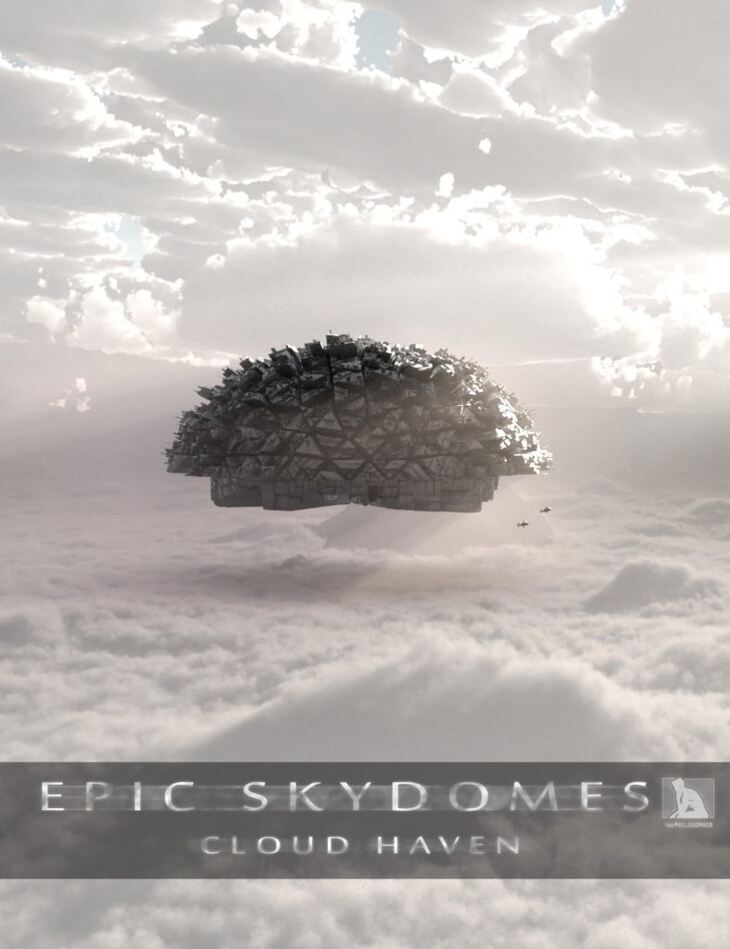
Epic Skydomes: Cloud Haven HDRI
Details
The easiest and fastest way to create an epic scene in Iray: Use a skydome, and create the illusion of a ground plane under your object by utilizing its shadows. It’s the oldest trick in the book. But it can work remarkably well. And it renders blazingly fast.
Say hello to the first installment of the new “Epic Skydomes” HDRI environment series: Cloud Haven---a vast and surreal canopy of clouds, sun, and sky. This scene was designed to evoke a sense of grandeur, and is ideal for shots requiring an epic and fantasy-like scale.
Plus setup is simple. Just load your object/character into the scene, place the clouds (included) around your object, resize the volumetric light box around your object , and rotate camera as needed to “position” your object relative to the skydome (User Guide included).
KEY FEATURES:
-A full set with Skydome, lights, and props (clouds, volumetric light cube, and sun lights)
-High Resolution HDRI and PNG skydome images (8000x4000) with multiple style options
-Volumetric Light Cube included: Adds atmosphere to your object, and creates Godrays around object
-Cloud alpha cards included: Place around the bottom of your object to help submerse it into the environment
-Outdoor Sunlight spotlights included
-Two different skydome styles, with three different color options each
-User Guide included
*Designed for Iray
What's Included and Features
Epic Skydomes: Cloud Haven HDRI (.DUF)
Scenes:
All Scenes Optimized for Iray
Esch Style1 C
Esch Style1 N
Esch Style1 Sw
Esch Style2 C
Esch Style2 N
Esch Style2 Sw
Props:
All Props Optimized for Iray
Esch Cloud Card1
Esch Cloud Card2
Esch Cloud Card3
Esch Volumetric Light Cube
Render Settings:
Esch Style1 C Skydome Only
Esch Style1 N Skydome Only
Esch Style1 Sw Skydome Only
Esch Style2 C Skydome Only
Esch Style2 N Skydome Only
Esch Style2 Sw Skydome Only
Textures Include:
10 Texture Maps (1165 x 343 to 8000 x 4000)
https://www.daz3d.com/epic-skydomes-cloud-haven-hdri
File Hosting: Other File Hosting

