Home Page › Forums › General Chat › MargHQ for V4 MORPH for G8F WIP
- This topic has 15 replies, 4 voices, and was last updated 3 years, 6 months ago by
 Zodiac.
-
AuthorPosts
-
March 14, 2023 at 1:39 PM #1940923
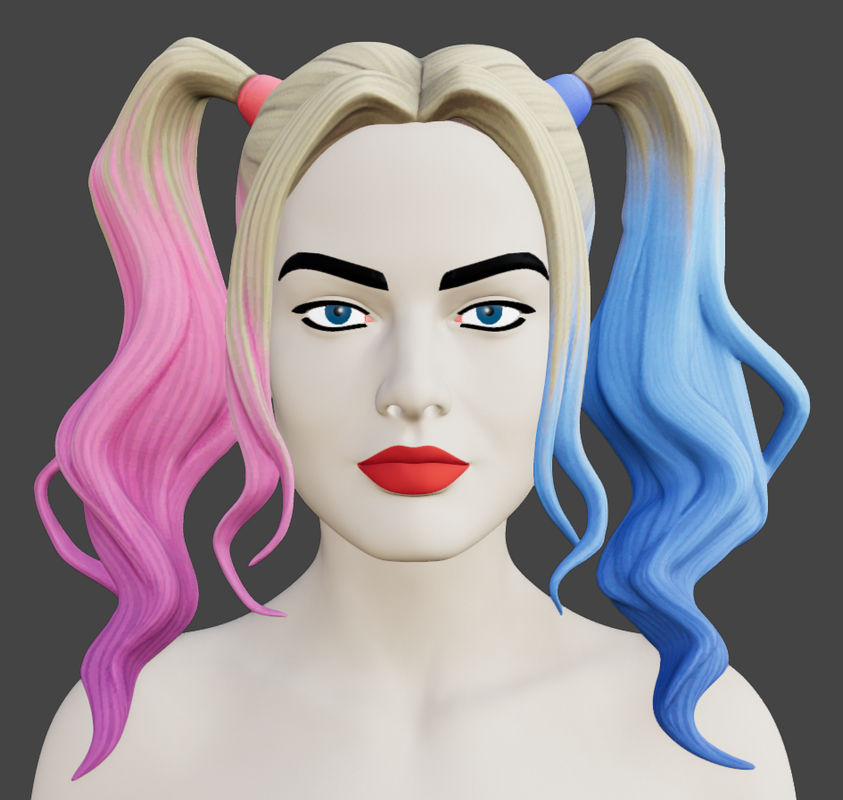
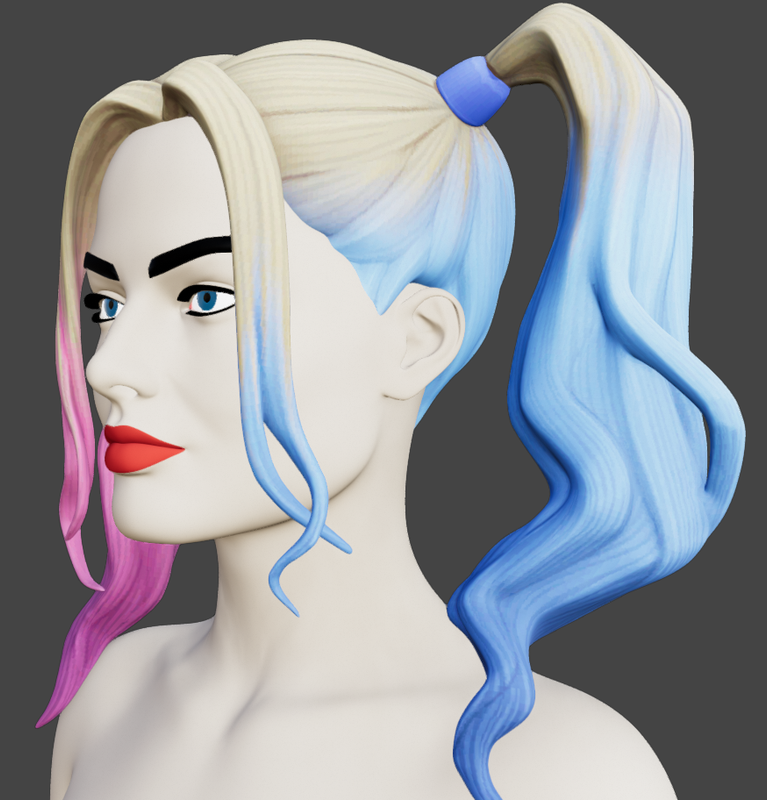
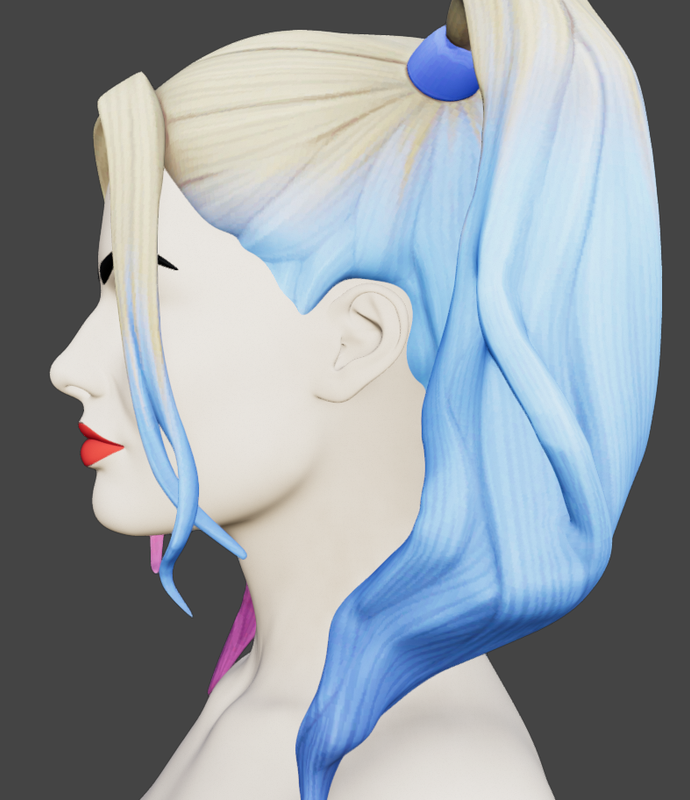
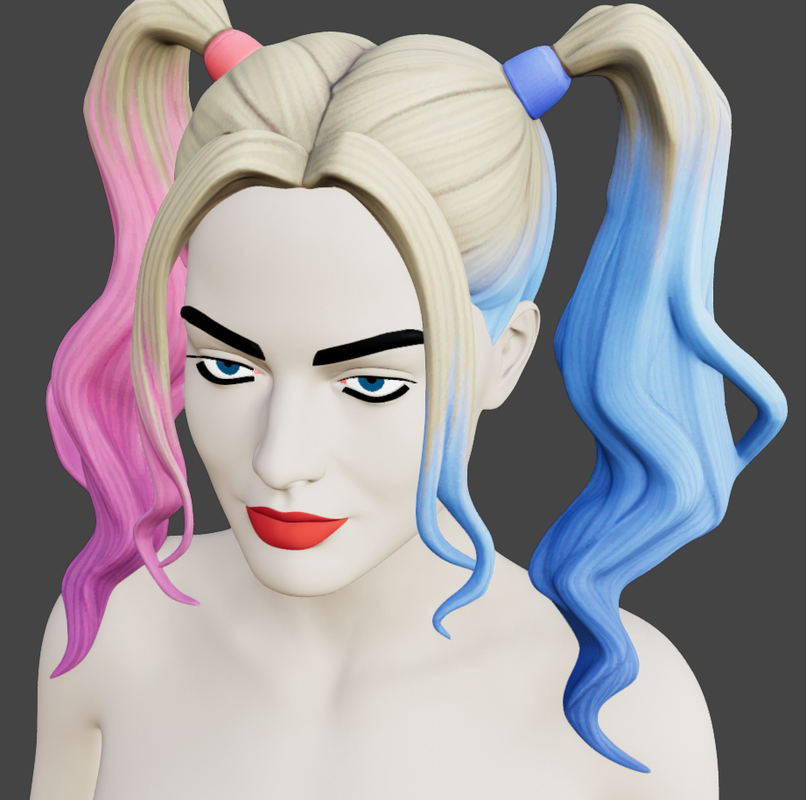
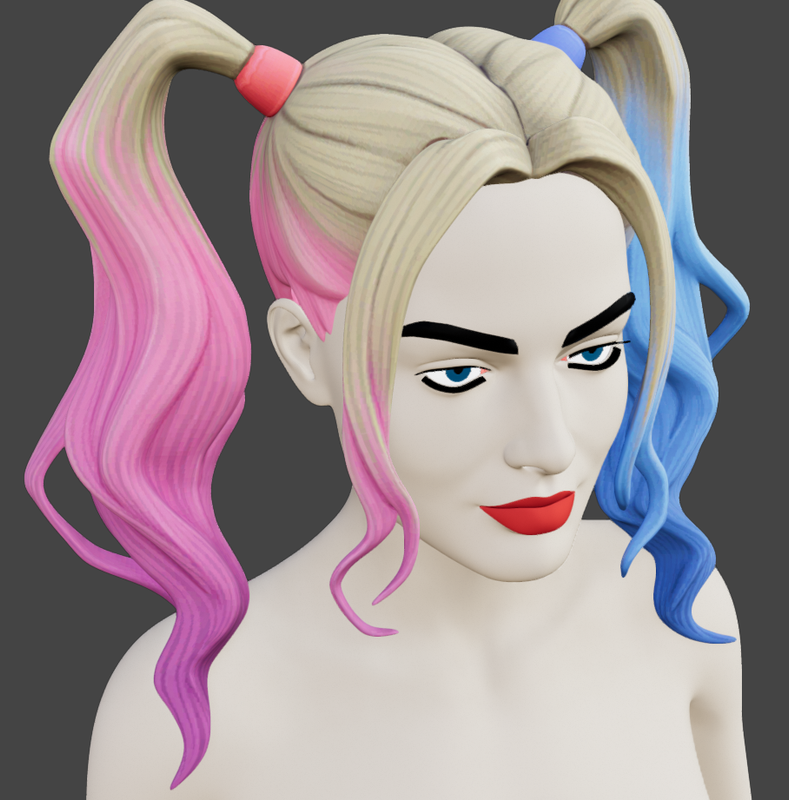
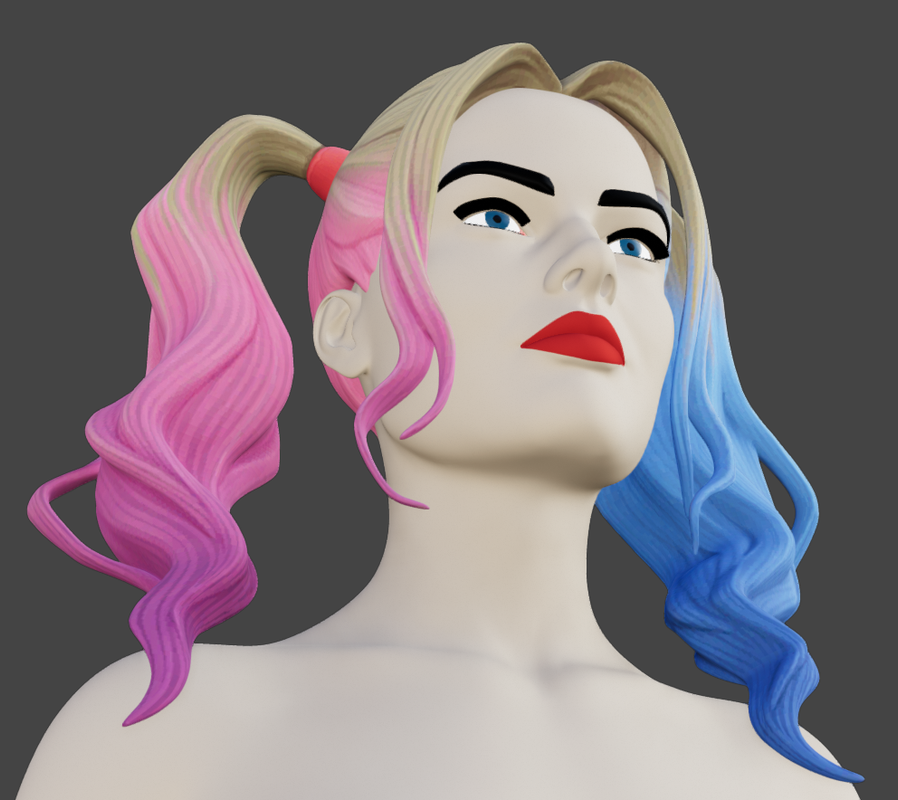
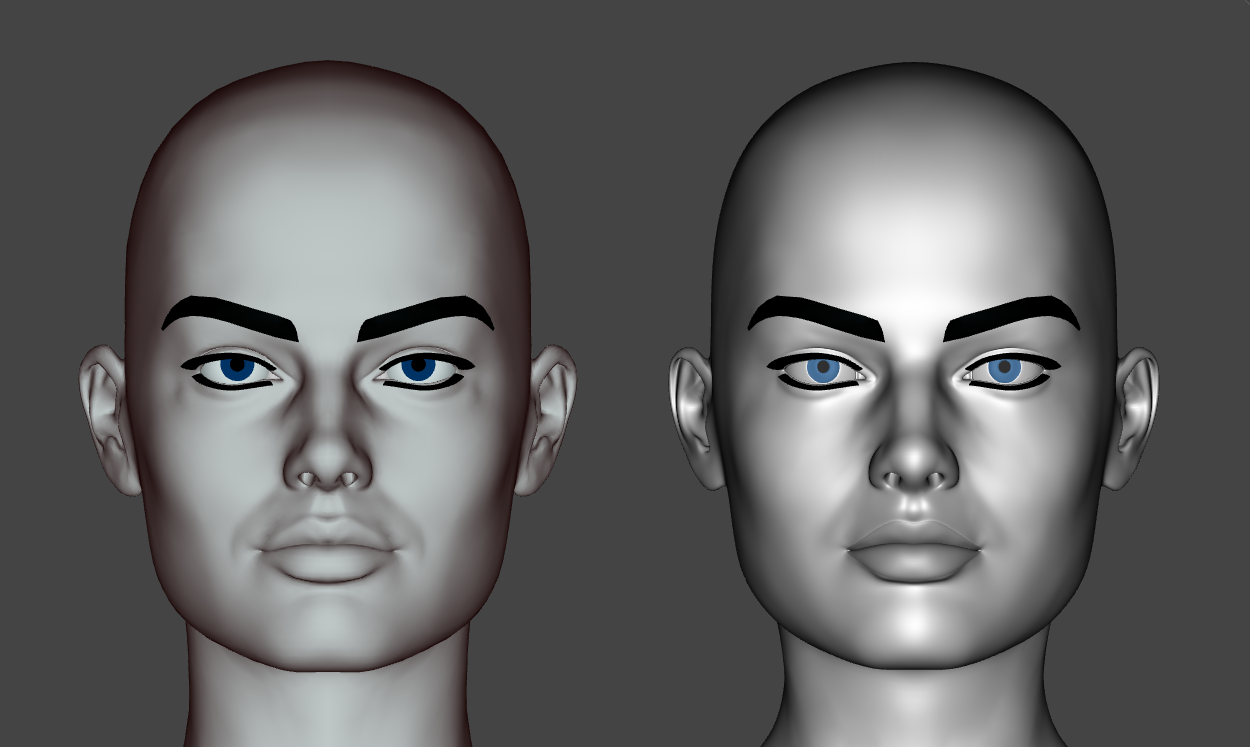
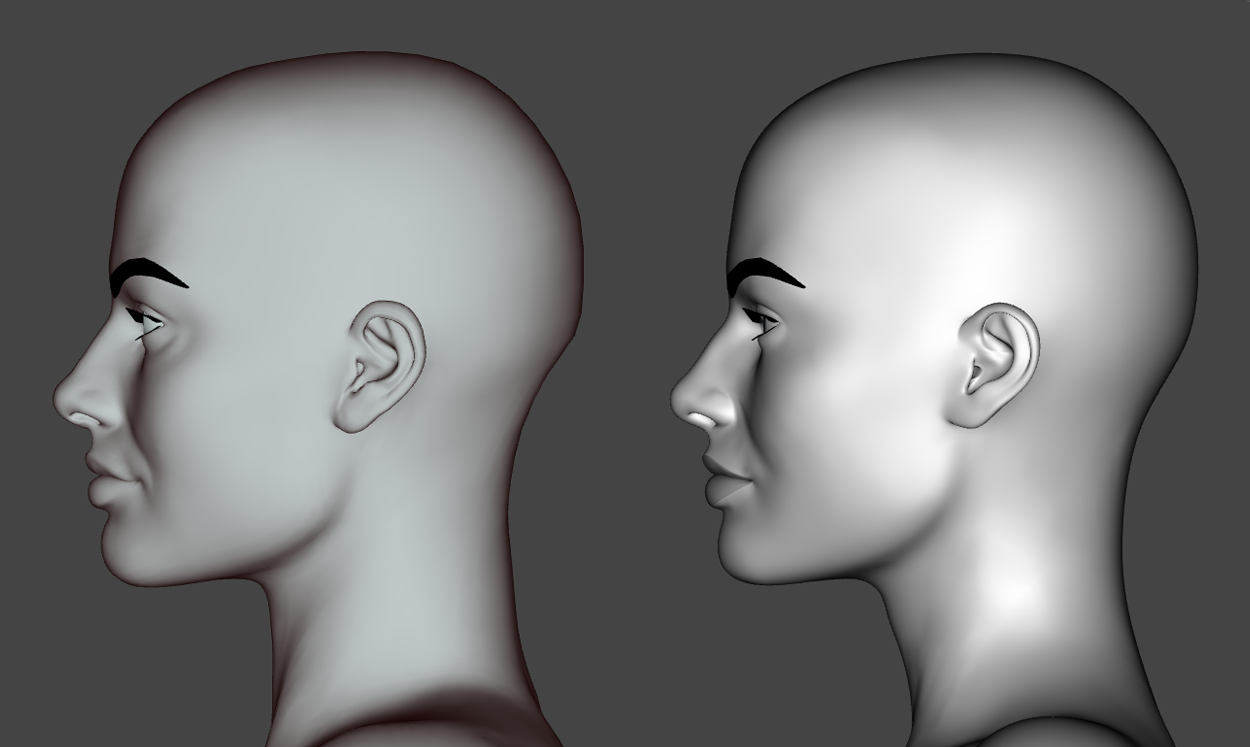
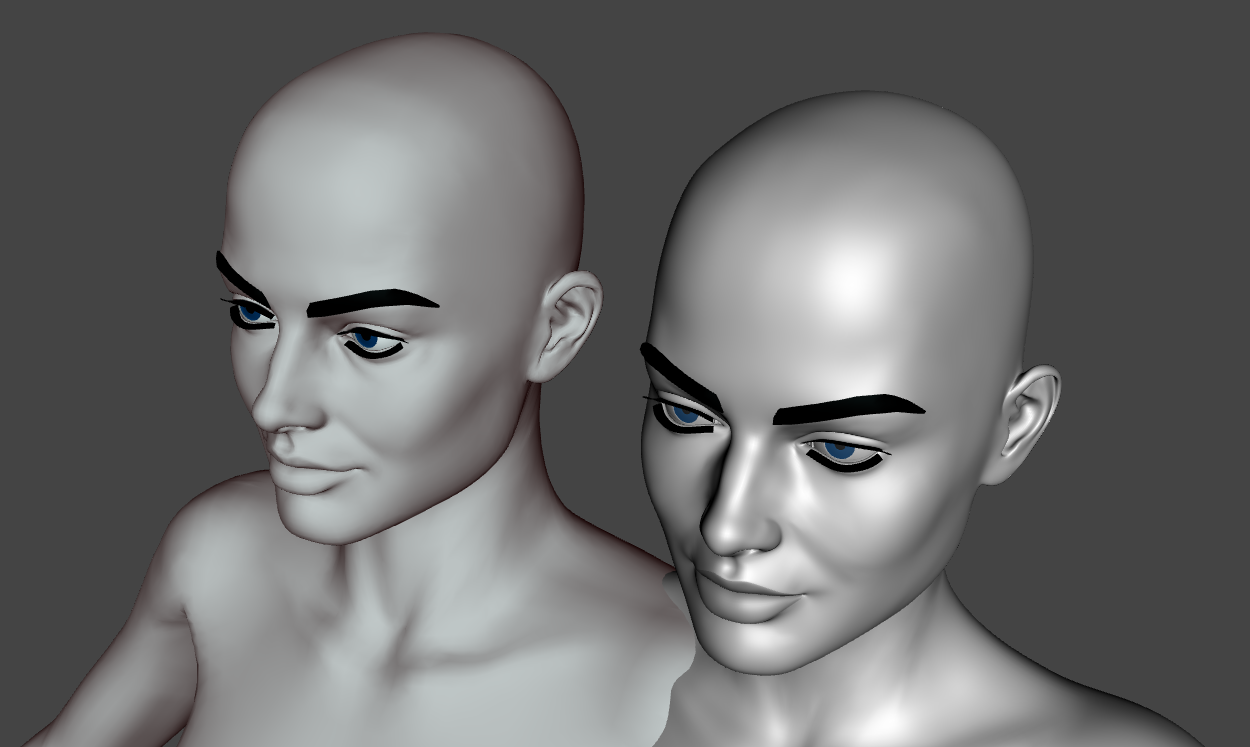
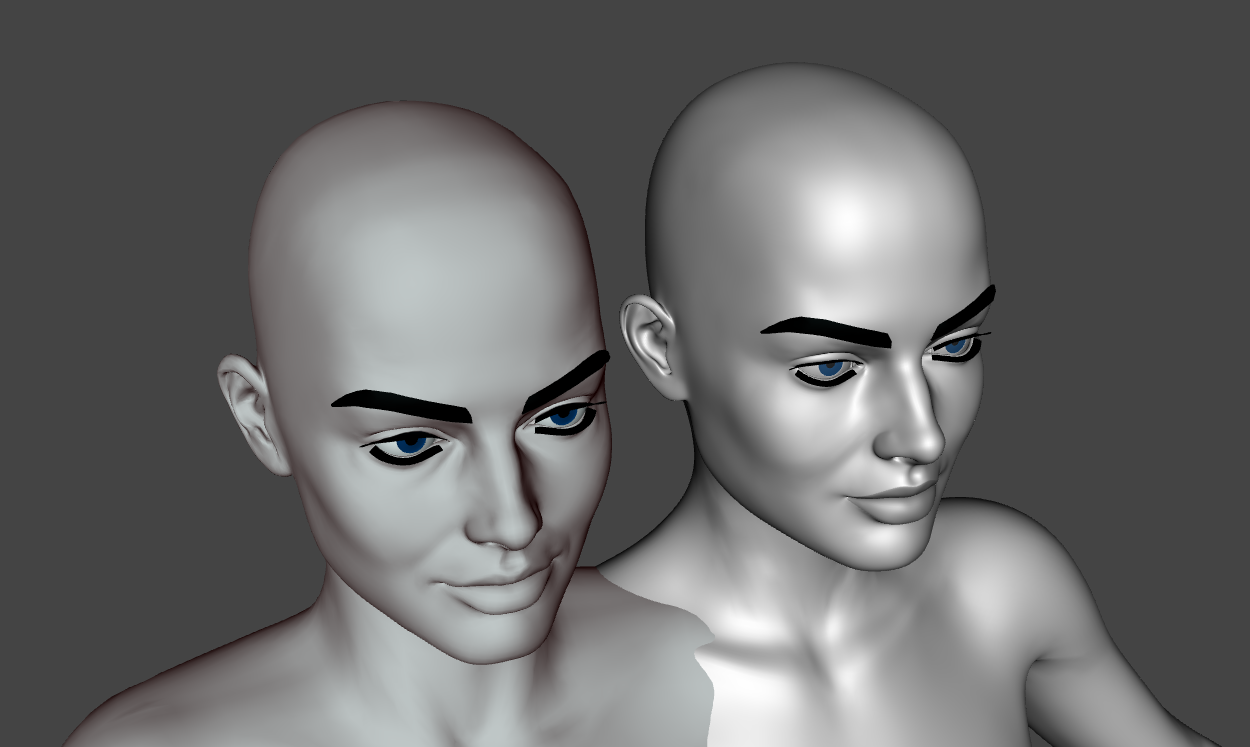
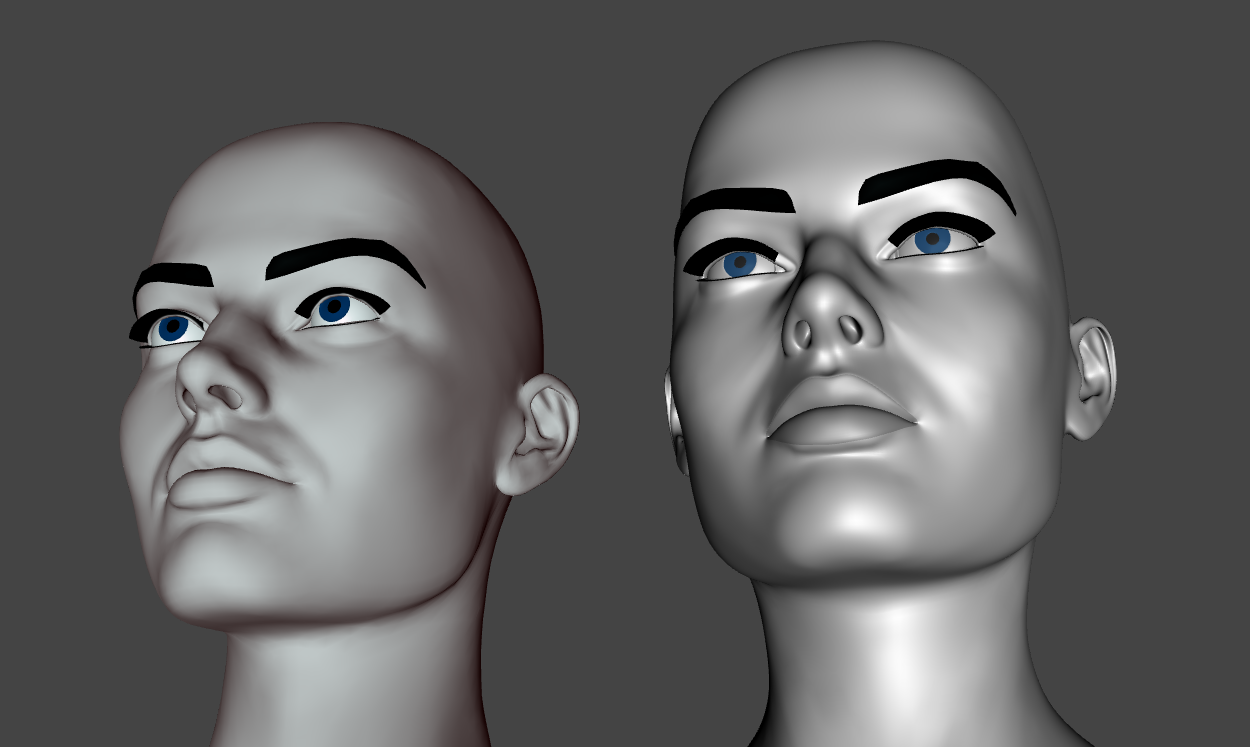
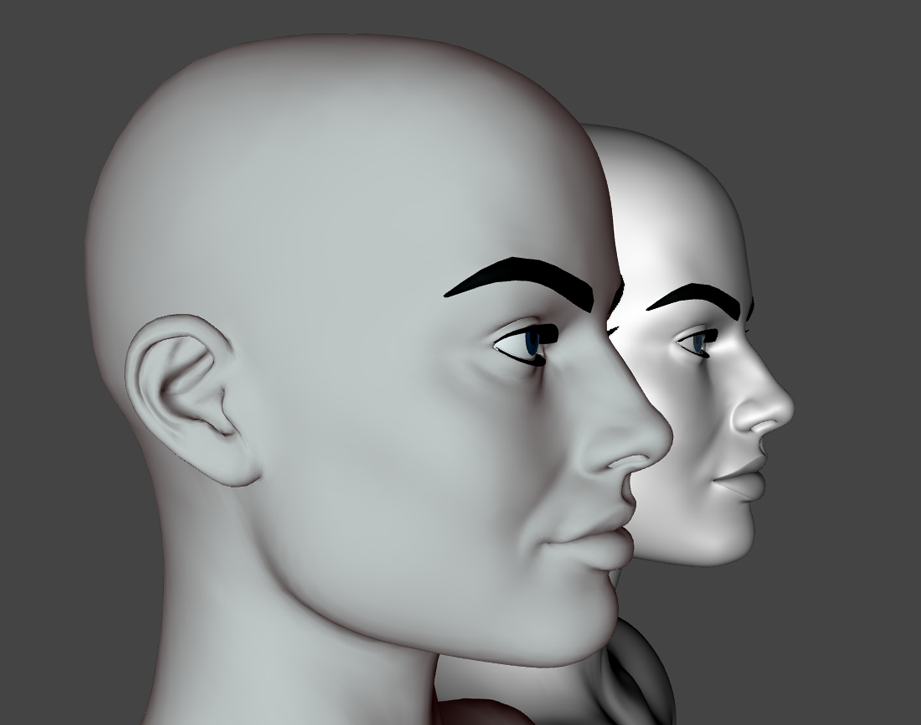
So, today I wanted to try Zwrap again, but I didn't know which character to choose. After a while I thought maybe I could try to make a morph from a V4 figure. I chose MargHQ for V4 from Forender.
I'm quite satisfied with the result, but I still have to retouch a couple of things, and although the two figures match up almost perfectly, I think mine looks a little bit better. But one day, hopefully soon, I might even share it with you all.
What do you think?
March 14, 2023 at 2:14 PM #1940931I'm looking forward to this one.
Are you doing textures too, or isn't the source item that good?
🙂
March 14, 2023 at 2:26 PM #1940939Looks good.
March 14, 2023 at 2:34 PM #1940942Hey there boss!
As I already said, my interest is only in 3D models, no renders, so no textures. Then, usually I make a model, I work on it for a long time, even for several days and then I don’t use it. I only do it because I like it.
Anyway, I hadn’t tried the original V4 textures, and I don’t even know how to convert them, but as soon as I read your comment I gave it a try and found out that they are almost fine. Almost.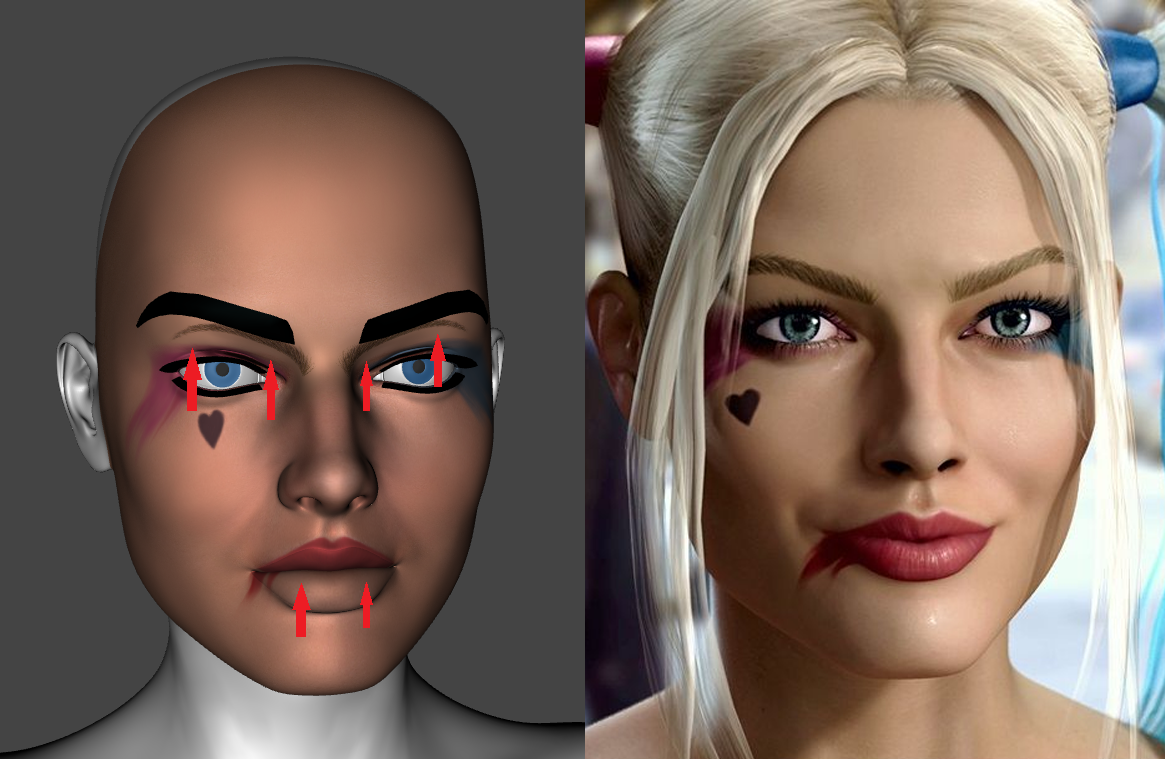 March 14, 2023 at 2:51 PM #1940947
TBH it is only the morphs which interest me anyway.
If the textures are good, that is just a bonus.🙂
March 14, 2023 at 2:59 PM #1940951I was thinking that maybe the textures just need to be resized. It's possible? I don't know.
Also, I think there are dozens of Harley Quinn models for G8F out there to get textures from.March 14, 2023 at 3:06 PM #1940954There are ways & means of converting the textures, but anyway, there are plenty of decent G8F skins that could be reused.
Not a major issue for me.
🙂
March 14, 2023 at 8:03 PM #1941072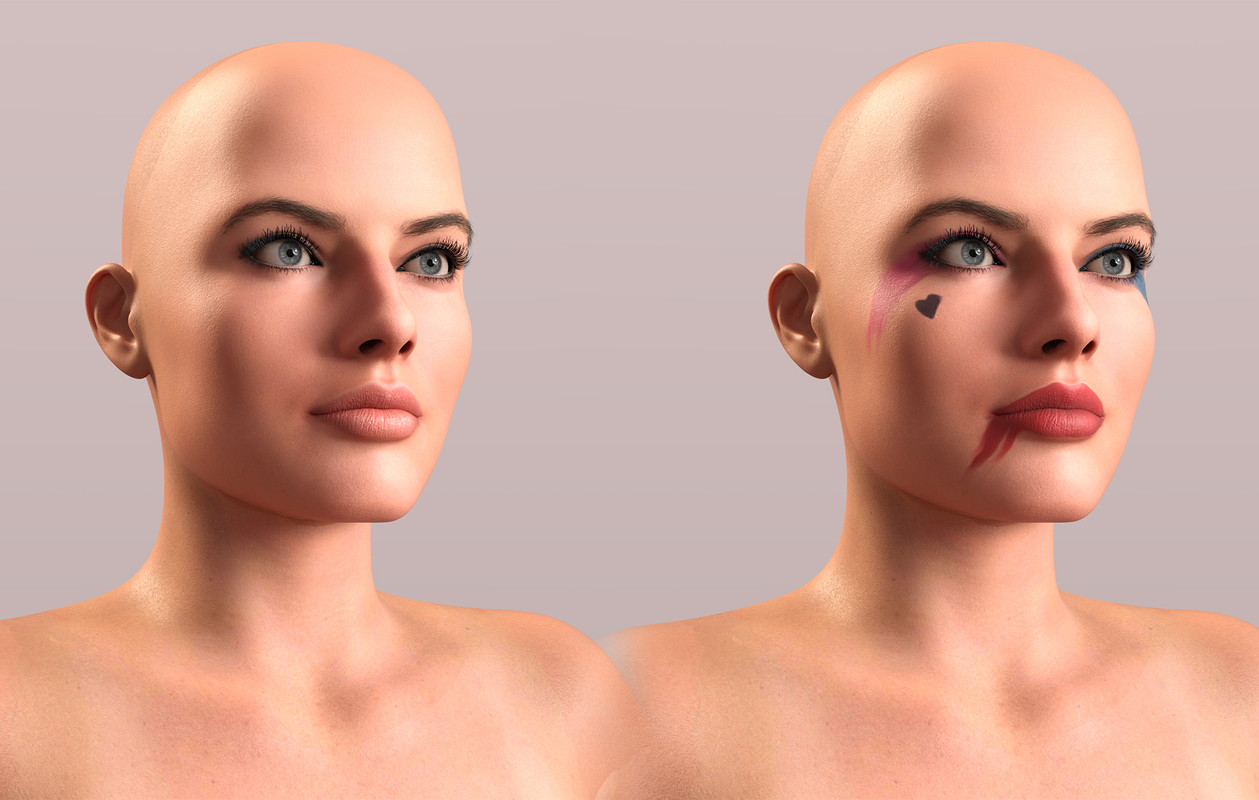
Here's a quick batch conversion of the textures to the Gen3/8 UVs, it's rather crude and would need refining but it's a good start.
https://www.mediafire.com/file/nwuuxbtxa2ayyqj/MargHQ-Gen3and8.zip/fileMarch 15, 2023 at 8:01 AM #1941233What's this? I mean, is the model the original for V4 or did you convert one for G3? In any case, it looks great.
March 15, 2023 at 10:39 AM #1941410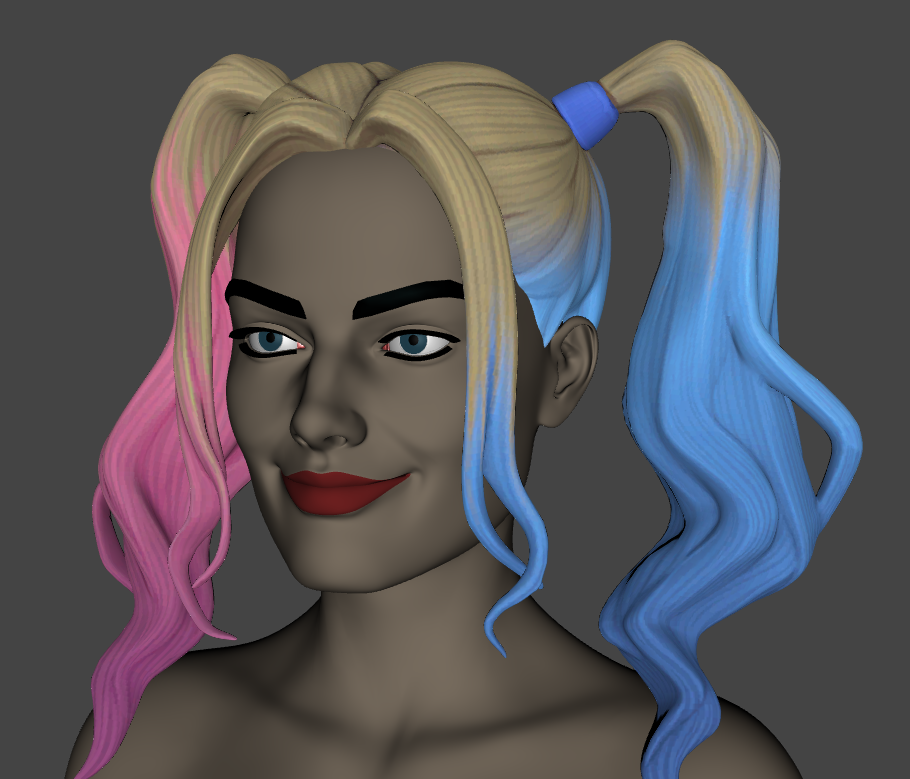
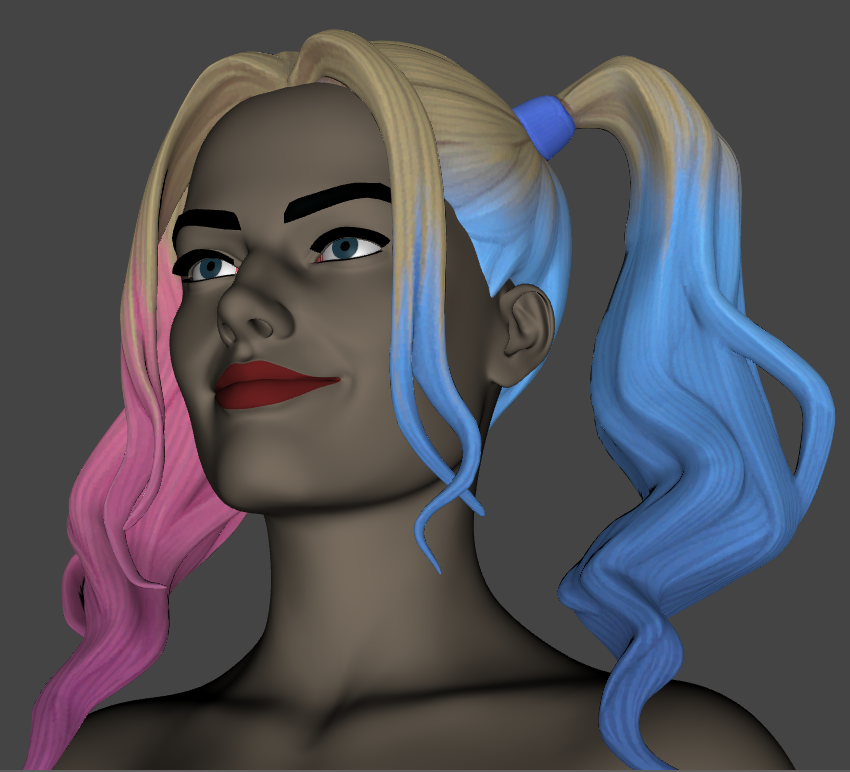
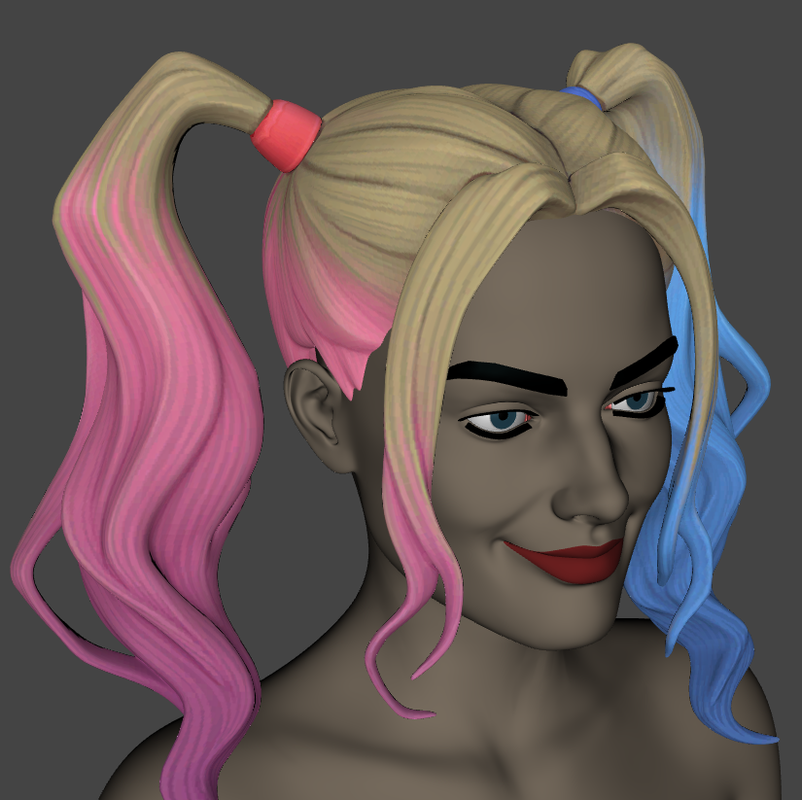
Some other image, but this time with a smile. I tried some facial expressions, and often the character loses her similarity with the real counterpart. Other times, as in this case, with a slight smile she looks like HER.
Probably, with a decent eyebrows, eyelashes, textures and a suitable hair, the character could really look like the actress.March 15, 2023 at 12:11 PM #1941433@Zodiac I just loaded it on Genesis 9. I could've tried to convert it to Gen 3 or 8 but I just wanted something quick to show the textures. Gen 9 is sort of built for things like ZWrap, so it only took a few seconds.
March 15, 2023 at 12:14 PM #1941434Wait, so is that a G9 clone of MargHQ V4?
March 15, 2023 at 12:18 PM #1941437Yes.
March 15, 2023 at 12:31 PM #1941439Great job! It looks even better than mine.
Anyway, did you use the version of Zwrap downloaded here from Zone? Also, did Zwrap convert the textures automatically during the process?
March 15, 2023 at 1:12 PM #1941451 -
AuthorPosts





- You must be logged in to reply to this topic.
