Home Page › Forums › Art Showcase › Derby Pitch
- This topic has 16 replies, 5 voices, and was last updated 4 years, 11 months ago by
 Deadpool209977.
-
AuthorPosts
-
October 23, 2021 at 5:24 PM #1742666
Please give me your honest opinion.
I feel as if something is missing with my light beams. The beams are supposed to be different colors. Maybe this is the right look but I'm not sure.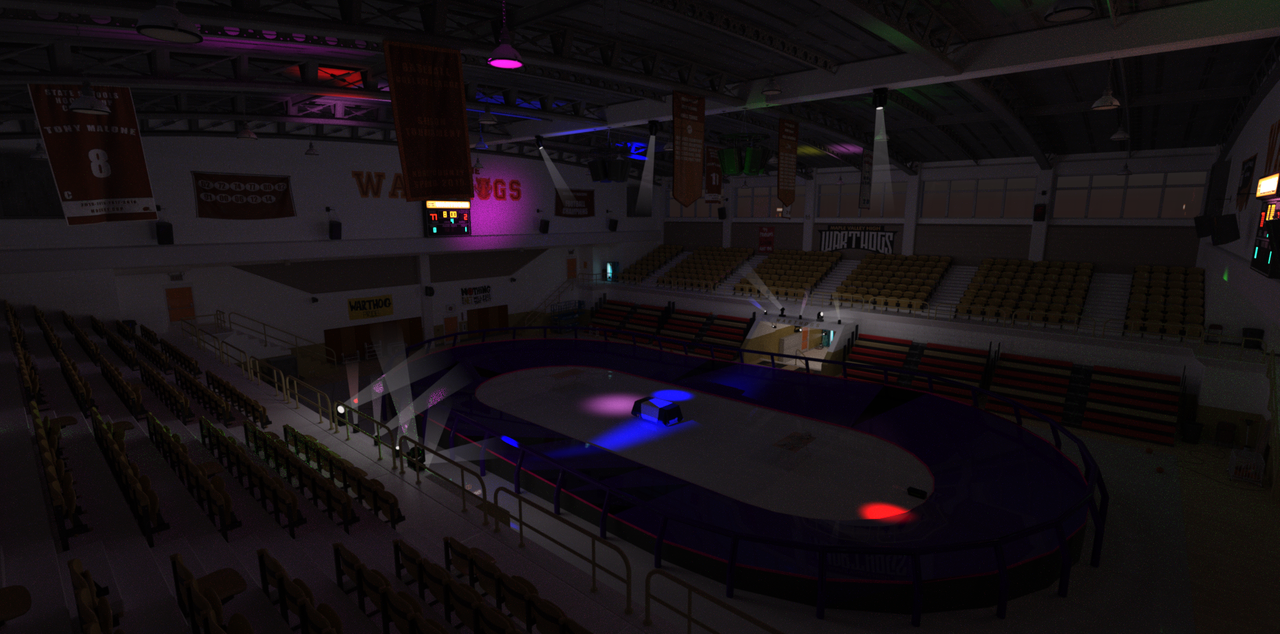 October 23, 2021 at 9:44 PM #1742765
(While not a concert) Do an image search for "concert lighting" on Google and you'll see what you need. Something on this scale is beyond me ATM but based off my limited knowledge and first impressions comparison, I'd say the "God ray" effect doesn't continue long enough and more is better.
This is what a skating rink lighting search turned up
October 24, 2021 at 12:59 PM #1742945Agreed the light rays need to be longer.
The link you posted is something I have been looking for for just over a yr now.
I may be able to use blaster rays for this effect.Thank you for your insight!
October 24, 2021 at 7:58 PM #1743099Well, getting there I guess.
figured out how to do the beams but now my lighting seems a bit, not right.
Also, this is only 40% rendered but the light won't change that much right?
Any suggestions and critique is welcome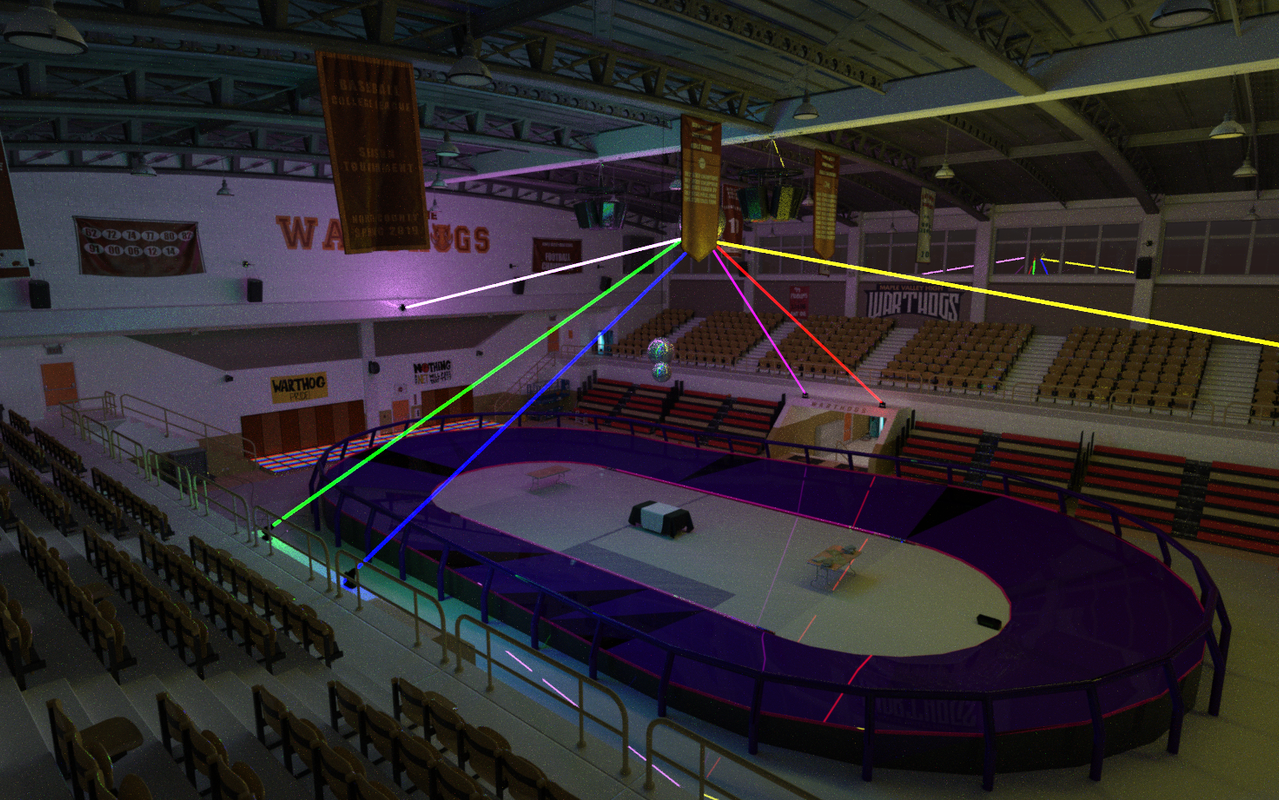 October 25, 2021 at 11:01 PM #1743328
Try this. Didnt think about it till it came up in conversation.
Download over 90,000 free IES lighting files from IES Library
October 26, 2021 at 2:04 PM #1743538Kool, I'll take a look and see what I get!
October 27, 2021 at 12:55 AM #1743720First off I admire you @Deadpool209977 for rendering with such a low light environment.... very brave. I reckon the lights in the first image look more convincing. The edges of the beams need to be more diffuse, and longer as stated.
These products might help-
And here's a tute of how to set godrays up-
This might help too-
https://www.daz3d.com/forums/discussion/411751/volumetric-flashlightNote- your render times are probably already slow due to low light and using volumetrics, if that's the way you want to go, is going to slow that down even further.... sorry
October 27, 2021 at 10:10 AM #1743812As Frank mention..."Iray Ghost Light Kit 3" is the best and Really useful for your project.
BTW Gonna be great with the Ghost Light.October 27, 2021 at 7:07 PM #1743908Well, I wouldn't call it brave more like lack of some knowledge and skills.
I've done a lot of work on small projects but I am working on an interactive novel/game.
Which the lighting is kinda kicking my tail.
I will take a look at your suggestions and see what I can do.Thank you for your insight.
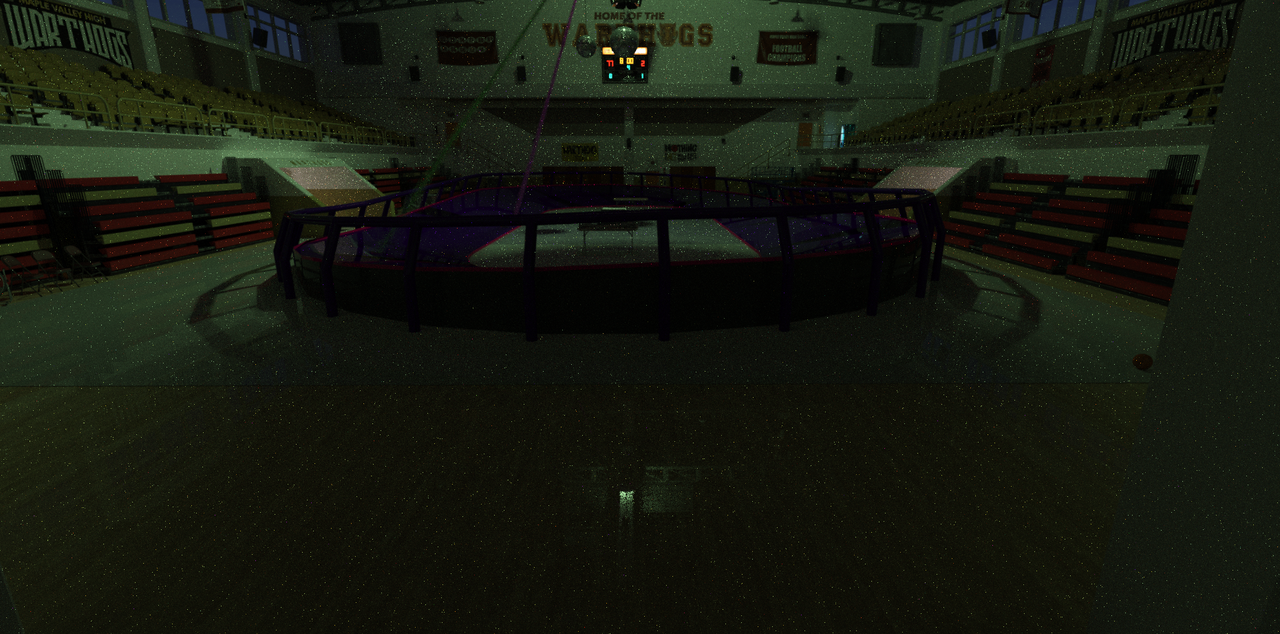
October 27, 2021 at 11:19 PM #1743950Just a basic 10 min, 20% render for effect.
Great idea! I'm still working on trying to make them brighter though. Not quite sure how to do it but I will soon.
 October 28, 2021 at 1:24 AM #1743974
You can turn up brightness in a few ways in the render section. Your best bet is to render using the canvas option. You could render global lighting and colored lighting separately and adjust then however you want. It's a great feature I never use. Perhaps one day but I'm ATM I tweak lighting slightly in PS. You could also render separately and merge in PS if you do that, might as well use canvases.
October 28, 2021 at 12:16 PM #1744073This looks worth a try
October 28, 2021 at 1:52 PM #1744094Looks much better ur ghost-light-render
October 28, 2021 at 3:32 PM #1744120Last one for a bit. I am going to find some tutorials. I feel it's too bright/too dim.
I'm not sure yet.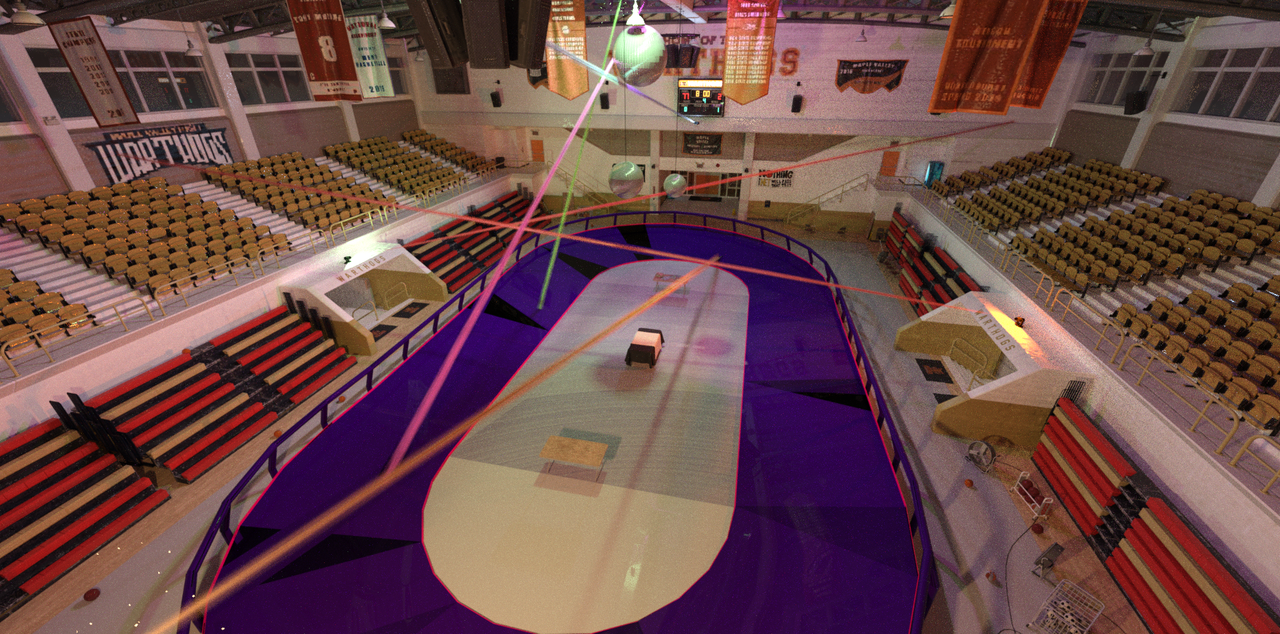 October 28, 2021 at 5:11 PM #1744155
Well, didn't take that long at all! Come to find out in the ghost light folder there is an environment option to darken only the environment.
Guess it's time to do the hard part with characters and some simple props.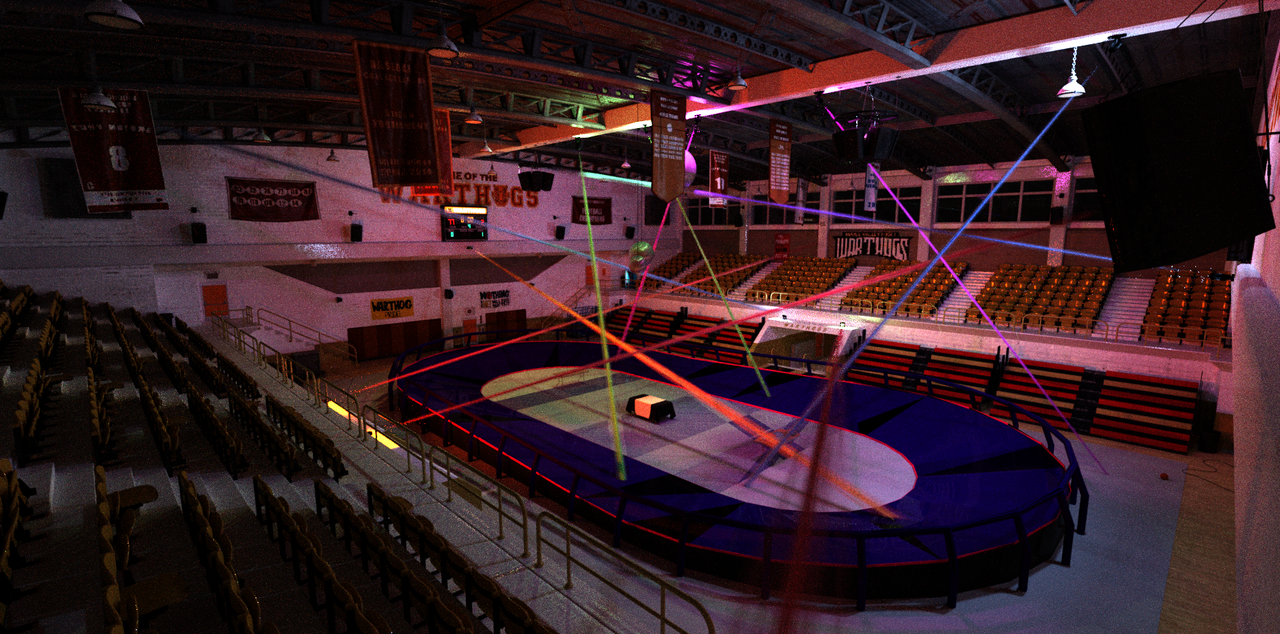
-
AuthorPosts







- You must be logged in to reply to this topic.
