Luminar AI test

Home Page › Forums › Art Showcase › Luminar AI test

Viewing 4 posts - 1 through 4 (of 4 total)
  • Author
    Posts
  • #1714527
    Legolas18
    Participant
    Rank: Rank 7

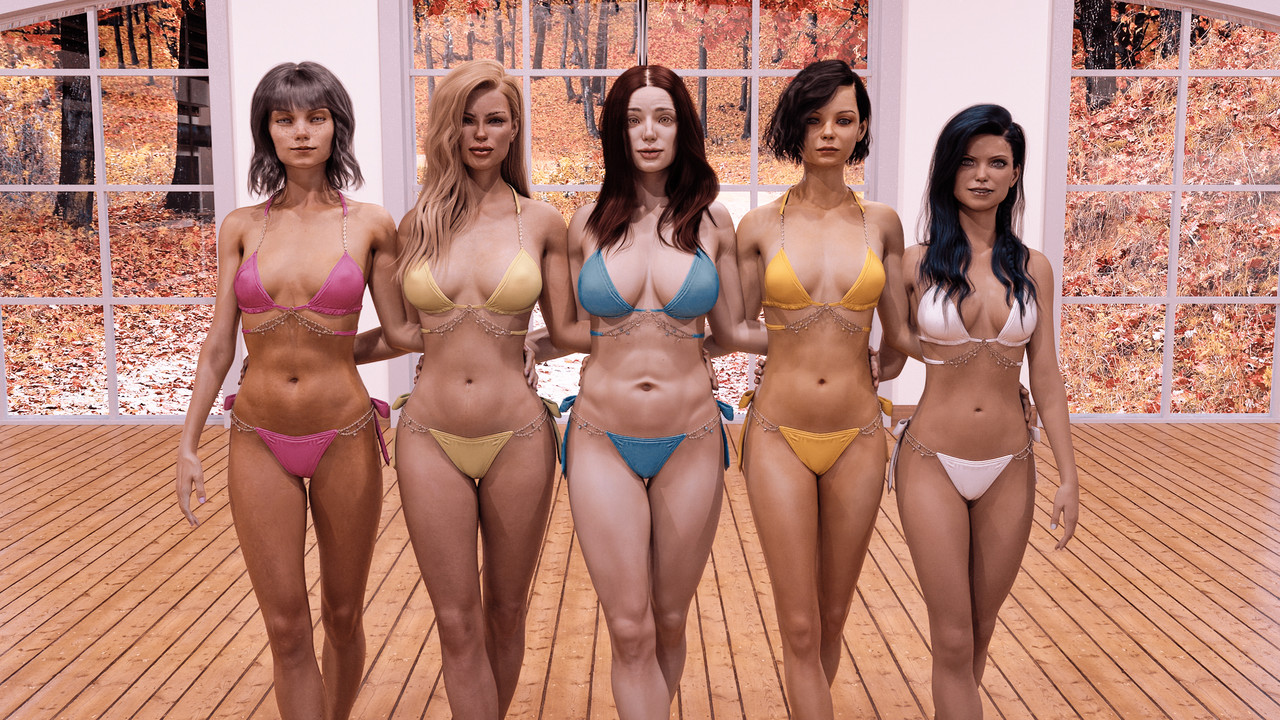
    Some time ago, I posted this image, but I was not particularly happy with toning, and how it had turned out with Photoshop:

    OLD IMAGE:

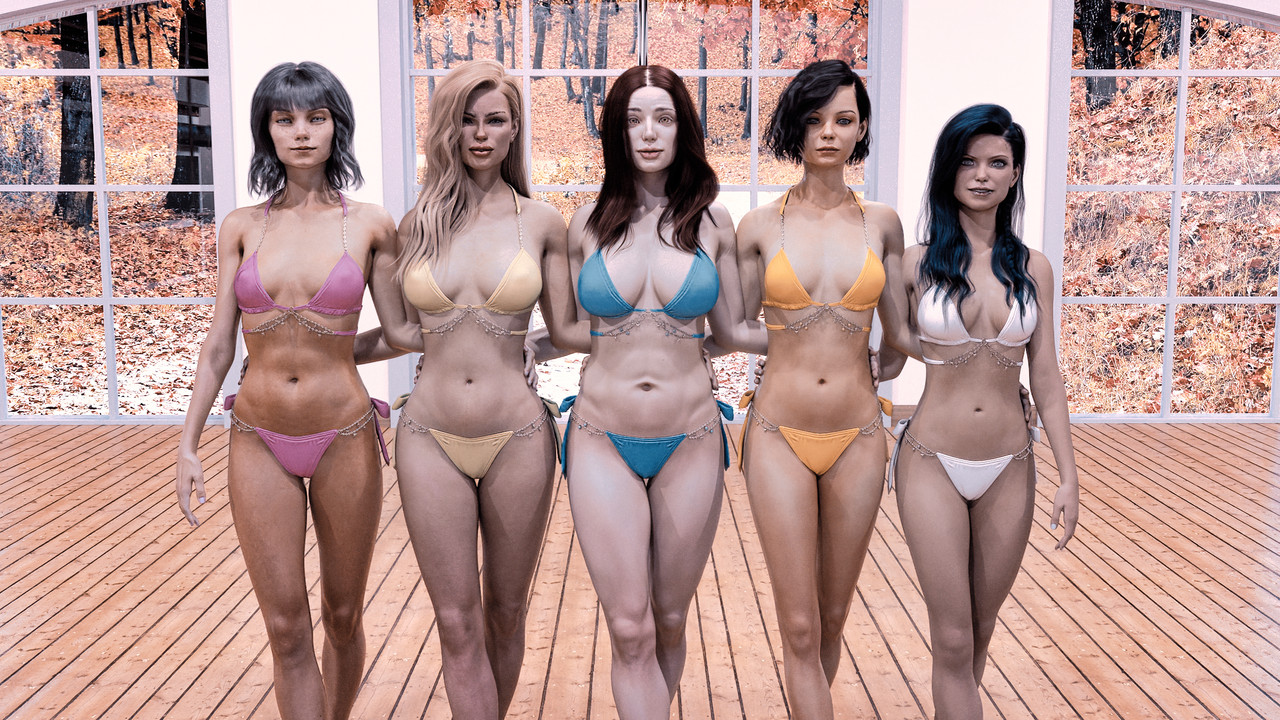
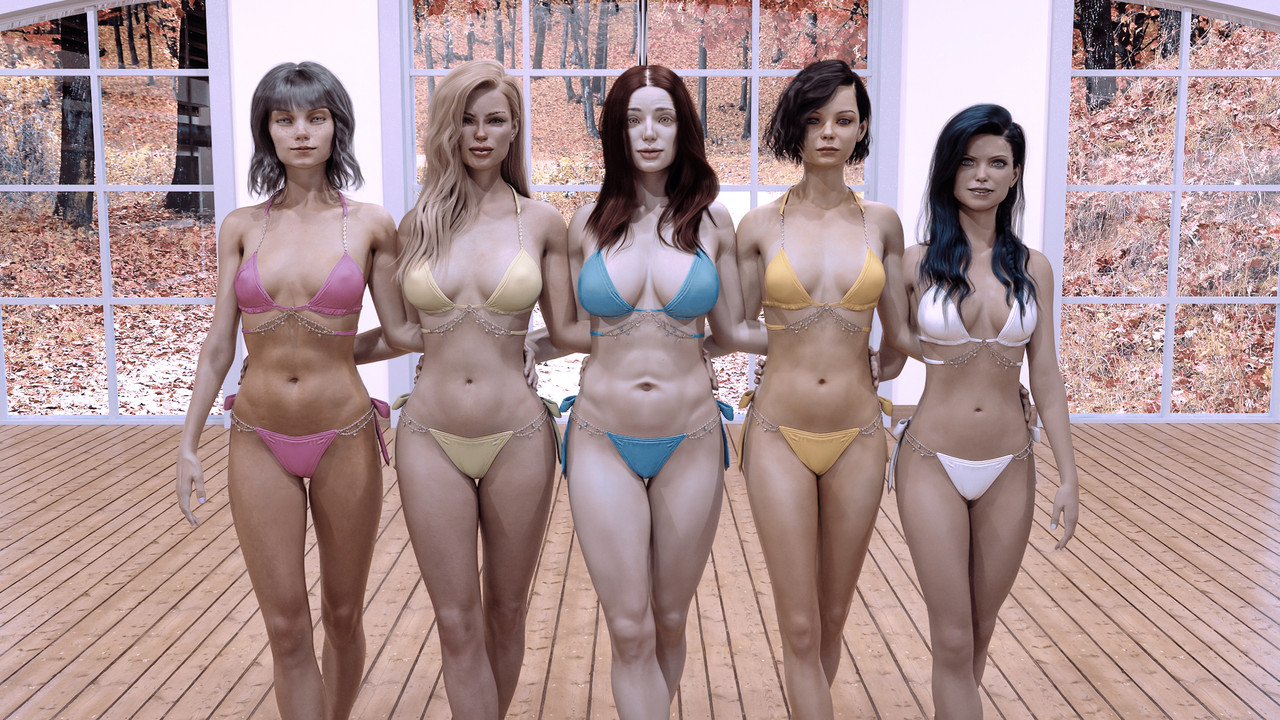
    Now, I tried to improve it with a new software (Lumion AI) that does everything with AI! Here is the result, made in a matter of a few clicks and slider (let me know what you think!)

    Optimized with Luminon AI

    Optimized with Luminon AI - Take 2

    #1714534
    amberleaf
    Participant
    Rank: Rank 6

    I think I prefer the original image as the optimised image looks a little washed out.

    #1714559
    Jinx
    Participant
    Rank: Rank 3

    I have used Luminar AI several times before, but I don't think the one-click AI is suitable for these cases and I am not satisfied with the results! I think the camera raw filter is still the best choice.

    #1721106
    Jay
    Participant
    Rank: Rank-1

    Are there many recommendations for this? I've heard mixed reviews.

Viewing 4 posts - 1 through 4 (of 4 total)
  • You must be logged in to reply to this topic.


Post You Might Like