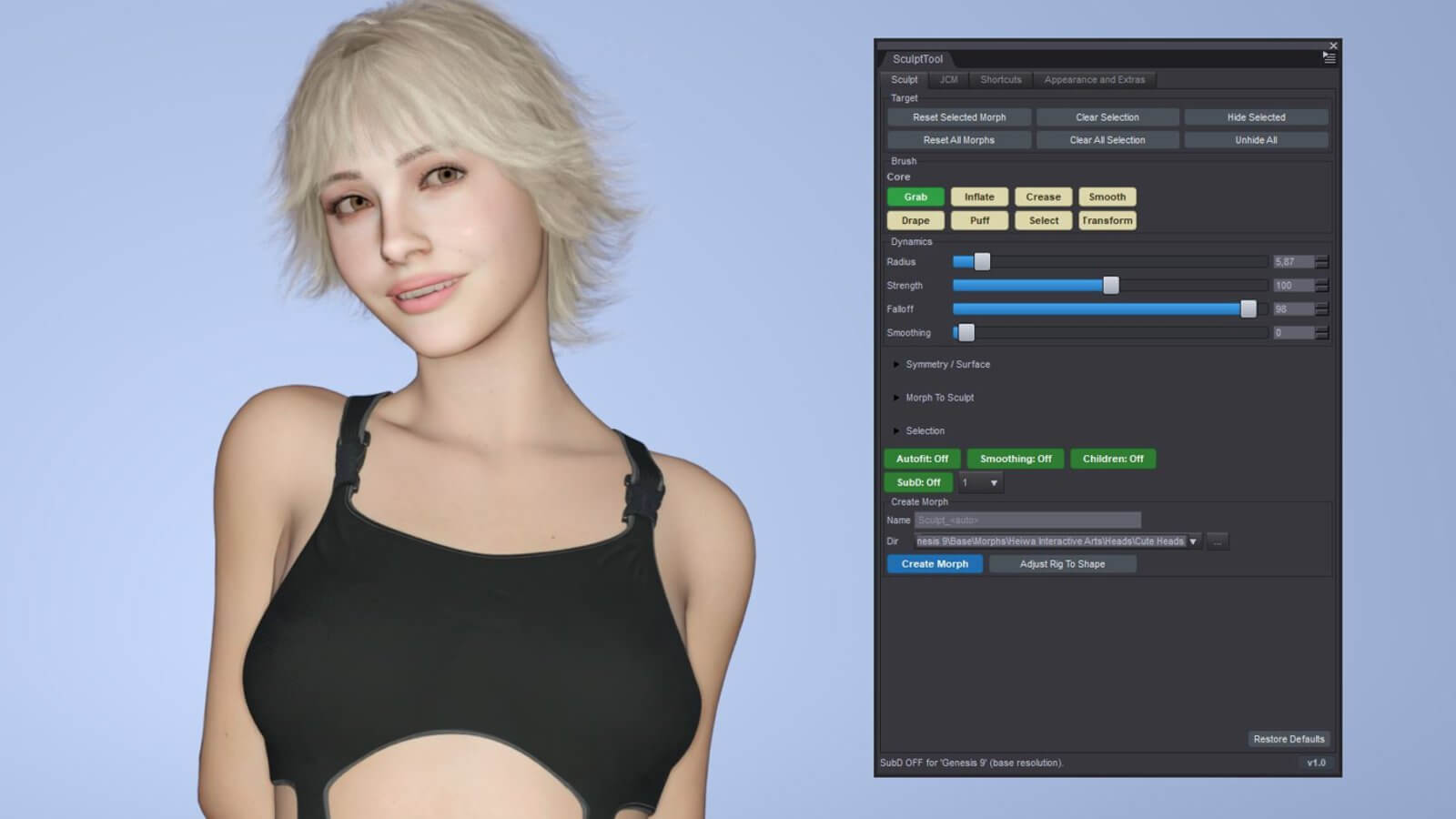
SculptTool For Daz3D - V1.4
NEW IN V1.4
• Circle Follows Surface: the brush circle tilts to lie on the surface under
the cursor - on a cheek or the side of the head you see exactly the area the
brush covers (on by default, can be switched off).
• One-vertex Grab and Select: make the brush small enough and Grab moves - or
Select picks - exactly one vertex, without pulling its neighbours along.
• Keep Clothes Smooth While Sculpting: with Mesh Smoothing on, fitted clothes
keep their smoothed look while you drag and smooth again when you let go
(optional, off by default).
• DAZ Studio 6.26 support: one Daz 6 file that loads in DAZ Studio 6.25 and in
6.26 or newer - plus a new 32-bit build for 32-bit DAZ Studio 4.
• DAZ Studio 4: brush and selection picks now stay under the brush circle
across the whole viewport, also with the render aspect frame shown.
• Shortcuts act in the viewport under the cursor, and on DAZ Studio 4 they
work without clicking the viewport first.
• The Transform gizmo settings now sit in the Selection section, and many
fixes: a hidden selected item no longer lets the brush hit other meshes,
Mirror no longer leaves spikes, and a possible Box / Lasso crash is fixed.
Heiwa Interactive Arts
https://www.renderhub.com/heiwa-interactive-arts/sculpttool-for-daz3d

