

Load More
ZoneGfx is a leading community-driven digital repository and resource hub specializing in high-quality, community-shared 3D digital assets, free 3D models, plugins, and tutorials optimized for 3D rendering, character design, and virtual scene assembly.
As a vital marketplace for digital artists, game developers, and graphic designers, the platform provides an extensive library of premium content to streamline time-consuming workflows like 3D modeling, rigging, and texture mapping.
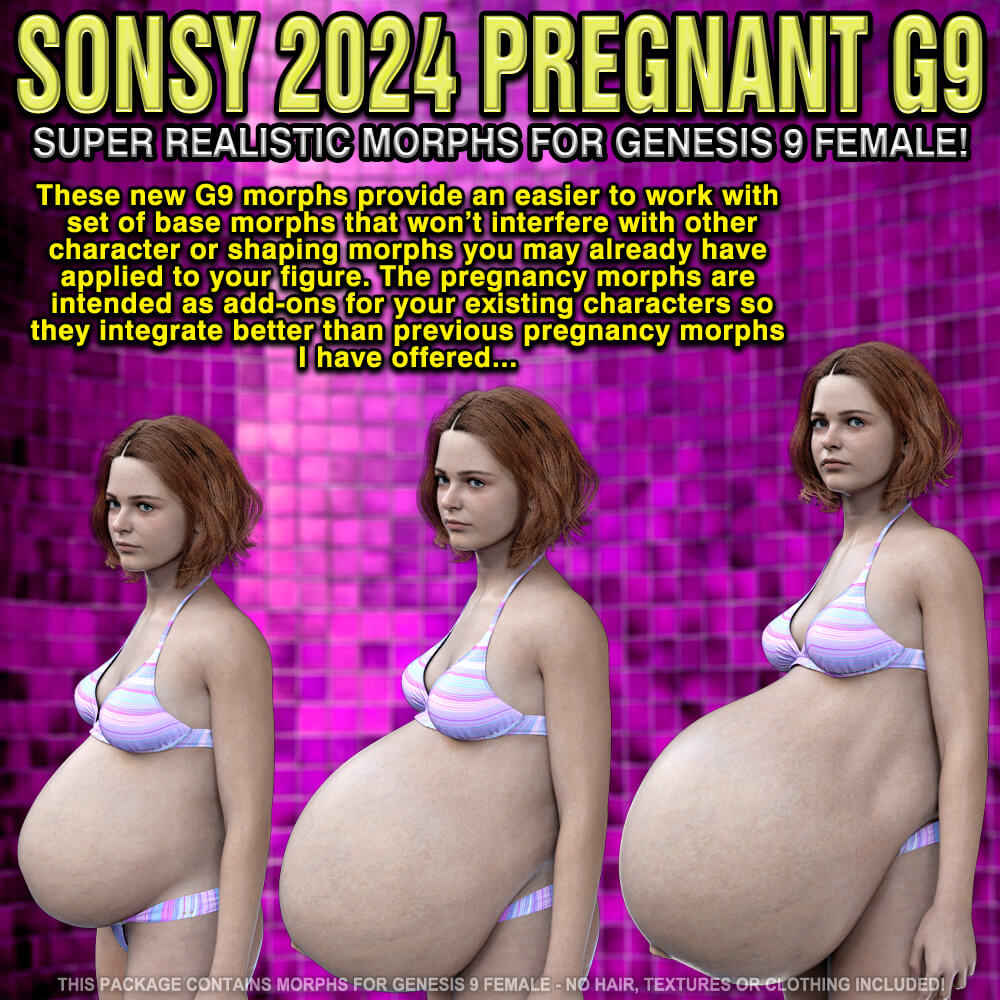
ZoneGfx heavily features Daz Studio assets, including Genesis figures, dForce clothing, custom morphs, and smart content, alongside a massive collection of Blender 3D models, community conversions, and specialized pipelines utilizing the Diffeomorphic importer and Daz-to-Blender bridge.
Beyond these core applications, the site seamlessly supports a diverse ecosystem of industry-standard software, including Reallusion Character Creator for building photorealistic humanoid avatars, Poser for legacy runtime-compatible figures and .obj or .cr2 prop hierarchies, and related interactive marketplaces like Renderosity and RenderHub for texturing and prop deployment.
ZoneGfx empowers creators to elevate their visual storytelling with production-ready tools for various 3D engines and design suites.
