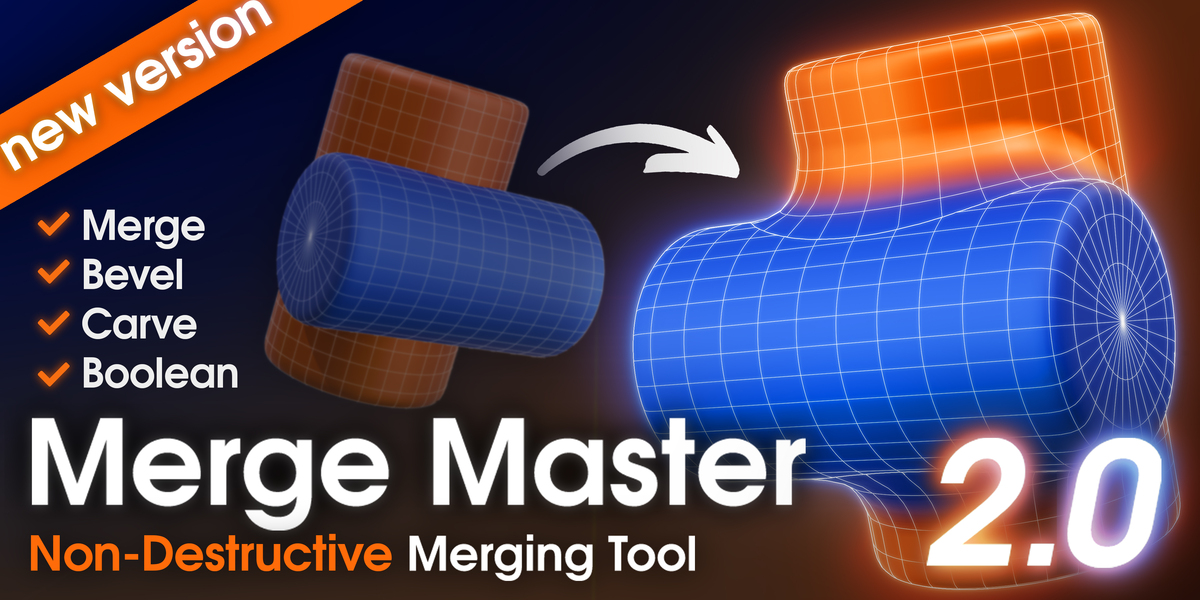
Merge Master 2.0
Real-time, non-destructive mesh adhesion for Blender 5.0 and later.
Requirements
Blender 5.0 or later. For Carve, Blender 5.2 or later is recommended: it is about twice as fast there.
Quick start
Select the object you want to merge. That's Object A.
Pick the Target surface, Object B, in the panel or with the eyedropper. Auto, beside the eyedropper, does it for you.
Click Activate.
In Merge Master Pro, three buttons, Merge, Bevel and Carve, with a picture of each above them, grey, the blend zone orange on the chosen one. Merge Master makes merges only, so it has no buttons here. Choose on the names: the pictures are not clickable. Choose before Activate or switch any time after: the shared settings stay. See Bevel and Carve.
Blender, addon, Topology, 3D

