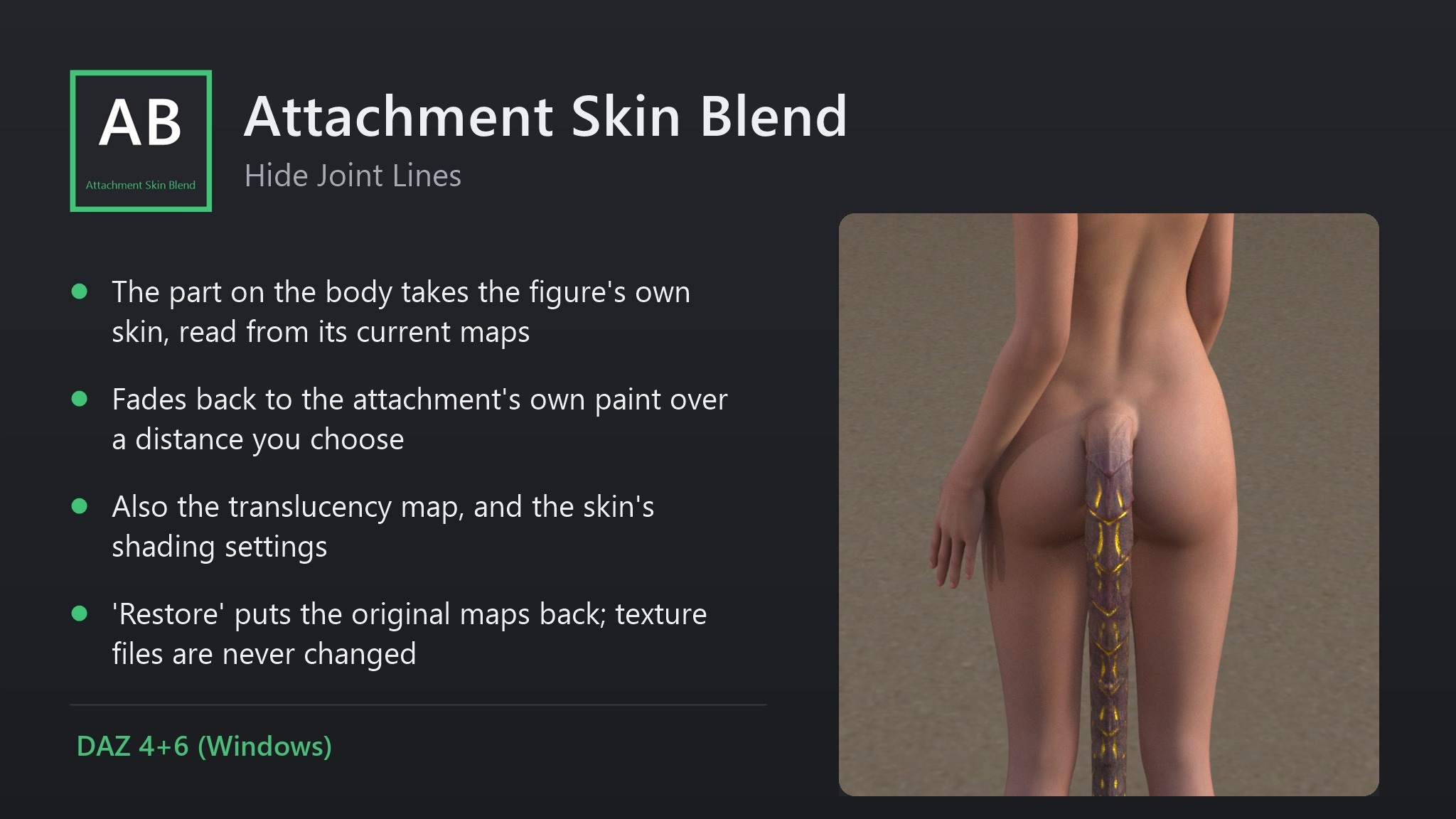
Attachment Skin Blend - Hide Joint Lines for DAZ 4+6
A tail or other attachment made for one character shows a hard line on another: its base was painted to match the skin it came with. Attachment Skin Blend paints that base with the figure's own skin, so the line disappears, while the rest of the attachment keeps its own colours.
Features
• The part that lies on the body takes the figure's skin at that very spot, read from its current skin maps
• Fades back to the attachment's own paint over a distance you choose (4 cm suits most tails)
• Also the Translucency Color map, and optionally the skin's shading settings
• Works from the original maps every time, so you can run it again after changing the skin
• 'Restore' puts the attachment's own maps back; the texture files on disk are never changed
How to use
1. Fit the attachment to the figure and select it (or the figure).
2. Run the script and choose the blend distance.
3. Press 'Apply'. A 4096 texture takes about a minute.
Compatibility
• DAZ 4+6 (Windows).
• For attachments fitted to a figure that lie on its skin, such as geograft tails.
• The new maps are saved in DocumentsDAZ 3DStudio4AffectionXAttachment Skin Blend (Studio6 in DAZ 6); keep them with scenes that use them.
Included
• One script (.dsa) and a ReadMe; installs to Content Library > Scripts > AffectionX.
AffectionX
https://www.renderhub.com/affectionx/attachment-skin-blend-hide-joint-lines-for-daz-4-6

