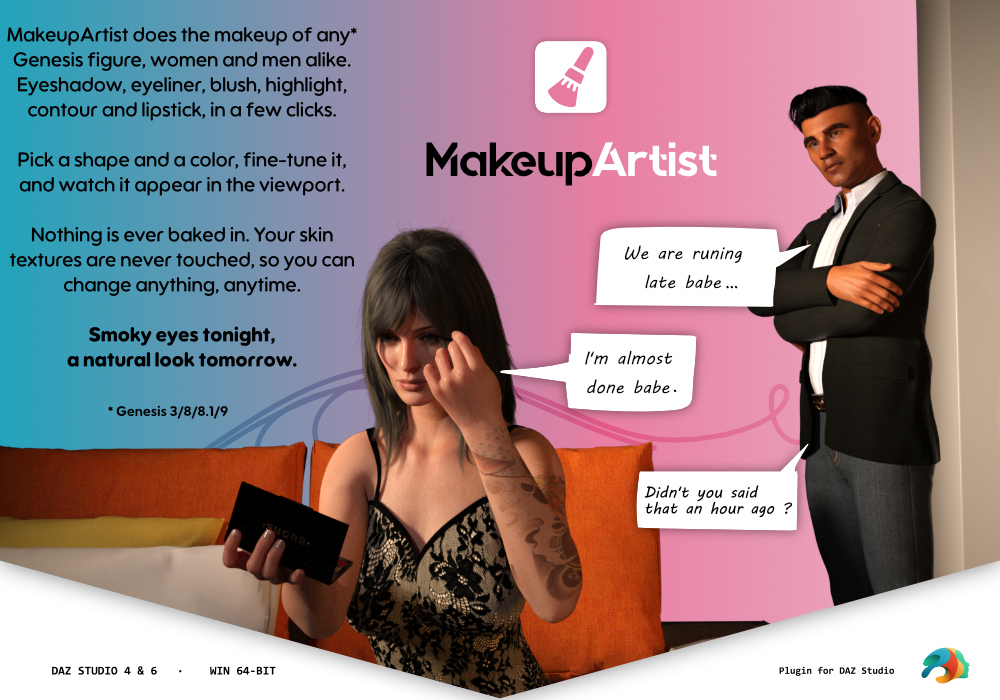
MakeupArtist for DAZ Studio
-- DEMO VIDEO IN PREPARATION ---
Lipstick, blush, eyeshadow and liner, placed on the face in a few clicks.
Pick a zone on the face, pick a shape and a colour, and the makeup is on the
character — in the viewport right away, and in Iray. No skin map to open in an
image editor, no texture overwritten, no product bought per generation: the
same look goes on Genesis 3, 8, 8.1 and 9, on any of their UV sets, and one
button puts the skin back exactly as it was.
KEY FEATURES ------------------
- A Face to Click, Not a Texture to Paint
The pane shows a face with three zones: Lips, Face and Eyes. Click one, add a
layer, choose its shape from a list of thumbnails. Every shape is placed from
the figure's own geometry (the lip line, the lash lines, the cheekbones), so
it lands in the right place whatever the character's morphs.
- Four Kinds of Layers, Dozens of Shapes
Lipstick (full lips, outline, bands, worn and smudged looks…), blush and
face shapes (apple, lifted, draped, contour of the cheeks, nose, jaw and
temples…), eyeshadow (full lid, smoky, outer fade, gradient…) and
eyeliner (winged, cat eye, feline…). Eye shapes are drawn on the closed
eyelid, so they sit where a makeup artist would put them.
- Layers You Stack and Adjust
Up to six layers per zone, each with its own colour, intensity, brightness,
softness, size, offset and rotation. Reorder them by dragging, duplicate one,
turn it off, or keep it to one side of the face only. Each layer has a blend
mode (Normal, Multiply, Overlay, Soft Light, Darken, Lighten on Daz Studio 6 —
see the note below for Daz Studio 4).
- Gloss and Glitter
A lipstick can be matte or glossy. Eyeshadow, blush and lipstick can carry
glitter, with its own density and grain size, and it catches the light in
Iray.
- Colours: Palettes and Hex Codes
A built-in palette per layer, your own named palettes (up to 16 colours
each), a colour picker, and the hex code of every layer, with a one-click
copy button to reuse a colour on another layer.
- Looks That Follow You
Save the whole makeup as a look, with a thumbnail. Apply it to any other
character, of any supported generation — all of it, or only the zones you
choose (lips only, eyes only…). Several selected figures can receive the
same look at once.
- Any Skin Shader
Iray Uber, PBR Skin, and shader-mixer skins alike: the makeup goes onto the
skin's own colour channel, with translucency handled under it, so it reads as
makeup and not as paint glowing through the skin.
- Nothing Is Ever Written Over Your Skin Textures
Makeup is layered on top of the figure's existing maps. Your skin files are
read and never modified, and existing layered skins (a tattoo preset, for
instance) are kept underneath. "Remove all" hands the figure back exactly as
it came.
- Works With TattooArtist
With TattooArtist installed, makeup always stays over the tattoos, whichever
you add first, and either plugin can edit or remove its own part without
disturbing the other.
- One Undo, the Normal One
Every change is an ordinary Daz Studio undo entry.
- Fast While You Work, Full Resolution When It Counts
Editing works at a reduced resolution so the sliders stay responsive; when
you render or save, the makeup is rebuilt at the skin's full resolution on
its own.
- Flatten When You Are Done
"Flatten" bakes the makeup into new skin textures: an ordinary textured
figure that no longer needs the plugin. The original skin is remembered, so
"Restore skin" undoes even that.
Ap3nciler

